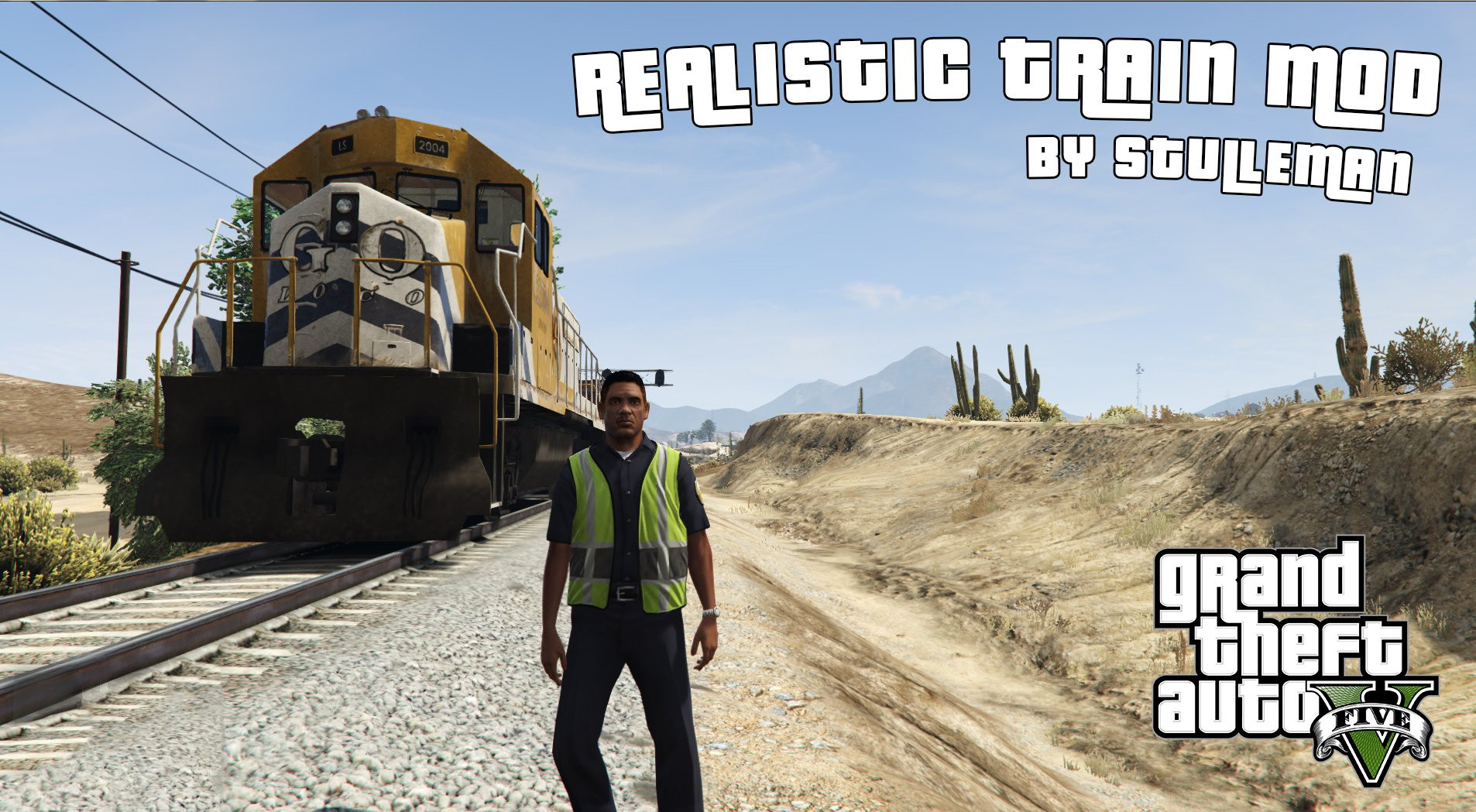
Realistic Train Mod 1.1.1

0/5,
0
votes
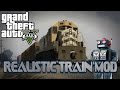
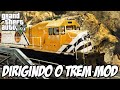
Realistic Train Mod allows you to operate trains in GTA V.
WARNING:
Do not save your game while running this script. I hope to solve this shortly!
What is new:
Radio supportOpen and shut metro doors.Adjust train speeds.Tweaked GUIHide GUI (press F5 four times).
Installation:
Download and install Script Hook V.
Place realisticTrainMod.asi and realisticTrainMod.ini in the ".../Grand Theft Auto V/" folder.
How To Use:
F to enter/exit train. W to throttle up. S to throttle down. J, K, L to brake. Light, Medium, or HardSpacebar to change direction (only works when speed is zero).Use Numpad 1 to open/close the left doors.Use Numpad 3 to open/close the correct doors.Alt + I to reload the ini file (useful if you modified anything and don't want to restart the game every time).F5 to alter the GUI position.The realisticTrainMod.ini file allows you complete customization!
If you use the subway:
If realistic entering is enabled, you must enter the train from the outside. (First door to the left)Metro doors generally open and shut automatically, however they may be opened and closed manually using (Numpad 1 for the left side and Numpad 3 for the right side).
When using the freight train, if realistic entry is enabled, you must enter via the correct driver cabin door.
Credits:
stulleman
WARNING:
Do not save your game while running this script. I hope to solve this shortly!
What is new:
Radio supportOpen and shut metro doors.Adjust train speeds.Tweaked GUIHide GUI (press F5 four times).
Installation:
Download and install Script Hook V.
Place realisticTrainMod.asi and realisticTrainMod.ini in the ".../Grand Theft Auto V/" folder.
How To Use:
F to enter/exit train. W to throttle up. S to throttle down. J, K, L to brake. Light, Medium, or HardSpacebar to change direction (only works when speed is zero).Use Numpad 1 to open/close the left doors.Use Numpad 3 to open/close the correct doors.Alt + I to reload the ini file (useful if you modified anything and don't want to restart the game every time).F5 to alter the GUI position.The realisticTrainMod.ini file allows you complete customization!
If you use the subway:
If realistic entering is enabled, you must enter the train from the outside. (First door to the left)Metro doors generally open and shut automatically, however they may be opened and closed manually using (Numpad 1 for the left side and Numpad 3 for the right side).
When using the freight train, if realistic entry is enabled, you must enter via the correct driver cabin door.
Credits:
stulleman
Videos
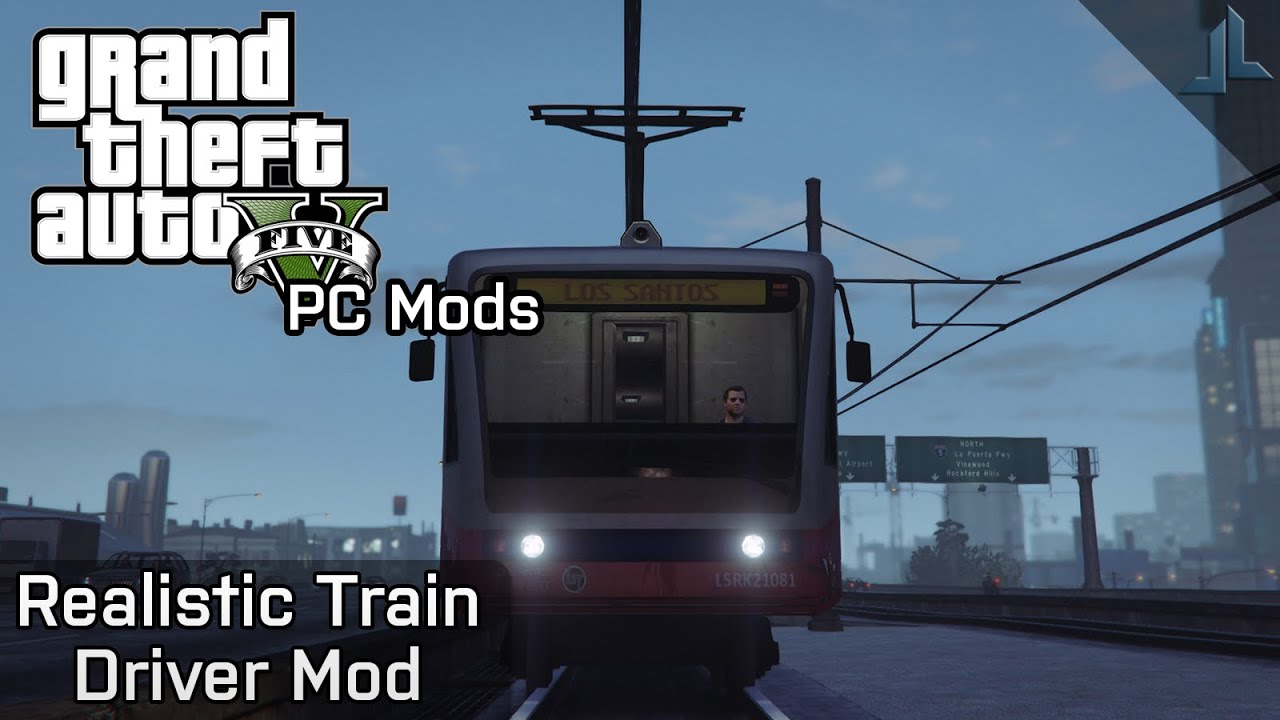


Direct Download Links
Version: 1.1.1Updated: 1 year ago
Total Size: 83.66 KB Realistic_Train_Mod_v111_modland.rar direct download · 83.66 KB · added 1 year ago
You Might Also Like »









0 Comments
There are no comments. Be first to comment!