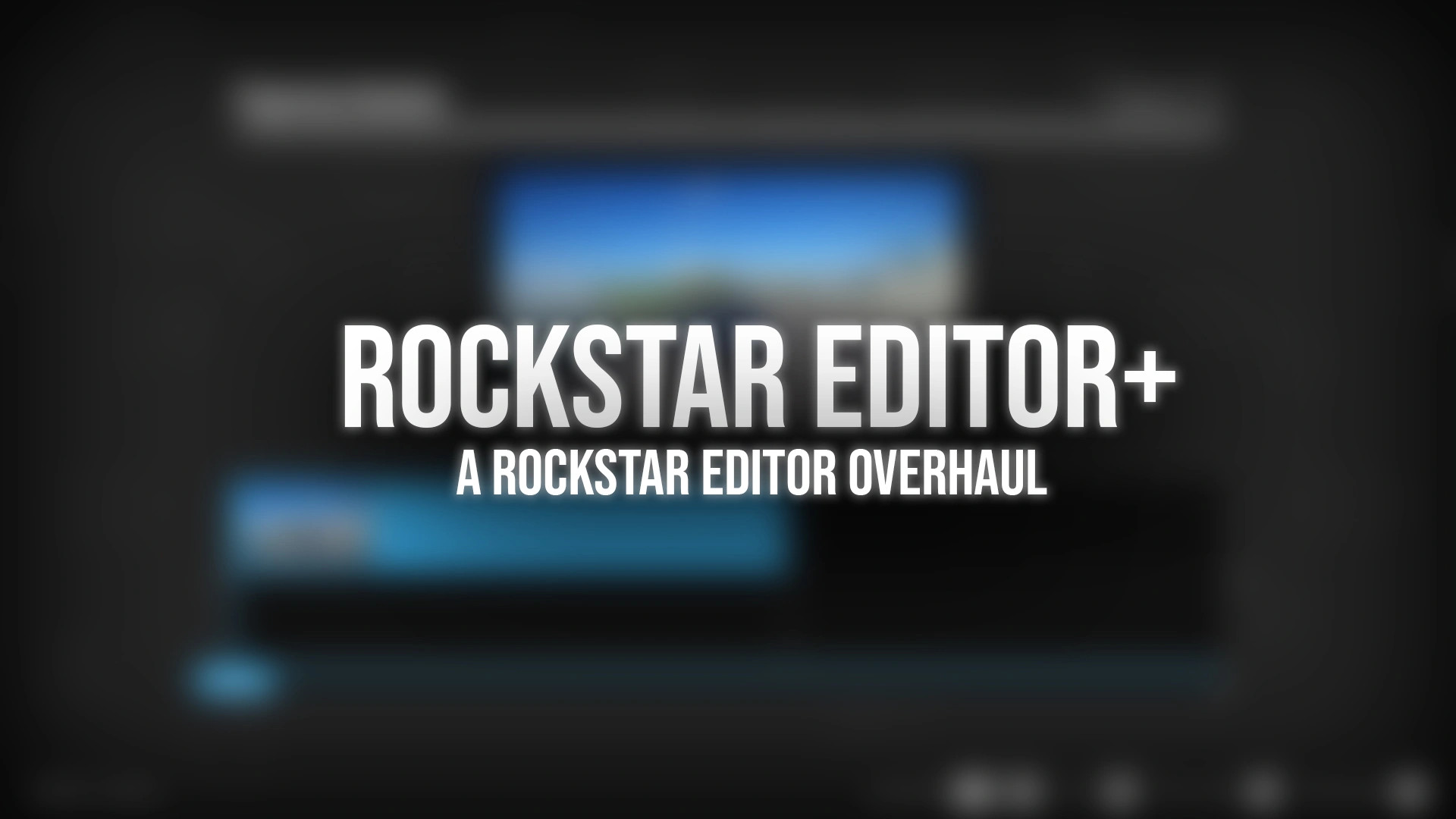
Rockstar Editor+ v1.0.1

0/5,
0
votes
Description
Rockstar Editor+ is a complete overhaul of GTA V's Rockstar Editor. It improves camera movement, removes built-in editor limitations, and replaces the default Export button with an advanced rendering pipeline.
The mod is compatible with GTA V Legacy, Enhanced, and FiveM from a single build.
Features
- Smooth Blend: Completely rewritten for smoother and more accurate camera movement, including spline-based positioning, smooth rotation interpolation, and continuous camera speed.
- Camera Shake: Procedural six-axis handheld camera shake with adjustable amplitude, frequency, and a two-layer sway and jitter system.
- Advanced Rendering: Replaces the default Export button to provide video export or PNG/JPEG sequences without watermarks, high-quality motion blur, and built-in presets for H.264, H.265, NVENC HEVC, and ProRes HQ.
- Editor Improvements: Removes camera distance limits, disables camera collision, bypasses the Social Club profanity filter for offline use, and provides an optional extended zoom range.
- Integrated Configuration: All settings are integrated directly into Rockstar Editor, with global settings in the main menu and per-marker settings in the camera menu.
Notes
- Smooth Blend and Camera Shake only require an ASI Loader.
- ReShade is required only for rendering features because ASI plugins cannot access the GPU frame buffer directly.
- The rendering system is disabled by default because it replaces the export process and prevents other export tools from working. All other features work independently.
Installation Instructions
- Install an ASI Loader.
- Extract the mod into your GTA V installation folder next to GTA5.exe or GTA5_Enhanced.exe.
- For rendering and depth of field, install a version of ReShade with full add-on support. The required capture add-on, depth-of-field shader, and FFmpeg are included with the mod.
FiveM Installation
Copy the same files into: FiveM\FiveM.app\plugins
Rockstar Editor+ is a complete overhaul of GTA V's Rockstar Editor. It improves camera movement, removes built-in editor limitations, and replaces the default Export button with an advanced rendering pipeline.
The mod is compatible with GTA V Legacy, Enhanced, and FiveM from a single build.
Features
- Smooth Blend: Completely rewritten for smoother and more accurate camera movement, including spline-based positioning, smooth rotation interpolation, and continuous camera speed.
- Camera Shake: Procedural six-axis handheld camera shake with adjustable amplitude, frequency, and a two-layer sway and jitter system.
- Advanced Rendering: Replaces the default Export button to provide video export or PNG/JPEG sequences without watermarks, high-quality motion blur, and built-in presets for H.264, H.265, NVENC HEVC, and ProRes HQ.
- Editor Improvements: Removes camera distance limits, disables camera collision, bypasses the Social Club profanity filter for offline use, and provides an optional extended zoom range.
- Integrated Configuration: All settings are integrated directly into Rockstar Editor, with global settings in the main menu and per-marker settings in the camera menu.
Notes
- Smooth Blend and Camera Shake only require an ASI Loader.
- ReShade is required only for rendering features because ASI plugins cannot access the GPU frame buffer directly.
- The rendering system is disabled by default because it replaces the export process and prevents other export tools from working. All other features work independently.
Installation Instructions
- Install an ASI Loader.
- Extract the mod into your GTA V installation folder next to GTA5.exe or GTA5_Enhanced.exe.
- For rendering and depth of field, install a version of ReShade with full add-on support. The required capture add-on, depth-of-field shader, and FFmpeg are included with the mod.
FiveM Installation
Copy the same files into: FiveM\FiveM.app\plugins
External Download Links:
- Modsfire.com - 63009b-RockstarEditorPlus.zip [36.07 MB]
Direct Download Links
Version: v1.0.1Updated: 2 months ago
Total Size: 72.14 MB 63009b-RockstarEditorPlus_modland.zip direct download · 36.07 MB · added 2 months ago
You Might Also Like »


0 Comments
There are no comments. Be first to comment!