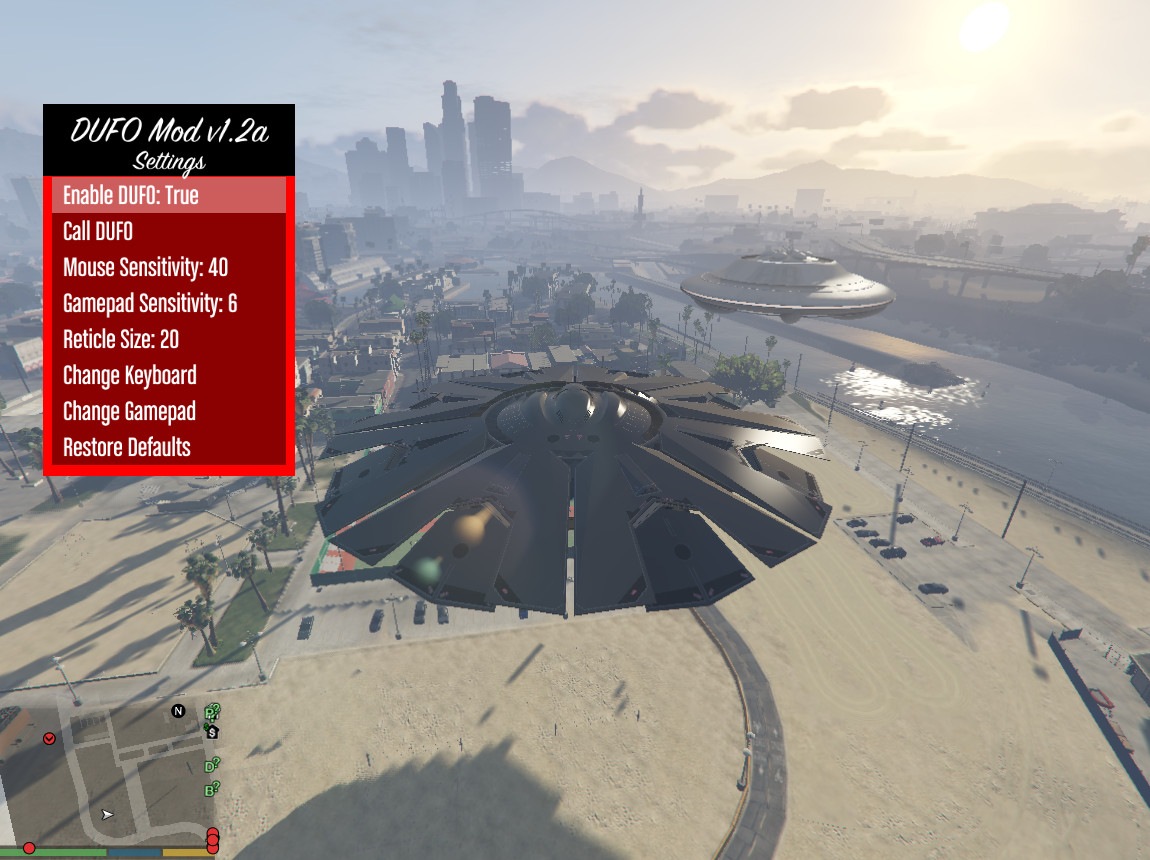
UFO Mod 1.2a

0/5,
0
votes
Installation instructions are in the mod file.
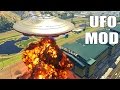
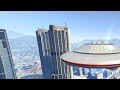
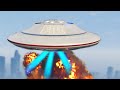
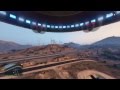
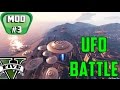
The UFO is on Mount Chilliad, and the DUFO is at Fort Zancudo; if you don't want to seek for them, just call them from the menu.
Controls:
Menu:
F11: Show/Hide Menu.
NumPad 9: DUFO Menu.
NumPad 7: UFO Menu
Keyboard:
To move, use the following keys: W,A,S,D; Shift to go up; CTRL to move down; the left mouse button to fire; the right mouse button to aim; and the mouse to control the camera.
TAB - Change Speed [Can be Changed]
F - Abduction Mode. [Could be altered]
Space - Cannon [Could be altered]
R - EMP (in DUFO) [may be altered].
V: Change Camera
E - Entry/Exit of UFO
Gamepad:
RS - Call UFO [Can change]
Left Analog Stick - Move.
RT: Move Up.
LT: Move Down
RB: Fire [may be altered]
LB - Aim: [Can be altered]
Right Analog Stick: Control Camera
LS - Change Speed [Can be Changed]
D- Pad Up, Abduction Mode [Could be altered]
D- Pad Down, Cannon [Could be altered]
B - EMP (in DUFO) [may be altered].
To adjust the camera, press SELECT. To enter or exit the UFO, press Y.
Version 1.2a includes an update to ScriptHookV v1.0.505.2 and ScriptHookVDotNet v2.4DUFO (Fort Zancudo UFO)EMP (only applicable to DUFO).Enable or disable UFO/DUFO.
Version 1.1.1: Updated to ScriptHookVDotNet v2.3.
Features:
Cannon- Abduction ModeIngame keys change.Radio Fort Zancudo UFO
Requires: Script Hook V.
Version 2.4 of the Community Script Hook V.NET is required.
Credits:
LelaoNN
The UFO is on Mount Chilliad, and the DUFO is at Fort Zancudo; if you don't want to seek for them, just call them from the menu.
Controls:
Menu:
F11: Show/Hide Menu.
NumPad 9: DUFO Menu.
NumPad 7: UFO Menu
Keyboard:
To move, use the following keys: W,A,S,D; Shift to go up; CTRL to move down; the left mouse button to fire; the right mouse button to aim; and the mouse to control the camera.
TAB - Change Speed [Can be Changed]
F - Abduction Mode. [Could be altered]
Space - Cannon [Could be altered]
R - EMP (in DUFO) [may be altered].
V: Change Camera
E - Entry/Exit of UFO
Gamepad:
RS - Call UFO [Can change]
Left Analog Stick - Move.
RT: Move Up.
LT: Move Down
RB: Fire [may be altered]
LB - Aim: [Can be altered]
Right Analog Stick: Control Camera
LS - Change Speed [Can be Changed]
D- Pad Up, Abduction Mode [Could be altered]
D- Pad Down, Cannon [Could be altered]
B - EMP (in DUFO) [may be altered].
To adjust the camera, press SELECT. To enter or exit the UFO, press Y.
Version 1.2a includes an update to ScriptHookV v1.0.505.2 and ScriptHookVDotNet v2.4DUFO (Fort Zancudo UFO)EMP (only applicable to DUFO).Enable or disable UFO/DUFO.
Version 1.1.1: Updated to ScriptHookVDotNet v2.3.
Features:
Cannon- Abduction ModeIngame keys change.Radio Fort Zancudo UFO
Requires: Script Hook V.
Version 2.4 of the Community Script Hook V.NET is required.
Credits:
LelaoNN
Videos








Direct Download Links
Version: 1.2aUpdated: 1 year ago
Total Size: 1.68 MB UFOMod12a-Update_modland.rar direct download · 1.68 MB · added 1 year ago
You Might Also Like »









0 Comments
There are no comments. Be first to comment!