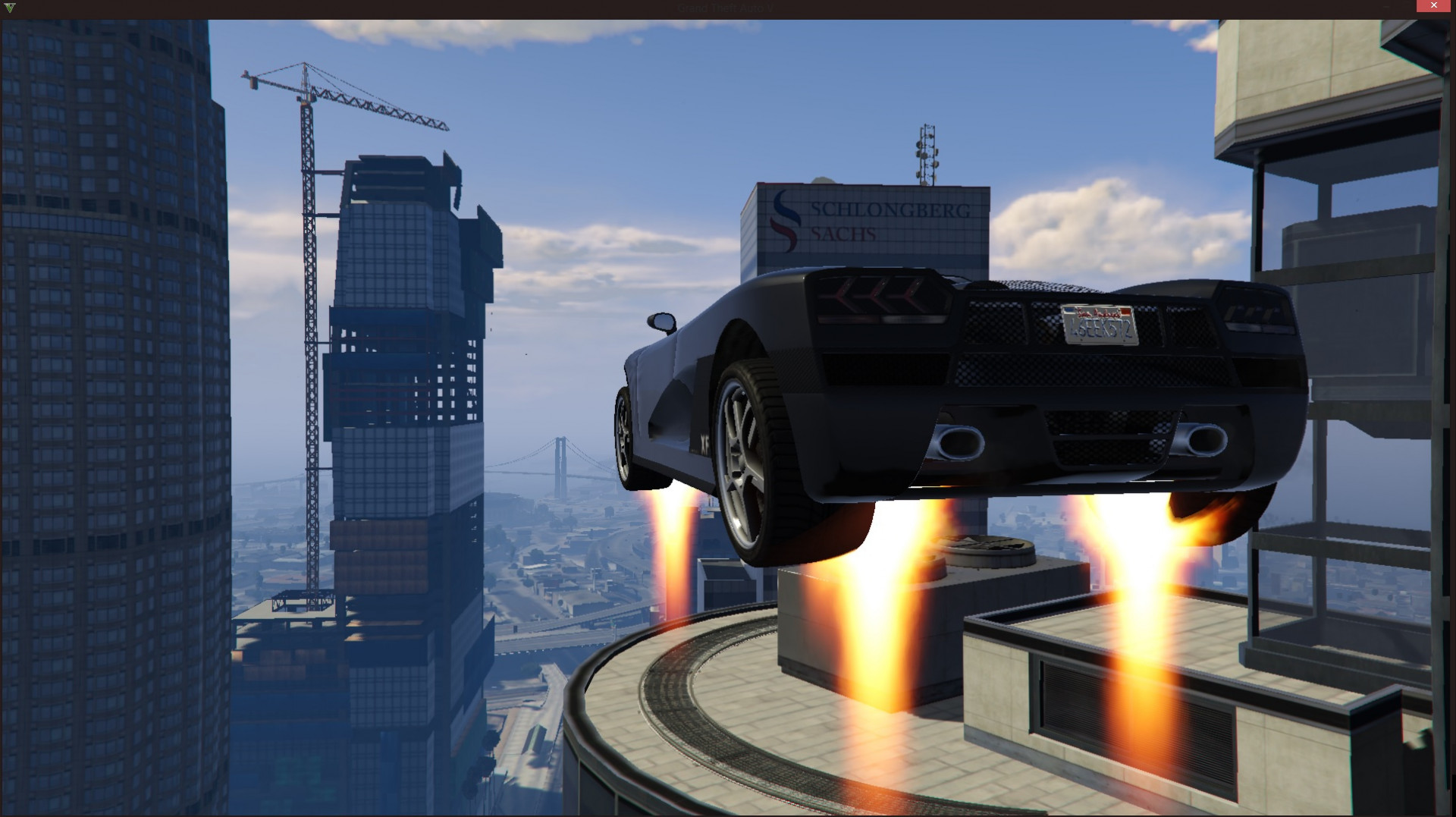
Vehicles Jetpack 1.3

0/5,
0
votes
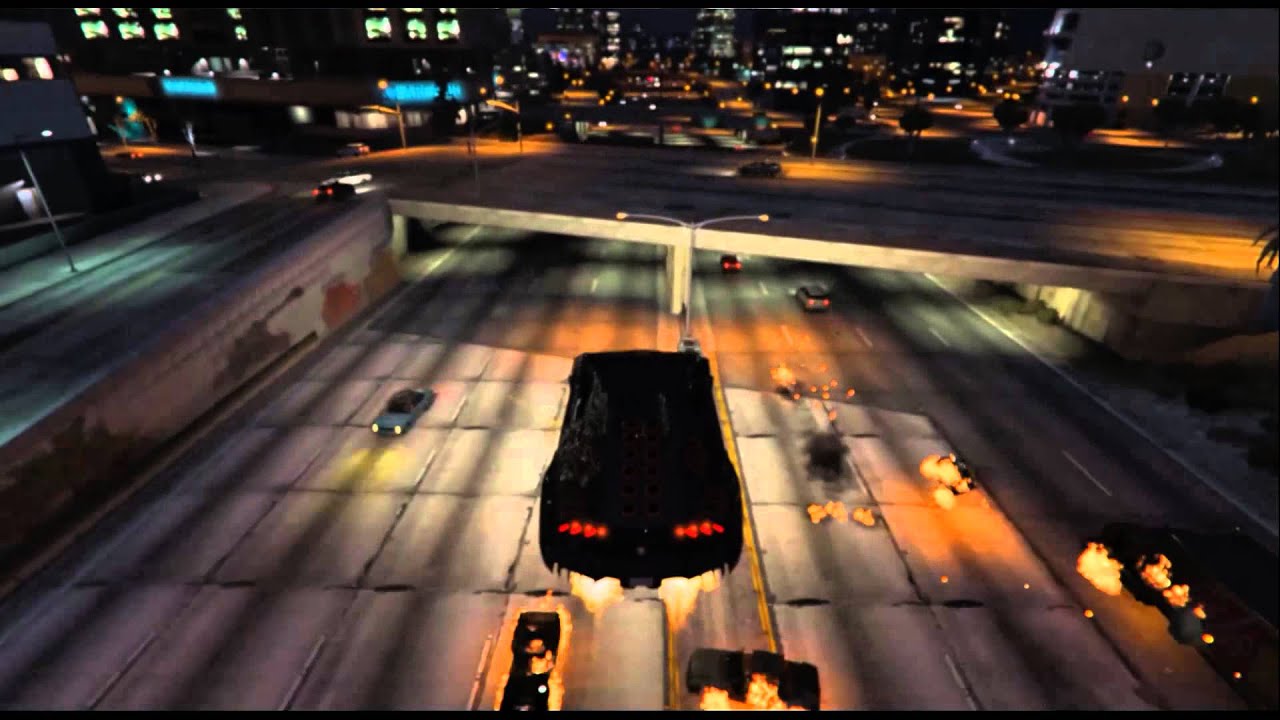
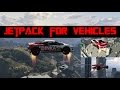
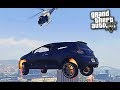
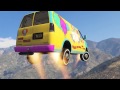
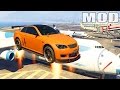
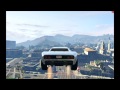
The Vehicles Jetpack mod for Grand Theft Auto 5 adds a new layer of airborne fun to the game. With this mod, players are able to equip their vehicles, regardless of type, with a high-powered jetpack. This grants the ability to fly around the vast map of Los Santos and beyond, circumventing traffic and taking shortcuts, or executing wild stunts in mid-air.
The jetpack activates with a simple button press and the controls are straightforward, involving the usual buttons for ascending, descending, and maneuvering. Due to the power of the jetpack, vehicles can reach incredible heights and speeds normally unattainable with standard in-game vehicles. Power and speed can, however, vary depending on the weight and design of the vehicle chosen for flight.
Installation instructions:
Controls:
Keyboard:
XMOD
The jetpack activates with a simple button press and the controls are straightforward, involving the usual buttons for ascending, descending, and maneuvering. Due to the power of the jetpack, vehicles can reach incredible heights and speeds normally unattainable with standard in-game vehicles. Power and speed can, however, vary depending on the weight and design of the vehicle chosen for flight.
Installation instructions:
- Find your GTA V installation folder (e.g. C:\Program Files (x86)\Steam\SteamApps\common\Grand Theft Auto V). It should have files like GTAV.exe and x64
- Requires Alexander Blade Script hook v
- Extract "VehicleJetpackV-1.0.asi" into the game main directory;
VehicleJetpackV.ini is optional, if you wish to change any values. - Launch the game.
- Press '+' to enable the jet which will be indicated by a small message in the upper left corner of the screen.
- Press the spacebar to go up!
Controls:
Keyboard:
- '+' key to enable the jet.
- Use W, A, S, and D to move.
- Press and hold the 'SPACEBAR' to ascend (up) .
- Press and hold the 'SHIFT' key to descend (down).
- 'DPAD right' to enable the jet.
- Use Left thumb stick to steer, right trigger to accelerate and left trigger to decelerate.
- Press and hold the 'Right Shoulder' button ascend (up).
- press and hold the 'A' button to descend (down).
XMOD
Videos




Direct Download Links
Version: 1.3Updated: 2 years ago
Total Size: 56.04 KB VehicleJetpackV-13_modland.rar direct download · 56.04 KB · added 2 years ago
You Might Also Like »










0 Comments
There are no comments. Be first to comment!