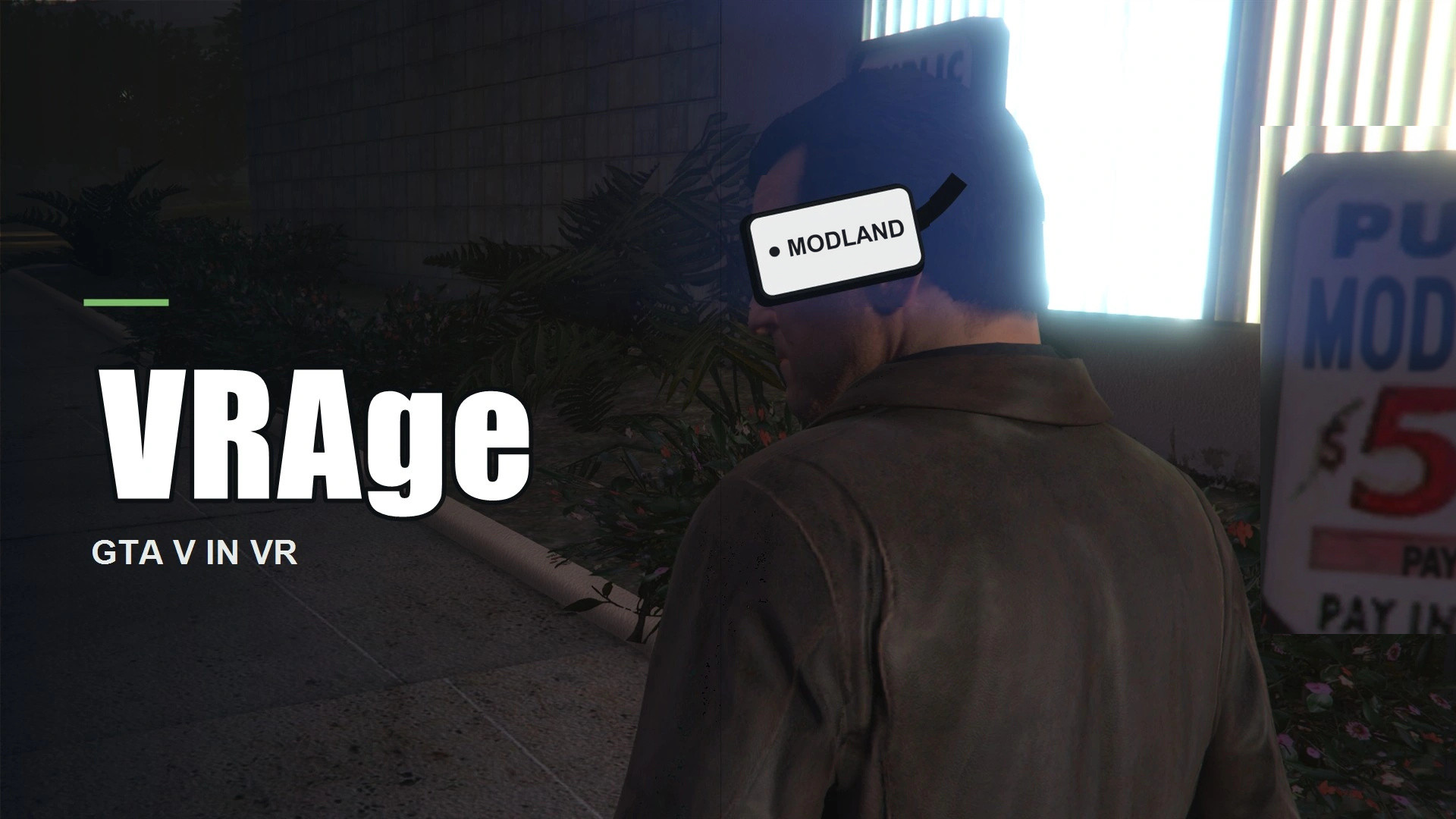
VRAge 0.1.46 (experimental)

0/5,
0
votes
Description
VRAge brings VR support to GTA V Story Mode, letting you experience Los Santos in first person with a VR headset.
Features:
- Natural look-around capabilities
- Aim weapons using hands and throw punches
- Grab objects and interact with vehicle doors and controls
- Tracked arms and wrists with grip-based finger poses
- Adjusted HUD and menus for VR compatibility
- Support for tracked VR controllers, keyboard, or gamepad
- In-game VR settings and view recentering
VRAge is still in active development, so some bugs and compatibility issues are expected, such as hand clipping, inconsistent vehicle controls, aiming or audio issues, and occasional visual glitches. VRAge is made for single-player Story Mode only; do not use it in GTA Online.
Installation Instructions
Close GTA V before installing. Extract everything from the VRAge ZIP into your main GTA V folder, where GTA5.exe is located. Keep the folder structure from the ZIP intact.
Install any required dependencies listed in the release notes separately. Once everything is installed, connect your VR headset and launch GTA V Story Mode.
Credits
Created by Jaspergaming.
Credits to Valve for OpenVR, Alexander Blade for Script Hook V, crosire and kagikn for ScriptHookVDotNet references, and dexyfex for CodeWalker research tools.
VRAge brings VR support to GTA V Story Mode, letting you experience Los Santos in first person with a VR headset.
Features:
- Natural look-around capabilities
- Aim weapons using hands and throw punches
- Grab objects and interact with vehicle doors and controls
- Tracked arms and wrists with grip-based finger poses
- Adjusted HUD and menus for VR compatibility
- Support for tracked VR controllers, keyboard, or gamepad
- In-game VR settings and view recentering
VRAge is still in active development, so some bugs and compatibility issues are expected, such as hand clipping, inconsistent vehicle controls, aiming or audio issues, and occasional visual glitches. VRAge is made for single-player Story Mode only; do not use it in GTA Online.
Installation Instructions
Close GTA V before installing. Extract everything from the VRAge ZIP into your main GTA V folder, where GTA5.exe is located. Keep the folder structure from the ZIP intact.
Install any required dependencies listed in the release notes separately. Once everything is installed, connect your VR headset and launch GTA V Story Mode.
Credits
Created by Jaspergaming.
Credits to Valve for OpenVR, Alexander Blade for Script Hook V, crosire and kagikn for ScriptHookVDotNet references, and dexyfex for CodeWalker research tools.
Direct Download Links
Version: 0.1.46 (experimental)Updated: 4 days ago
Total Size: 751.3 KB VRAge-0146-runtime_modland.zip direct download · 751.3 KB · added 4 days ago
You Might Also Like »




0 Comments
There are no comments. Be first to comment!