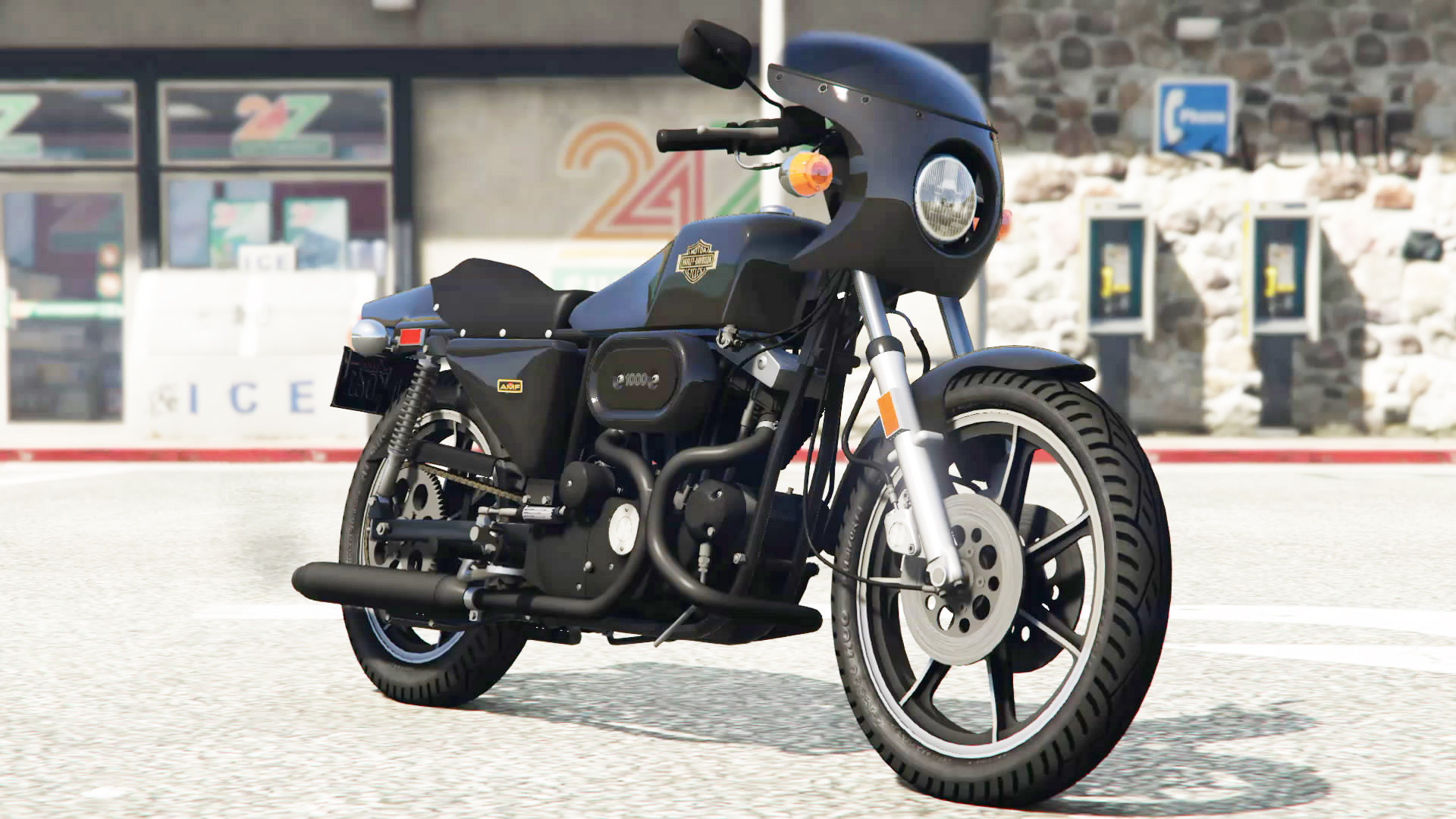
Harley-Davidson XLCR 1.0

0/5,
0
votes
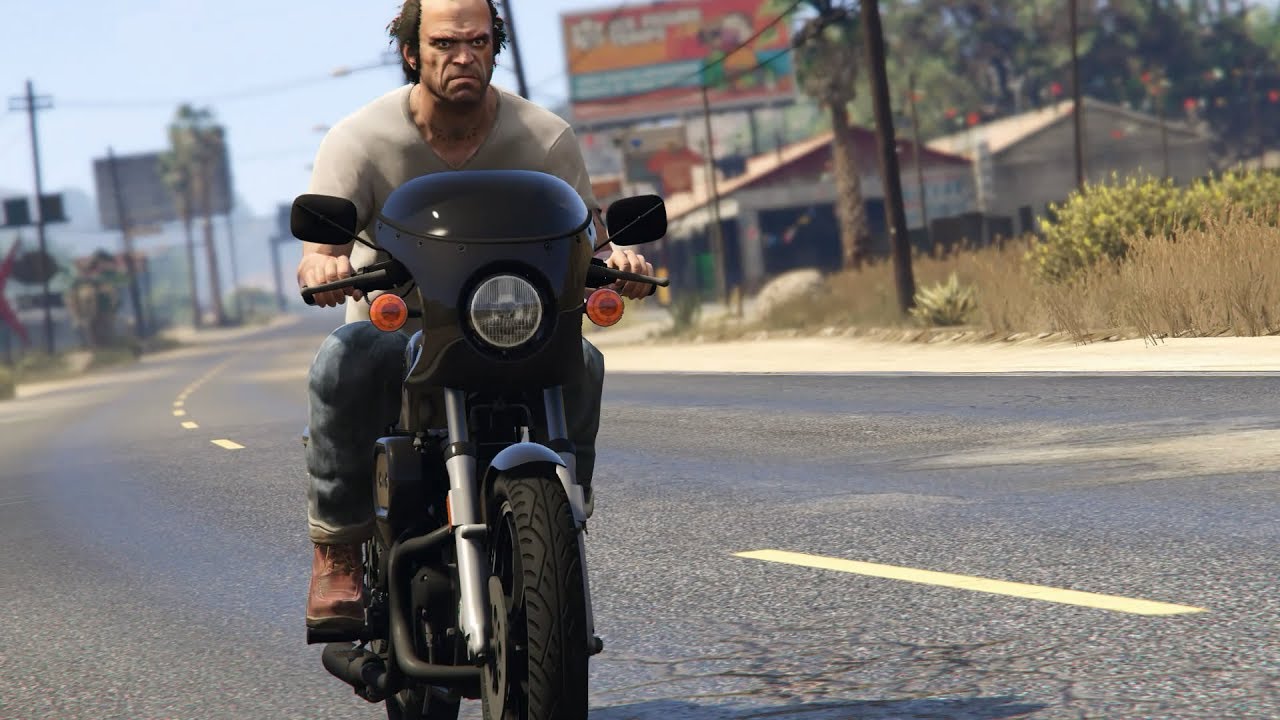
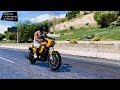
Grand Theft Auto V Harley-Davidson XLCR [Add-On] v1.0
Features
- New vehicle added to the game
- In-game vehicle name: g_xlcr
Installation Instructions
Double click on "xlcr.oiv" and follow the on-screen instructions. If you cannot open .oiv archive, right click on it, go to "Open with..." and select OpenIV program.
Alternatively: Go to menu Tools > Package Installer in OpenIV, open "xlcr.oiv" and follow the on-screen instructions.
Manual Installation:
1) Extract "xlcr.oiv" (Use unzip software).
2) Put "gosuke8mods\dlc.rpf" into "update\x64\".
3) Extract "dlclist.xml" with OpenIV from update\update.rpf\common\data
4) Add new line "dlcpacks:\gosuke8mods\" to "dlclist.xml"
5) Save, and replace the old one at update\update.rpf\common\data
Uninstallation:
Double click on "uninstall_xlcr.oiv" and follow the on-screen instructions.
Manual Uninstallation:
1) Extract "dlclist.xml" with OpenIV from update\update.rpf\common\data
2) Delete the line "dlcpacks:\gosuke8mods\" from "dlclist.xml"
3) Save, and replace the old one at update\update.rpf\common\data
4) Delete "gosuke8mods\" from update\x64\
Credits
gosuke
Features
- New vehicle added to the game
- In-game vehicle name: g_xlcr
Installation Instructions
Double click on "xlcr.oiv" and follow the on-screen instructions. If you cannot open .oiv archive, right click on it, go to "Open with..." and select OpenIV program.
Alternatively: Go to menu Tools > Package Installer in OpenIV, open "xlcr.oiv" and follow the on-screen instructions.
Manual Installation:
1) Extract "xlcr.oiv" (Use unzip software).
2) Put "gosuke8mods\dlc.rpf" into "update\x64\".
3) Extract "dlclist.xml" with OpenIV from update\update.rpf\common\data
4) Add new line "dlcpacks:\gosuke8mods\" to "dlclist.xml"
5) Save, and replace the old one at update\update.rpf\common\data
Uninstallation:
Double click on "uninstall_xlcr.oiv" and follow the on-screen instructions.
Manual Uninstallation:
1) Extract "dlclist.xml" with OpenIV from update\update.rpf\common\data
2) Delete the line "dlcpacks:\gosuke8mods\" from "dlclist.xml"
3) Save, and replace the old one at update\update.rpf\common\data
4) Delete "gosuke8mods\" from update\x64\
Credits
gosuke
This mod can be installed by using add-on method.
Videos
Direct Download Links
Version: 1.0Updated: 1 month ago
Total Size: 19.13 MB 5_xlcr_v10_modland.rar direct download · 19.13 MB · added 1 month ago
About Mod
| Latest Version | 1.0 |
| Game | GTA 5 |
| Category | Vehicles » Bikes |
| Tags | Add-On Harley Davidson |
| Downloads | 36 |
| Created | 1 month ago |
You Might Also Like »



0 Comments
There are no comments. Be first to comment!