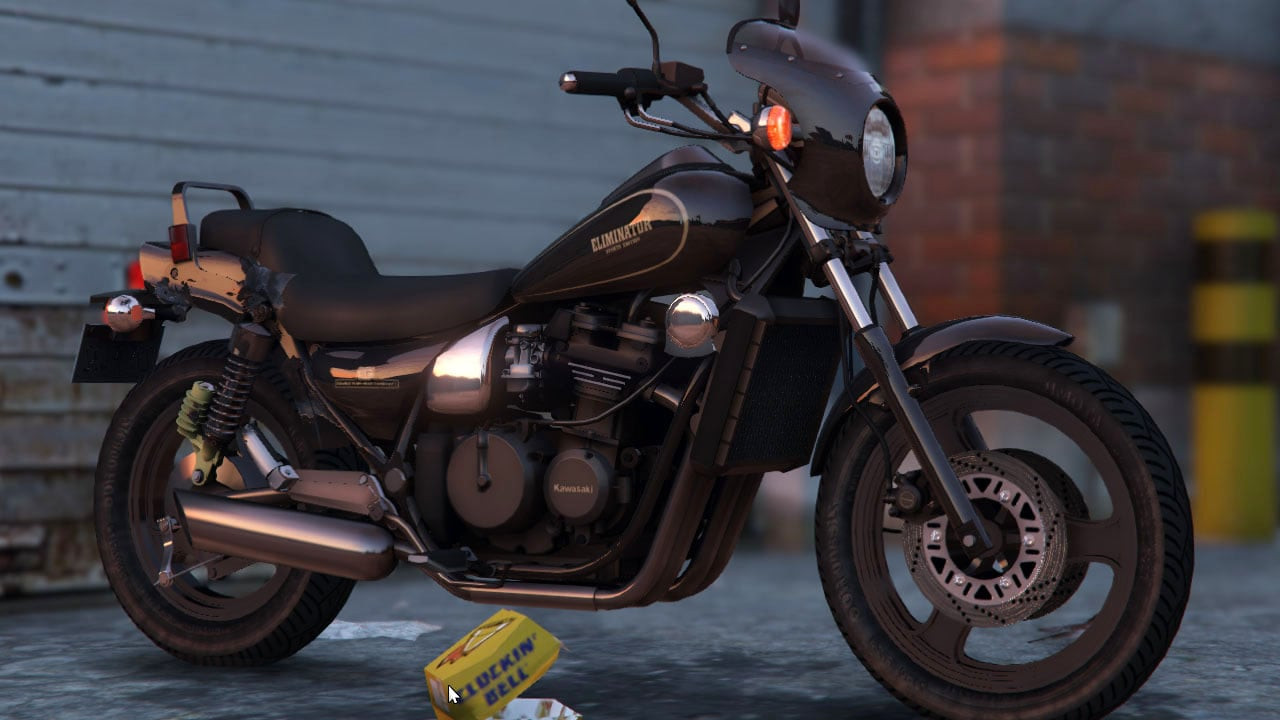
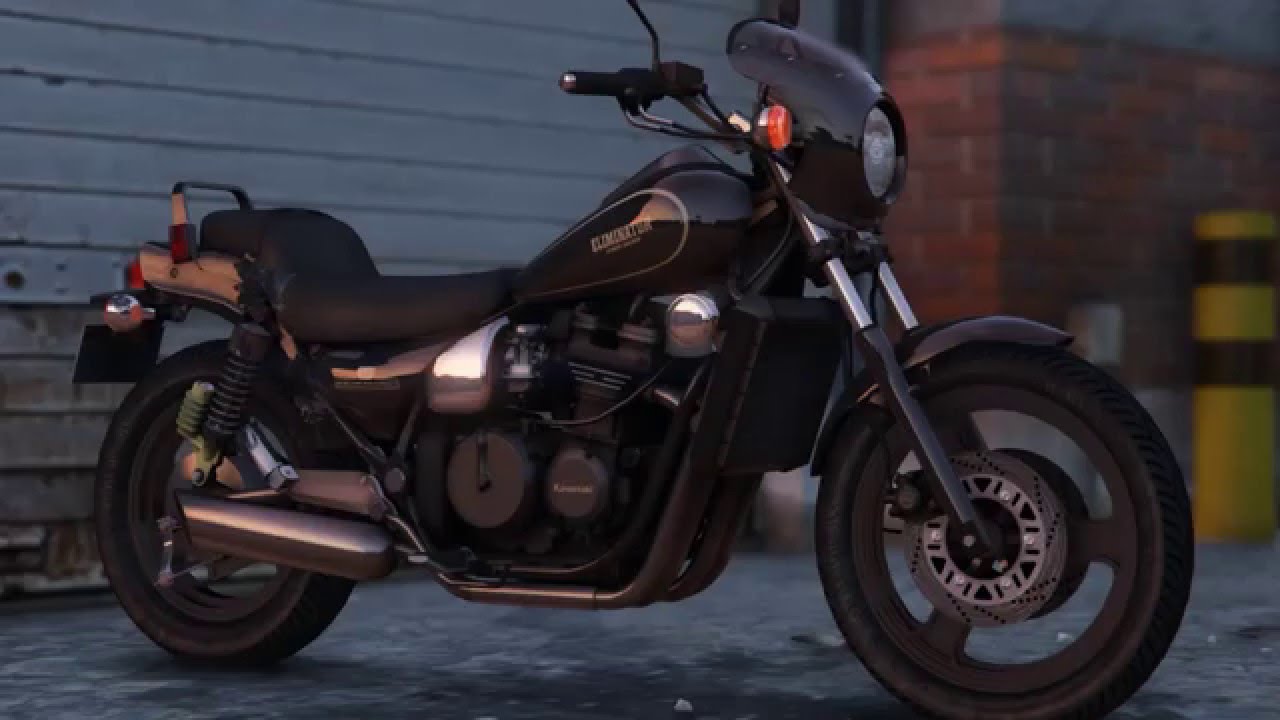
Kawasaki Eliminator 400SE 1.0

0/5,
0
votes
Installation
Double- click "zl400b.oiv" and then follow the on- screen instructions.
If you are unable to open the.oiv archive, right- click it, choose "Open with...", and then pick the OpenIV software.
or
In OpenIV, choose Tools > Package Installer, then open "zl400b.oiv" and follow the on- screen instructions.
The files below will be changed.
ADD: update\x64\dlcpacks\gosuke2mods\dlc.rpf.
Add: update\update.rpf\dlc_patch\gosuke2mods\content.xml
EDIT: in update.rpf\common\data\dlclist.xml, add a new line: dlcpacks:\gosuke2mods\.
EDIT: update\update.rpf\common\data\extratitleupdatedata.meta
Add new lines.Item type="SExtraTitleUpdateMount">
dlc_gosuke2mods:/
update:/dlc_patch/gosuke2mods/
If anything went wrong, please install manually:
1) Extract "zl400b.oiv".The.oiv package is a.zip archive. Use the unzip program.
2) Move "gosuke2mods\dlc.rpf" to "update\x64\".
3) transform "update.rpf\dlc_patch\gosuke2mods\content.xml" before "update\update.rpf" .
4) Use OpenIV to extract "dlclist.xml" from update\update.rpf\common\data.
5) Add the line "dlcpacks:\gosuke2mods\" to "dlclist.xml".
6) Save and replace the previous one at update/update.rpf\common\data
7) Extract "extratitleupdatedata.meta" from update\update.rpf\common\data using OpenIV.
8)
Include new lines:
dlc_gosuke2mods:/
update:/dlc_patch/gosuke2mods/
9) Save and replace the previous one at update/update.rpf\common\data
game vehicle names:
Kawasaki Eliminator 400SE. ---> zl400b
Credits:
gosuke
Double- click "zl400b.oiv" and then follow the on- screen instructions.
If you are unable to open the.oiv archive, right- click it, choose "Open with...", and then pick the OpenIV software.
or
In OpenIV, choose Tools > Package Installer, then open "zl400b.oiv" and follow the on- screen instructions.
The files below will be changed.
ADD: update\x64\dlcpacks\gosuke2mods\dlc.rpf.
Add: update\update.rpf\dlc_patch\gosuke2mods\content.xml
EDIT: in update.rpf\common\data\dlclist.xml, add a new line: dlcpacks:\gosuke2mods\.
EDIT: update\update.rpf\common\data\extratitleupdatedata.meta
Add new lines.Item type="SExtraTitleUpdateMount">
dlc_gosuke2mods:/
update:/dlc_patch/gosuke2mods/
If anything went wrong, please install manually:
1) Extract "zl400b.oiv".The.oiv package is a.zip archive. Use the unzip program.
2) Move "gosuke2mods\dlc.rpf" to "update\x64\".
3) transform "update.rpf\dlc_patch\gosuke2mods\content.xml" before "update\update.rpf" .
4) Use OpenIV to extract "dlclist.xml" from update\update.rpf\common\data.
5) Add the line "dlcpacks:\gosuke2mods\" to "dlclist.xml".
6) Save and replace the previous one at update/update.rpf\common\data
7) Extract "extratitleupdatedata.meta" from update\update.rpf\common\data using OpenIV.
8)
Include new lines:
dlc_gosuke2mods:/
update:/dlc_patch/gosuke2mods/
9) Save and replace the previous one at update/update.rpf\common\data
game vehicle names:
Kawasaki Eliminator 400SE. ---> zl400b
Credits:
gosuke
This mod can be installed by using add-on method.
Videos
Direct Download Links
Version: 1.0Updated: 6 months ago
Total Size: 18.88 MB 5_zl400b_v10_modland.rar direct download · 18.88 MB · added 6 months ago
About Mod
| Latest Version | 1.0 |
| Game | GTA 5 |
| Category | Vehicles » Bikes |
| Tags | Add-On Kawasaki |
| Downloads | 114 |
| Created | 6 months ago |
You Might Also Like »









0 Comments
There are no comments. Be first to comment!