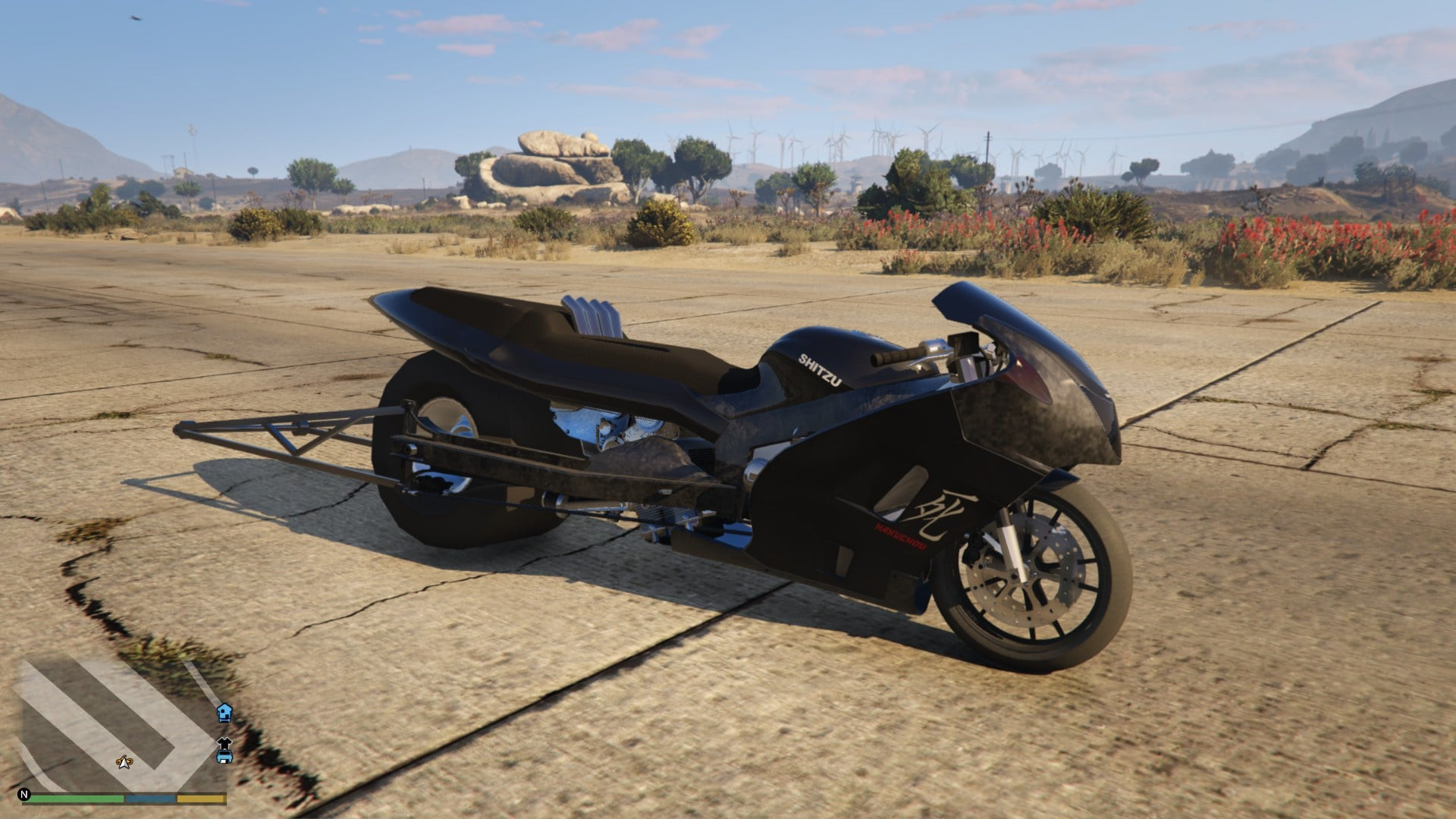
Top Fuel Bike

0/5,
0
votes
Top Fuel Bike
By JDeezNutz
Ladies & Gentlemen, I am proud to present the one, the only, Top Fuel Bike!
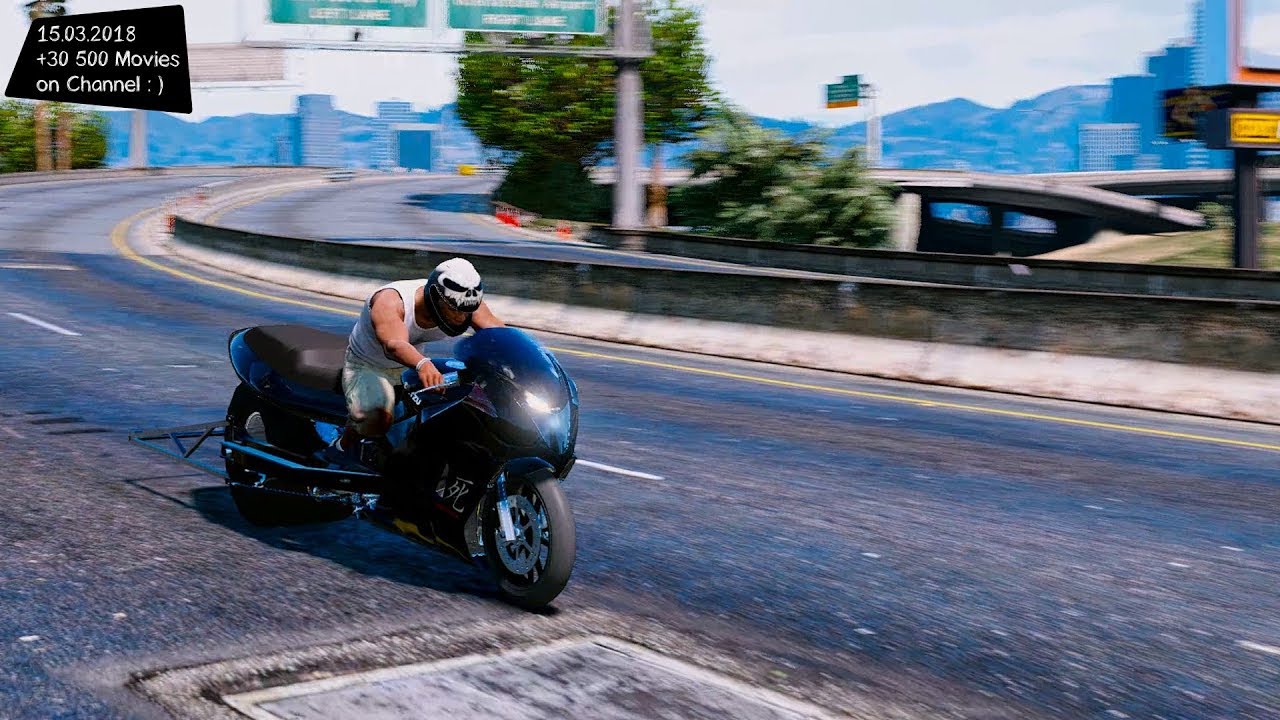
This is strictly a Drag Racing bike - she'll hit 230mph over '1/4 mile' airfield, quite realistic to the real thing.
I STRONGLY RECOMMEND NOT PULLING A WHEELIE..
Spawn: tf_bike
v1
- Custom Drag handling
- Working lights (Headlights and brake lights)
- Custom wheelie Bar and Exhaust pipes (as Extras)
- Adjusted seated position
- Custom bike and drag wheel model
Install
1) OpeniV & locate - 'mods\update\x64\dlcpacks' and create folder 'tf_bike'
2) Drag the 'dlc.rpf' file from this download in to the 'tf_bike' folder.
3) Locate - 'mods\update\update.rpf\common\data' and drag 'dlclist.xml' to desktop
4) Open 'dlclist.xml' in 'Notepad' and add
dlcpacks:\tf_bike\
5) Save file with 'Notepad', drag 'dlclist.xml' from desktop back to
'mods\update\update.rpf\common\data'
6) Save and close
Credits:
JDeezNutz
By JDeezNutz
Ladies & Gentlemen, I am proud to present the one, the only, Top Fuel Bike!
This is strictly a Drag Racing bike - she'll hit 230mph over '1/4 mile' airfield, quite realistic to the real thing.
I STRONGLY RECOMMEND NOT PULLING A WHEELIE..
Spawn: tf_bike
v1
- Custom Drag handling
- Working lights (Headlights and brake lights)
- Custom wheelie Bar and Exhaust pipes (as Extras)
- Adjusted seated position
- Custom bike and drag wheel model
Install
1) OpeniV & locate - 'mods\update\x64\dlcpacks' and create folder 'tf_bike'
2) Drag the 'dlc.rpf' file from this download in to the 'tf_bike' folder.
3) Locate - 'mods\update\update.rpf\common\data' and drag 'dlclist.xml' to desktop
4) Open 'dlclist.xml' in 'Notepad' and add
dlcpacks:\tf_bike\
5) Save file with 'Notepad', drag 'dlclist.xml' from desktop back to
'mods\update\update.rpf\common\data'
6) Save and close
Credits:
JDeezNutz
Videos
Direct Download Links
Version:Updated: 8 months ago
Total Size: 4.49 MB TF_Bike_modland.rar direct download · 4.49 MB · added 8 months ago
You Might Also Like »









0 Comments
There are no comments. Be first to comment!