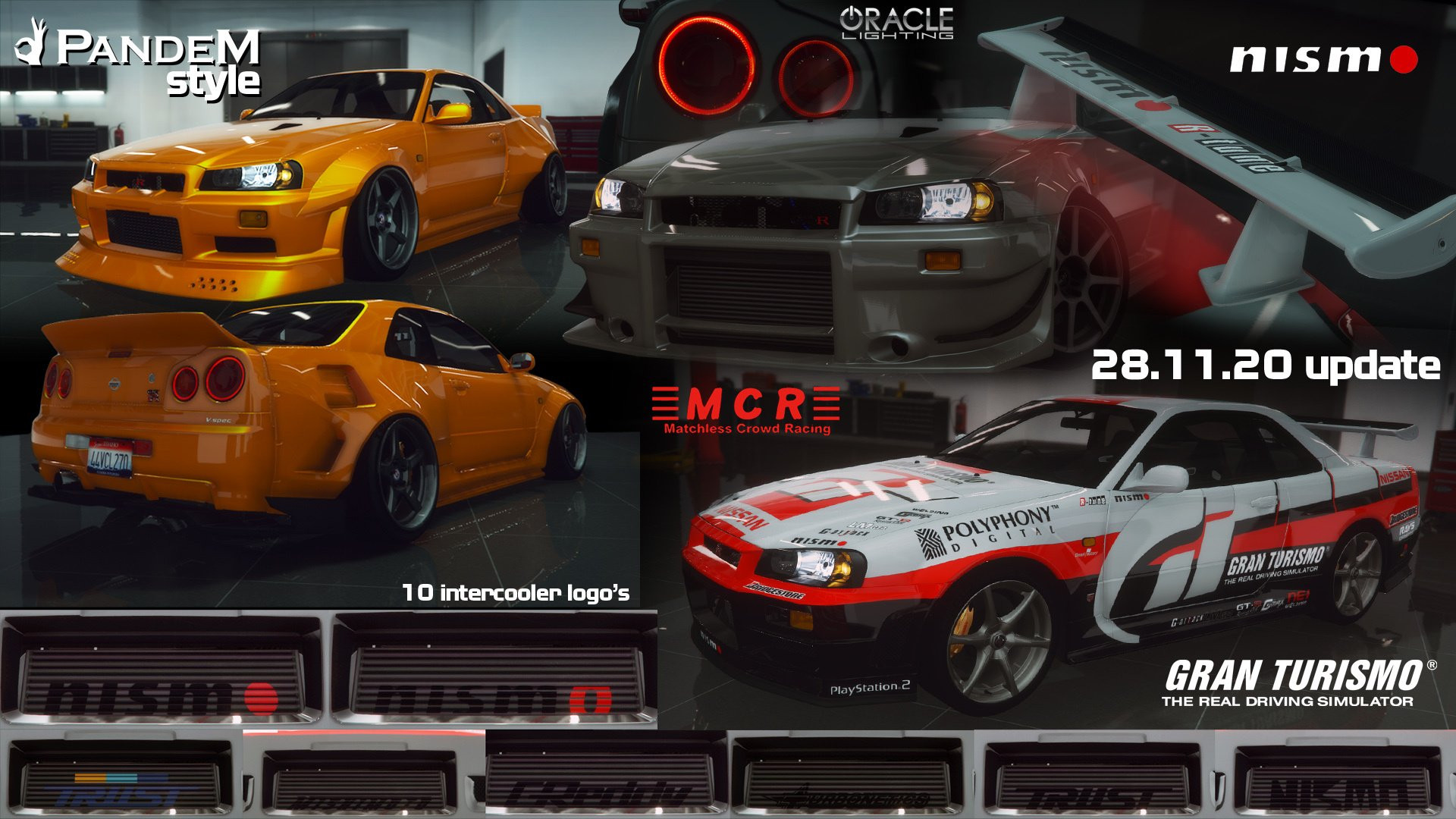
1999 Nissan Skyline GT-R (BNR34) 2.0

0/5,
0
votes
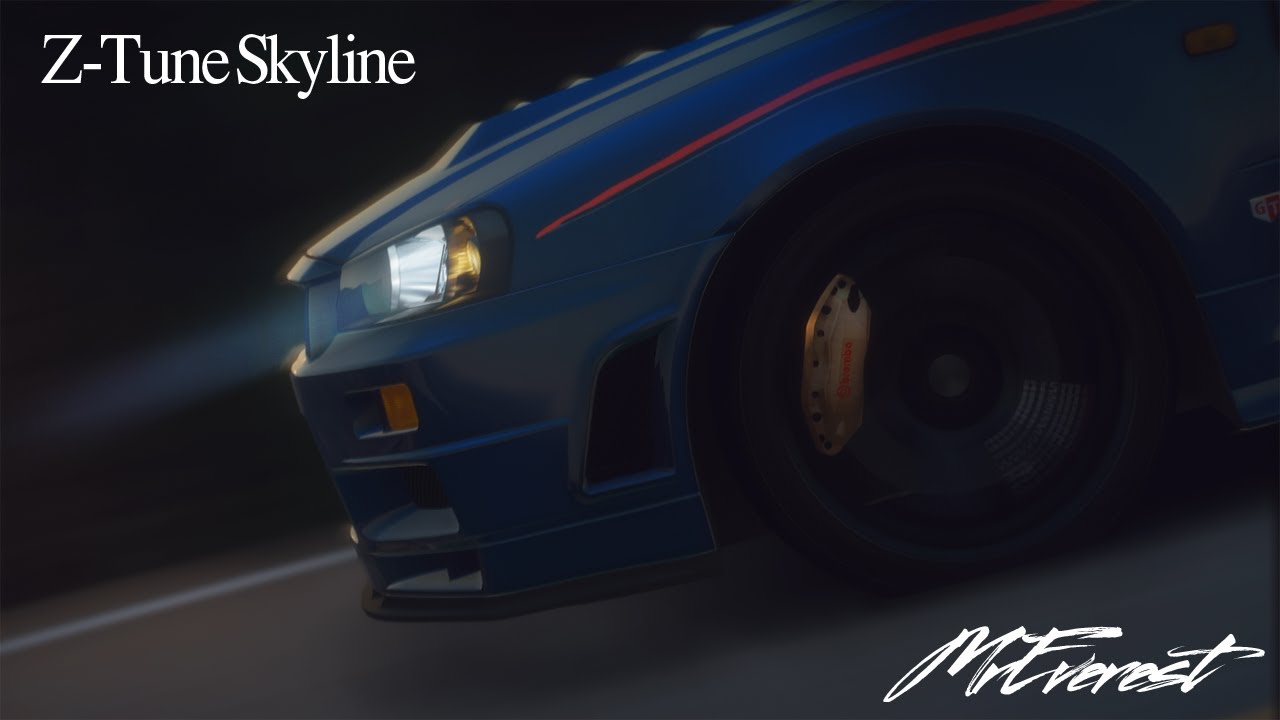
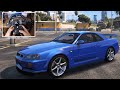
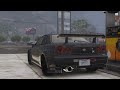
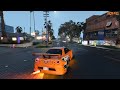
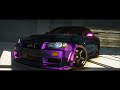
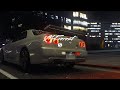
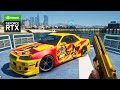
Nissan Skyline GT-R (BNR34) mod made for Grand Theft Auto 5 enables players to experience the real Japanese sports car from 1999. Automotive enthusiasts recognize the BNR34 because it combines outstanding power delivery with exceptional agility while remaining highly reliable. When installed correctly this car mod provides you with a precisely replicated version of the actual 1999 Nissan Skyline GT-R. The game features the trademark aerodynamic body design alongside the twin-turbocharged 2.6L inline-six engine of the vehicle. Due to its exceptional acceleration and speed features this vehicle delivers 276 Japanese Gentleman's Agreement-rated horsepower and reaches 60 mph in only 5.3 seconds. The BNR34 maintains a modern feel through its ATTESA E-TS Pro all-wheel-drive system which delivers an unparalleled driving experience in GTA 5. Because of its ideal torque distribution and balance, this car handles very well during both city driving and off-roading in the game. On the visual side, the mod enhances the car’s unique attributes, including the signature round taillights and detailed interior with sport bucket seats and unique gauge cluster. You can extensively customize your car in the game by obtaining various aftermarket parts which allows you to personalize the vehicle to match your preferences similar to real-life modifications. Please note, you may need additional car mod trainer software to bring this car into the game. These trainers let players modify a car's performance parameters while also permitting color modifications and custom liveries to be added.
Installation:
1. Place the folder "bnr34" at the following address:
X:\Grand Theft Auto V\mods\update\x64\dlcpacks
2. To the file "dlclist.xml", which is located at X: \ Grand Theft Auto V \ mods \ update \ update.rpf \ common \ data,
add the following lines:
dlcpacks:/bnr34/
Credits:
MrEverest
Installation:
1. Place the folder "bnr34" at the following address:
X:\Grand Theft Auto V\mods\update\x64\dlcpacks
2. To the file "dlclist.xml", which is located at X: \ Grand Theft Auto V \ mods \ update \ update.rpf \ common \ data,
add the following lines:
dlcpacks:/bnr34/
Credits:
MrEverest
This mod can be installed by using add-on method.
Videos
Direct Download Links
Version: 2.0Updated: 1 year ago
Total Size: 70 MB Nissan_SKYLINE_GT-R_(R34)_ver_2_modland.rar direct download · 70 MB · added 1 year ago
About Mod
| Latest Version | 2.0 |
| Game | GTA 5 |
| Category | Vehicles » Cars |
| Tags | Add-On Nissan Tuning |
| Downloads | 130 |
| Created | 1 year ago |
You Might Also Like »









0 Comments
There are no comments. Be first to comment!