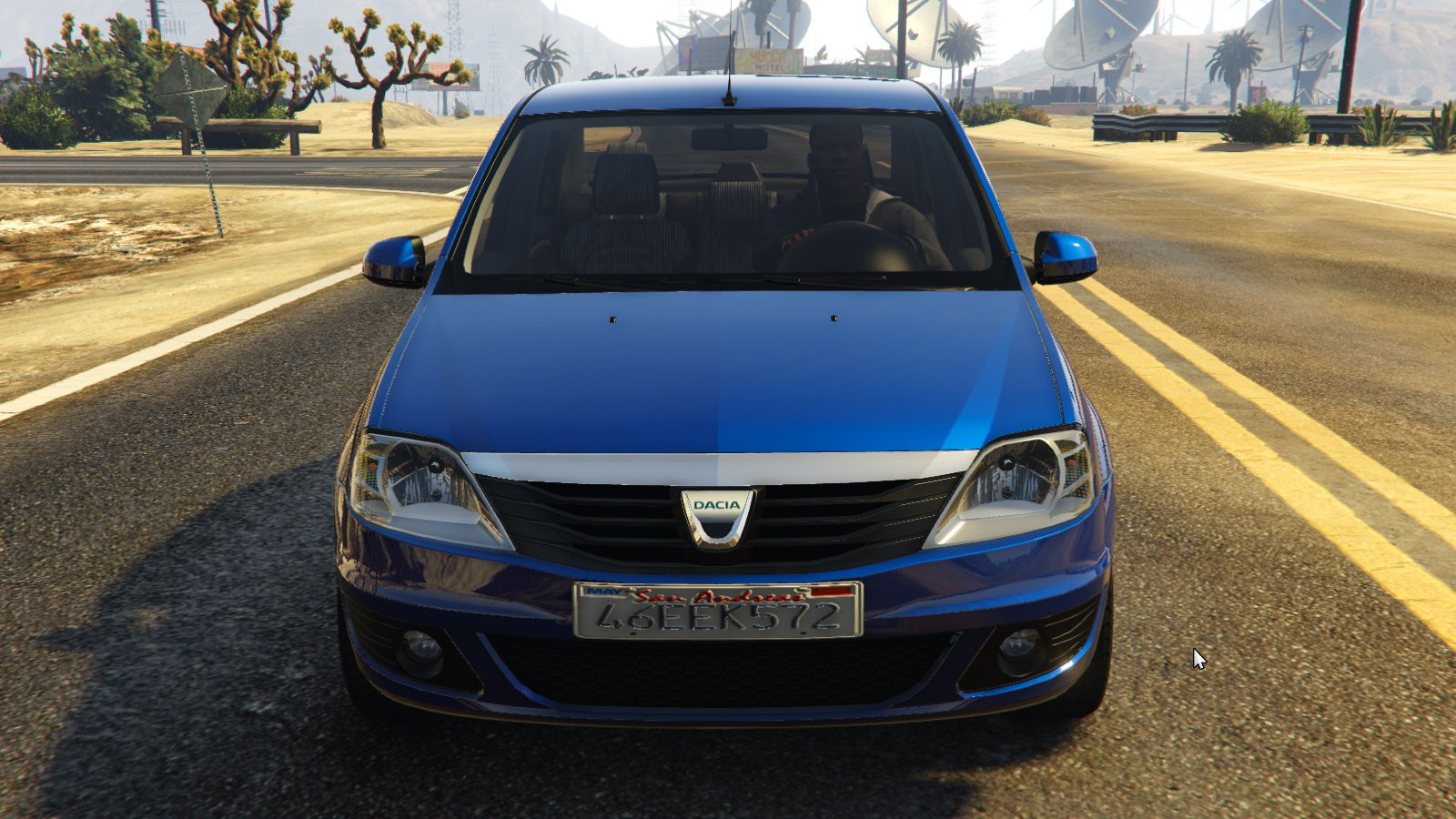
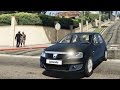
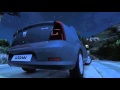
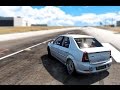
2008 Dacia Logan 2.0

0/5,
0
votes
INSTALLATION
Open the "OpenIV" application and click the "Edit mode" button.
2:>In the "OpenIV" application, go to...GTA V root folder\x64e.rpf\levels\gta5\vehicles.rpf\...
3. Drag and drop all three files (buffalo.yft, buffalo_hi.yft, buffalo.ytd) into the "vehicles.rpf" folder.
4:>After adding all files, select "Edit mode" again and quit the OpenIv software.
4: Run GTA V and choose the "Buffalo" automobile.
Credits:
JUVENILE
Open the "OpenIV" application and click the "Edit mode" button.
2:>In the "OpenIV" application, go to...GTA V root folder\x64e.rpf\levels\gta5\vehicles.rpf\...
3. Drag and drop all three files (buffalo.yft, buffalo_hi.yft, buffalo.ytd) into the "vehicles.rpf" folder.
4:>After adding all files, select "Edit mode" again and quit the OpenIv software.
4: Run GTA V and choose the "Buffalo" automobile.
Credits:
JUVENILE
Videos

Direct Download Links
Version: 2.0Updated: 11 months ago
Total Size: 10.07 MB 2008_Dacia_Logan_v20_[FINAL]_modland.zip direct download · 10.07 MB · added 11 months ago
About Mod
| Latest Version | 2.0 |
| Game | GTA 5 |
| Category | Vehicles » Cars |
| Tags | Dacia |
| Downloads | 116 |
| Created | 11 months ago |
You Might Also Like »










0 Comments
There are no comments. Be first to comment!