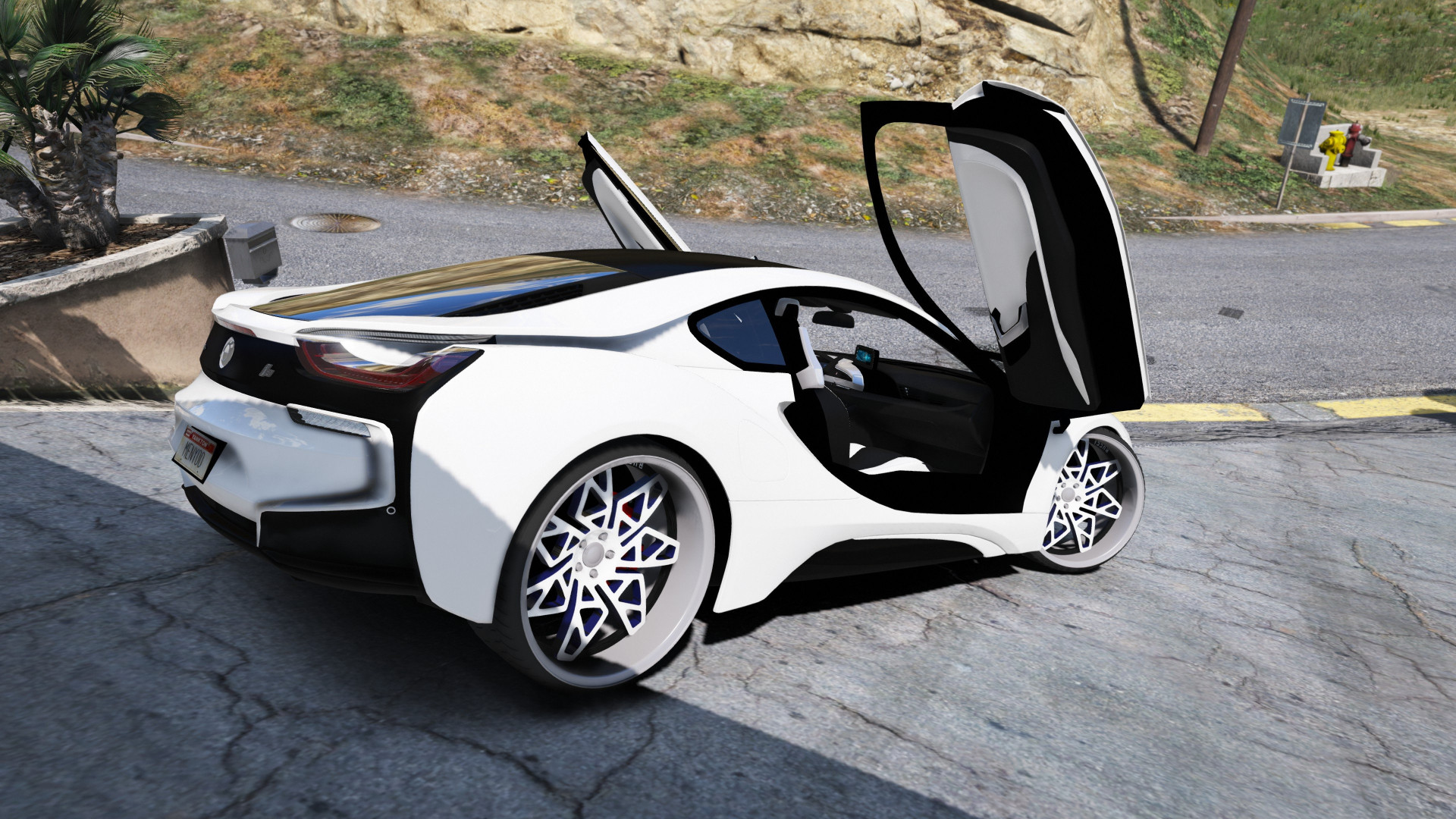
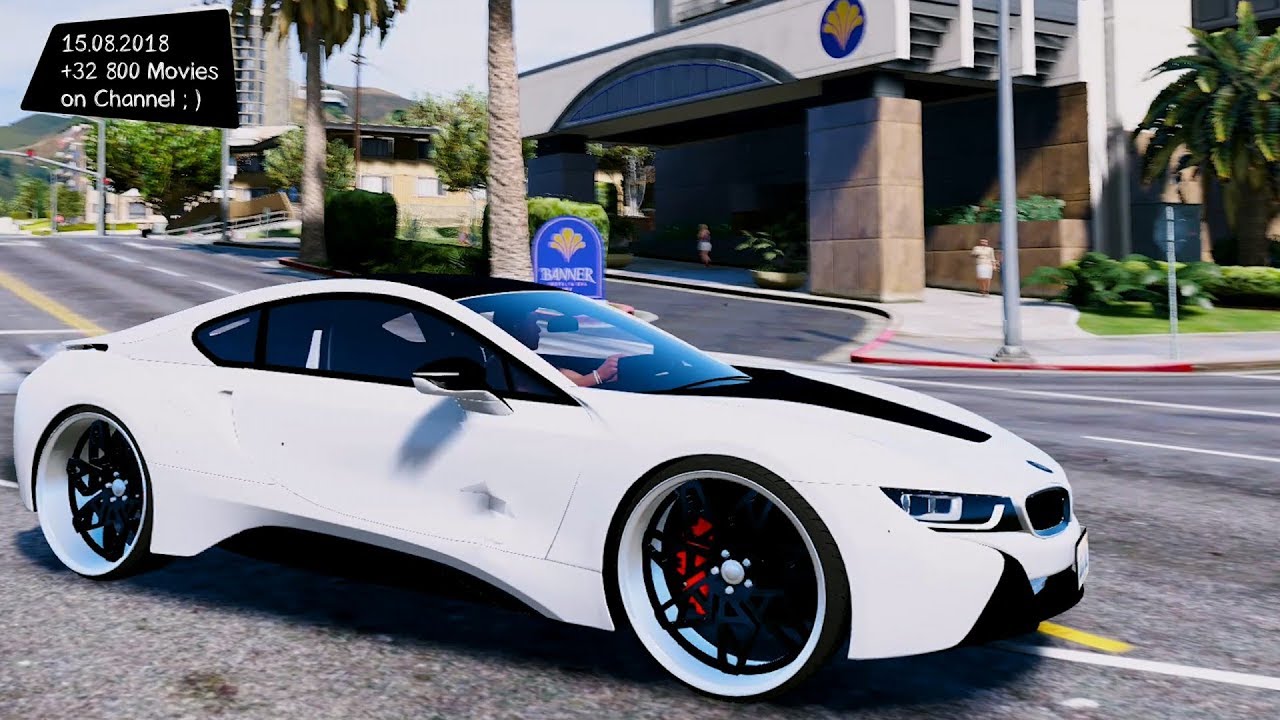
BMW I8 1.0

0/5,
0
votes
To install the addon version, drop the whole "I8" folder into the dlcpacks folder (Grand Theft Auto V\mods\update\x64\dlcpacks). Place the folder there.
*Copy and paste this into your dlclist.xml "dlcpacks:\i8\".
*Where to save your dlclist.xml (Grand Theft Auto V\mods\update\update.rpf\common\data
If you don't want to install it as an add-on, you may make it a replacement.
To install as a replacement, rename all three vehicle files (i8.ytf, i8_hi.ytf, and i8.ytd) to match the in- game vehicle.
*Replace the Khamelion.
Credits:
WestsideModz & Stunt Motorsports
*Copy and paste this into your dlclist.xml "dlcpacks:\i8\".
*Where to save your dlclist.xml (Grand Theft Auto V\mods\update\update.rpf\common\data
If you don't want to install it as an add-on, you may make it a replacement.
To install as a replacement, rename all three vehicle files (i8.ytf, i8_hi.ytf, and i8.ytd) to match the in- game vehicle.
*Replace the Khamelion.
Credits:
WestsideModz & Stunt Motorsports
This mod can be installed by using add-on method.
Videos

Direct Download Links
Version: 1.0Updated: 1 year ago
Total Size: 39.36 MB i8_modland.rar direct download · 39.36 MB · added 1 year ago
About Mod
| Latest Version | 1.0 |
| Game | GTA 5 |
| Category | Vehicles » Cars |
| Tags | Add-On BMW |
| Downloads | 231 |
| Created | 1 year ago |
You Might Also Like »









0 Comments
There are no comments. Be first to comment!