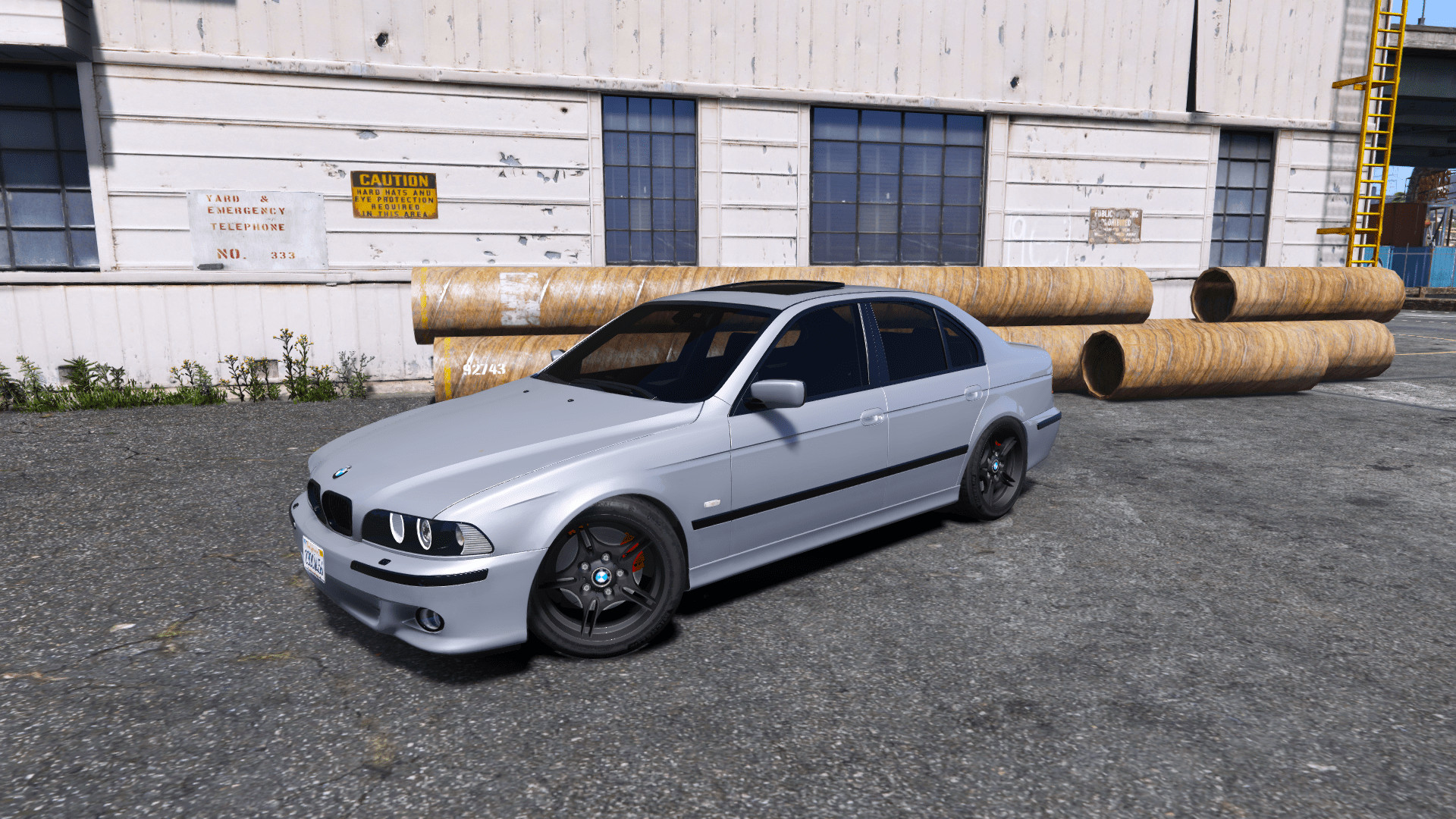
BMW Mtech E39 530D 1.0

0/5,
0
votes
INSTALLATION:
For Add-ons:
1. Move the "mteche39" folder into update\x64\dlcpacks.
2. Navigate to update\update.rpf in OpenIV. Navigate to the folder Common/Data. Inside this folder, open 'dlclist.xml'. Use a text editor (or OpenIV) to add the line "dlcpacks:\mteche39\" without quotation marks.
3. spawn in game via trainer/menu with the name "mteche39"
Installation for Replacement:
1. Launch OpenIV and open x64e.rpf\levels\gta5\vehicles.rpf and change the three prime files in the cars.rpf containing the premier files contained in this patch.
Credits:
Original model from GTA SA by: SGDesign (Easyman).
Converted GTA SA to GTA V and modified by: jspeed
Additional edits: jspeed.
Commissioned by Jiblo7.
Videos
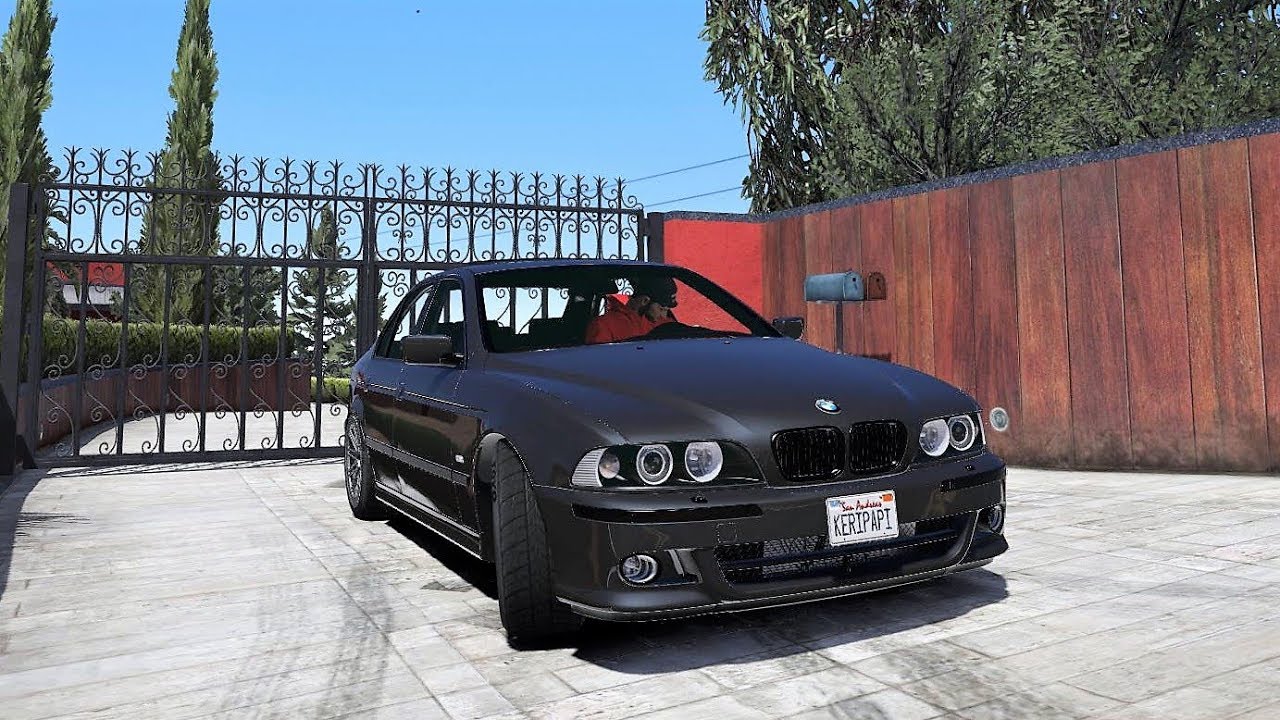


Direct Download Links
Version: 1.0Updated: 1 year ago
Total Size: 29.22 MB BMW_E39_530D_Mtech_[jspeed]_modland.rar direct download · 29.22 MB · added 1 year ago
About Mod
| Latest Version | 1.0 |
| Game | GTA 5 |
| Category | Vehicles » Cars |
| Tags | Add-On BMW Replace |
| Downloads | 399 |
| Created | 1 year ago |
You Might Also Like »










0 Comments
There are no comments. Be first to comment!