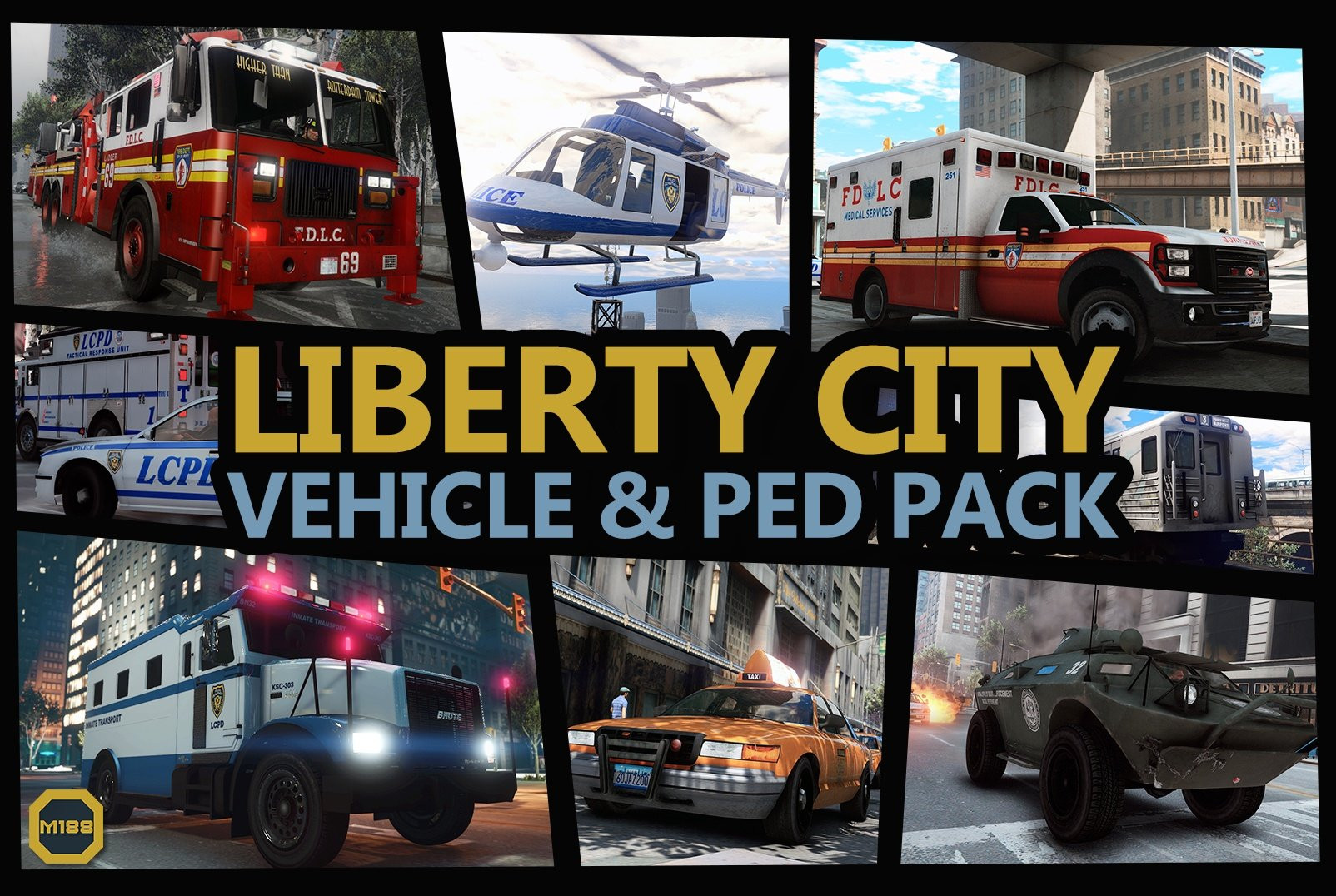
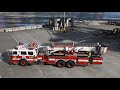
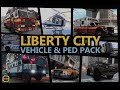
Liberty City Vehicle & Ped Pack (FDLC, LCPD and more) v1.2.4

0/5,
0
votes
Features
- LODs.
- Dirt mapping.
- Breakable glass and glass shards.
- Rigging.
- Tuning.
- Liveries. (templates available here)
- Add-On sirens.
- Add-On engines.
Installation:
1. Start OpenIV.
2. Navigate to the 'mods' folder or create it in the GTA V folder if you don't have it.
3. Navigate to or create the file path "update\x64\dlcpacks" within the mods folder:
4. Copy the 'lcpack' folder found within the archive into the mods folder.
5. Navigate to 'dlclist.xml' in update\update.rpf\common\data\. Right click and select "move to mods folder", or "show in mods folder" if you already have.
6. Add "<Item>dlcpacks:\lcpack\</Item>" to the bottom of the list within the dlclist.xml file.
7. If done correctly, the mod should be ready to use.
As this mod contains a large amount of assets, you will need to install a modified gameconfig.xml file capable of running the pack. gameconfig.xml should be more than capable of running this pack.
It is not recommended to run this mod alongside other vehicle mods, to avoid the risk of potential model name, light, siren and modkit clashes. If you wish to install other mods alongside LC Pack, it is recommended to refer to the spreadsheet linked in the Support section for a comprehensive list of important IDs used in the pack.
Credits:
Monkeypolice188 et al
- LODs.
- Dirt mapping.
- Breakable glass and glass shards.
- Rigging.
- Tuning.
- Liveries. (templates available here)
- Add-On sirens.
- Add-On engines.
Installation:
1. Start OpenIV.
2. Navigate to the 'mods' folder or create it in the GTA V folder if you don't have it.
3. Navigate to or create the file path "update\x64\dlcpacks" within the mods folder:
4. Copy the 'lcpack' folder found within the archive into the mods folder.
5. Navigate to 'dlclist.xml' in update\update.rpf\common\data\. Right click and select "move to mods folder", or "show in mods folder" if you already have.
6. Add "<Item>dlcpacks:\lcpack\</Item>" to the bottom of the list within the dlclist.xml file.
7. If done correctly, the mod should be ready to use.
As this mod contains a large amount of assets, you will need to install a modified gameconfig.xml file capable of running the pack. gameconfig.xml should be more than capable of running this pack.
It is not recommended to run this mod alongside other vehicle mods, to avoid the risk of potential model name, light, siren and modkit clashes. If you wish to install other mods alongside LC Pack, it is recommended to refer to the spreadsheet linked in the Support section for a comprehensive list of important IDs used in the pack.
Credits:
Monkeypolice188 et al
This mod can be installed by using add-on method.
Videos
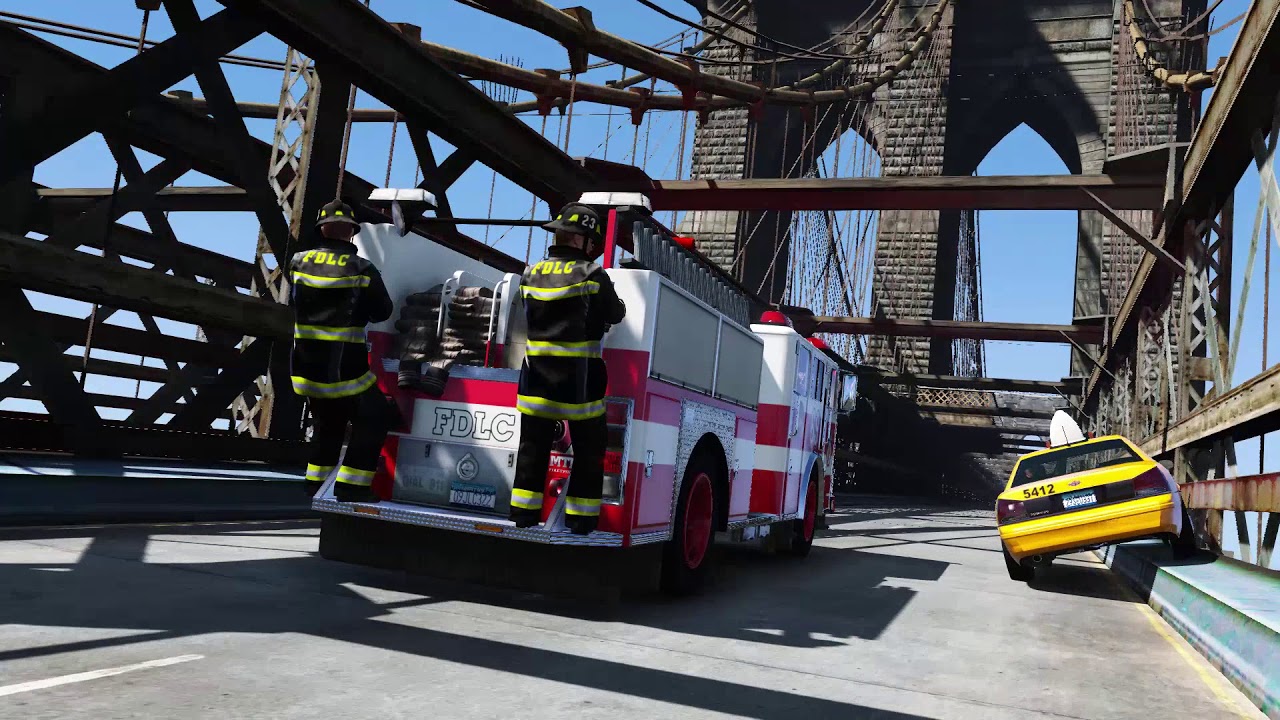
Direct Download Links
Version: v1.2.4Updated: 1 year ago
Total Size: 367.28 MB lcpack_modland.rar direct download · 367.28 MB · added 1 year ago
About Mod
| Latest Version | v1.2.4 |
| Game | GTA 5 |
| Category | Vehicles » Cars |
| Tags | Add-On Pack |
| Downloads | 160 |
| Created | 1 year ago |
You Might Also Like »









0 Comments
There are no comments. Be first to comment!