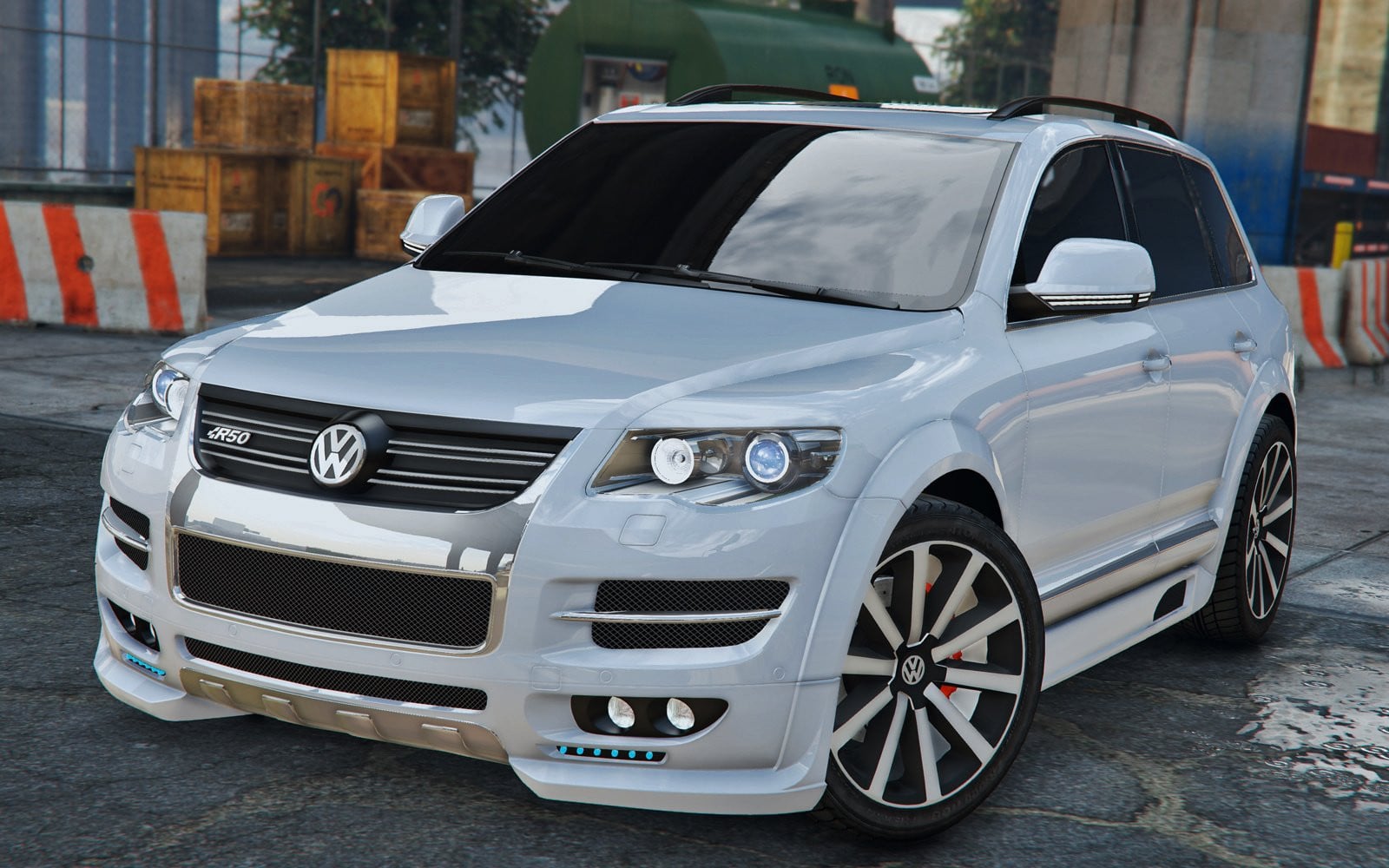
Volkswagen Touareg 2008 R50 1.0

0/5,
0
votes
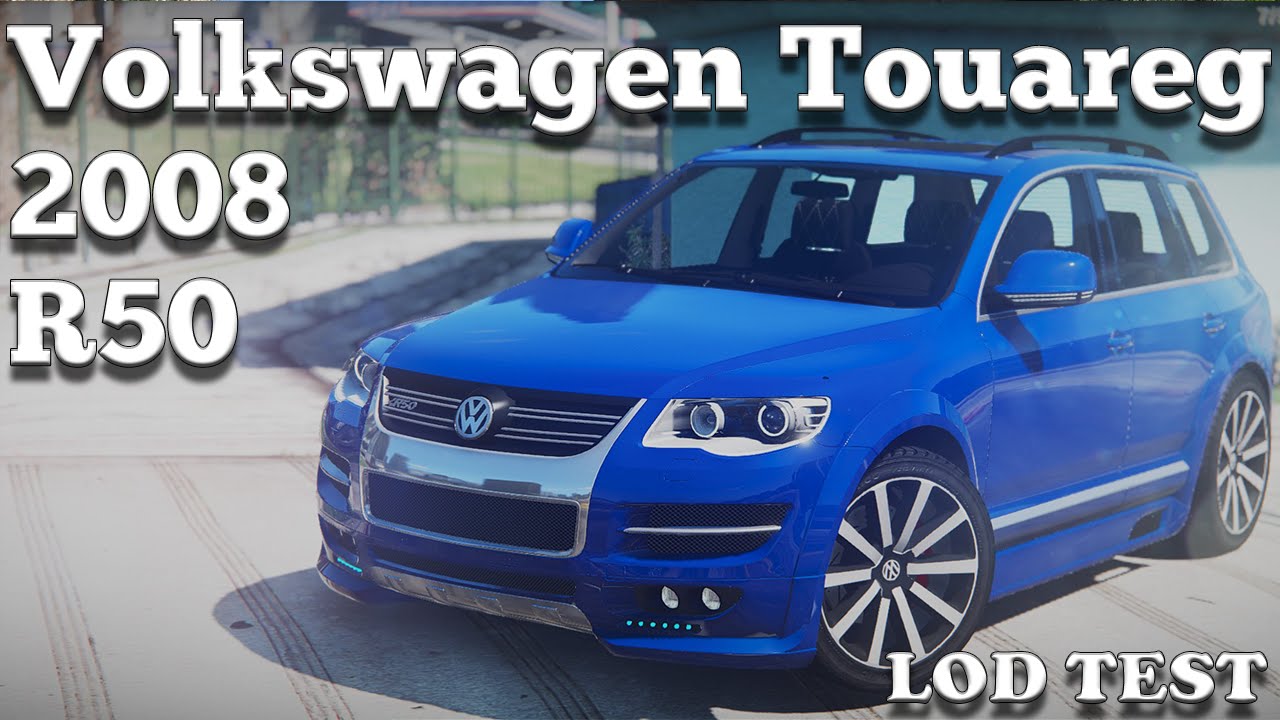
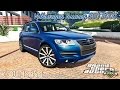
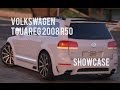
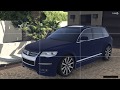
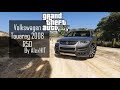
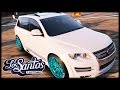
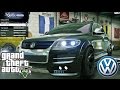
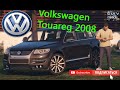
The Volkswagen Touareg 2008 R50 mod for Grand Theft Auto 5 introduces a real-life vehicle, a 2008 model of the Volkswagen Touareg R50, into the world of GTA.
Being a popular model among car enthusiasts and fans of the German automotive manufacturer Volkswagen, this Touareg R50 mod offers remarkable detail and accuracy. The outer design of the vehicle is a perfect replica of the original model, complete with the distinctive body style and brand logos.
Replaces: habanero(Optimized for GTAO)
Installation(Replace):
Using OpenIV, replace habanero.yft, habanero_hi.yft or habanero.ytd located in:"Grand Theft Auto V\update\x64\dlcpacks\patchday3ng\dlc.rpf\x64\levels\gta5\vehicles.rpf
Installation(Add-on):
[Editing the dlclist.xml]
1. Using OpenIV, extract the contents of the folder "x64" to: \Grand Theft Auto V\mods\update\x64\dlcpacks
2. Using OpenIV, go to: \Grand Theft Auto V\update\update.rpf\common\data — and extract the "dlclist.xml" in some folder of your choice.
3. Add the following line:
dlcpacks:\r50\
4. Save the changes and copy the edited "dlclist.xml" back to: \Grand Theft Auto V\update\update.rpf\common\data
[Editing the extratitleupdatedata.meta]
5. Using OpenIV, go to: \Grand Theft Auto V\update\update.rpf\common\data — and extract the "extratitleupdatedata.meta" in some folder of your choice.
dlc_r50:/
update:/dlc_patch/r50/
6. Save the changes and copy the edited "extratitleupdatedata.meta" to: \Grand Theft Auto V\update\update.rpf\common\data
Spawn to name: R50
Credits:
AlexHIT
Being a popular model among car enthusiasts and fans of the German automotive manufacturer Volkswagen, this Touareg R50 mod offers remarkable detail and accuracy. The outer design of the vehicle is a perfect replica of the original model, complete with the distinctive body style and brand logos.
Replaces: habanero(Optimized for GTAO)
Installation(Replace):
Using OpenIV, replace habanero.yft, habanero_hi.yft or habanero.ytd located in:"Grand Theft Auto V\update\x64\dlcpacks\patchday3ng\dlc.rpf\x64\levels\gta5\vehicles.rpf
Installation(Add-on):
[Editing the dlclist.xml]
1. Using OpenIV, extract the contents of the folder "x64" to: \Grand Theft Auto V\mods\update\x64\dlcpacks
2. Using OpenIV, go to: \Grand Theft Auto V\update\update.rpf\common\data — and extract the "dlclist.xml" in some folder of your choice.
3. Add the following line:
dlcpacks:\r50\
4. Save the changes and copy the edited "dlclist.xml" back to: \Grand Theft Auto V\update\update.rpf\common\data
[Editing the extratitleupdatedata.meta]
5. Using OpenIV, go to: \Grand Theft Auto V\update\update.rpf\common\data — and extract the "extratitleupdatedata.meta" in some folder of your choice.
dlc_r50:/
update:/dlc_patch/r50/
6. Save the changes and copy the edited "extratitleupdatedata.meta" to: \Grand Theft Auto V\update\update.rpf\common\data
Spawn to name: R50
Credits:
AlexHIT
Videos


Direct Download Links
Version: 1.0Updated: 1 year ago
Total Size: 45.86 MB VW_Touareg_ByAlexeyHIT_modland.zip direct download · 45.86 MB · added 1 year ago
About Mod
| Latest Version | 1.0 |
| Game | GTA 5 |
| Category | Vehicles » Cars |
| Tags | Add-On Replace Tuning Volkswagen |
| Downloads | 207 |
| Created | 1 year ago |
You Might Also Like »








0 Comments
There are no comments. Be first to comment!