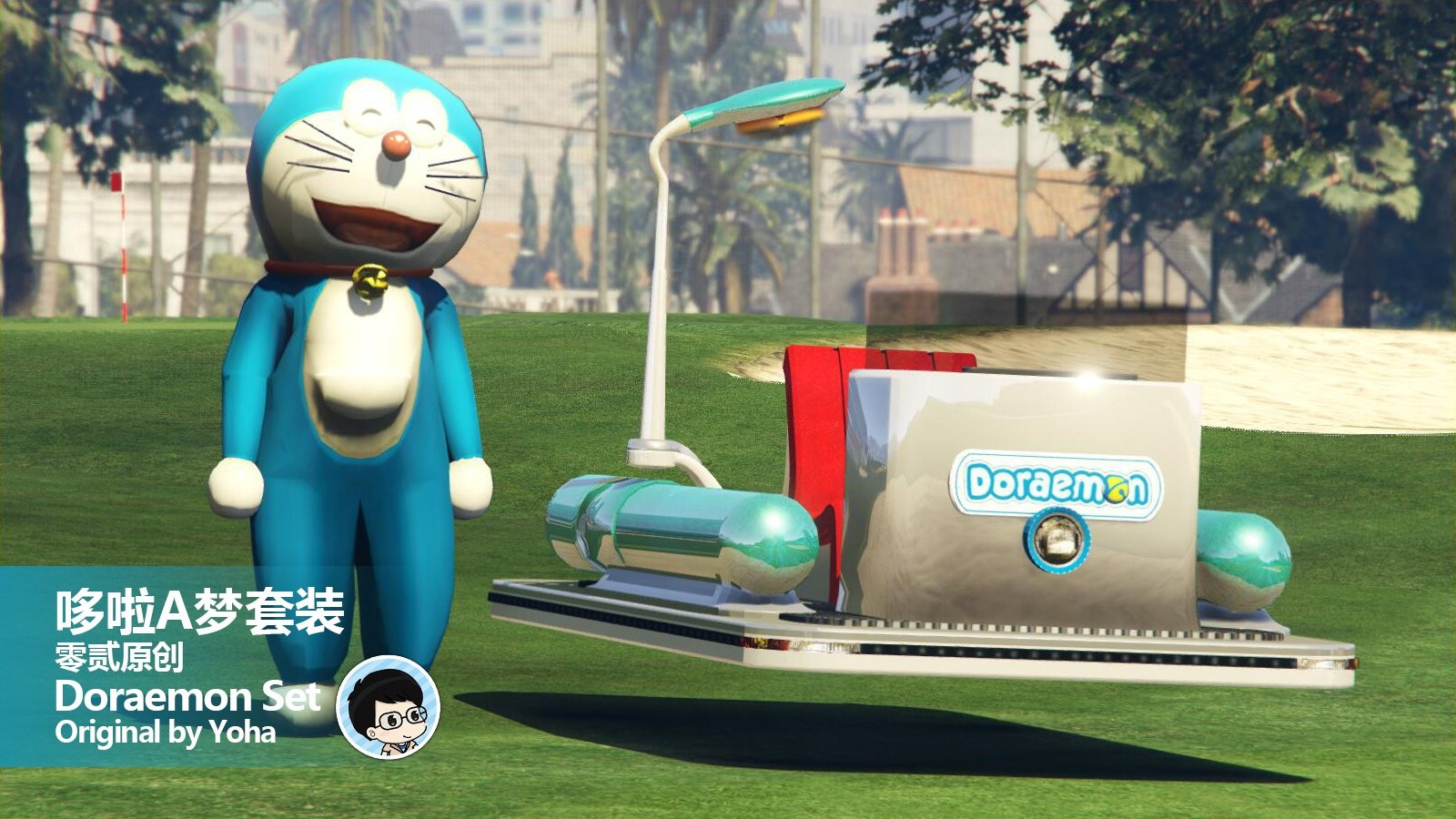
Doraemon Time Machine 2.0

0/5,
0
votes
How to install:
1. Run openIV, find package install
2. click and find the “Doraemon Time Machine 2.0.oiv”
3. click install, then choose mods or game folder, it's upto you.
4. wait, and it will be done automatically.
Credits:
Yoha
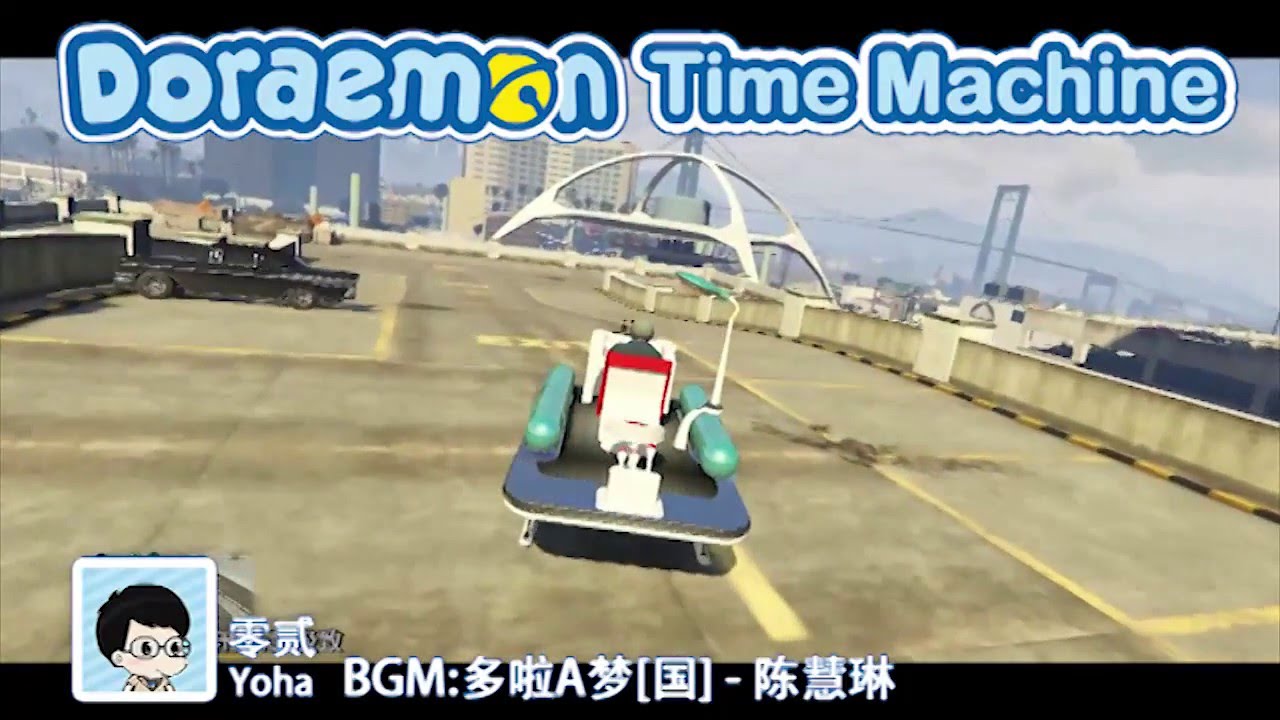
Videos




Direct Download Links
Version: 2.0Updated: 1 year ago
Total Size: 14.03 MB [Yoha]Doraemon_Time_Machine_20_modland.zip direct download · 14.03 MB · added 1 year ago
You Might Also Like »










0 Comments
There are no comments. Be first to comment!