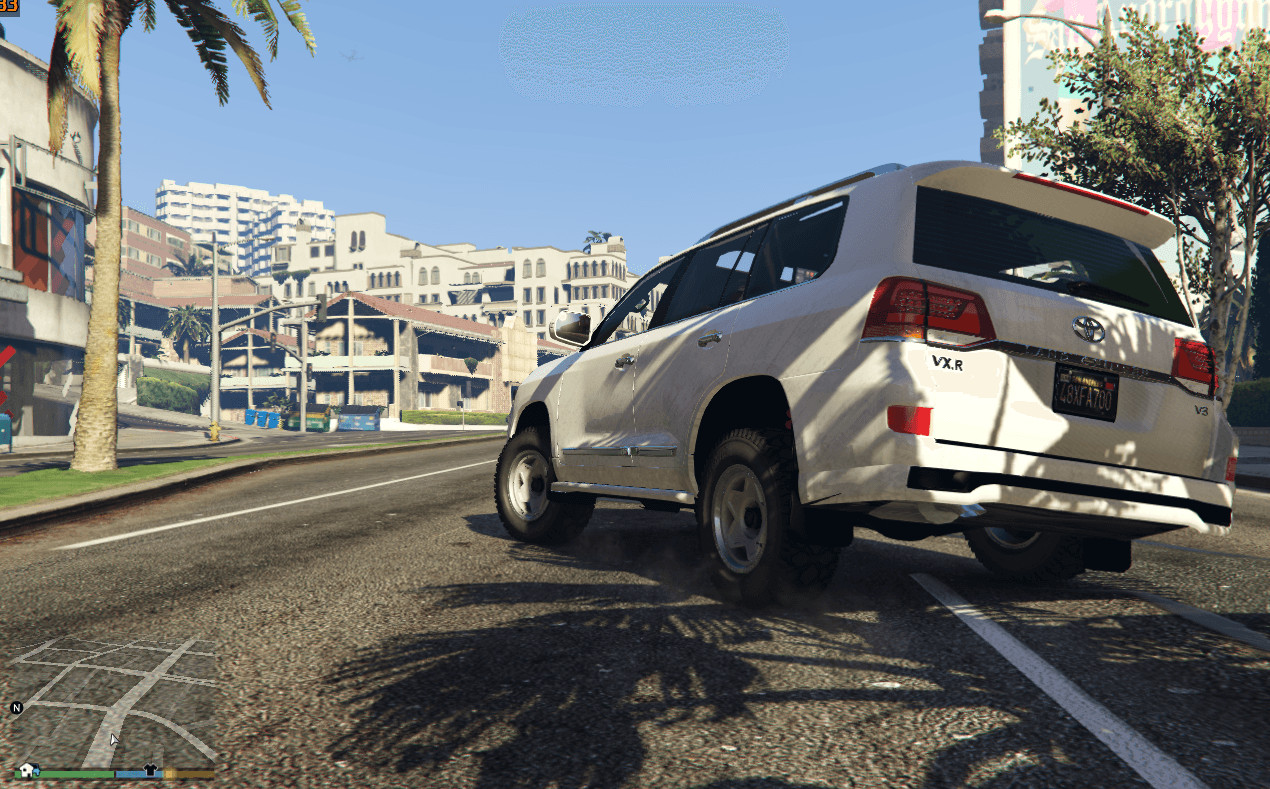
GTA 4 handling [addon/replace] alt DRIVE V v1.0

GTA 4 Handling Alt DRIVE VSTEP-BY-STEP (Suspension Edit for Addon/Replace Cars)
Step-by-step (addon car suspension):
– Open OpenIV
– Enable Edit Mode
– Go to mods > update > x64 > dlcpacks > your addon car folder > dlc.rpf
– Open common > data
– Click Edit on handling.meta
Find your car handling entry and change values to:
fSuspensionForce 1.5
fSuspensionReboundDamp 0.40
fSuspensionCompDamp 0.50
fSuspensionUpperLimit 0.16
fSuspensionLowerLimit -0.23
fAntiRollBarForce 0.3
– Save changes
– Launch the game
Step-by-step (in-game car suspension tuning):
– Open OpenIV
– Enable Edit Mode
– Go to mods > update > update.rpf > common > data > handling.meta
– Open file in Edit mode
Find your desired car handling entry and apply the same values:
fSuspensionForce 1.5
fSuspensionReboundDamp 0.40
fSuspensionCompDamp 0.50
fSuspensionUpperLimit 0.16
fSuspensionLowerLimit -0.23
fAntiRollBarForce 0.3
– Save file
– Launch the game