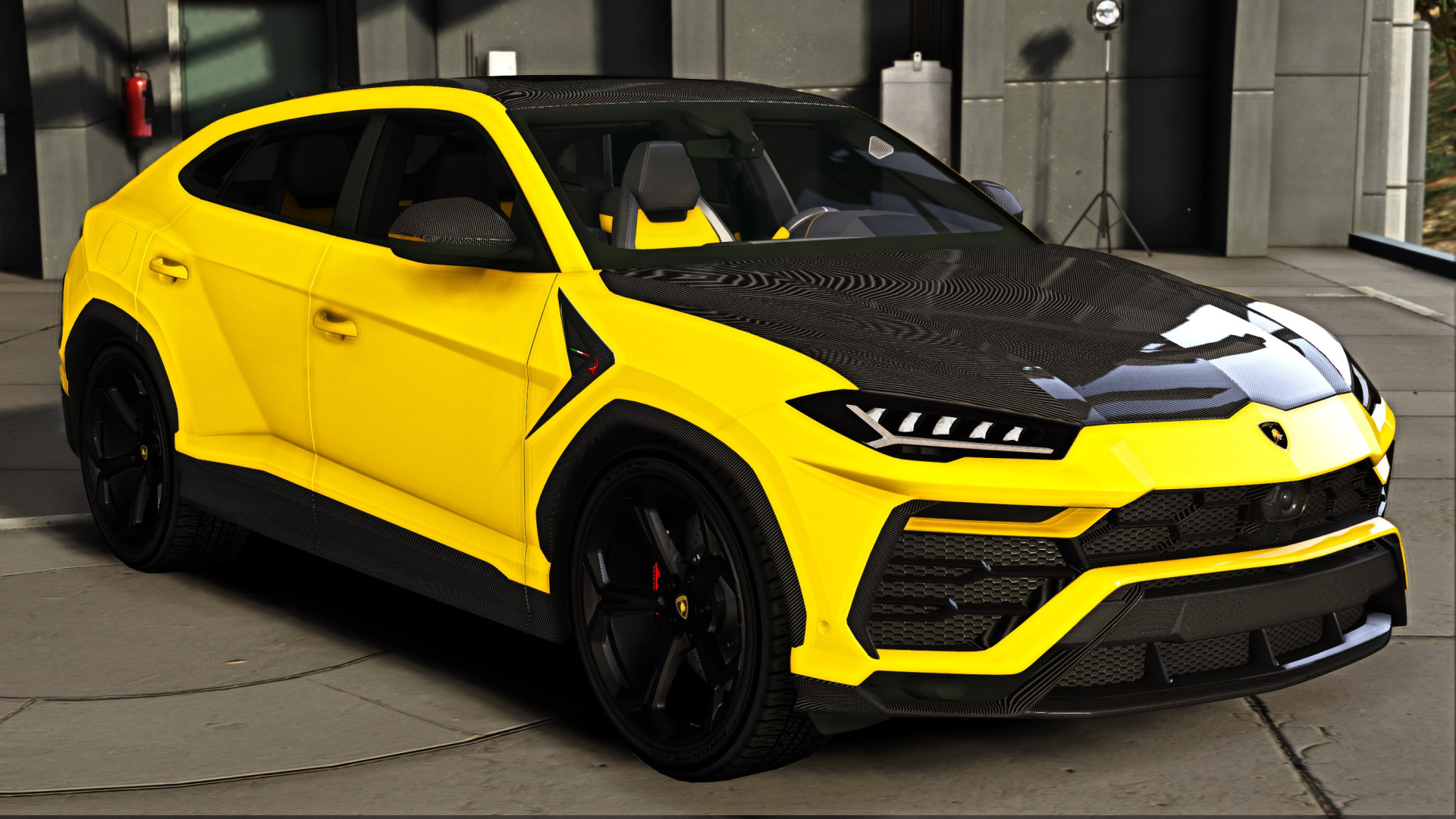
Lamborghini Urus TOPCAR Design

5/5,
1
votes
Description
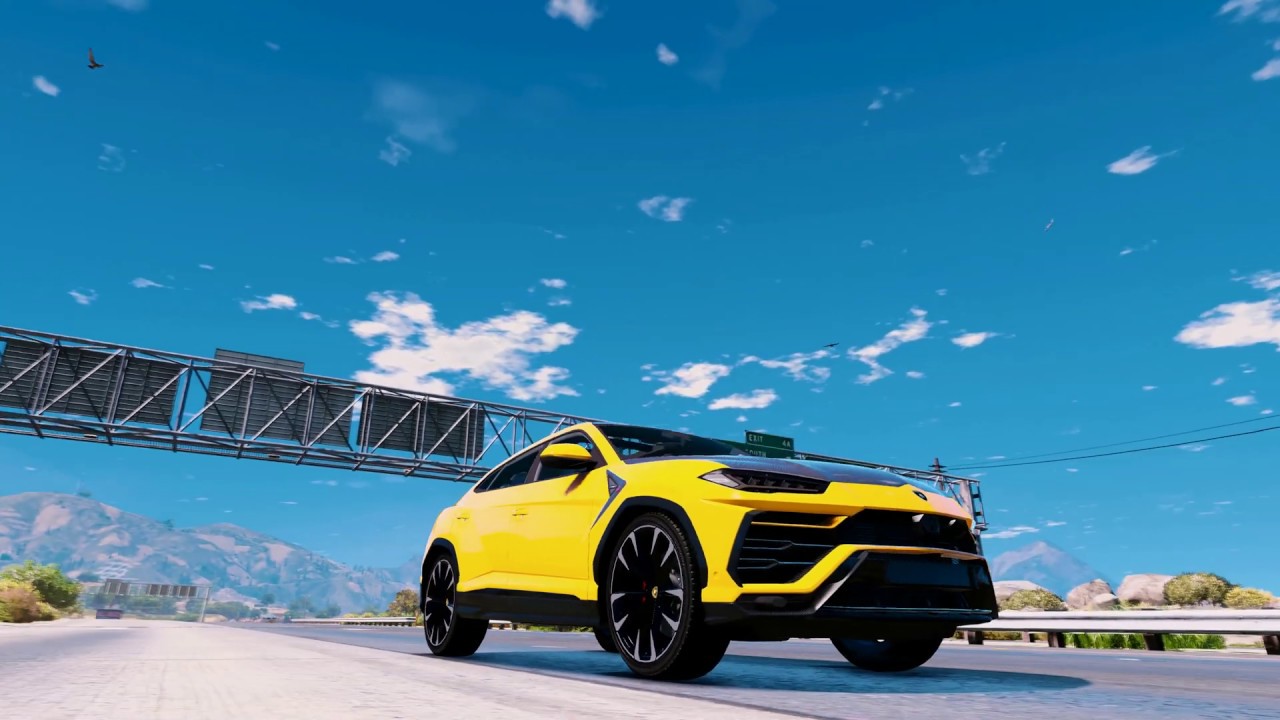
"TOPCAR Design" paintjob for Lamborghini Urus
Скин "TOPCAR Design" для Lamborghini Urus
Installation Instructions
1. Copy the "urus" folder to: GTA 5\mods\update\x64\dlcpacks
2. Extract "dlclist.xml" or edit it with OpenIV from: GTA 5\mods\update\update.rpf\common\data\
3. Use notepad or OpenIV to open/edit it, and add the new line: dlcpacks:\urus\
4. Save / replace it in OpenIV
5. Use Menyoo or Simple Trainer and spawn it by name: "urus"
1. Скопируйте папку «urus» в: \ mods \ update \ x64 \ dlcpacks
2. Извлеките «dlclist.xml» или отредактируйте его с помощью OpenIV из: GTA 5 \ mods \ update \ update.rpf \ common \ data \
3. С помощью блокнота или OpenIV откройте / отредактируйте его и добавьте новую строку: dlcpacks: \ Urus \ Item>
4. Сохраните / замените его в OpenIV
5. Используйте Menyoo или Simple Trainer и найдите его по имени: «urus»
Credits
KING255
"TOPCAR Design" paintjob for Lamborghini Urus
Скин "TOPCAR Design" для Lamborghini Urus
Installation Instructions
1. Copy the "urus" folder to: GTA 5\mods\update\x64\dlcpacks
2. Extract "dlclist.xml" or edit it with OpenIV from: GTA 5\mods\update\update.rpf\common\data\
3. Use notepad or OpenIV to open/edit it, and add the new line: dlcpacks:\urus\
4. Save / replace it in OpenIV
5. Use Menyoo or Simple Trainer and spawn it by name: "urus"
1. Скопируйте папку «urus» в: \ mods \ update \ x64 \ dlcpacks
2. Извлеките «dlclist.xml» или отредактируйте его с помощью OpenIV из: GTA 5 \ mods \ update \ update.rpf \ common \ data \
3. С помощью блокнота или OpenIV откройте / отредактируйте его и добавьте новую строку: dlcpacks: \ Urus \ Item>
4. Сохраните / замените его в OpenIV
5. Используйте Menyoo или Simple Trainer и найдите его по имени: «urus»
Credits
KING255
Videos
Direct Download Links
Version:Updated: 3 months ago
Total Size: 40.85 MB Urus_modland.rar direct download · 40.85 MB · added 3 months ago
You Might Also Like »








0 Comments
There are no comments. Be first to comment!