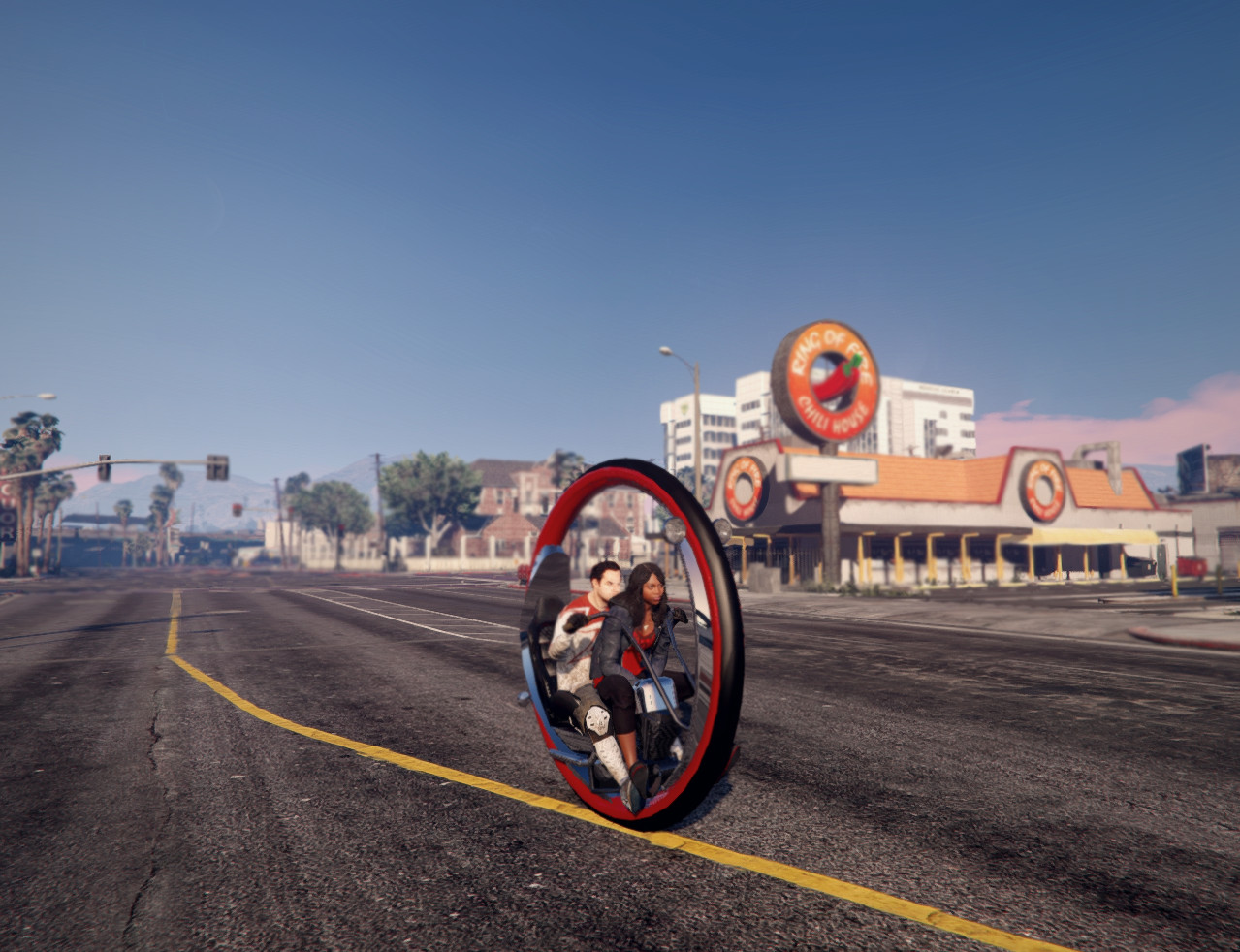
Monowheel 2.0

0/5,
0
votes
Changelog
2.0 >> Added Add-On method
Description
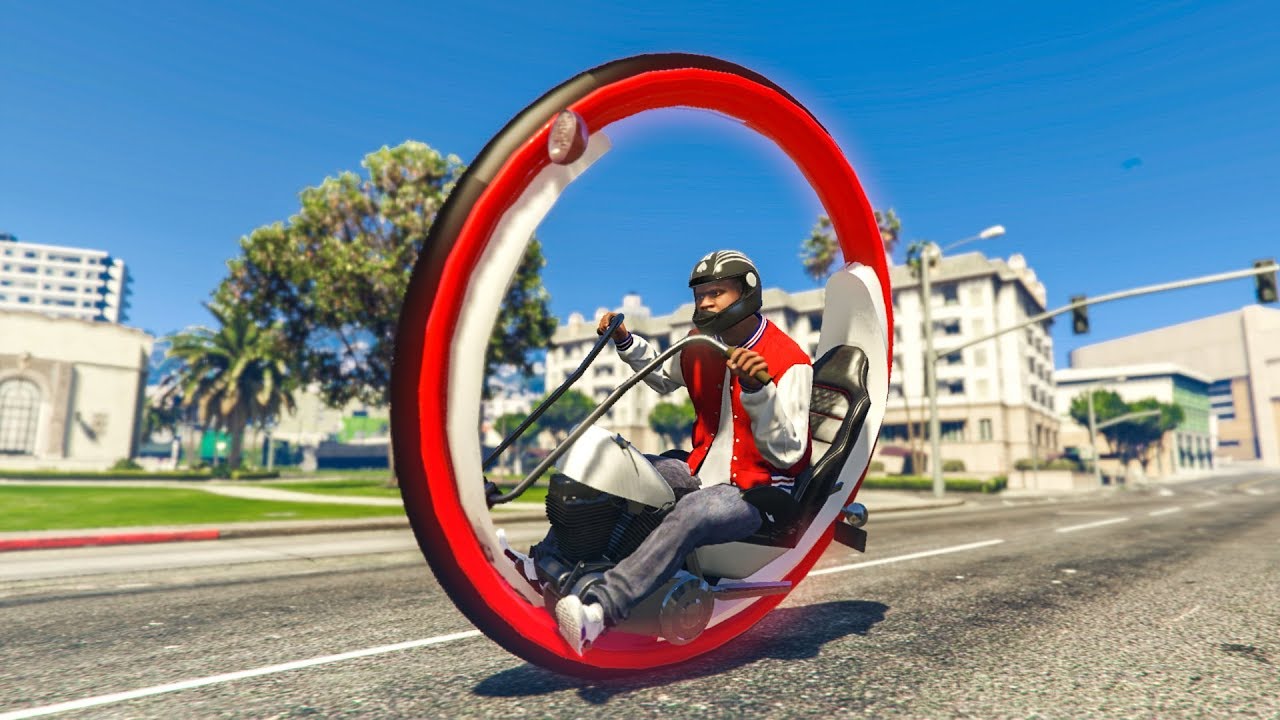
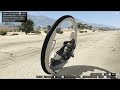
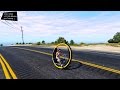
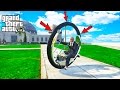
Monowheel converted to Grand Theft Auto V and modified for a better look.
Features
- Monowheel vehicle model
- Add-On and Replace installation options
Installation Instructions
Installation Replace:
1. Open: OpenIV
2. Turn: Edit Mode
3. Navigate to: GTA5\mods\update\x64\dlcpacks\patchday1ng\dlc.rpf\x64\levels\gta5\vehicles.rpf\
4. Replace everything from "Replace by KAFAROS" folder
Installation Add-On:
1. Put the folder from "Add-On by CSQ574" in GTAV Installations Directory/mods/update/dlcpacks
2. Open: OpenIV
3. Turn: Edit Mode
4. Navigate to mods/update/update.rpf/common/data
5. Extract the File "dlclist.xml"
6. Edit this File with a Notepad-Editor
7. Scroll down and add this Line dlcpacks:\monowheel\
8. Replace this "dlclist.xml" with the "dlclist.xml" in the folder
How to spawn the Car:
monowheel
Credits
KAFAROS, CSQ574, and Todd Kumpf (frame)
2.0 >> Added Add-On method
Description
Monowheel converted to Grand Theft Auto V and modified for a better look.
Features
- Monowheel vehicle model
- Add-On and Replace installation options
Installation Instructions
Installation Replace:
1. Open: OpenIV
2. Turn: Edit Mode
3. Navigate to: GTA5\mods\update\x64\dlcpacks\patchday1ng\dlc.rpf\x64\levels\gta5\vehicles.rpf\
4. Replace everything from "Replace by KAFAROS" folder
Installation Add-On:
1. Put the folder from "Add-On by CSQ574" in GTAV Installations Directory/mods/update/dlcpacks
2. Open: OpenIV
3. Turn: Edit Mode
4. Navigate to mods/update/update.rpf/common/data
5. Extract the File "dlclist.xml"
6. Edit this File with a Notepad-Editor
7. Scroll down and add this Line dlcpacks:\monowheel\
8. Replace this "dlclist.xml" with the "dlclist.xml" in the folder
How to spawn the Car:
monowheel
Credits
KAFAROS, CSQ574, and Todd Kumpf (frame)
Videos



Direct Download Links
Version: 2.0Updated: 3 months ago
Total Size: 5.23 MB Monowheel_[KAFAROS_&_CSQ574]_modland.7z direct download · 5.23 MB · added 3 months ago
You Might Also Like »










0 Comments
There are no comments. Be first to comment!