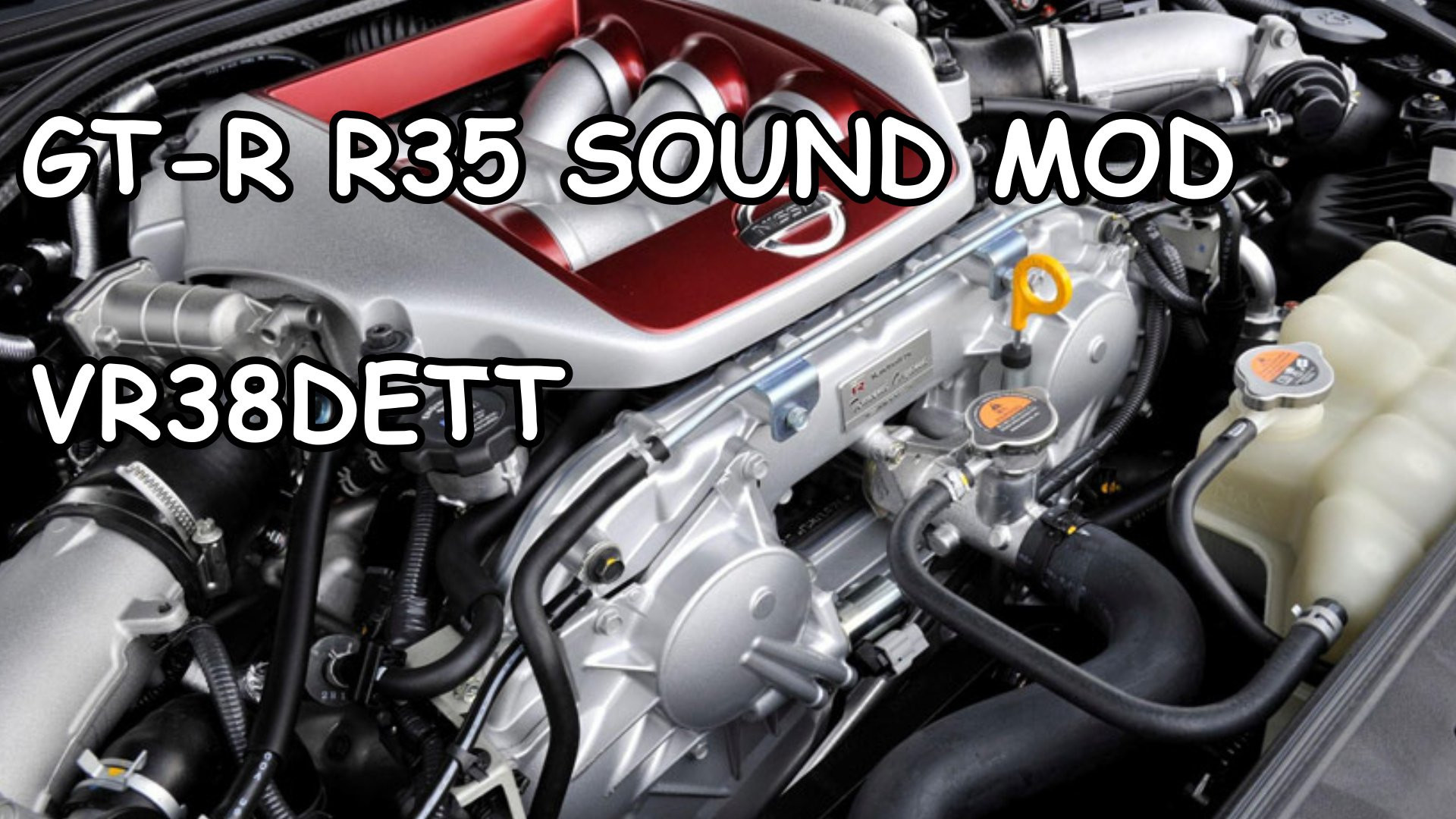
OLD GT-R R35 Sound Mod b0.4

0/5,
0
votes
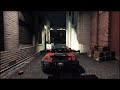
The OLD GT-R R35 Sound Mod is a modification for Grand Theft Auto 5 that alters the default sound effects associated with in-game vehicles. This specific mod changes these sound effects to mirror those of the OLD GT-R R35, a popular high performance car known for its distinct engine sound. The mod is a favorite amongst Nissan enthusiasts, offering a more immersive and authentic driving experience when utilizing any vehicle in the game, by delivering the distinctive throaty growl and roaring acceleration sound that the OLD GT-R R35 is known for. It creates a more realistic atmosphere, significantly enhancing the audio aspects of gameplay for players.
For FiveM this mod is served-sided, players will download this mod when they join a server with this mod in it. This means that all players will be able to hear this sound in-game.
Singleplayer - How to install:
1) Simply just drag the folder into GTA5/mods/update/x64/dlcpacks
2) Then add 'dlcpacks:/r35sound/' to your dlclist in GTA5/mods/update/update.rpf/common/data
3) Then just go into your chosen car file, go into the vehicles.meta and replace the audio hash of the car to 'r35sound' so it looks like:
r35sound
Fivem - How to install:
1) Simply just place the 'r35sound' folder into your server resources folder
2) Then add 'start r35sound' or 'ensure r35sound' to your server config file
3) Then just go into your chosen car file in your server files and replace the audio hash of the car to 'r35sound' so it looks like:
r35sound
Credits:
Azerrty [ Maker ]
Lambofreak [ For making the audio guide, custom sound banks ]
Aquaphobic [ Helping a ton with helping me to understand rels, hashes, etc ]
Rockstar [ For the original wav files ]
Baby Amnesia [ For making me an installation and demo video! ]
For FiveM this mod is served-sided, players will download this mod when they join a server with this mod in it. This means that all players will be able to hear this sound in-game.
Singleplayer - How to install:
1) Simply just drag the folder into GTA5/mods/update/x64/dlcpacks
2) Then add 'dlcpacks:/r35sound/' to your dlclist in GTA5/mods/update/update.rpf/common/data
3) Then just go into your chosen car file, go into the vehicles.meta and replace the audio hash of the car to 'r35sound' so it looks like:
r35sound
Fivem - How to install:
1) Simply just place the 'r35sound' folder into your server resources folder
2) Then add 'start r35sound' or 'ensure r35sound' to your server config file
3) Then just go into your chosen car file in your server files and replace the audio hash of the car to 'r35sound' so it looks like:
r35sound
Credits:
Azerrty [ Maker ]
Lambofreak [ For making the audio guide, custom sound banks ]
Aquaphobic [ Helping a ton with helping me to understand rels, hashes, etc ]
Rockstar [ For the original wav files ]
Baby Amnesia [ For making me an installation and demo video! ]
This mod can be installed by using add-on method.
Videos

Direct Download Links
Version: b0.4Updated: 2 years ago
Total Size: 5.85 MB GTR_R35_Sound_Mod_b04_modland.rar direct download · 5.85 MB · added 2 years ago
You Might Also Like »










0 Comments
There are no comments. Be first to comment!