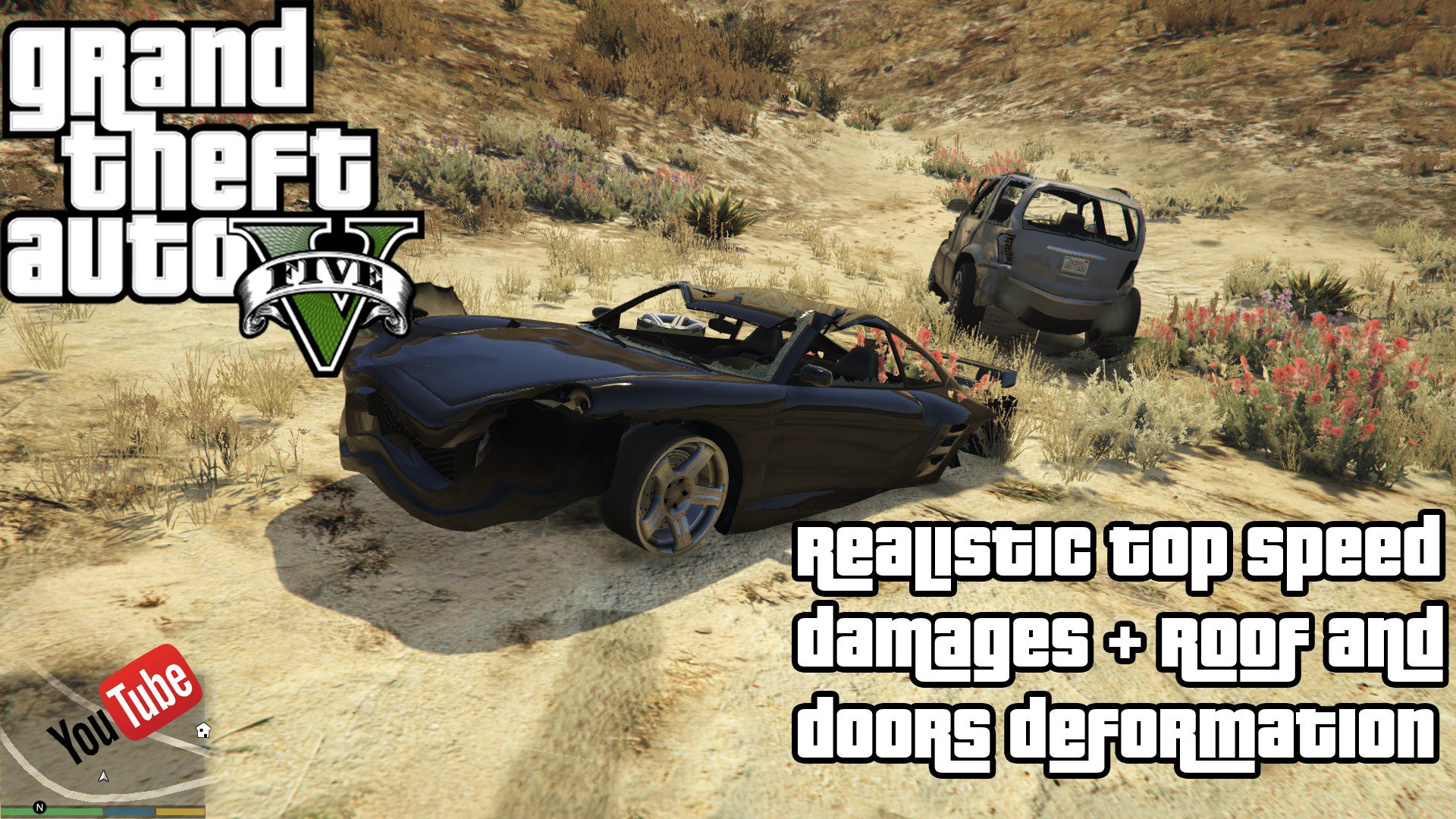
Realistic Top Speed and Damage 1.4

0/5,
0
votes
Installation:
You merely need to drag and drop the files into the correct folder. Use OpenIV to do this.
For roof and door deformation (enb series), just drag and drop the files into the main folder.
*** For anyone having trouble identifying handling places,
here are ALL of them:
update>x64>dlcpacks>mpapartment>dlc.rpf>common>data
update>x64>dlcpacks>mpchristmas2>dlc.rpf>common>data
update>x64>dlcpacks>mpheist>dlc.rpf>common>data
update>x64>dlcpacks>mpexecutive>dlc.rpf>common>data
update>x64>dlcpacks>mpluxe>dlc.rpf>common>data
update>update.rpf>common>data
x64w.rpf>dlcpacks>mpbeach>dlc.rpf>common>data
x64w.rpf>dlcpacks>mpbusiness>dlc.rpf>common>data
x64w.rpf>dlcpacks>mpbusiness2>dlc.rpf>common>data
x64w.rpf>dlcpacks>mphipster>dlc.rpf>common>data
x64w.rpf>dlcpacks>mpindependence>dlc.rpf
Credits:
Tenaglia, brunodrl94 and boris (enb series).
You merely need to drag and drop the files into the correct folder. Use OpenIV to do this.
For roof and door deformation (enb series), just drag and drop the files into the main folder.
*** For anyone having trouble identifying handling places,
here are ALL of them:
update>x64>dlcpacks>mpapartment>dlc.rpf>common>data
update>x64>dlcpacks>mpchristmas2>dlc.rpf>common>data
update>x64>dlcpacks>mpheist>dlc.rpf>common>data
update>x64>dlcpacks>mpexecutive>dlc.rpf>common>data
update>x64>dlcpacks>mpluxe>dlc.rpf>common>data
update>update.rpf>common>data
x64w.rpf>dlcpacks>mpbeach>dlc.rpf>common>data
x64w.rpf>dlcpacks>mpbusiness>dlc.rpf>common>data
x64w.rpf>dlcpacks>mpbusiness2>dlc.rpf>common>data
x64w.rpf>dlcpacks>mphipster>dlc.rpf>common>data
x64w.rpf>dlcpacks>mpindependence>dlc.rpf
Credits:
Tenaglia, brunodrl94 and boris (enb series).
Videos
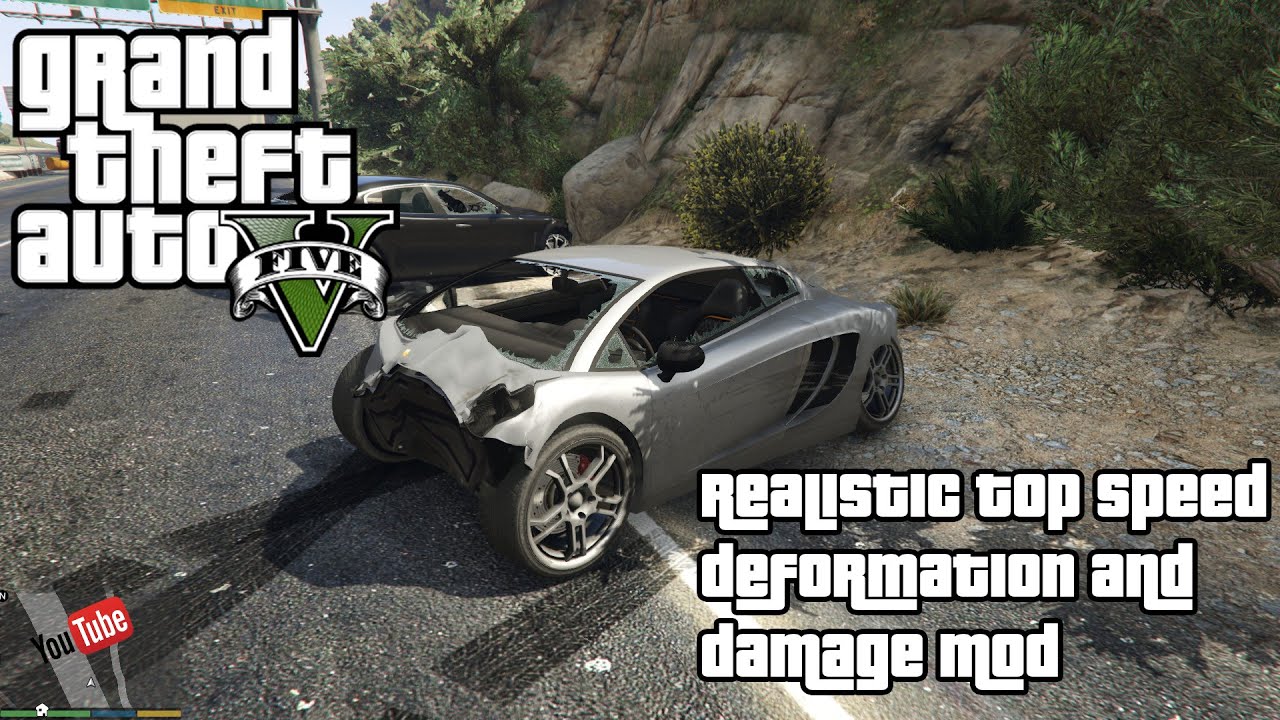


Direct Download Links
Version: 1.4Updated: 1 year ago
Total Size: 1.96 MB Realistic_Top_speed_and_Damage_14_modland.rar direct download · 1.96 MB · added 1 year ago
You Might Also Like »







0 Comments
There are no comments. Be first to comment!