![Timeless and Classics Zero (TaCZ) [Minecraft 1.20.1, 1.19.2, 1.18.2]](https://i2.modland.net/i/669683678b42d/description_0ac47139-8e79-4b76-8a0c-d79bcb9039df_modland.webp)
Timeless and Classics Zero (TaCZ) [Minecraft 1.20.1, 1.19.2, 1.18.2]
![NeoForge Installer [Minecraft 1.21.1, 1.20.6 - 1.20.1]](https://i2.modland.net/i/66c5cbeb7e5ee/neoforge_modland.webp)
![Armor Durability HUD [Minecraft 1.21.4, 1.21.3, 1.21.2, 1.21.1, 1.21]](https://i2.modland.net/i/674bc2c2c404b/190618141923060623_modland.webp)
Armor Durability HUD [Minecraft 1.21.4, 1.21.3, 1.21.2, 1.21.1, 1.21]
![[1.5] THE DROPPER](https://li1.modland.net/minecraft/maps/thumbnail/th_ModLandNet_1.jpg)

![ClickMobs [Minecraft 1.21.4, 1.20.1]](https://temp2.modland.net/i/6786550205213/311111163102111102-lg_modland.jpg)
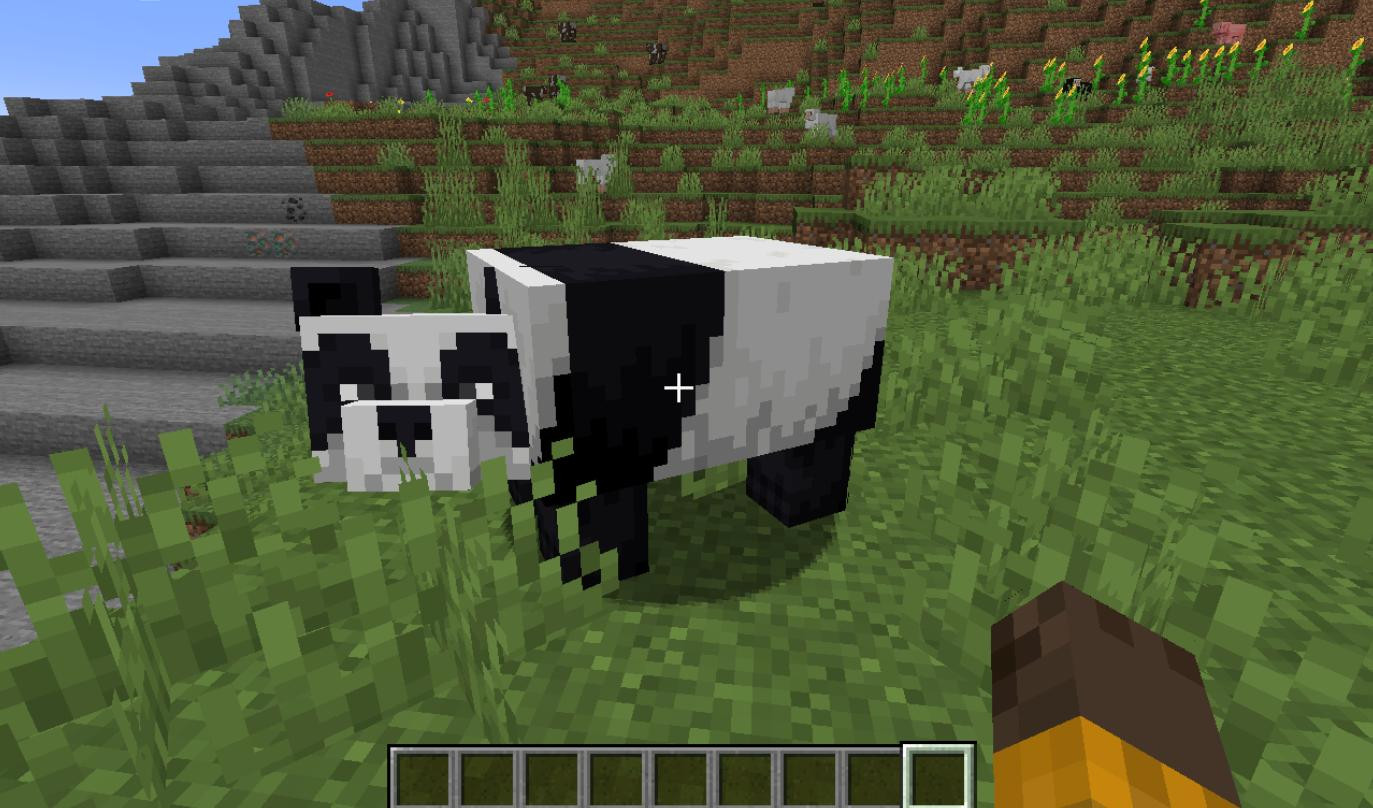
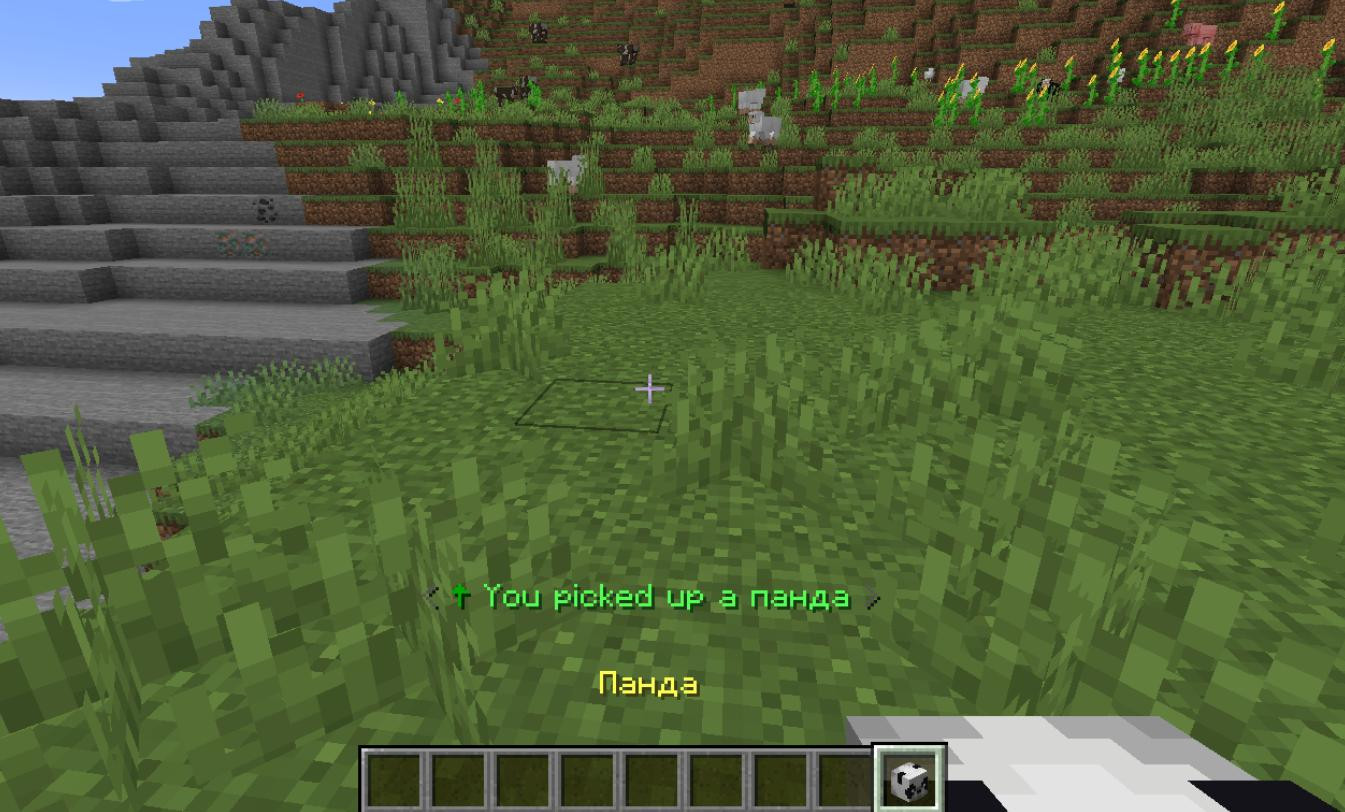
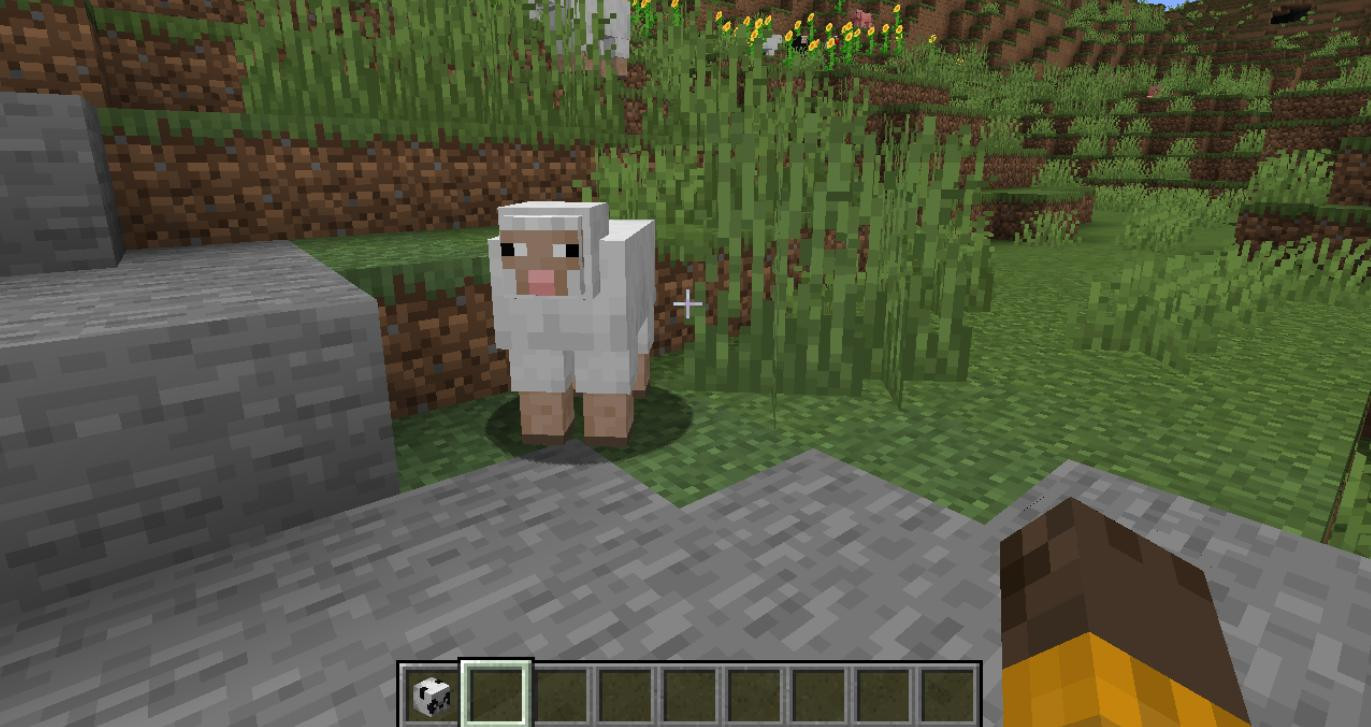
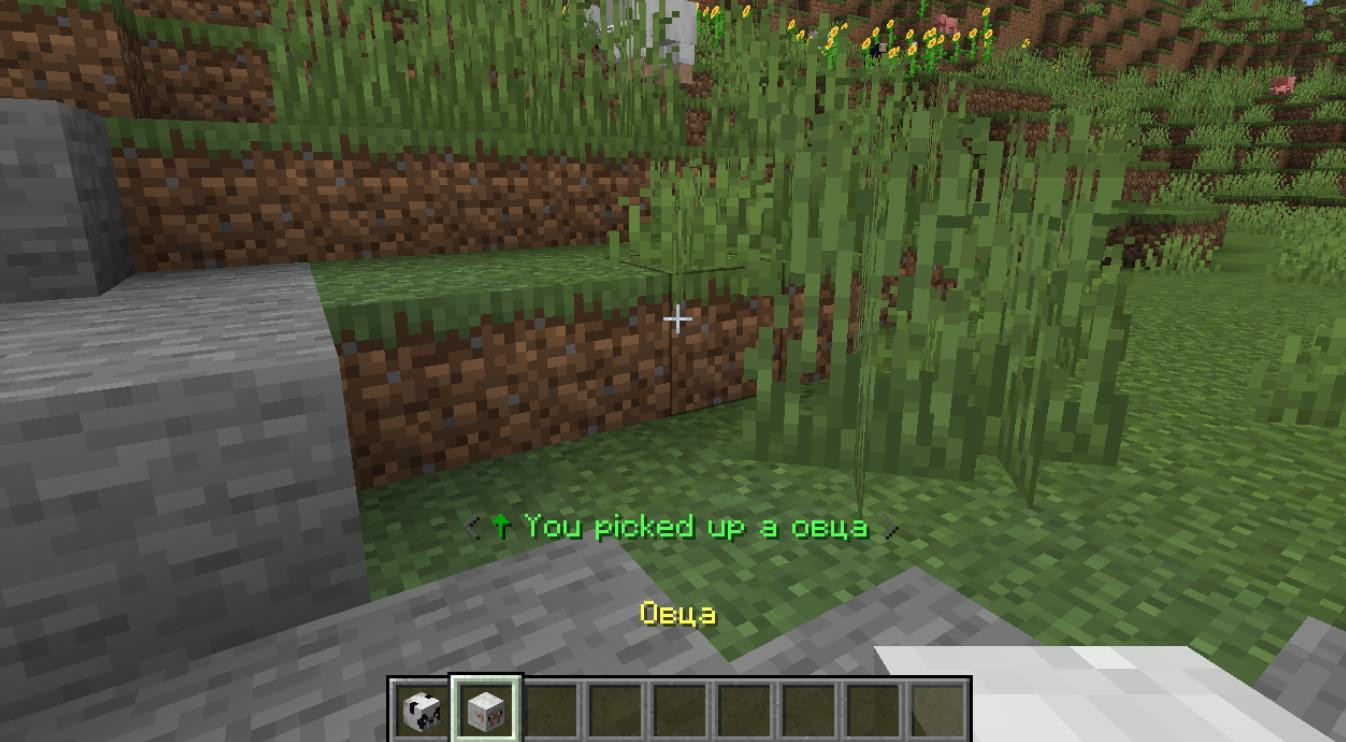
ClickMobs adds new mechanics for interacting with mobs in Minecraft. Mobs can now be moved to your inventory and easily placed anywhere.
How ClickMobs works
The main idea behind the mod is to make the process of moving mobs intuitive and simple. To pick up a mob, just hold down the Shift key and right-click on the mob. After that the mob will disappear and will be added to the inventory. When you decide it's time to bring the mob back into the world, simply set it as a block using its head model.
Ease of Use
ClickMobs makes it easier to interact with mobs. For example, you can carry mobs in your inventory, place them directly into boats, wagons or other objects.
Additional effects
The mod adds visual and sound effects for a more immersive experience. When you pick up a mob or bring it back to the world, sounds and particles appear, making the process more realistic and enjoyable.
Customizability
ClickMobs provides players with many customization options. For example, by default, hostile mobs are not available for carrying, but you can change this in the mod's configuration file. In addition, the mod supports a blacklist and whitelist system, allowing you to customize which mobs can be picked up and which cannot. This is especially useful on multiplayer servers where game balance is important.
Automation and Integration
For players using automation, the mod provides the ability to use dispensers. This means you can release mobs automatically, which is useful for farming or crafting mechanisms. On Paper and Spigot servers (version 1.21+), this feature is especially relevant due to the built-in support.
Compatibility
ClickMobs is fully compatible with the ClickVillagers mod, which extends its functionality. You can use both mods at the same time without fear of conflicts.
Language support
Currently the mod supports two languages: English and German.
Requirements: Fabric
Credits: Clickism
![Timeless and Classics Zero (TaCZ) [Minecraft 1.20.1, 1.19.2, 1.18.2]](https://i2.modland.net/i/669683678b42d/description_0ac47139-8e79-4b76-8a0c-d79bcb9039df_modland.jpg)
![NeoForge Installer [Minecraft 1.21.1, 1.20.6 - 1.20.1]](https://i2.modland.net/i/66c5cbeb7e5ee/neoforge_modland.jpg)
![Armor Durability HUD [Minecraft 1.21.4, 1.21.3, 1.21.2, 1.21.1, 1.21]](https://i2.modland.net/i/674bc2c2c404b/190618141923060623_modland.jpg)
_modland.jpg)
_modland.jpg)