Create mod [Minecraft 1.20.1, 1.19.2, 1.18.2, 1.18.1, 1.16.5] v1.0.5.1j

![NeoForge Installer [Minecraft 1.21.1, 1.20.6 - 1.20.1]](https://i2.modland.net/i/66c5cbeb7e5ee/neoforge_modland.webp)
![Timeless and Classics Zero (TaCZ) [Minecraft 1.20.1, 1.19.2, 1.18.2]](https://i2.modland.net/i/669683678b42d/description_0ac47139-8e79-4b76-8a0c-d79bcb9039df_modland.webp)
Timeless and Classics Zero (TaCZ) [Minecraft 1.20.1, 1.19.2, 1.18.2]
![Armor Durability HUD [Minecraft 1.21.4, 1.21.3, 1.21.2, 1.21.1, 1.21]](https://i2.modland.net/i/674bc2c2c404b/190618141923060623_modland.webp)
Armor Durability HUD [Minecraft 1.21.4, 1.21.3, 1.21.2, 1.21.1, 1.21]
![Create mod [Minecraft 1.20.1, 1.19.2, 1.18.2, 1.18.1, 1.16.5]](https://temp2.modland.net/i/677277f8190e7/291010042952101052-lg_modland.jpg)
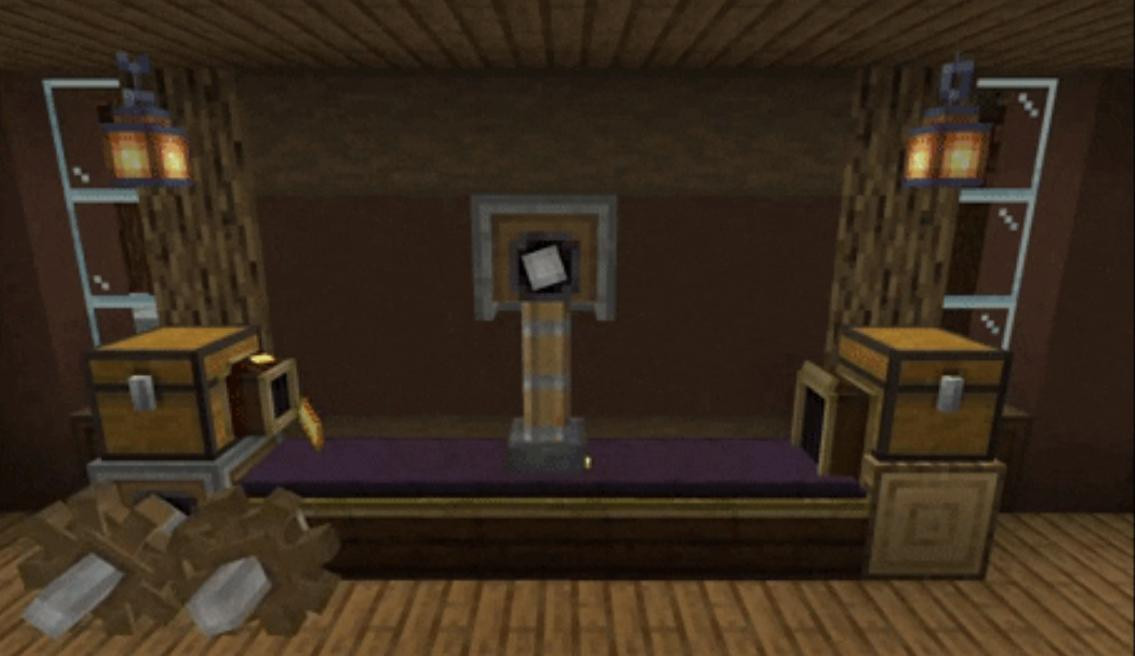
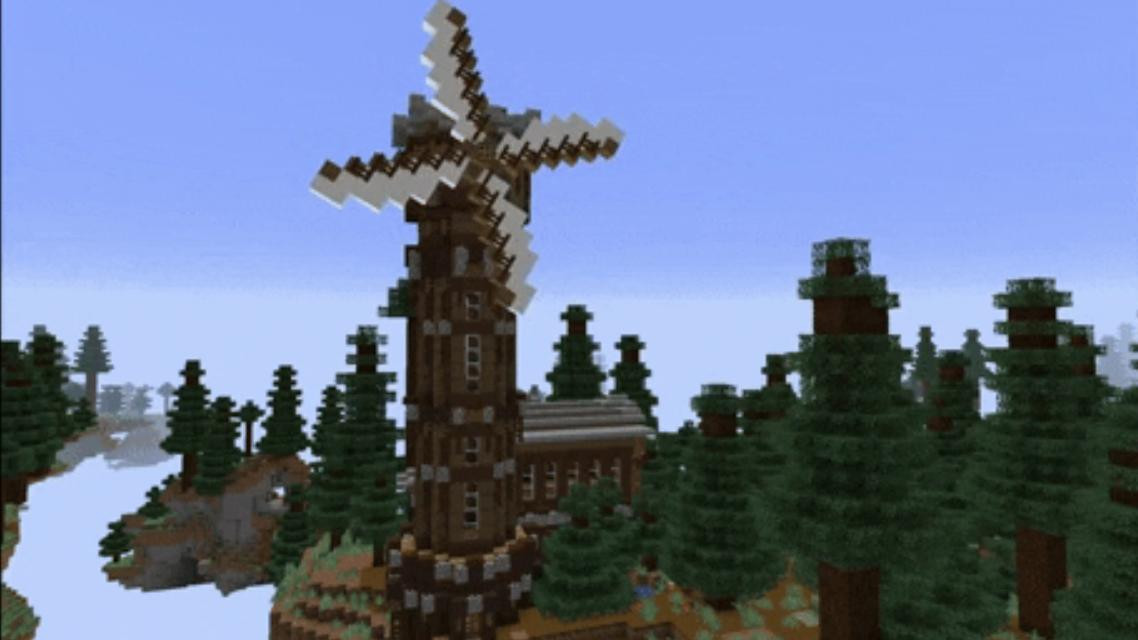
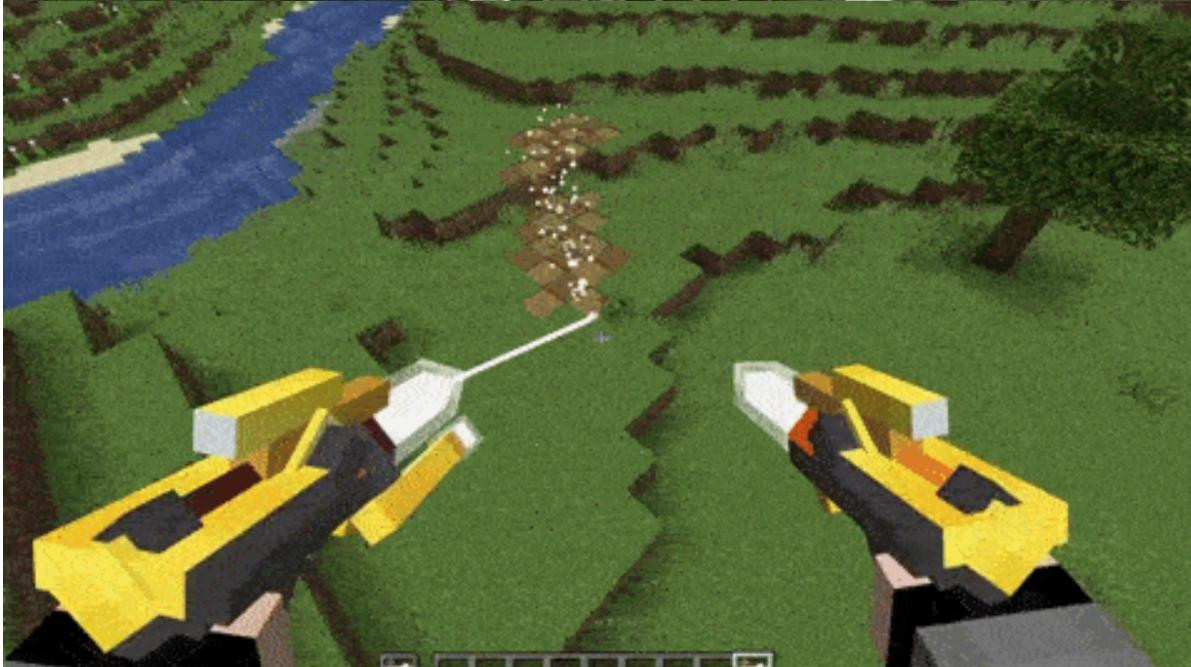
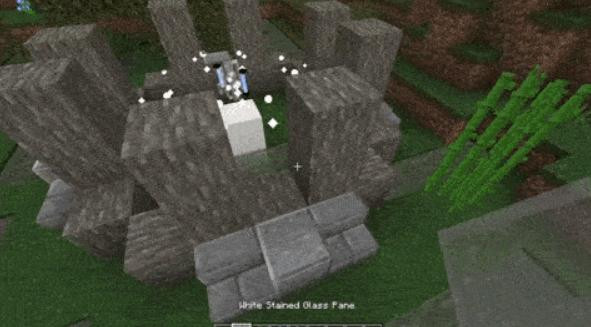
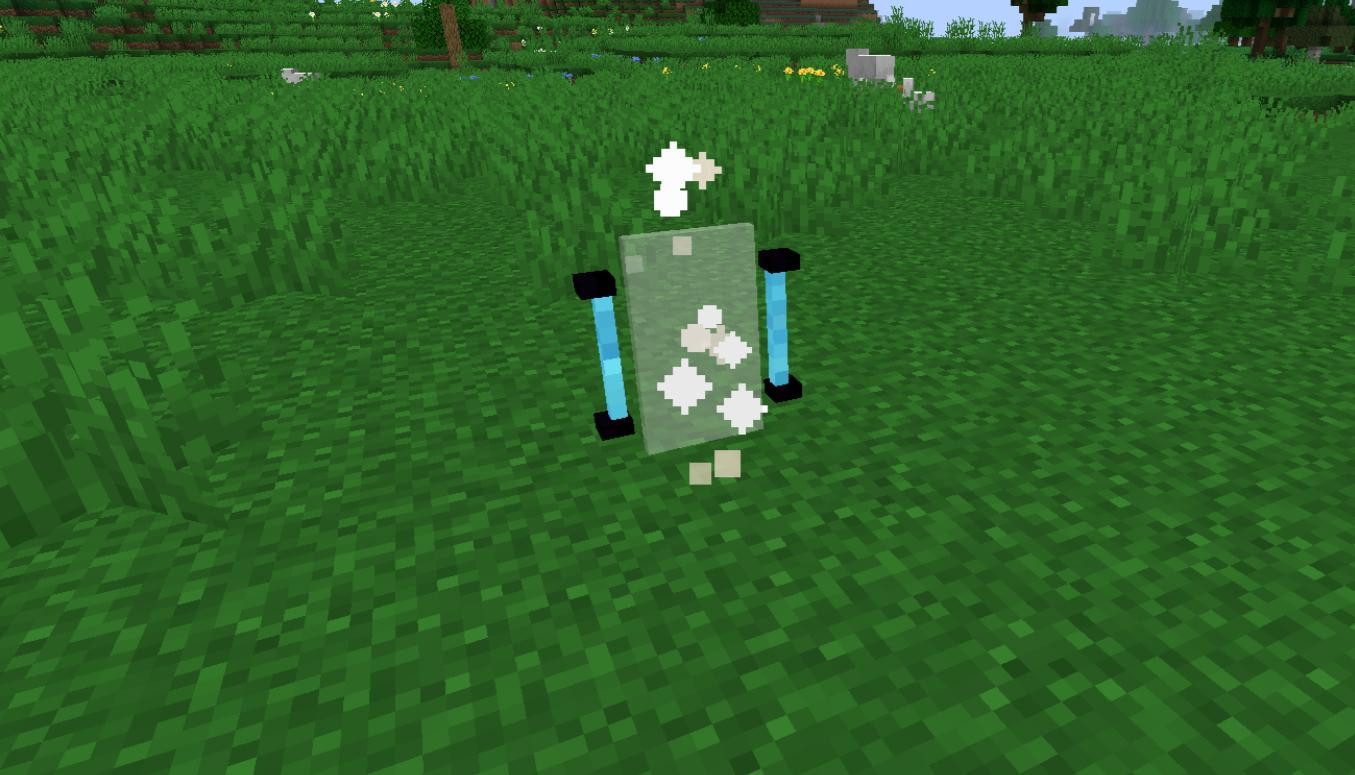
Create is an innovative mod for Minecraft that allows you to create complex mechanisms, automate construction and adds many decorative elements. Unlike many other technical mods, Create does not focus gameplay on user interfaces and standard templates. Its capabilities are much broader - you can create complex mechanisms and systems, create moving and shifting objects and experiment with dynamics in the game.
The basis of the mod is kinetic energy - the energy of motion, it plays a fundamental role in the creation of automated processes. Create allows you to bring the world of Minecraft to life by adding rotating mechanisms, moving platforms, automated factories and even complex decorative elements - gears, shafts and belt drives and the like.
The mod has a huge set of tools and blocks, with which you can build symmetrical buildings, automatically copy buildings, create unusual mechanisms and even design fully autonomous factories. Thanks to the modification, you can create more dynamism in the world of Minecraft, where mills work, gears rotate and platforms move.
Features
As mentioned above, Create adds unique mechanics and features that make it one of the most interesting mods for Minecraft. The main focus is on creativity and freedom of choice. Therefore, the mod has many features and has a truly wide range of possibilities. Let's take a look at some of them.
New energy
Create introduces kinetic energy - movement and rotation become the basis for the operation of most mechanisms. This energy is generated by various sources, such as water or wind wheels, and is used to power gears, shafts and other elements.
Complex mechanisms
The mod offers a huge amount of parts for assembling mechanisms. This allows you to create:
-
Automated farms that harvest crops without your participation.
-
Conveyors for the transportation of items.
-
Presses and millstones for processing resources.
-
Moving platforms and elevators.
Unique blocks
Create adds a large number of decorative and functional blocks, they can be used for both construction and automation. Among them:
- Decorative gears and panels.
- Blocks that change the texture of buildings.
- Enclosures and belt drives.
Interactive learning
For those who encounter technical mods for the first time, Create has a tutorial system called “Ponder”. It allows you to learn the basics of how various elements work, and there is a special menu of visual cues and demonstrations for this purpose.
Automation possibilities
With Create, you can automate almost anything, including resource extraction, farming, item transportation, and construction. You can even create blueprints of buildings so you can reproduce them with special mechanisms.
How to use the Create mod?
If you are new to Create, you may think that the mod is complicated. However, its mechanics are intuitive, and it's easy to master them if you follow the basic steps.
The first thing you'll need is resources to create the basic mechanisms. The mod adds new ores to the game - zinc ore and slate, mined with an iron pickaxe or higher. These materials are used to create basic components such as andesite alloy, which is used for most recipes.
The main source of energy at the beginning of the game will be the water wheel. To create it, you will need a large gear, some wooden slabs, and some water. Set the wheel vertically, fill it with water, and it will start generating kinetic energy.
Once you have a source of energy, you can connect it to various mechanisms using gears and shafts. For example, you can connect a millstone to process resources, or a mechanical press to create plates.
Special attention should be paid to belt transmissions, which allow you to transfer energy over a distance. They are created from dried kelp and are ideal for building complex mechanisms.
Don't forget that the game has a “Ponder” for learning new mechanisms. This built-in tutorial system will clearly show you how to connect and use mod elements.
What is Ponder and how do I use it?
Ponder is a unique learning system built into the Create mod that helps you learn the mechanics of the mod on an intuitive level. With its visual interface and animations, Ponder makes the process of learning blocks and mechanisms understandable even for beginners. This feature allows you to see any item or mechanism from the mod in action, explaining step by step how to use it, connect it and combine it with other items.
How to open Ponder
Ponder can be opened in several ways:
1. Through an item or block in your inventory:
- Take any block or item from the Create mod.
- Hold down the Shift key and right-click on the item in your inventory.
- The Ponder interface will open, showing you how to work with the selected object.
2. Through the interface in the game:
- If you have the JEI mod installed, find the item of interest from Create in its menu.
- Press the W key to open the corresponding instructions.
3. through the game menu:
- In the main game menu, a separate item is available to run Ponder, where you can select any item from the mod and explore how it works.
What you will see in Ponder
Ponder provides visually structured information about blocks and mechanisms:
-
Animations and step-by-step instructions: each function of an item or block is presented as a visual animation.
-
Materials needed list: the interface shows what is required to build or operate an item.
-
Wiring diagrams: visualizes how to properly supply rotational power or connect a block to other mechanisms.
Examples of using Ponder
- Water Wheel:
If you want to learn how a water wheel works, open the Ponder for this block. You will see:
-
How to properly position the wheel.
-
How to direct the flow of water to maximize efficiency.
- Mechanical Press:
Ponder will show:
-
How to connect the press to a power source.
-
How to use a depot or bowl to load materials.
-
What items can be created with the press.
Tips for using Ponder
- Learn before you start: If you are going to use a new mechanism, open it through Ponder to avoid mistakes.
- Creating complex systems: With clear instructions, you can combine blocks and create advanced mechanisms.
- Fixing bugs: If a mechanism doesn't work, Ponder can help you check for proper connections and settings.
If you are a beginner and don't understand how to use the Create mod in Minecraft, this information may be helpful. There are also a huge number of guides on youtube on this modification.
How to install Create for Minecraft?
Installing the Create mod is quite simple and no different from the usual installation of mods in Minecraft. First of all, make sure you have Forge or NeoForge modding platform installed, as the mod only works with them.
2. Download the Create mod for your version of the game from the link below.
3. Move the mod file. If you are using Forge for Minecraft 1.16.5 and above, unzip the mod to the .minecraft\mods folder. For other versions, just copy the file to the same folder without unzipping.
4. Start Minecraft. Make sure the mod is active and start your adventure.
Blueprints and building automation
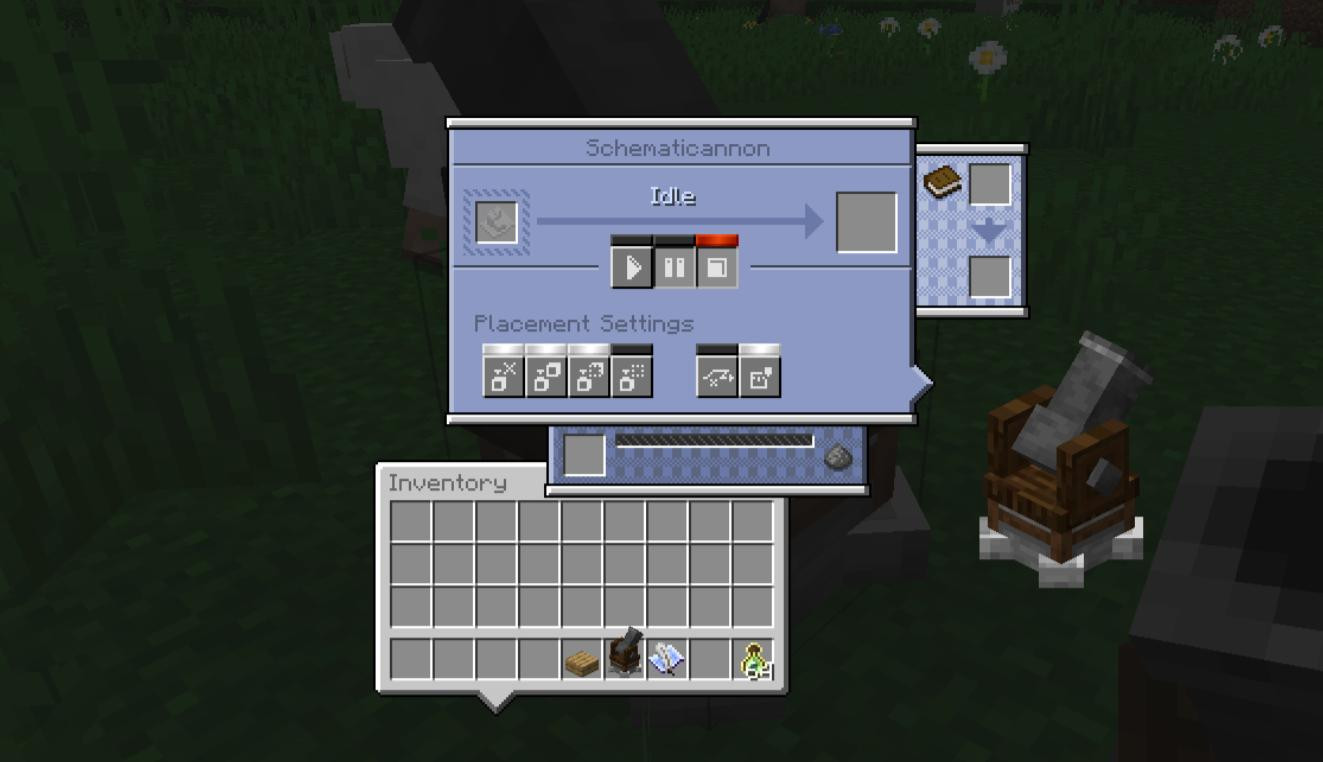
One of the unique features of the mod is the creation of blueprints and automatic construction. To copy a construction, you need to use a special paper and specify two points that limit the area. After saving the drawing, you can create a “schematic” - a virtual model of the building, which you can use to recreate it.
To build, you will need a “building cannon”. It automatically collects resources from chests and builds buildings using the saved blueprints.
Creative possibilities
In addition to automation, Create offers a huge range of decorative elements. You can use enclosures to hide shafts, add decorative gears to your mechanisms, or create unique textures for buildings.
The description turned out to be quite large, but in fact the possibilities of this incredible mod are much more. And to understand how cool it is, you can only install and understand its functions yourself.
Mod Author: simibubi (💲💲Support Creator💲💲)
Help and Feedback: Discord
External Download Links:
- Modsfire.com - for Minecraft 1.20.1 - Forge/NeoForge
- Modsfire.com - for Minecraft 1.19.2 - Forge
- Modsfire.com - for Minecraft 1.18.2 - Forge
- Modsfire.com - for Minecraft 1.18.1 - Forge
- Modsfire.com - for Minecraft 1.16.5 - Forge
- Modsfire.com - for Minecraft 1.16.3 - Forge
- Modsfire.com - for Minecraft 1.15.2 - Forge
- Modsfire.com - for Minecraft 1.14.4 - Forge
Videos

![[1.5] THE DROPPER](https://li1.modland.net/minecraft/maps/thumbnail/th_ModLandNet_1.jpg)

_modland.webp)

![Mod Menu [Minecraft 1.21.1 - 1.14]](https://i2.modland.net/i/670844d8dfaa0/220113162237010137 (1)_modland.webp)