10 Useful Console Commands in Minecraft
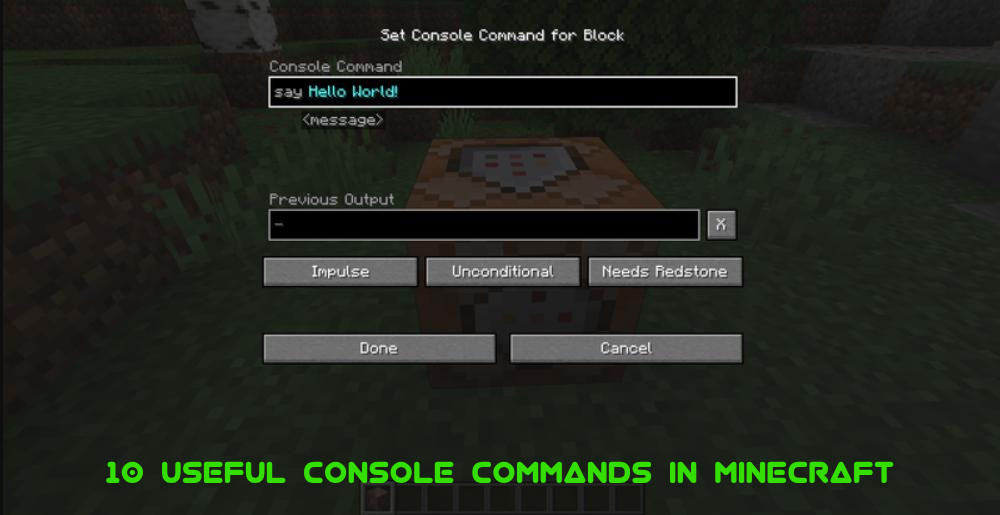
When you start Minecraft, you are greeted by a seemingly simple world of blocks. But behind this minimalistic facade hides a powerful engine with a flexible command system, thanks to which you can completely change game mechanics, control time and weather, create resources, summon mobs, set your own rules and even program entire scenarios of behavior. In short - console commands give huge opportunities for creativity.
Cheats and commands in Minecraft - is not only a way to simplify the gameplay, but also the opportunity to experiment, learn, create unique worlds, organize events, administer servers and write your own game scenarios. And access to these tools are open to both beginners and experienced players, regardless of the platform on which you play in Minecraft.
How to use console commands in Minecraft?
To use the commands, you need to activate the cheats when creating the world or enable them later. In Java Edition, cheats can be temporarily enabled through the “Open for LAN” menu, and in Bedrock Edition - at any time through the world settings.
Commands are entered via the chat window, which is opened by pressing the T or / (slash) key. The slash is automatically substituted as a command prefix and does not need to be entered manually. Use the up and down keys (↑ and ↓) to scroll through previously entered commands.
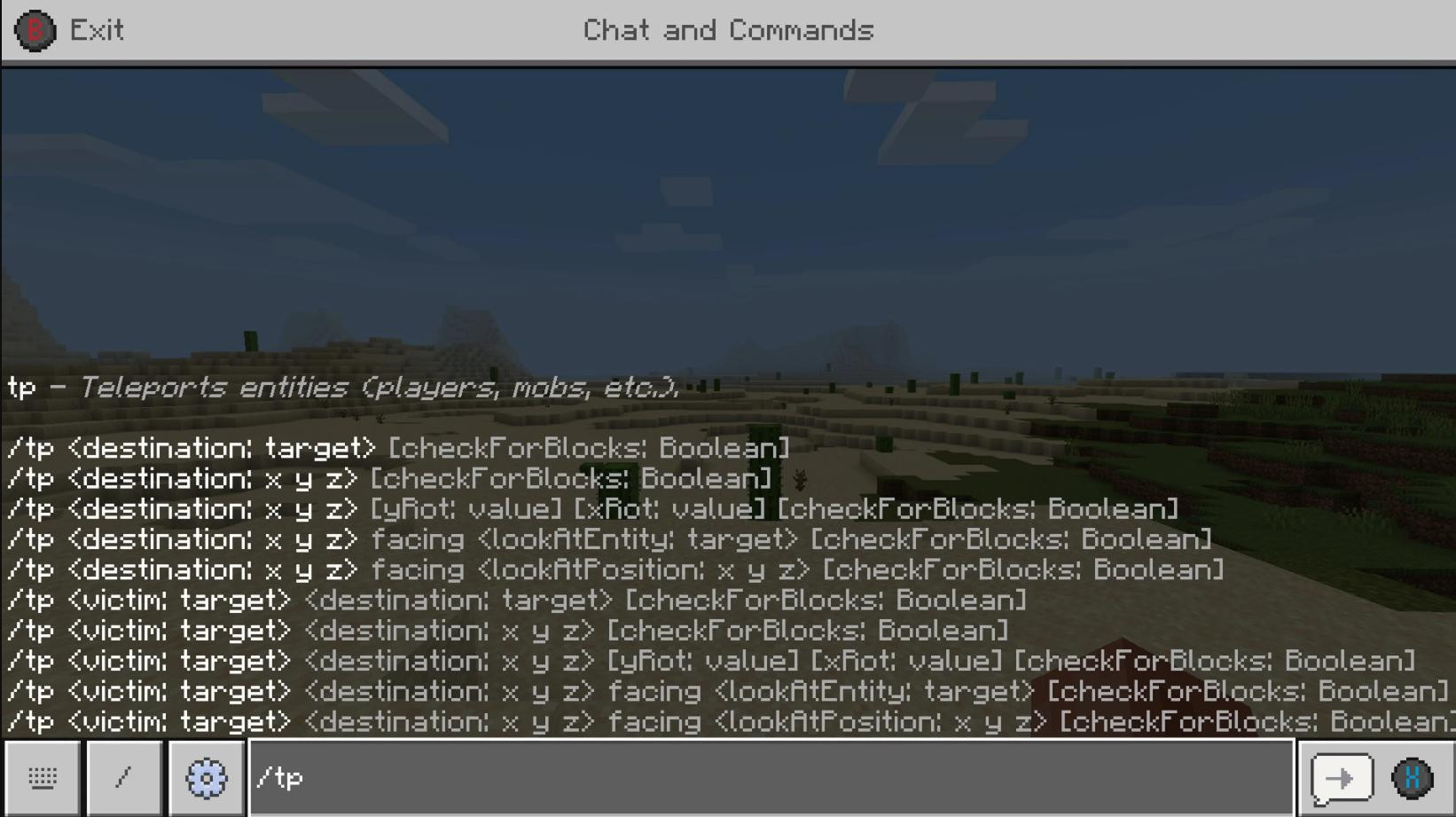
While typing, Minecraft prompts you for possible arguments - they appear above the input line. In addition, the Tab key allows you to automatically append commands or arguments.
Commands can be applied not only manually: they can also be run through command blocks, in the server console, by NPCs (in Bedrock Edition), or by JSON buttons in the interface (in Java Edition). But executing most commands requires a certain level of permissions - most often, the player must be a server operator or play in single player mode with cheats enabled.
Now that you've gotten some information about using console commands, let's take a look at ten of the most useful ones that will be useful for both beginners and experienced players.
1. /gamemode
The /gamemode command allows you to instantly change the game mode. It allows you to switch between survival, creative, adventure or observation modes. This is especially useful if you need to quickly switch from building to exploring or testing the game world. The command is also indispensable for server administrators and map creators.
2. /tp
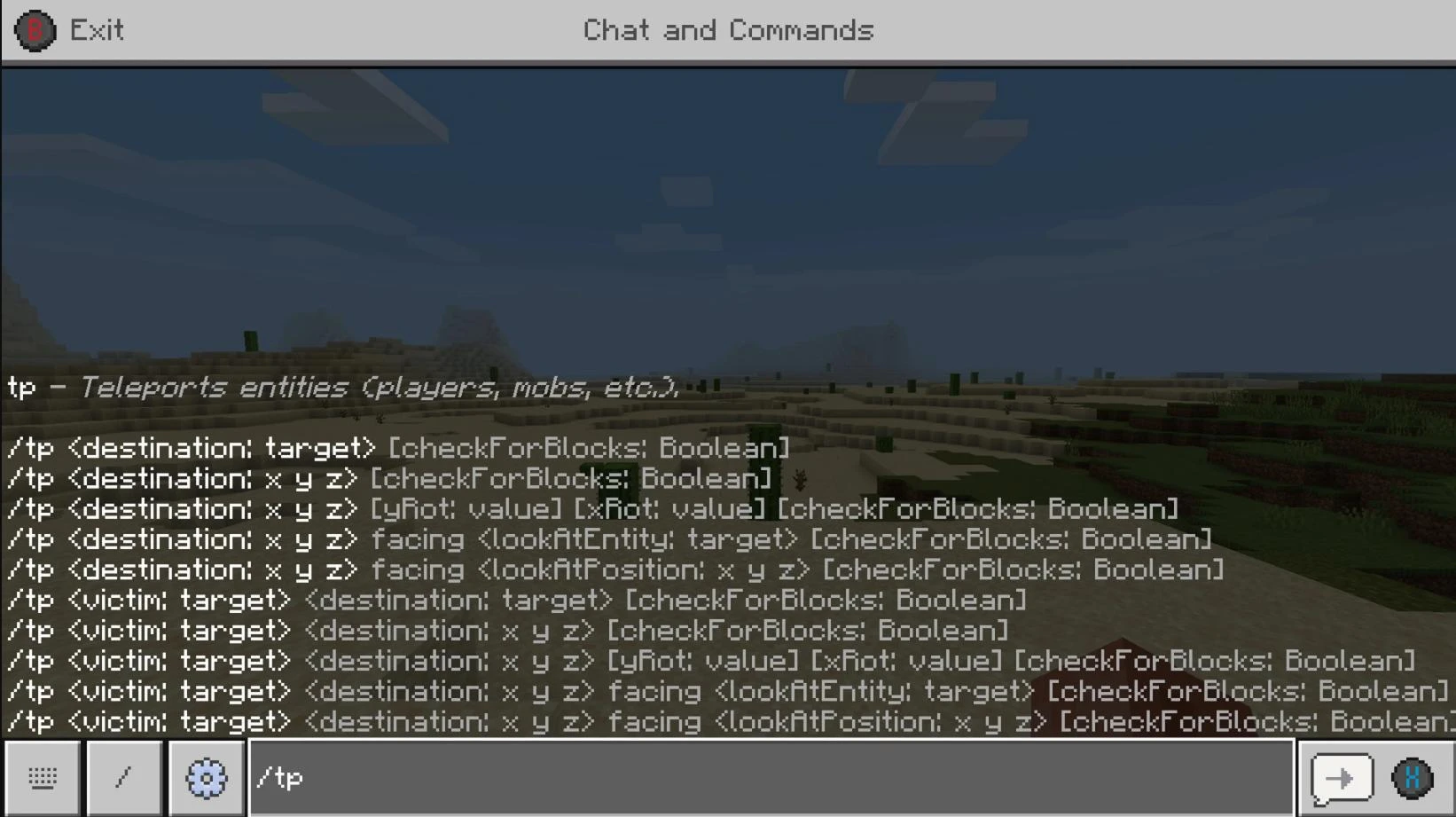
The /tp teleportation command allows you to instantly move yourself or other players to specific coordinates or to each other. Its use saves a lot of time, especially when traveling long distances, and it also allows you to quickly get to the desired location, even if it is in another dimension.
3. /give
With the /give command, a player can give himself or another player an item of any type - from simple blocks to rare artifacts. This is a great way to instantly get a tool, material or decorative item when building or in testing mode.
4. /weather
The /weather command allows you to fully control the weather conditions in the game. You can enable clear weather, cause rain or even thunderstorms. This is not only aesthetically important, but also affects gameplay, because bad weather can interfere with the view or cause the appearance of certain mobs.
5. /time
With the /time command you can set a specific time of day - for example, dawn, noon or night. If you are making videos, testing maps, it will be very useful. You can also stop or speed up the flow of time with additional parameters.
6. /effect
The /effect command allows you to put various effects on a player or a creature, both positive (speed, regeneration) and negative (blindness, poisoning). It is the perfect tool for creating trials, running events or just for fun experiments.
7. /spawnpoint
Thanks to the /spawnpoint command you can set a new revival point for yourself or other players. If you want to set a starting position on the server, or if you are creating a custom map with a specific start, its use will simplify your work.
8. /kill
The /kill command instantly destroys the selected entity or everyone within the command's range. It is often used to quickly clear an area of mobs, remove stuck objects, or even to restart a character without leaving the world.
9. /gamerule
The /gamerule command controls important game parameters. You can, for example, turn on saving items after death, disable the cycle of day and night or prohibit the destruction of blocks by mobs.
10. /locate
With the /locate command the player can find out the coordinates of the nearest structures - such as villages, temples, fortresses, biomes and other interesting places. This is especially valuable for survival, when you need to quickly find important resources or rare locations.
There are a lot of such commands in Minecraft. But to deal with them all in one article does not make sense, because it will get too big. We will leave other commands for the next guides.
Added by


![NeoForge Installer [Minecraft 1.21.1, 1.20.6 - 1.20.1]](https://i2.modland.net/i/66c5cbeb7e5ee/neoforge_modland.jpg)
![Timeless and Classics Zero (TaCZ) [Minecraft 1.20.1, 1.19.2, 1.18.2]](https://i2.modland.net/i/669683678b42d/description_0ac47139-8e79-4b76-8a0c-d79bcb9039df_modland.jpg)

![Armor Durability HUD [Minecraft 1.21.4, 1.21.3, 1.21.2, 1.21.1, 1.21]](https://i2.modland.net/i/674bc2c2c404b/190618141923060623_modland.jpg)
![[1.5] THE DROPPER](https://li1.modland.net/minecraft/maps/thumbnail/th_ModLandNet_1.jpg)

_modland.jpg)
_modland.jpg)