How to Create a Super Flat World in Minecraft Bedrock and Java
-lg_modland.jpg)
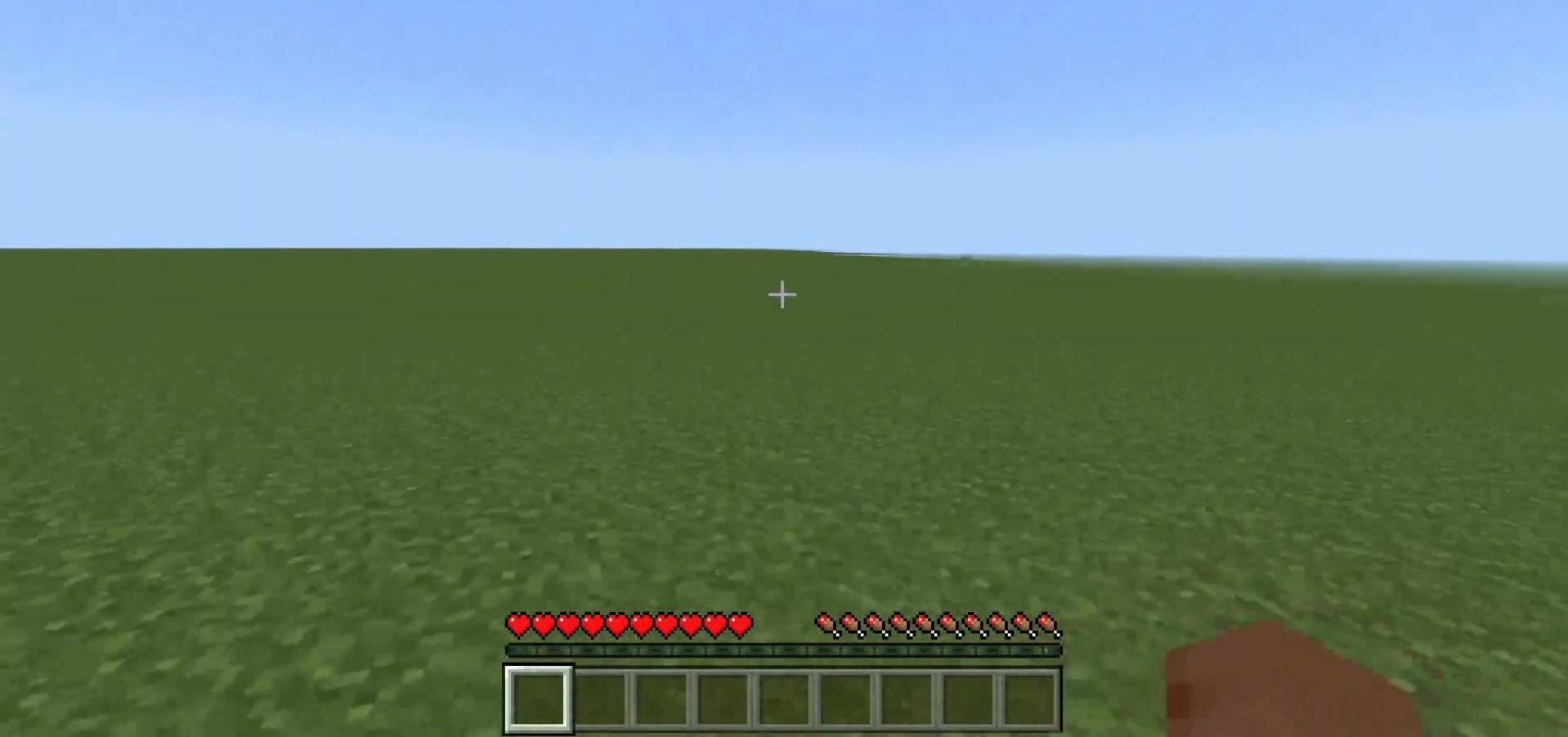
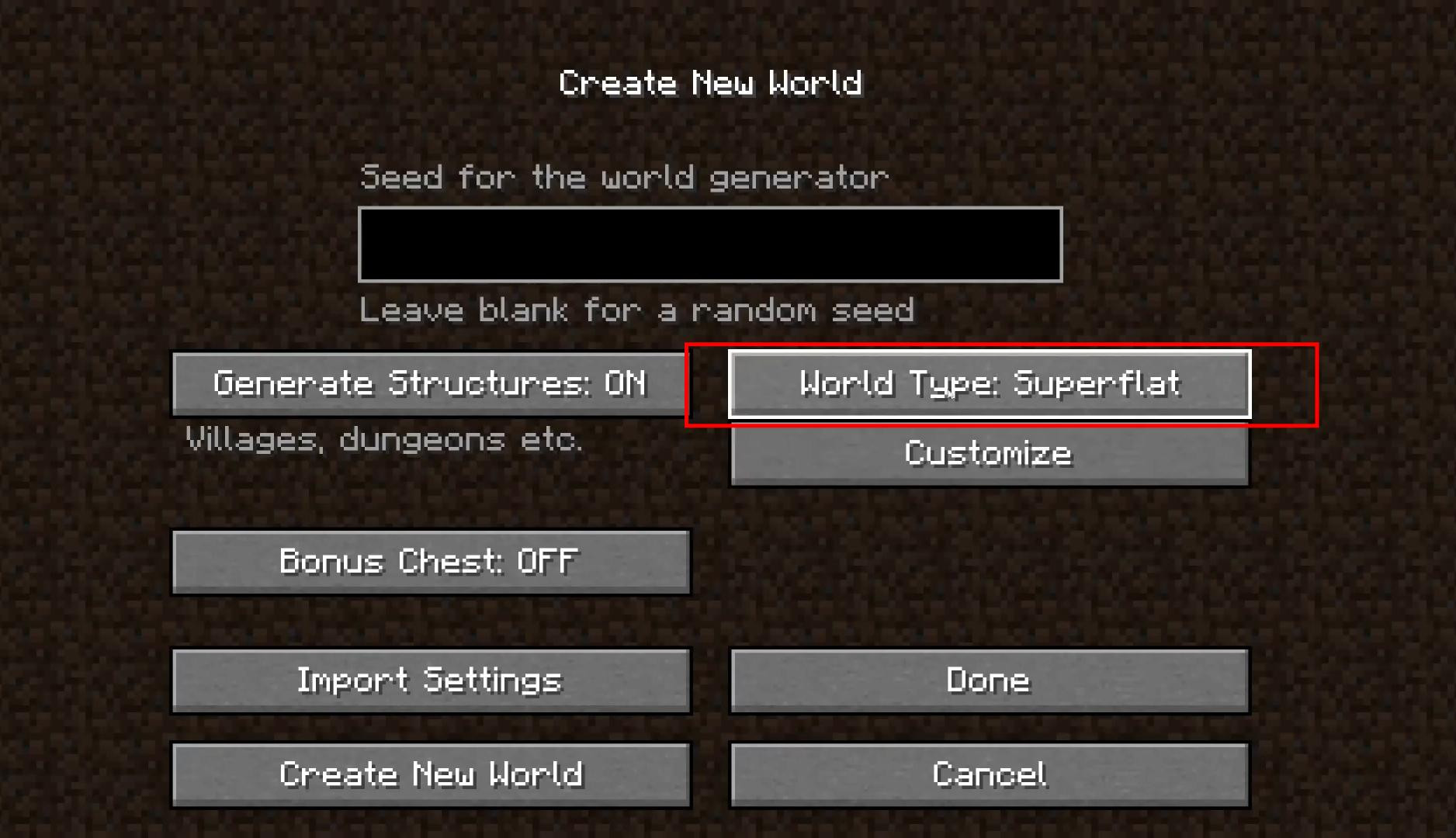
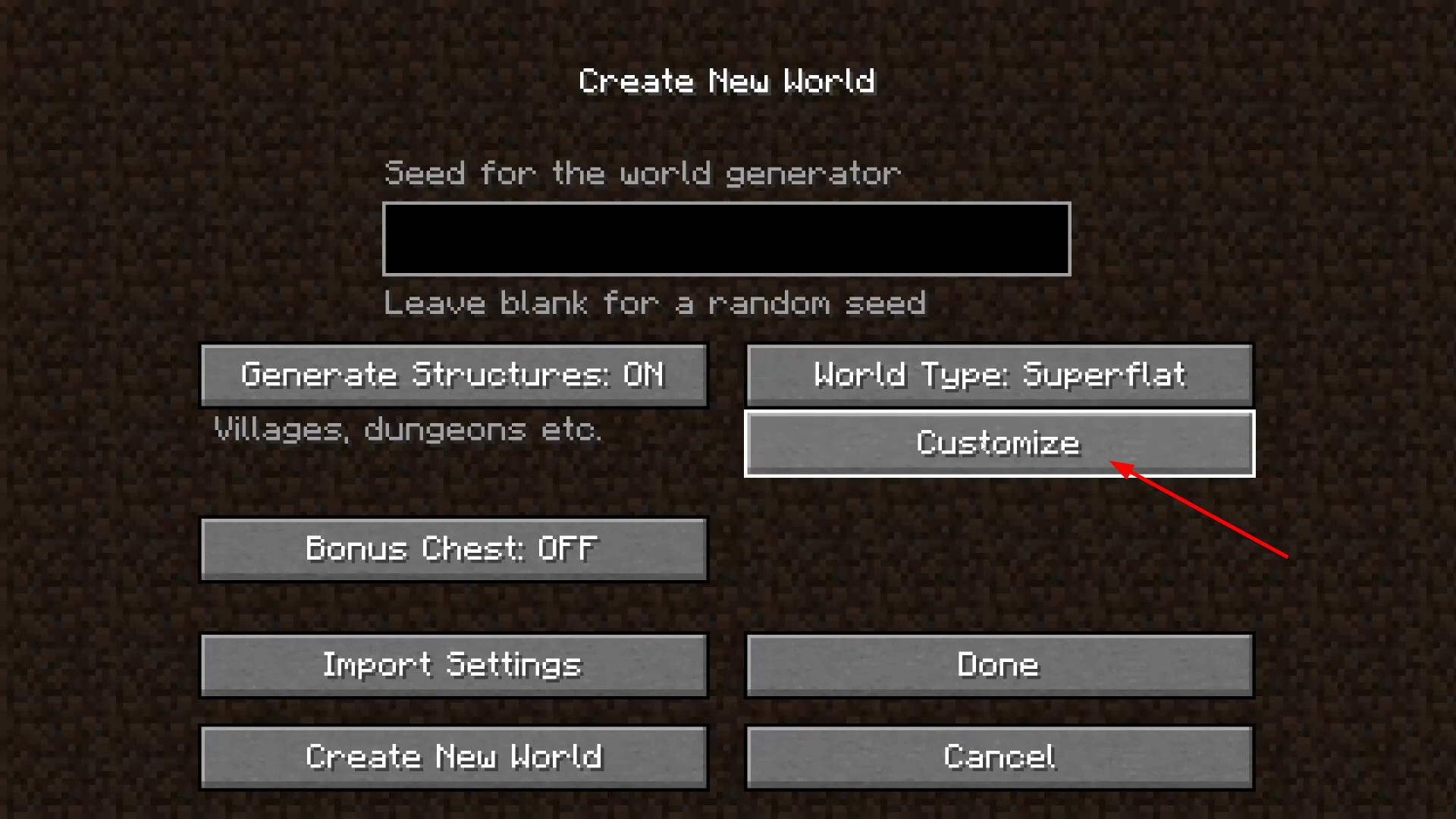
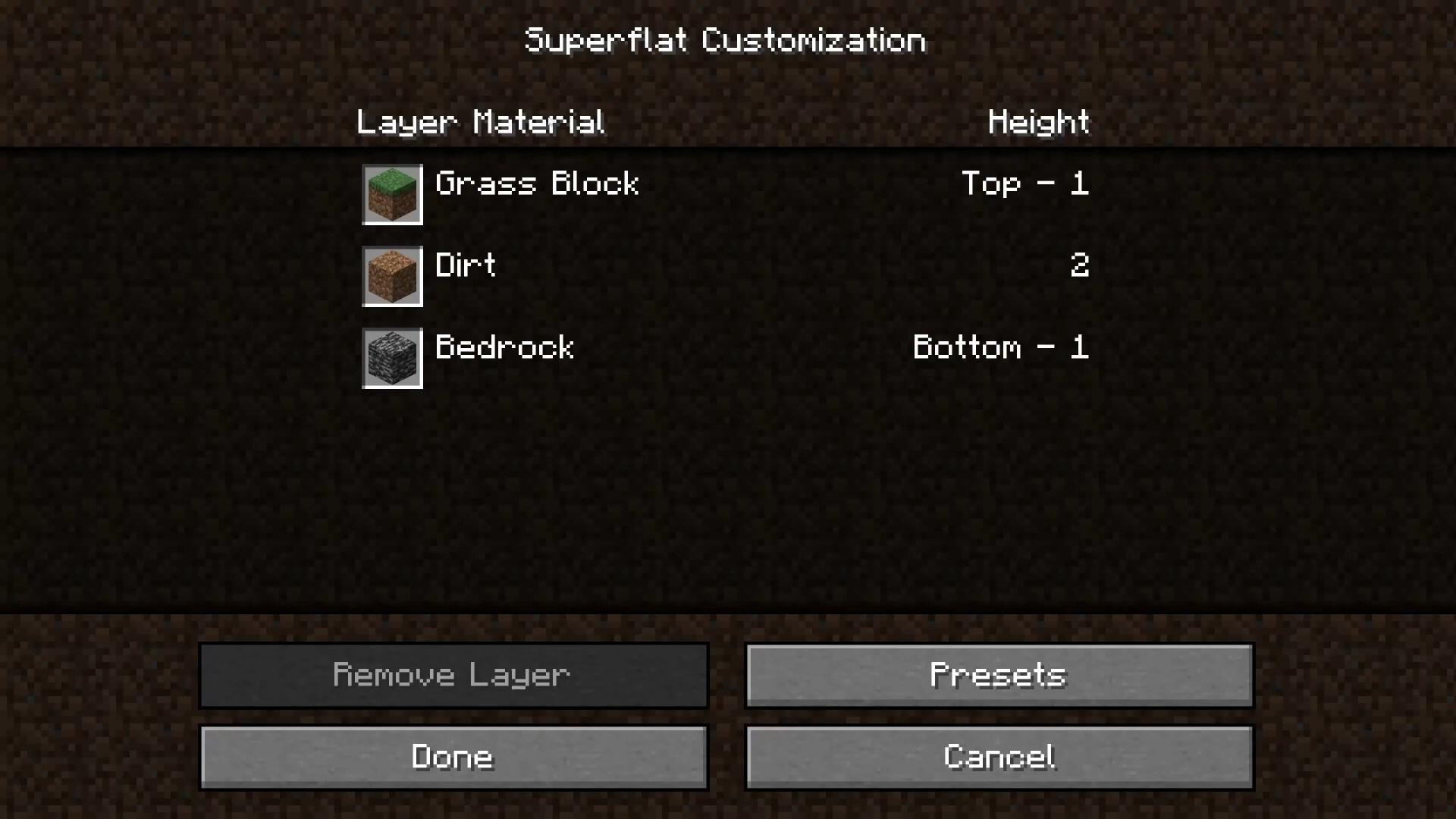
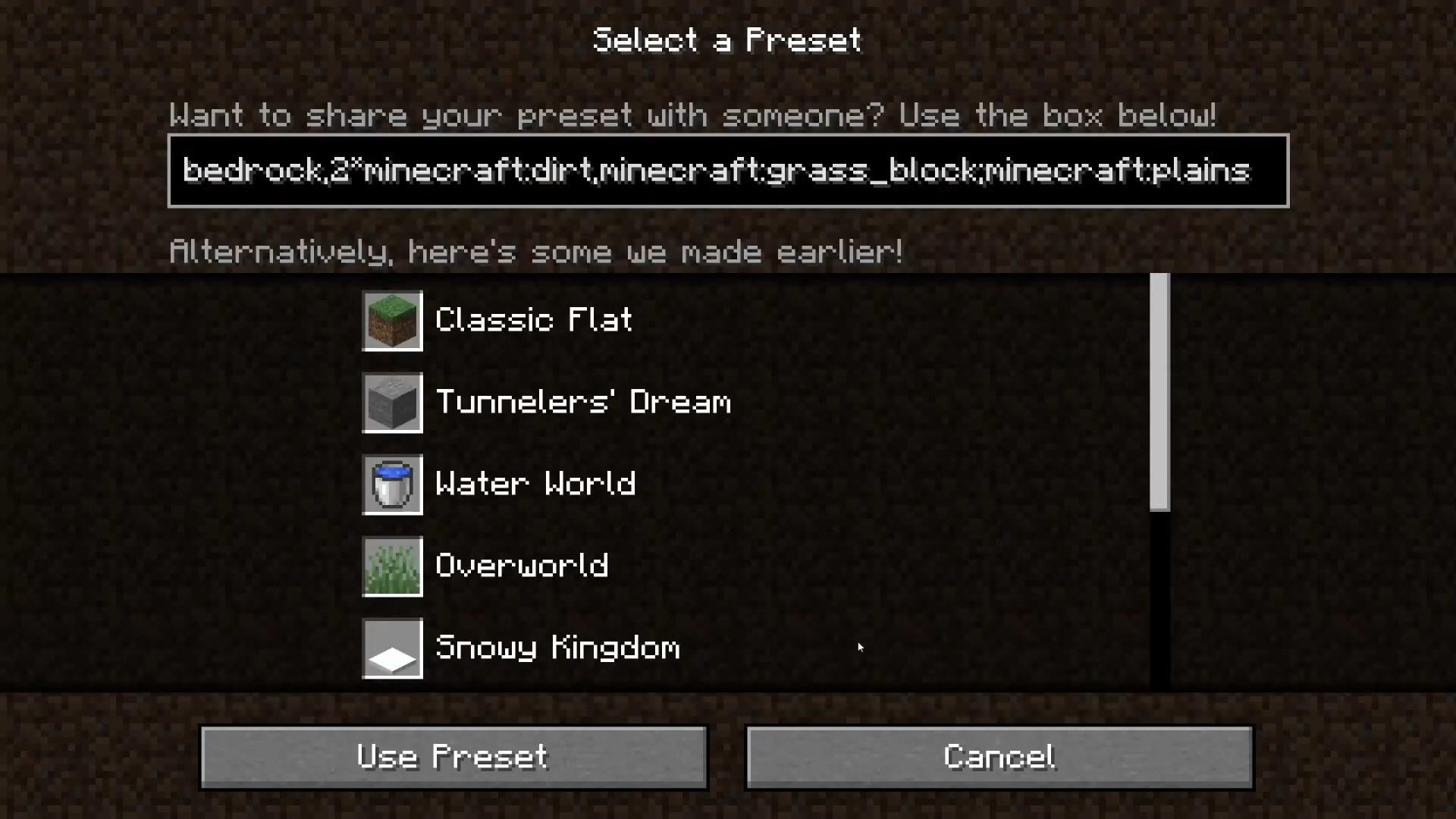
Want a completely flat map without trees, mountains, hills, or other obstacles? Great—you're on the right track. Here's how to make a super flat world in Minecraft so that building and experimenting is even easier and more convenient.
Creating a super flat world in Minecraft Bedrock
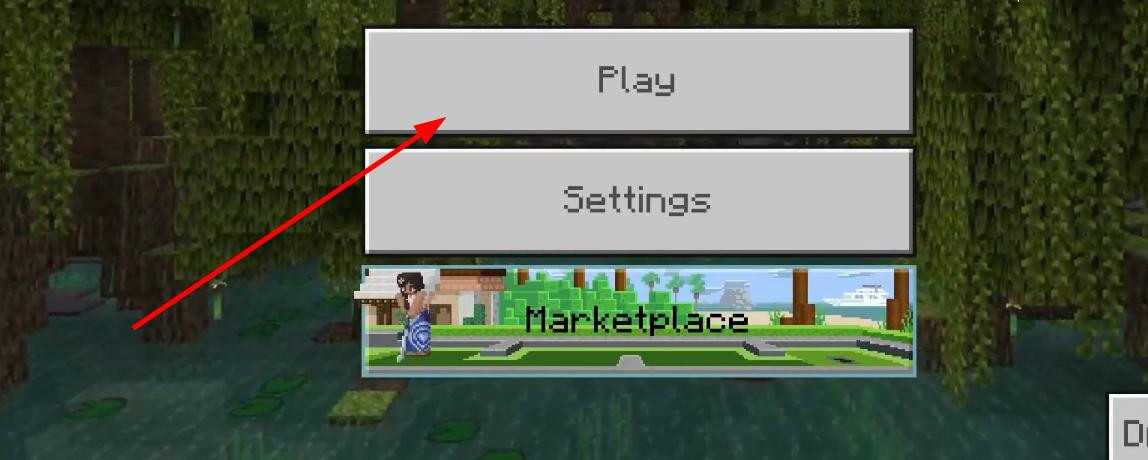
First, launch the game and click the “Play” button.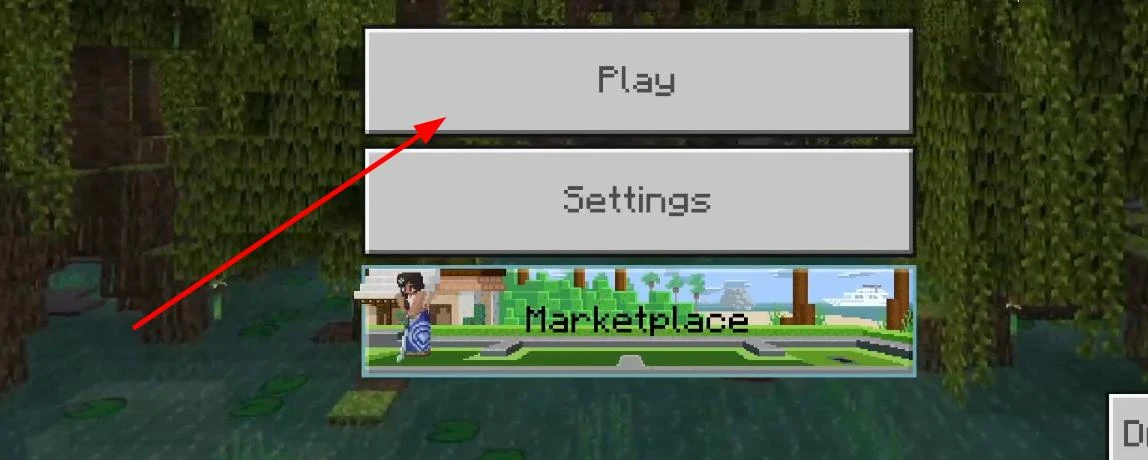
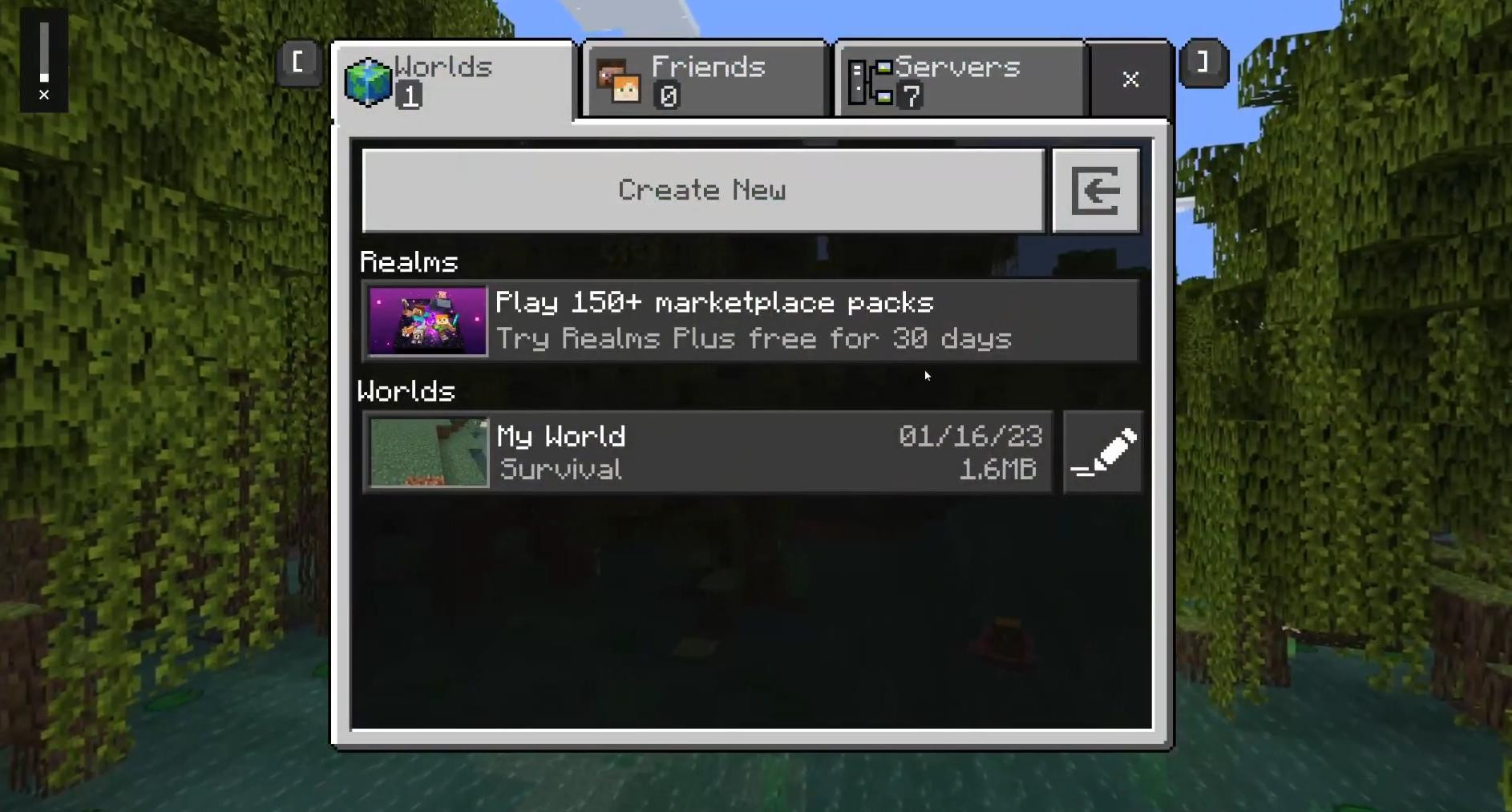
On the next screen, click “Create New World” again, and the settings menu will open.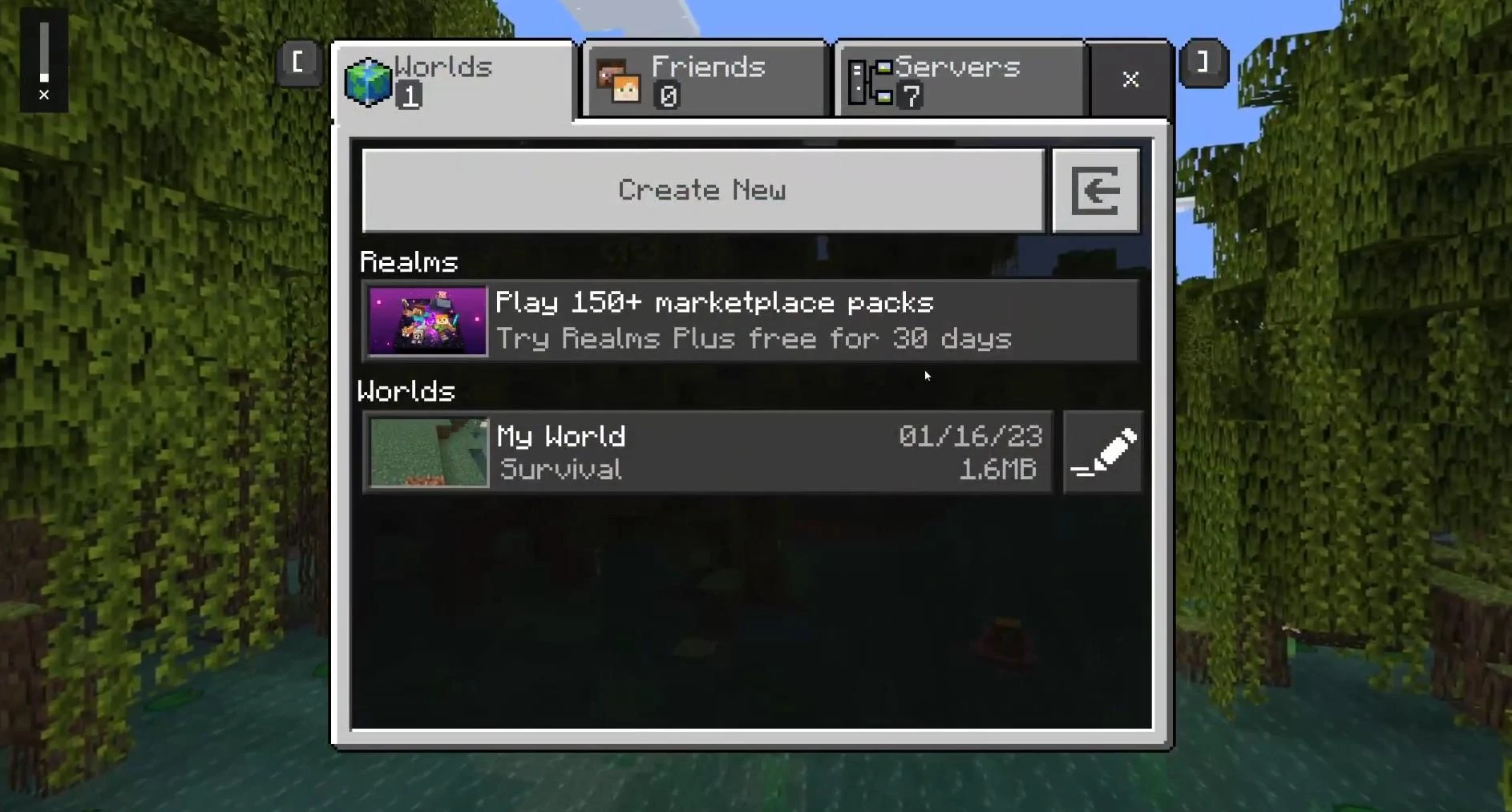
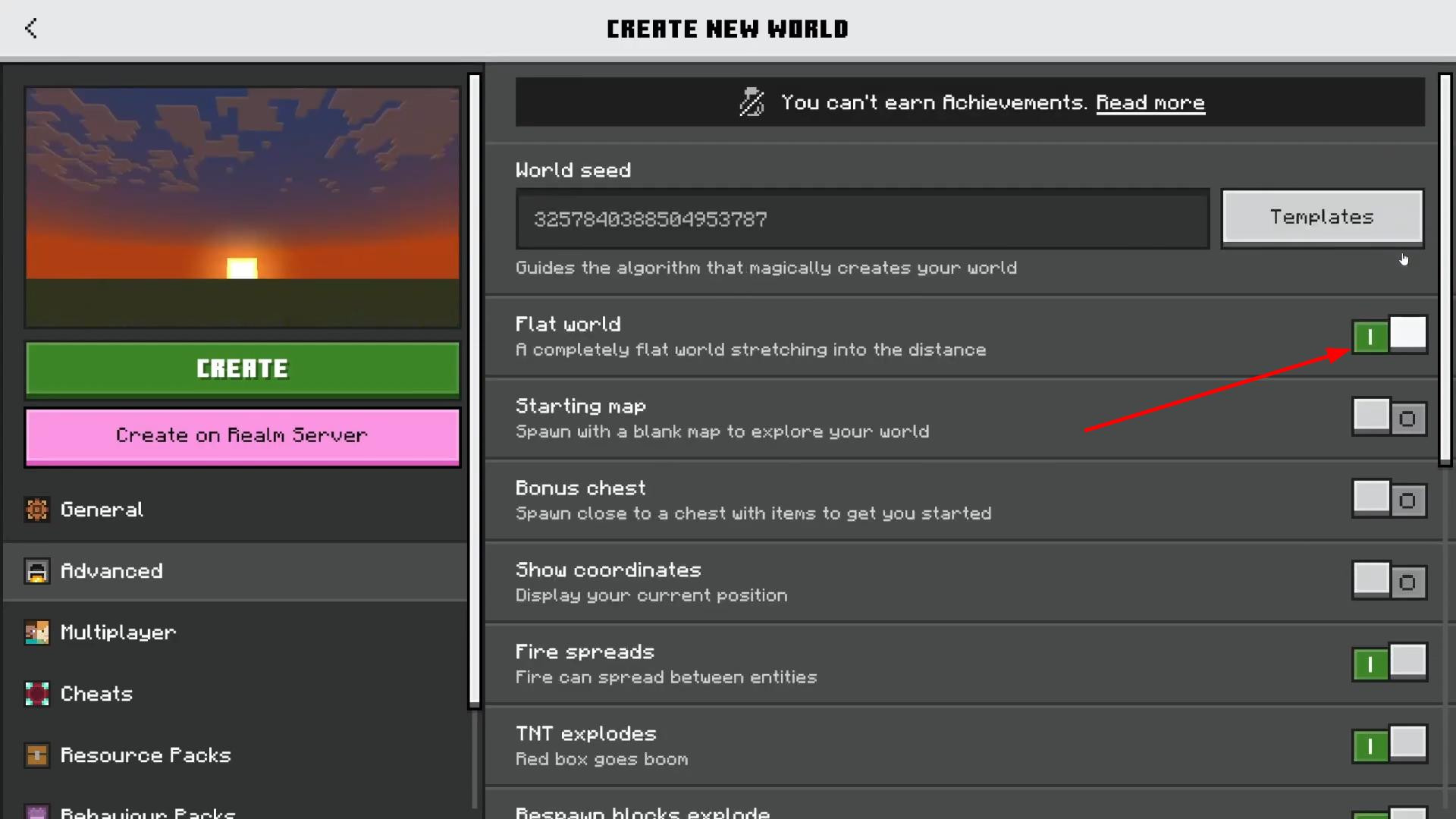
Now let's move on to the most important part. Find the “World Type” section — it can be either in the main tab or in the “Advanced” section, depending on your device. Once you find it, click on it and select “Flat”.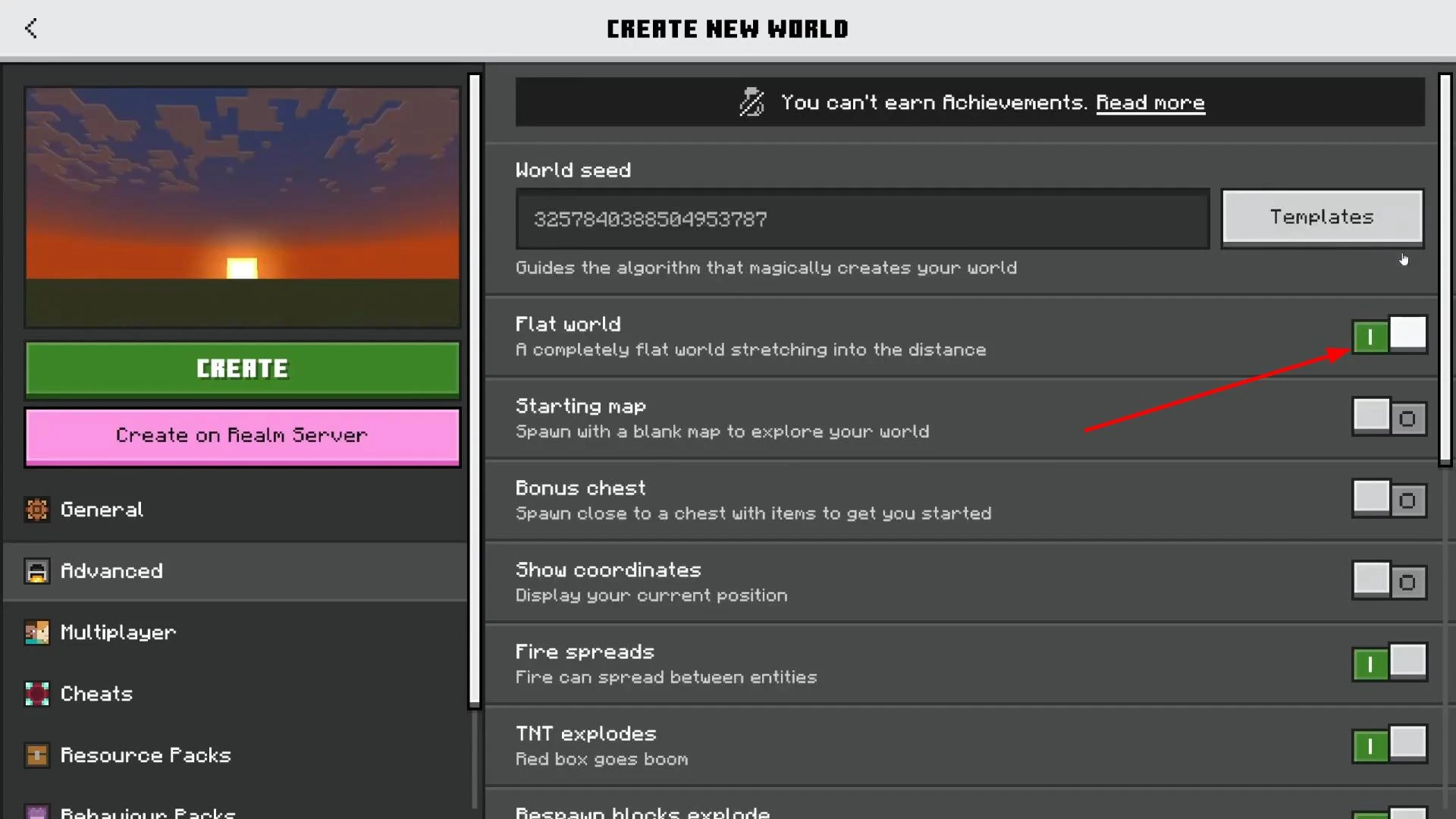
This will disable the generation of natural objects such as trees, hills, and mountains, and create a completely flat surface — ideal for construction.
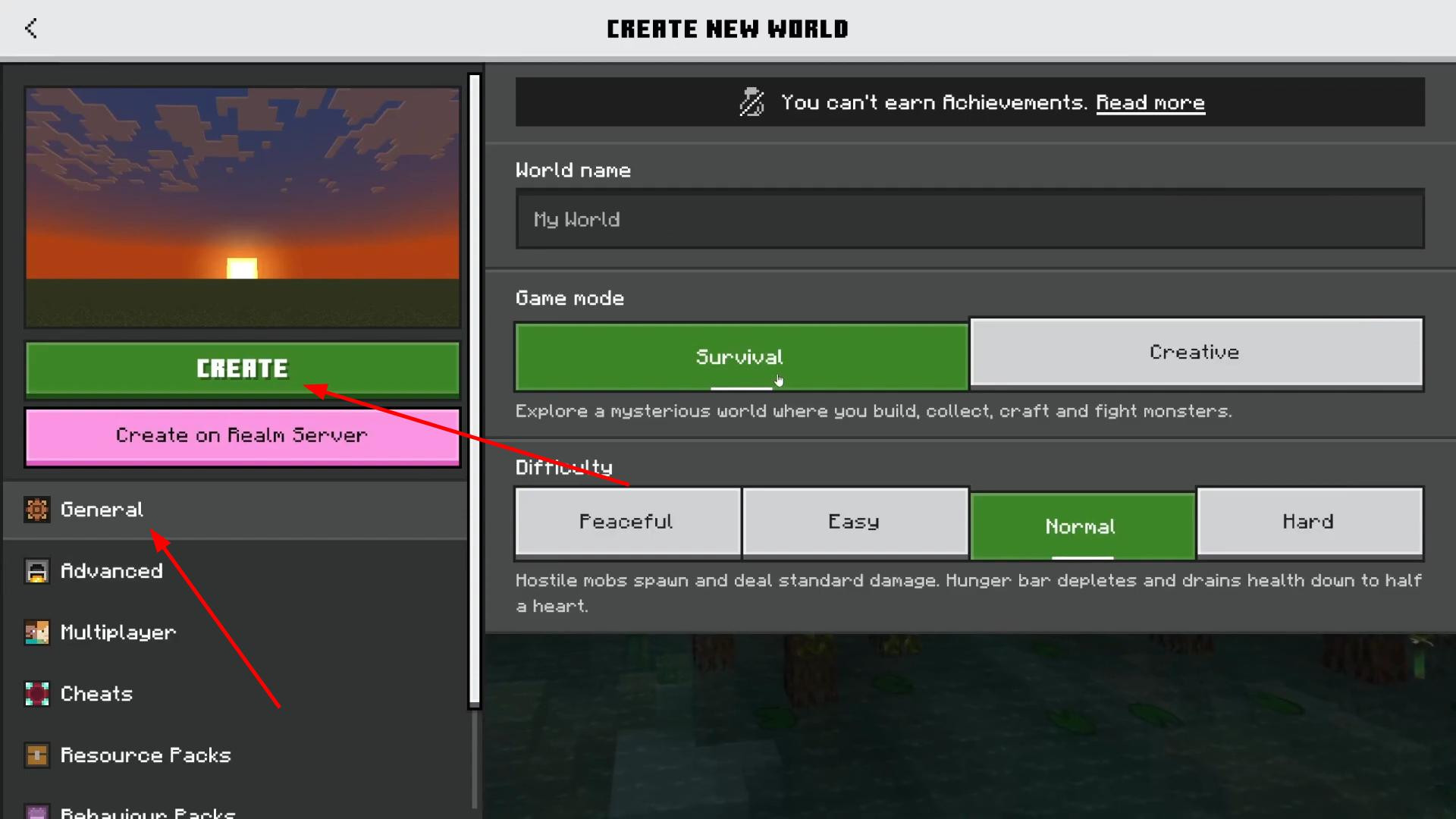
After that, return to the main settings menu. Here you can select, for example, creative mode, enable or disable cheats, change the difficulty, and so on.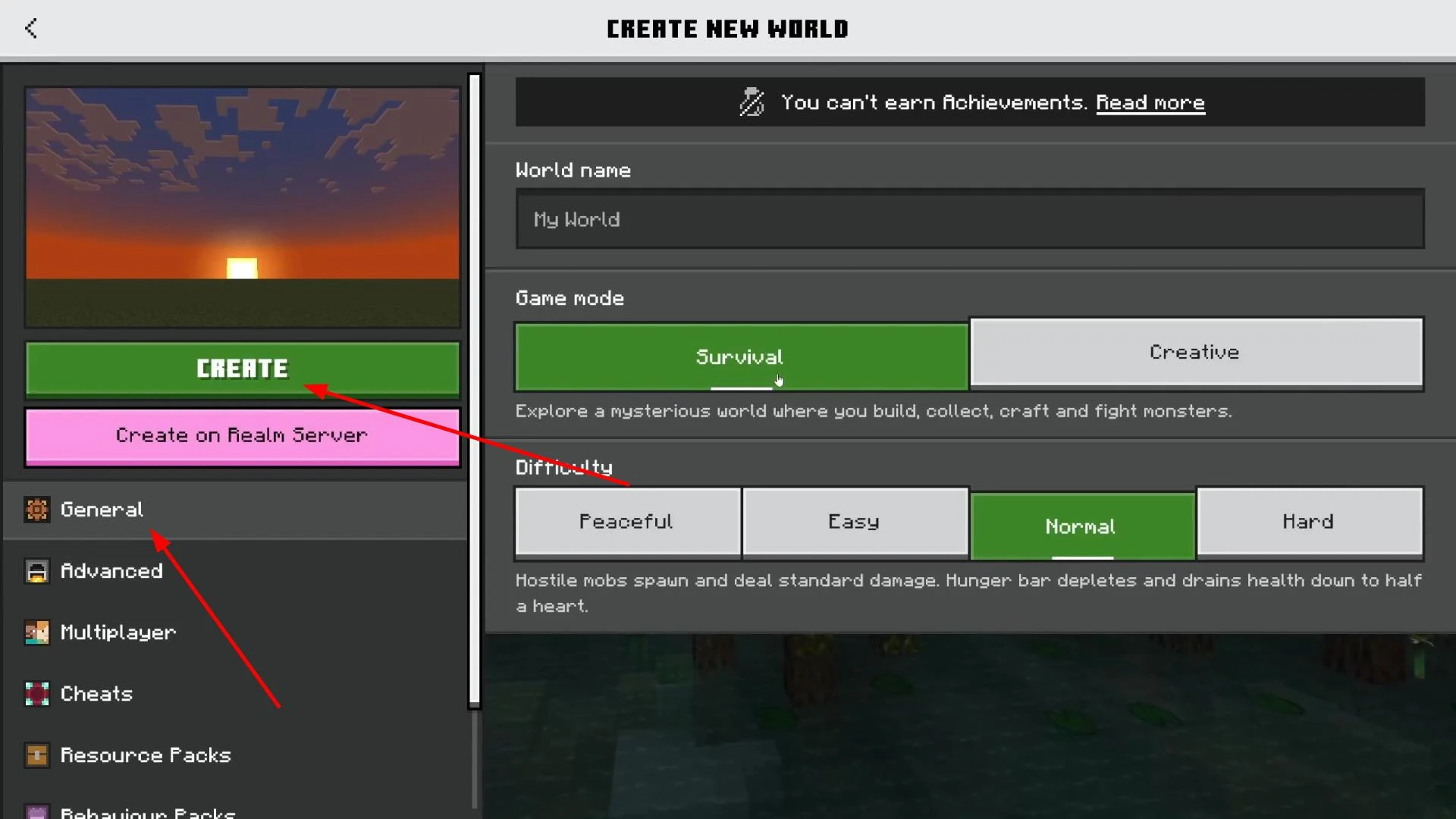
Everything set up? Great — click “Generate”, and in a couple of seconds you'll find yourself in a new, perfectly flat world that's completely ready for experimentation.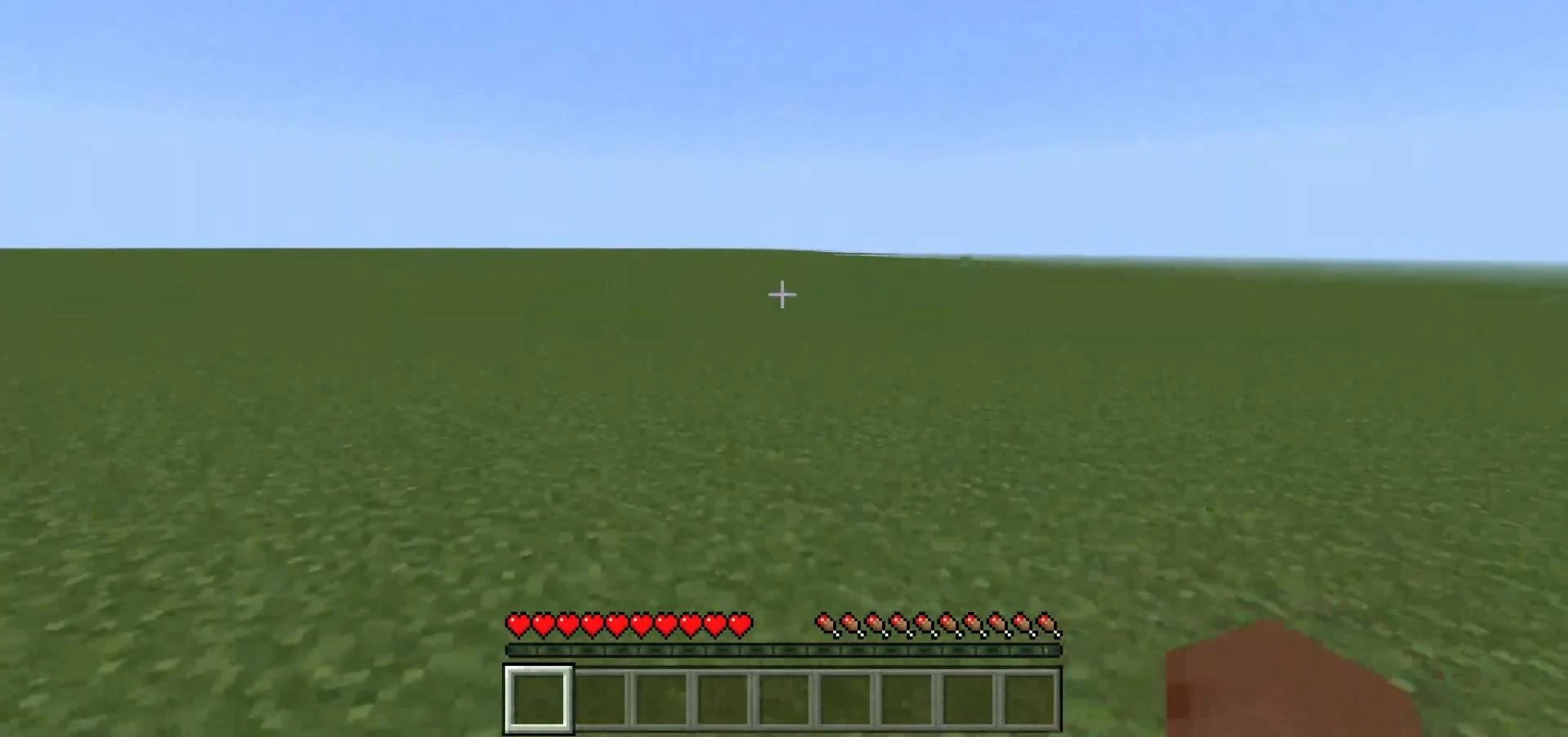
Creating a superflat world in Minecraft Java
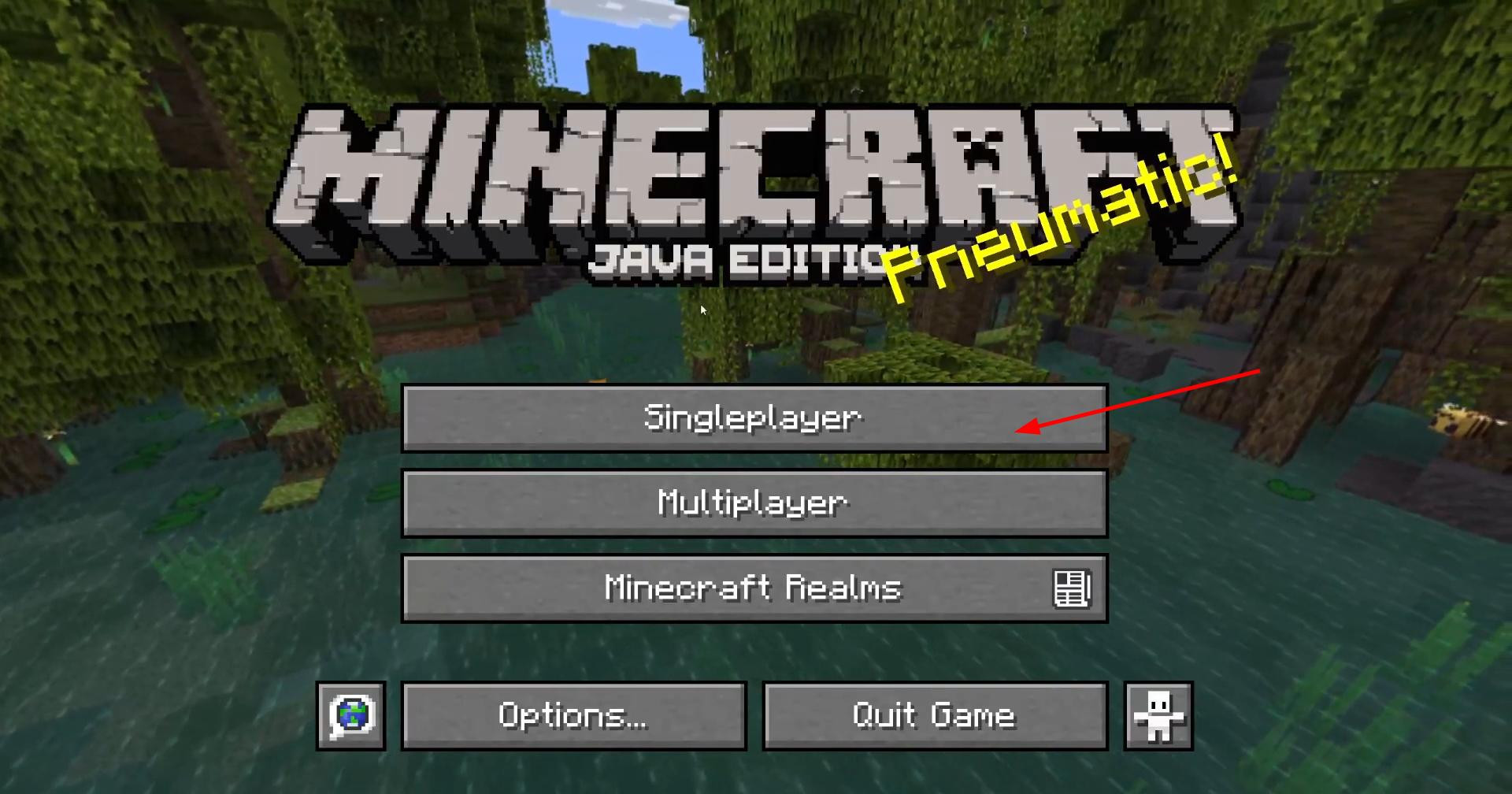
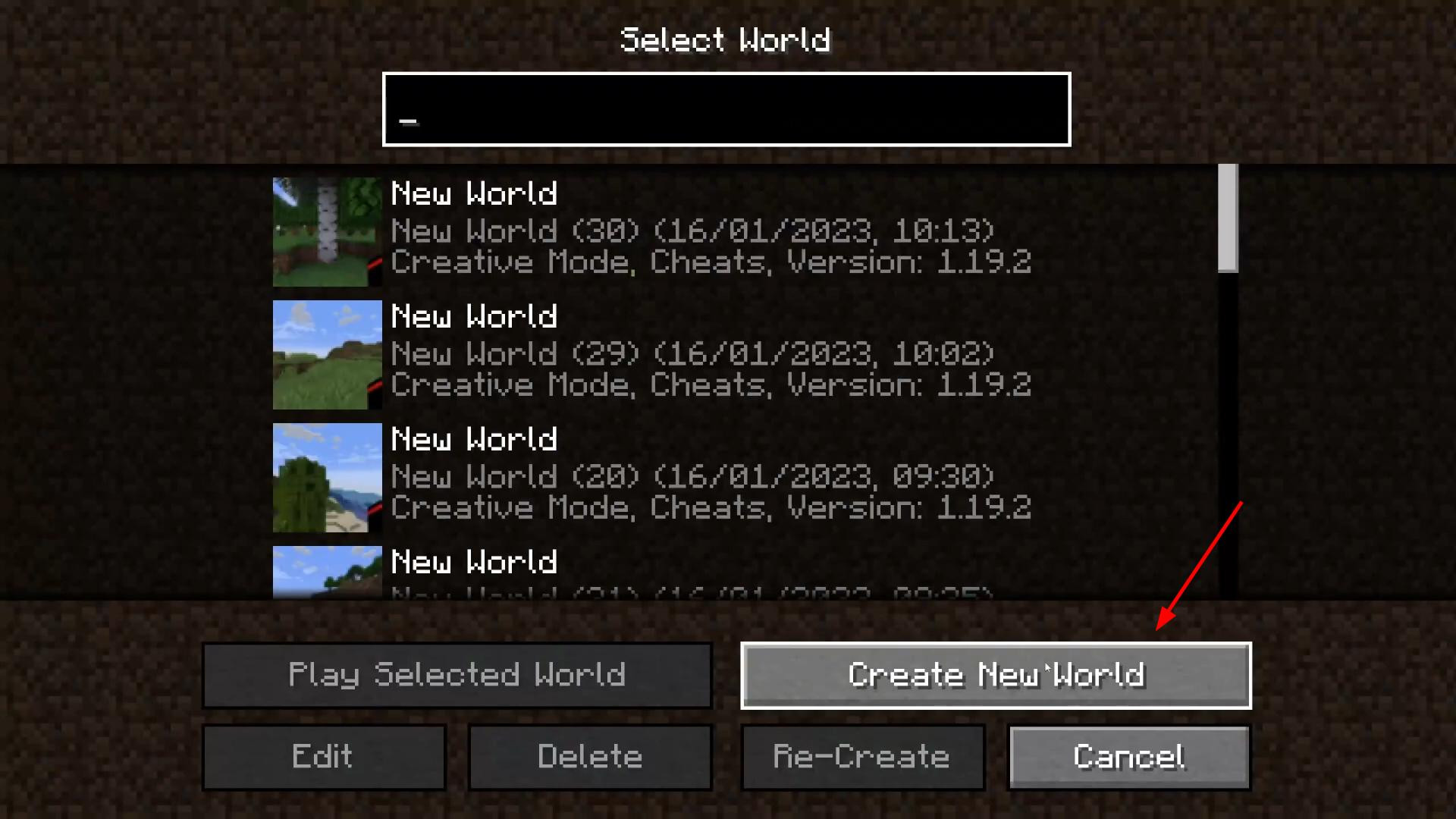
In the Java version, everything is slightly different, but also very simple. Launch Minecraft and go to the “Single Player” section, then click “Create New World”.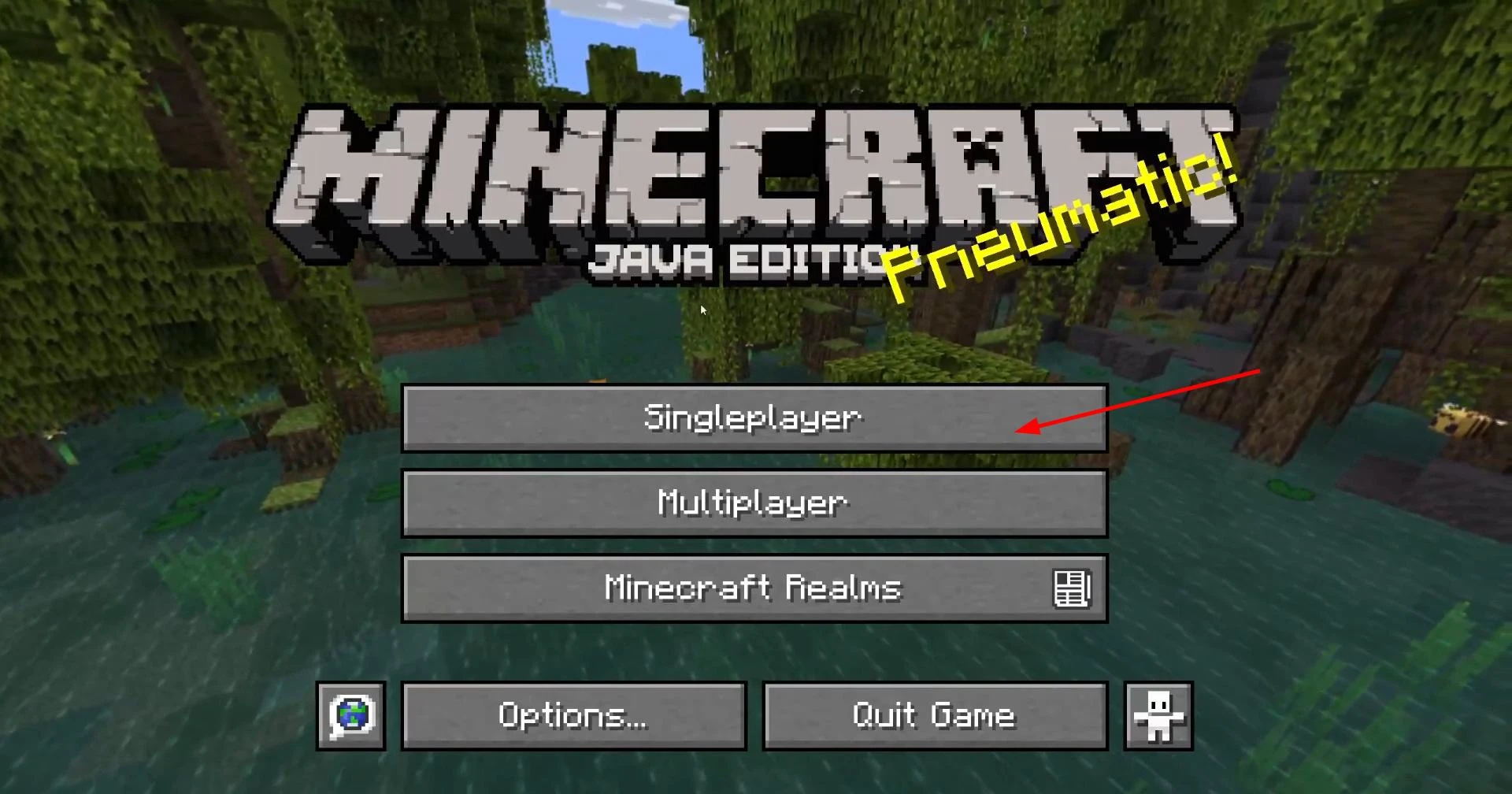
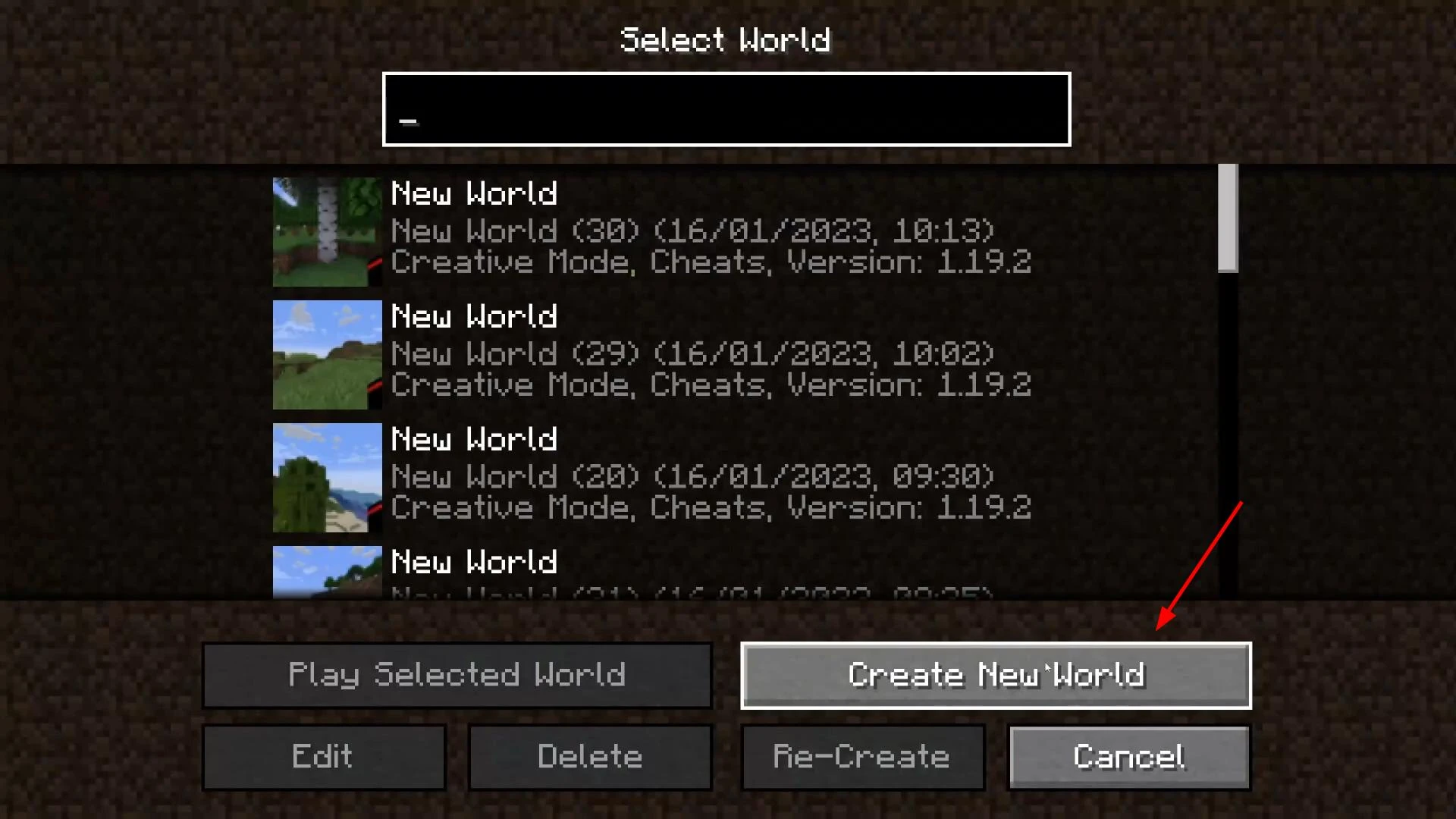
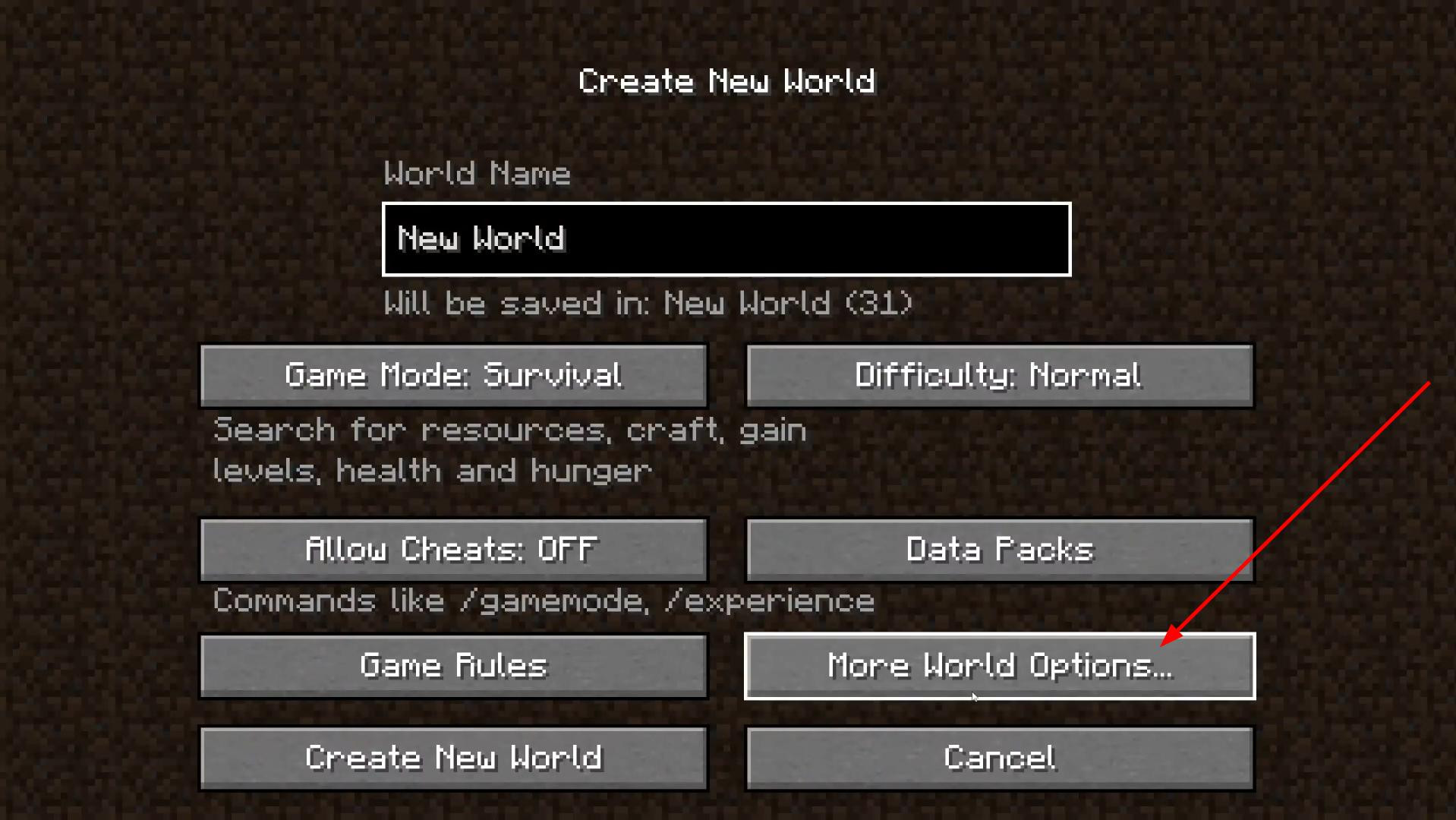
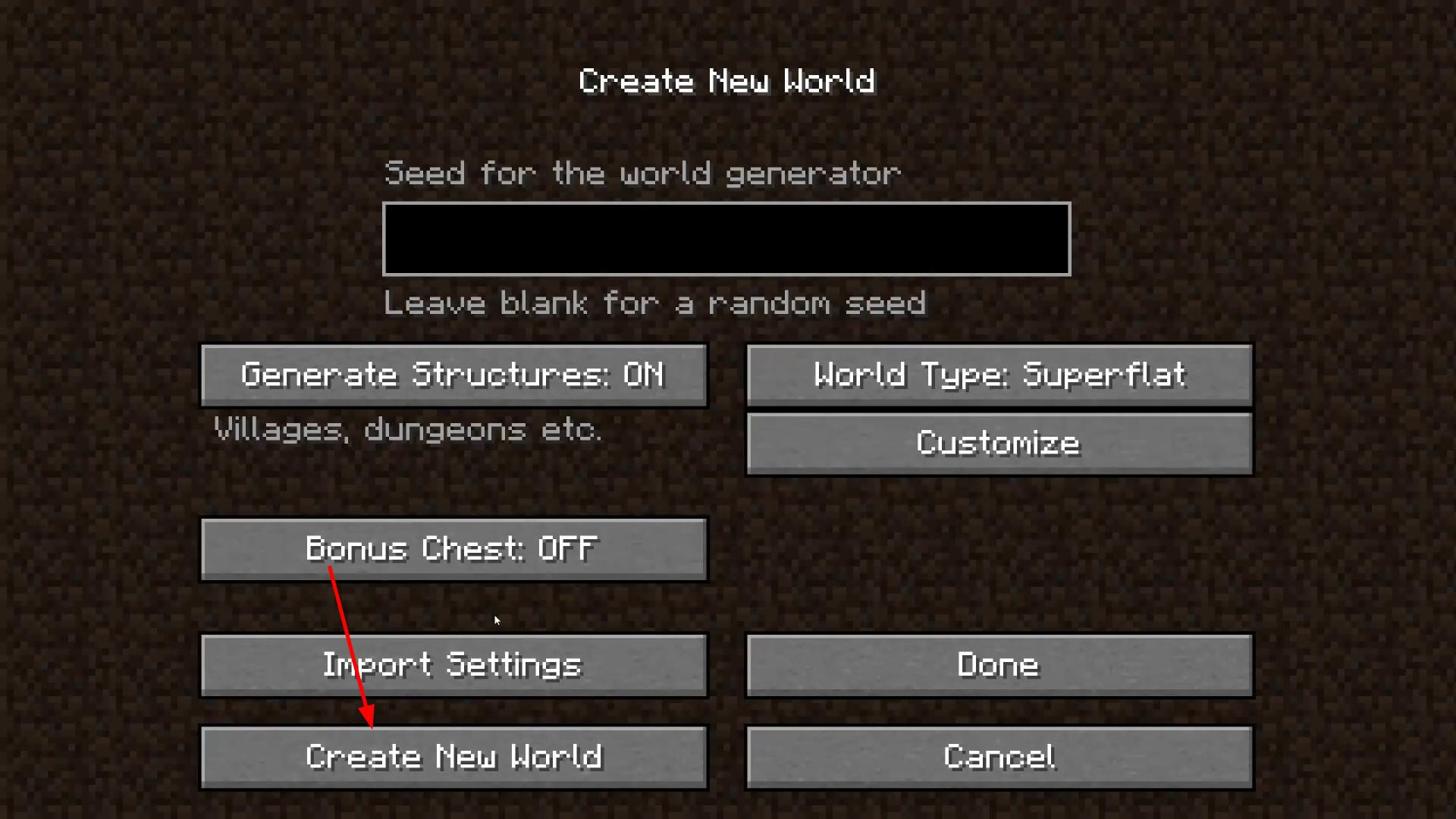
On this screen, click the “Advanced World Settings” button — it appears at the bottom.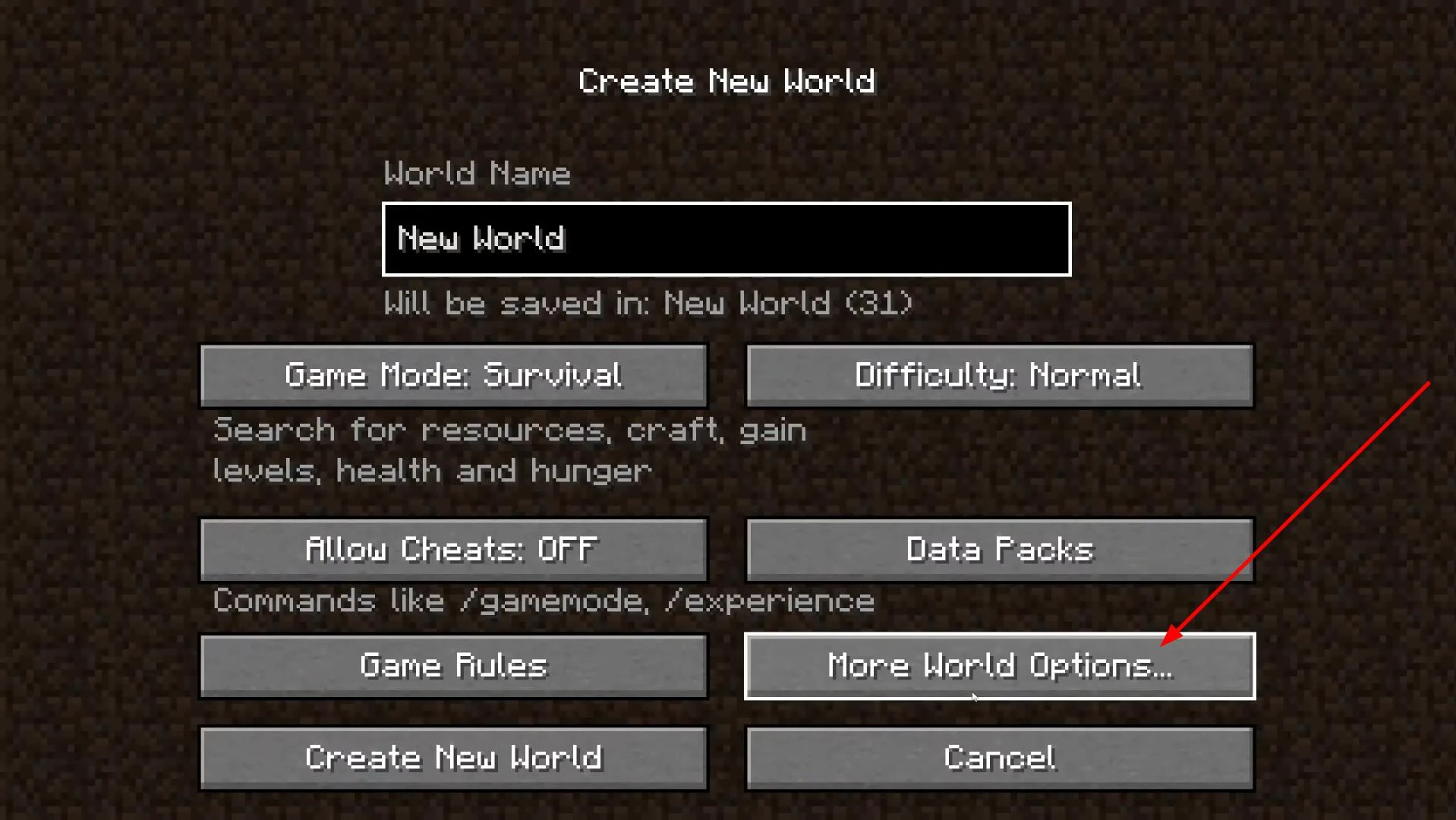
Here we are interested in the “World Type” parameter. Click on it until you see the value “Superflat”.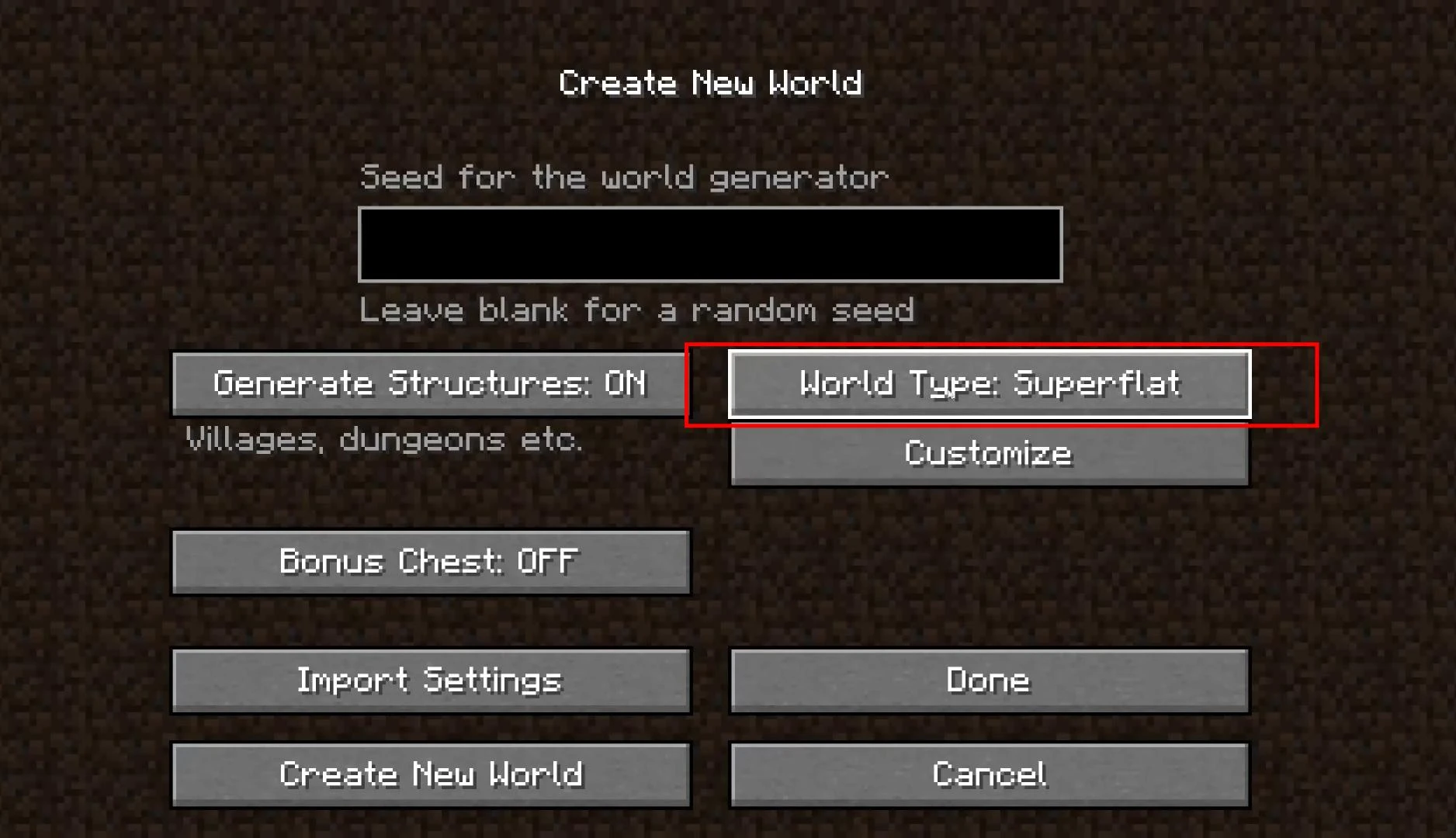
Now click on the “Customize” button — and this is where the fun begins.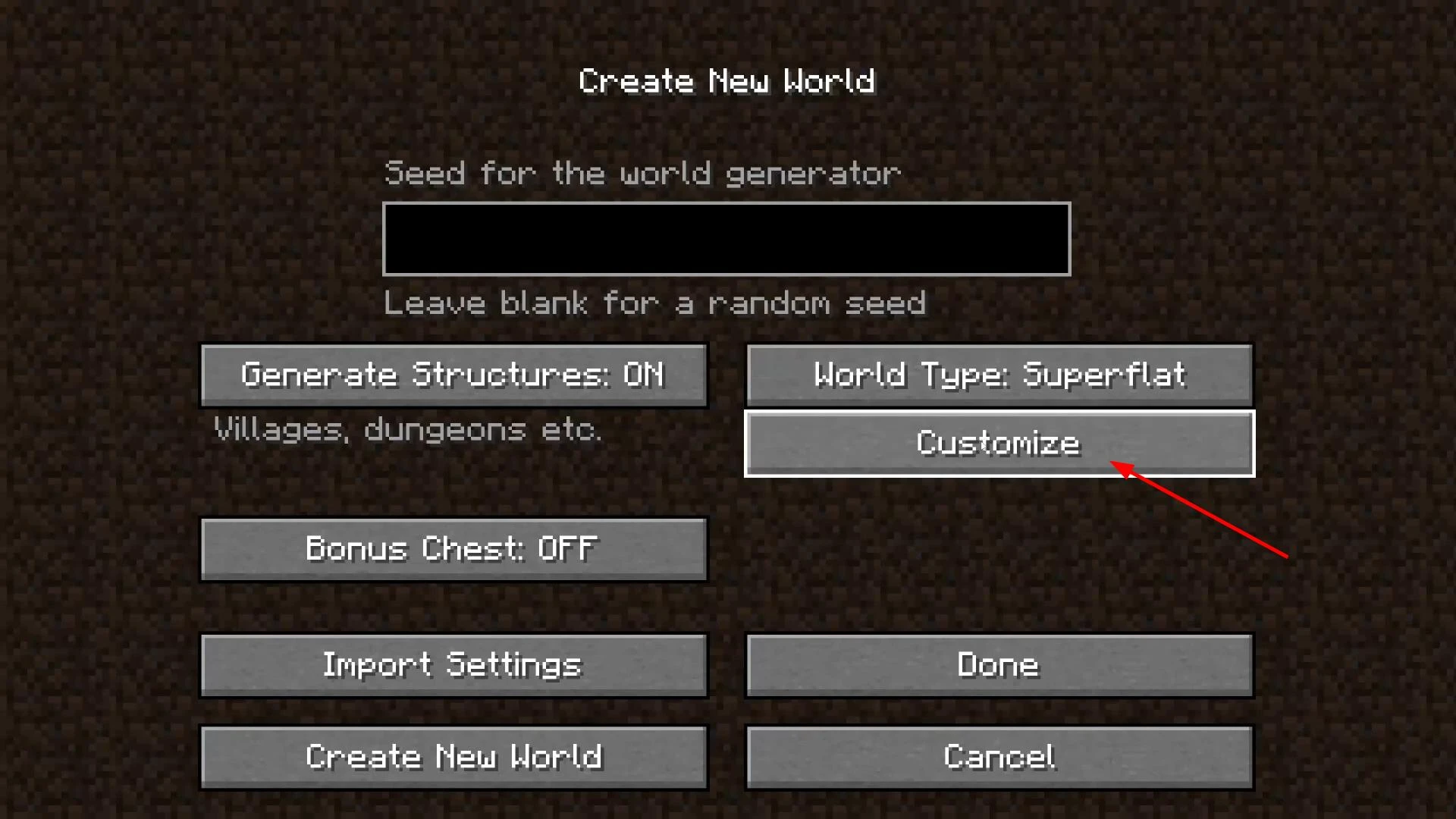
In this menu, you can change the layers that your world will consist of. For example, instead of standard soil, you can create a world consisting entirely of sand, stone, water, or even diamond ore.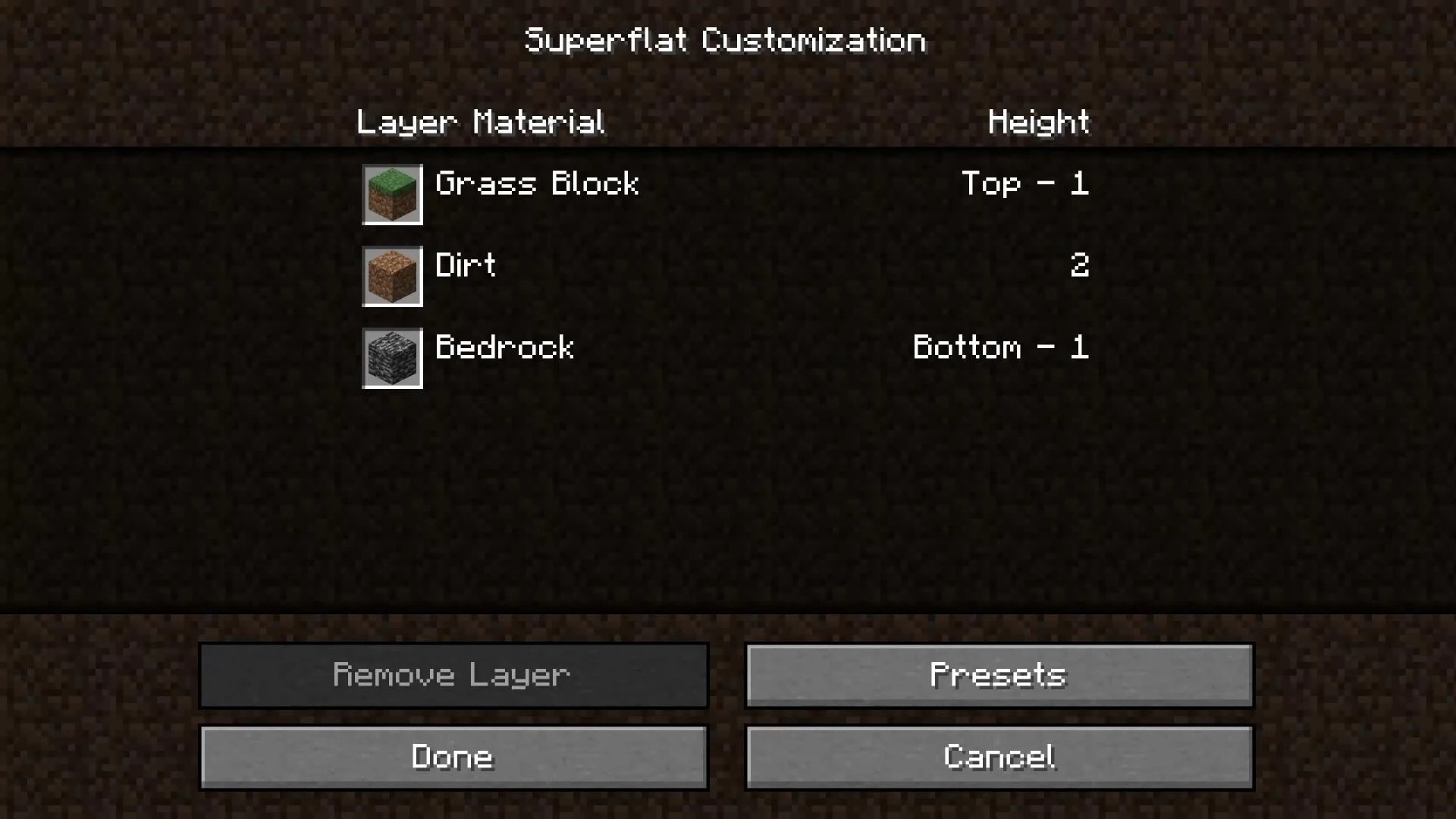
There are also ready-made templates that will help you quickly customize the world for your tasks.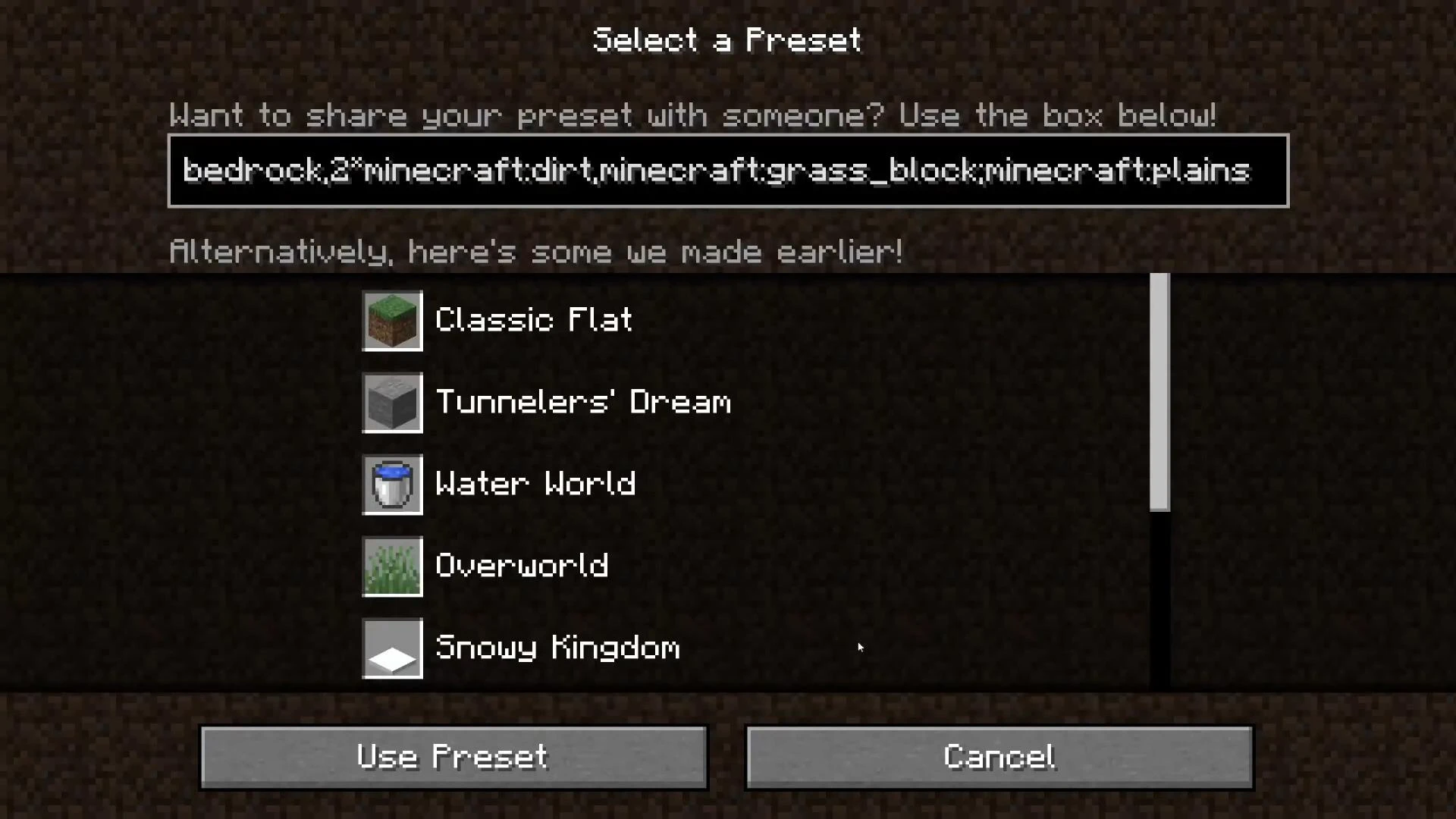
Select the appropriate one or enter your own generation string. When everything is ready, click “Use”, then “Done”, and return to the world creation menu.
All that's left is to select the game mode, set a name, and enable the necessary parameters — then you can click “Create New World”.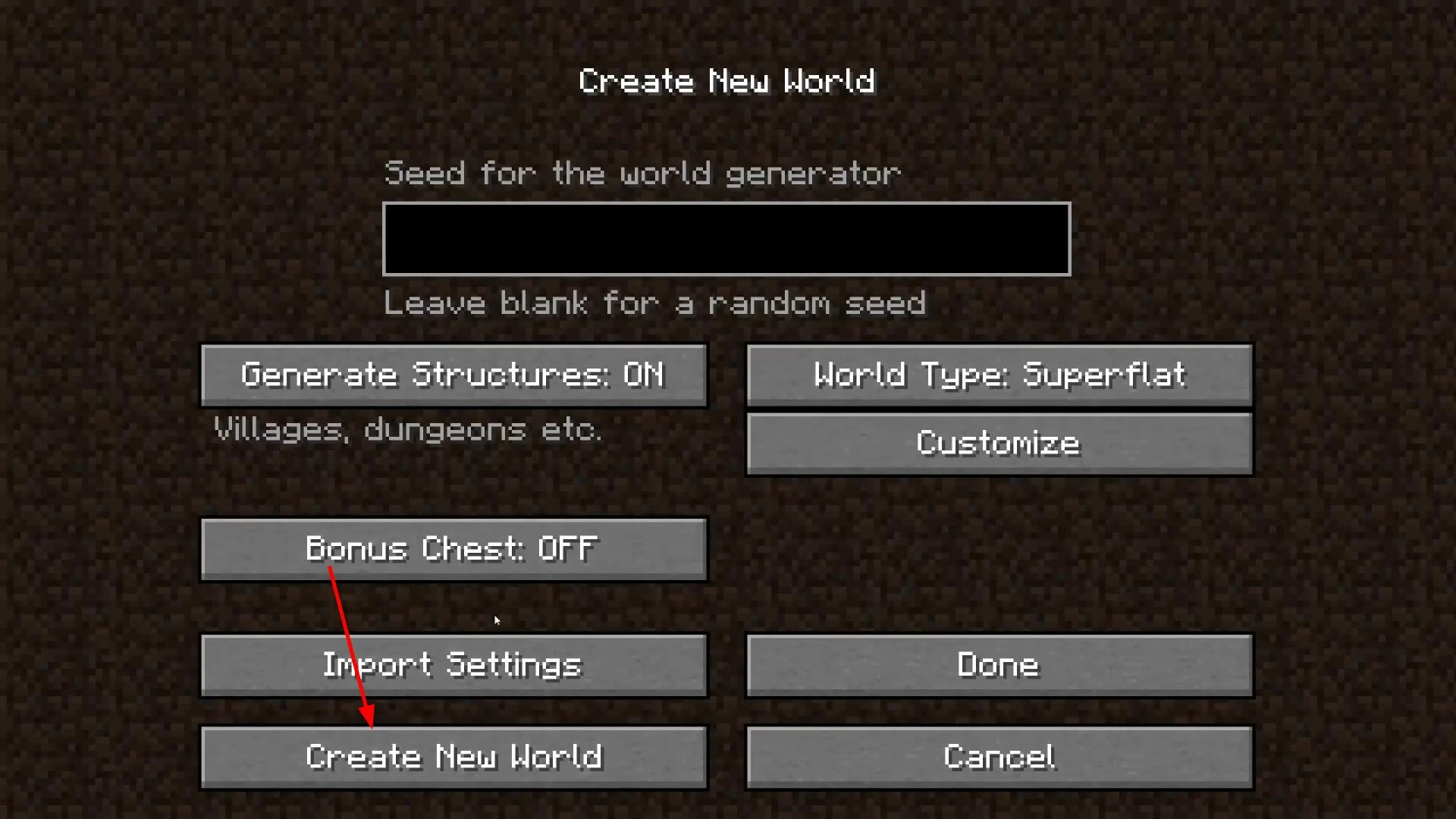
In a few seconds, you'll find yourself in a super-flat space, ready for construction and creativity.
Videos
Added by


![NeoForge Installer [Minecraft 1.21.1, 1.20.6 - 1.20.1]](https://i2.modland.net/i/66c5cbeb7e5ee/neoforge_modland.jpg)
![Timeless and Classics Zero (TaCZ) [Minecraft 1.20.1, 1.19.2, 1.18.2]](https://i2.modland.net/i/669683678b42d/description_0ac47139-8e79-4b76-8a0c-d79bcb9039df_modland.jpg)
![Armor Durability HUD [Minecraft 1.21.4, 1.21.3, 1.21.2, 1.21.1, 1.21]](https://i2.modland.net/i/674bc2c2c404b/190618141923060623_modland.jpg)
![[1.5] THE DROPPER](https://li1.modland.net/minecraft/maps/thumbnail/th_ModLandNet_1.jpg)
_modland.jpg)
_modland.jpg)
everyone knows ts.............