Invisible Frames in Minecraft: The Ultimate Decoration Trick
-lg_modland.jpg)
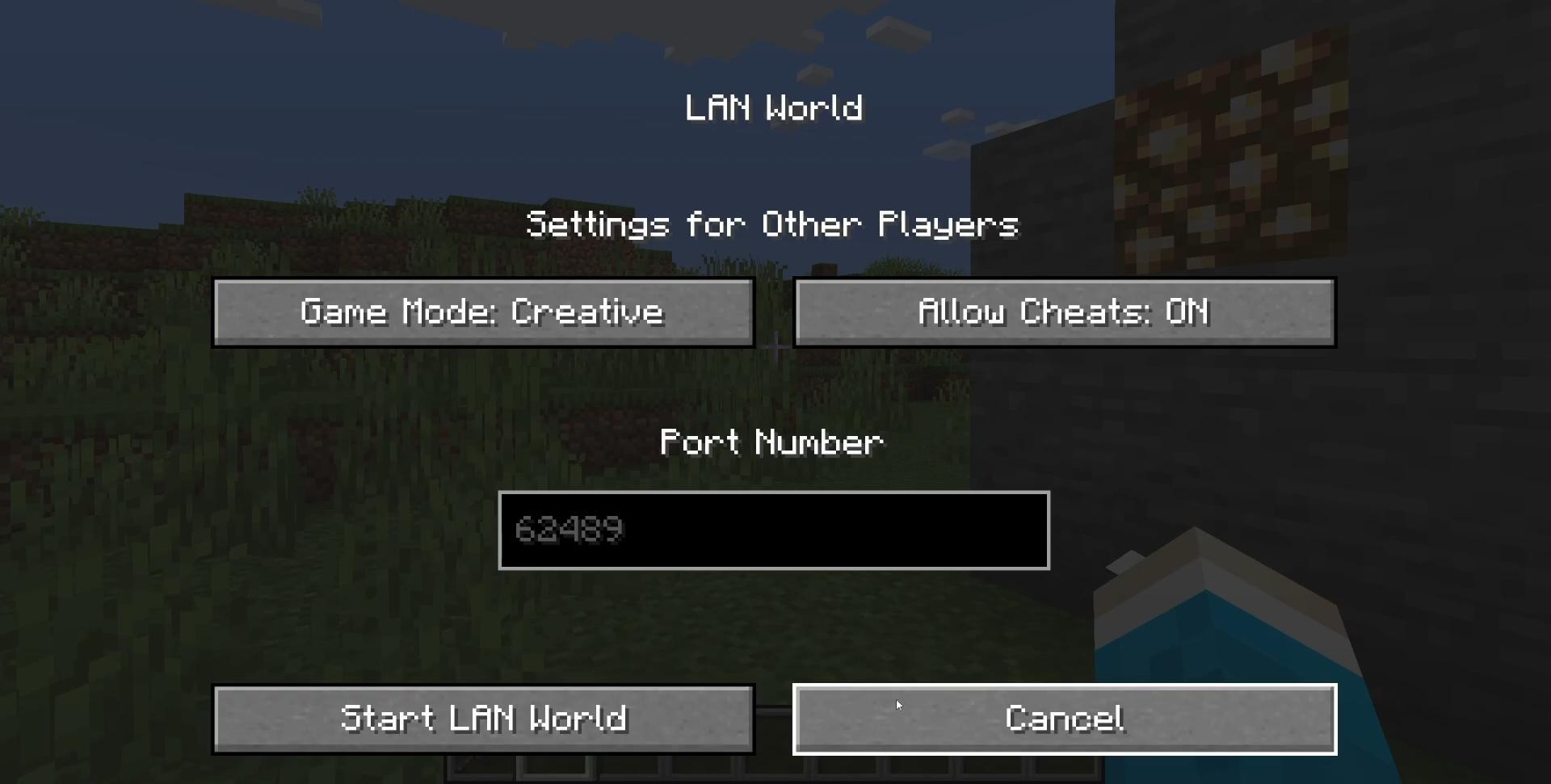

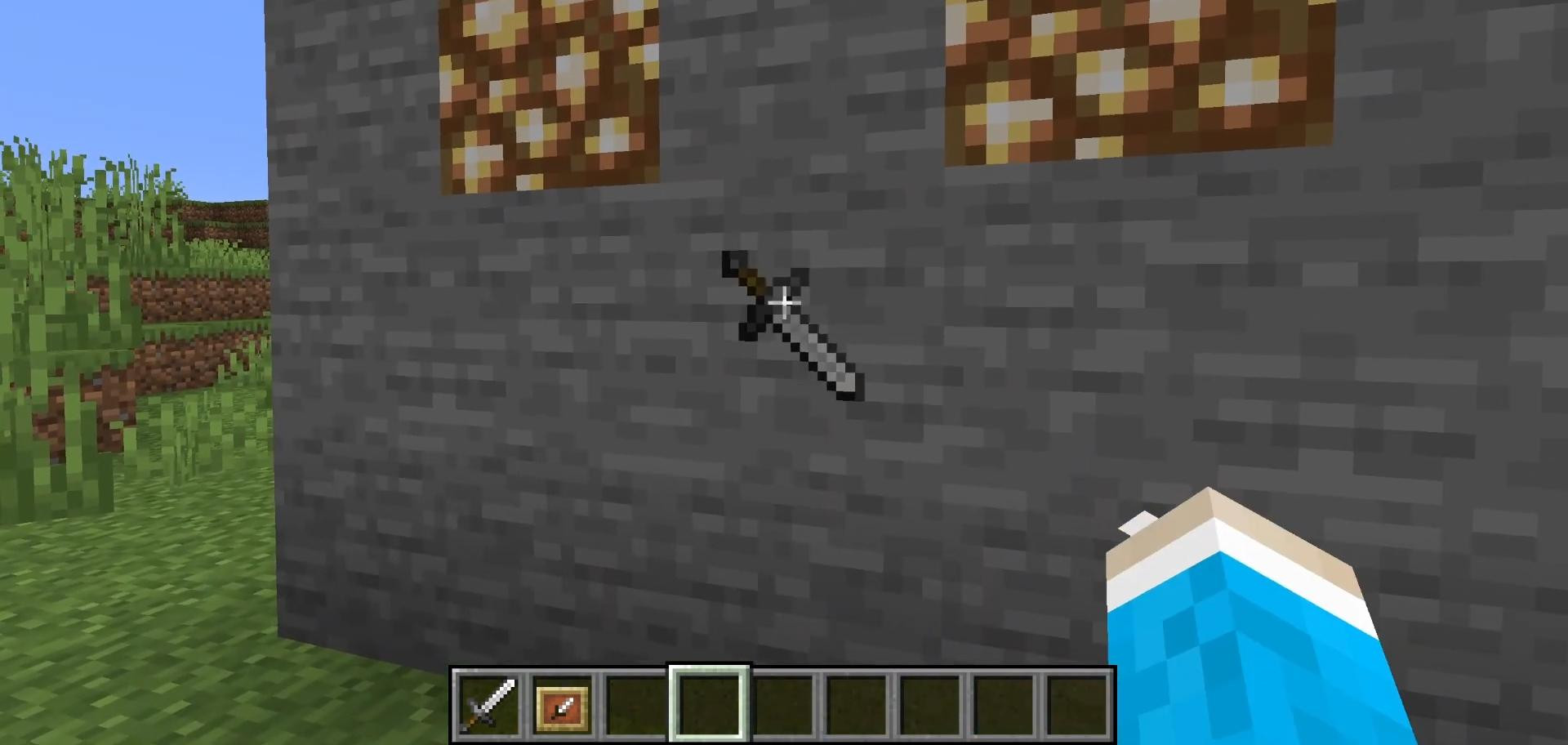
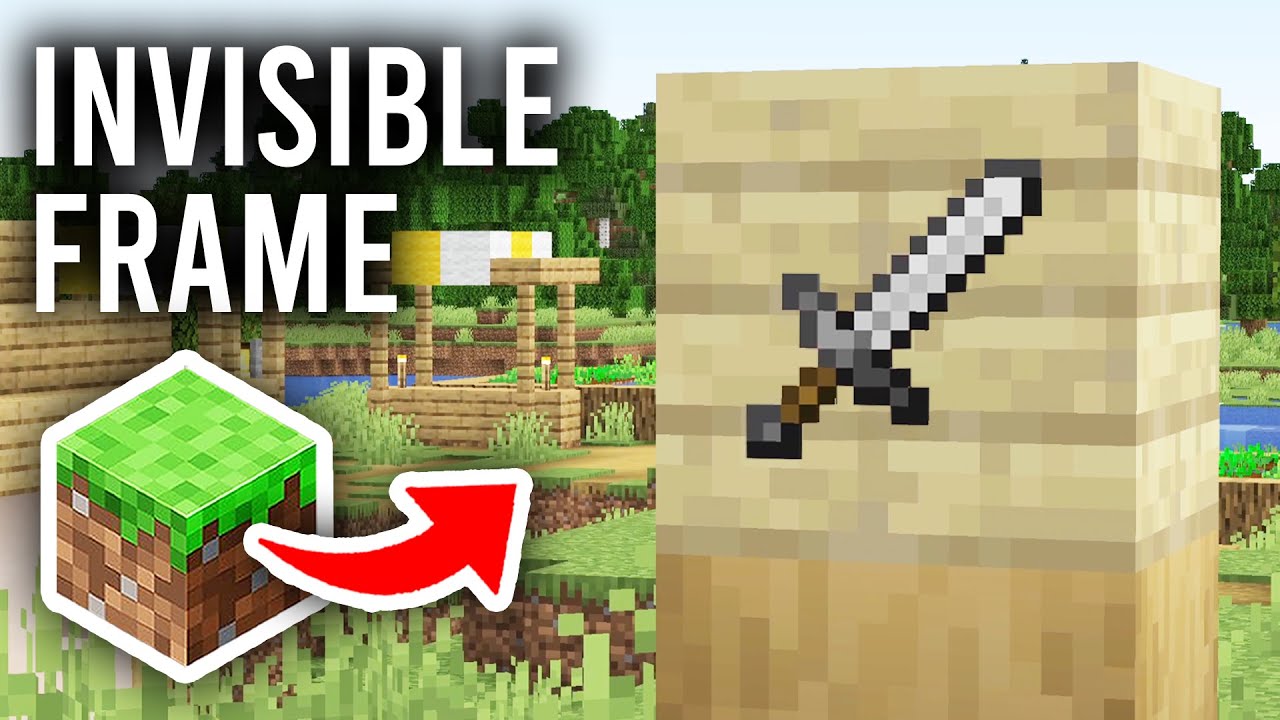
In this quick tutorial, you and I will learn how to add invisible frames for objects in Minecraft. With their help, you can place an object on the wall or any other surface so that the frame is not visible, and it seems as if the object is just “hanging in the air”.
This feature can be used to decorate interiors, exhibitions, stashes and to add decorativeness to different elements in Minecraft.
Below you will find a step-by-step guide on how to get an invisible frame in Minecraft.
Before you start, go to the game menu and activate the cheat function. If you are already playing in creative mode, they are probably enabled by default.
If you're in survival mode, however, or are unsure of the settings, press Esc to open the pause menu and select Open to LAN.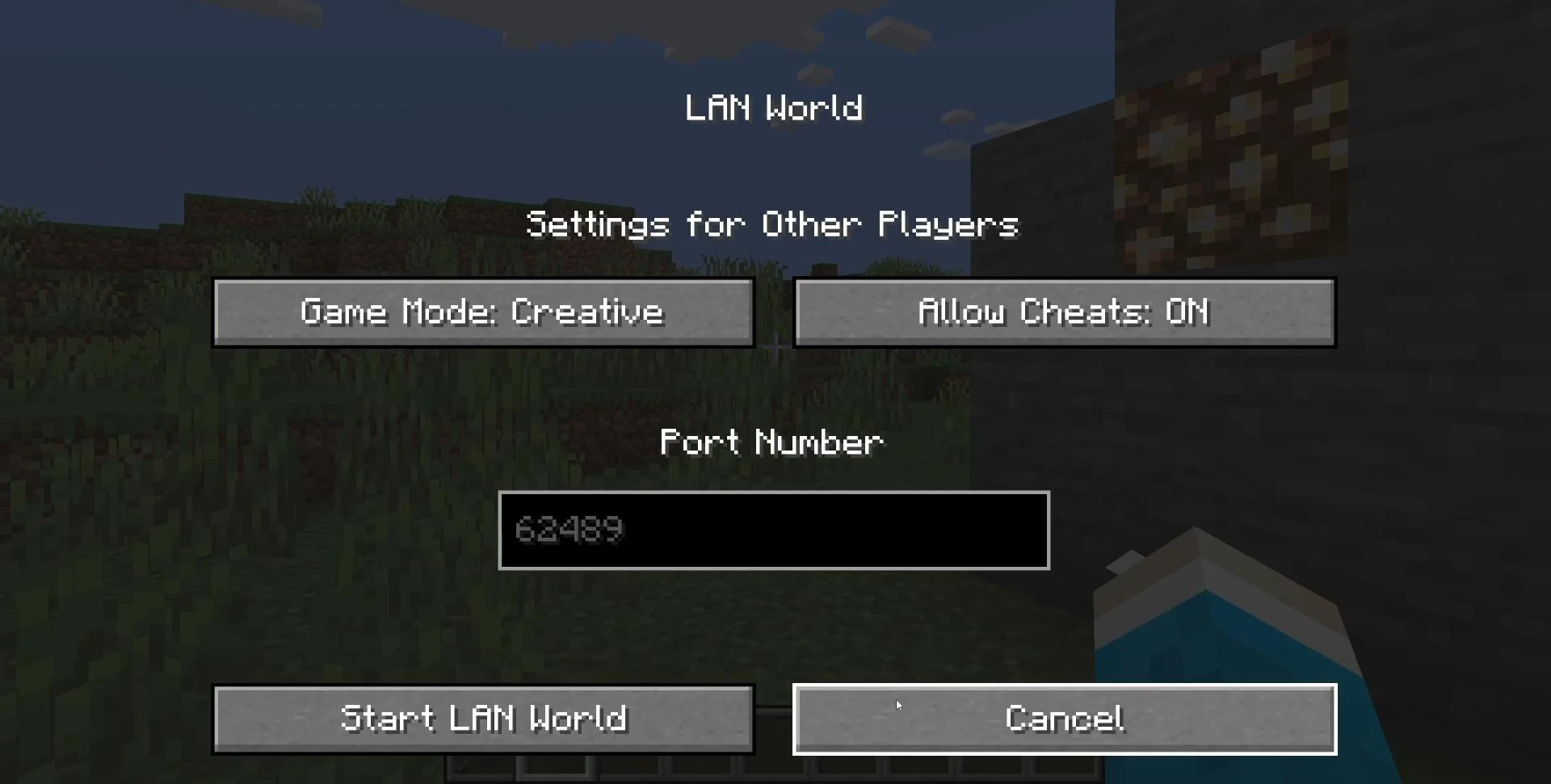
In the window that appears, enable the Allow Cheats option, then click Start LAN World. After that, the cheats will be active and you will be able to enter commands in the game chat.
When the cheats are enabled, open the game chat by pressing the T key on your keyboard.
To enter a command that produces an invisible frame, use the following construct:
/give @s item_frame{EntityTag:{Invisible:1b}}.
The /give command gives you the item, @s means you get the item yourself (you can also specify the player's nickname instead of @s if you are playing on a server), item_frame is a normal item frame, and the {EntityTag:{Invisible:1b}} part adds a special tag to it that makes the frame invisible once it is set.
Note: the command is case-sensitive and syntax-sensitive, so it's important to type it exactly as above. If you're copying and pasting a command, use the keyboard shortcut Ctrl + V on Windows or Command + V on macOS.
After you hit Enter, the frame will appear in your inventory. It will look like the most normal frame, there is no visual difference. But here's where the magic starts when you place it. Place the frame on any surface: a block, wall, ceiling or even the floor. Once placed, the frame becomes completely invisible - you won't see it until you place an item in it.
Now select any item from your inventory and right-click on the place where the frame was placed. The item will appear in the air as if it is hanging by itself. You can right-click on the item inside the frame to rotate it in the desired direction, while the frame itself will still not be visible.
This is the perfect solution for decorating.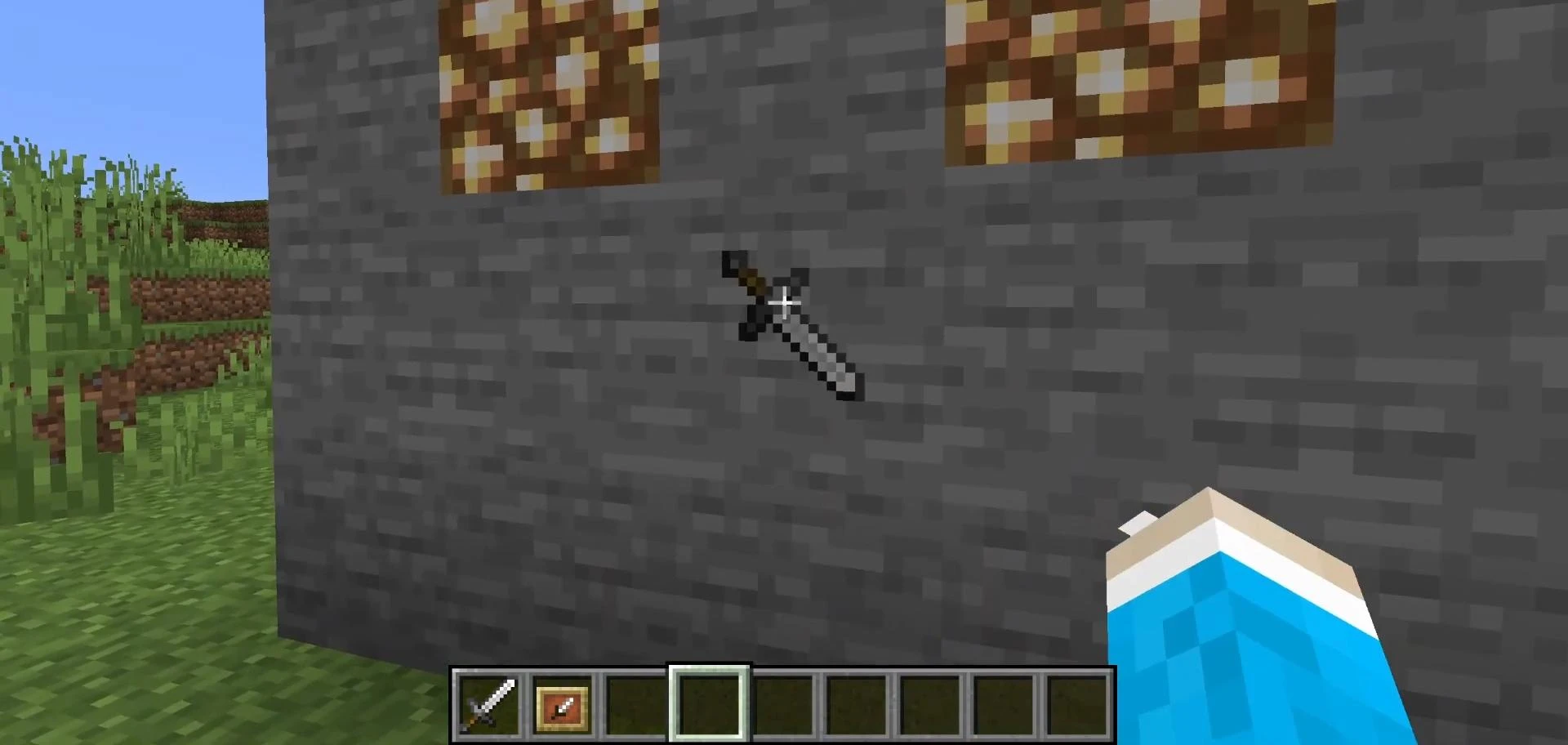
You can place swords, tools, food or any other item on the wall and they will appear to be part of the decor. This technique is often used on servers with custom buildings, in adventure maps, and even in videos where visual cleanliness and style are important.
Invisible frames can be used to create interactive interfaces or hidden hints. For example, place a pointer object next to a secret door or lever to indicate the functionality of an object without spoiling the visual style. They're also great for decorative tables, shelves, display cases, and anything else where minimalism without frames is required.
If you hover over a frame or collapse it and have effects enabled in your graphics settings that highlight active elements (for example, when using backlit textures), it will also become visible, it becomes visible.
Videos
Added by


![NeoForge Installer [Minecraft 1.21.1, 1.20.6 - 1.20.1]](https://i2.modland.net/i/66c5cbeb7e5ee/neoforge_modland.jpg)
![Timeless and Classics Zero (TaCZ) [Minecraft 1.20.1, 1.19.2, 1.18.2]](https://i2.modland.net/i/669683678b42d/description_0ac47139-8e79-4b76-8a0c-d79bcb9039df_modland.jpg)
![Armor Durability HUD [Minecraft 1.21.4, 1.21.3, 1.21.2, 1.21.1, 1.21]](https://i2.modland.net/i/674bc2c2c404b/190618141923060623_modland.jpg)
![[1.5] THE DROPPER](https://li1.modland.net/minecraft/maps/thumbnail/th_ModLandNet_1.jpg)

_modland.jpg)
_modland.jpg)