





0/5,
0
votes
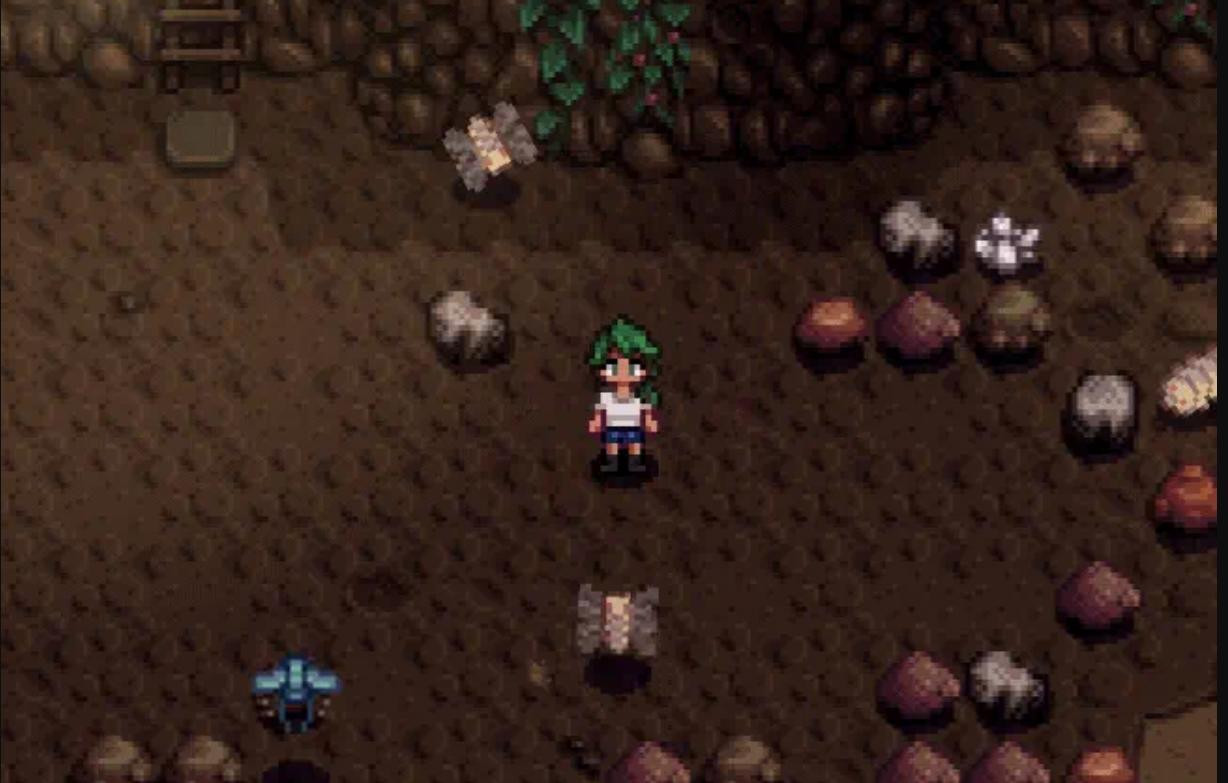
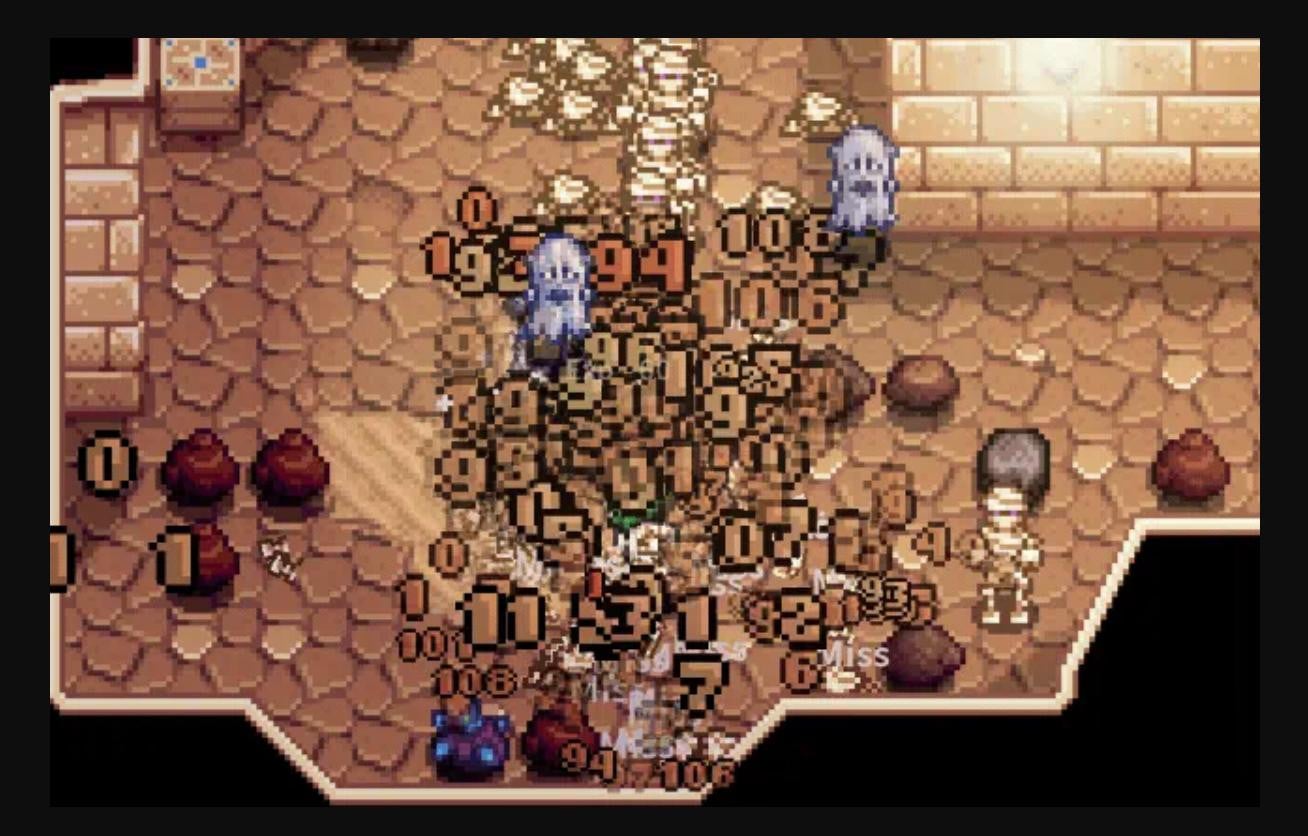
You no longer have to switch melee weapons manually! With this mod you can switch them automatically on the toolbar. It will also perform a counterattack if the enemy gets close enough.
Note that the mod will indicate if the attack does not work (e.g. for vanital monsters).
Features:
- Automatic weapon switching on the toolbar;
- Simplified slingshot with faster response to melee attacks.
- Set priority for the Crusader's enchanted weapon. It will be prioritized when attacking mummies. If it is enchanted Bug Killer, priority will be set for armored bugs. It is important that the weapon is on the toolbar.
- Auto Aiming.
Instructions for using melee weapons.
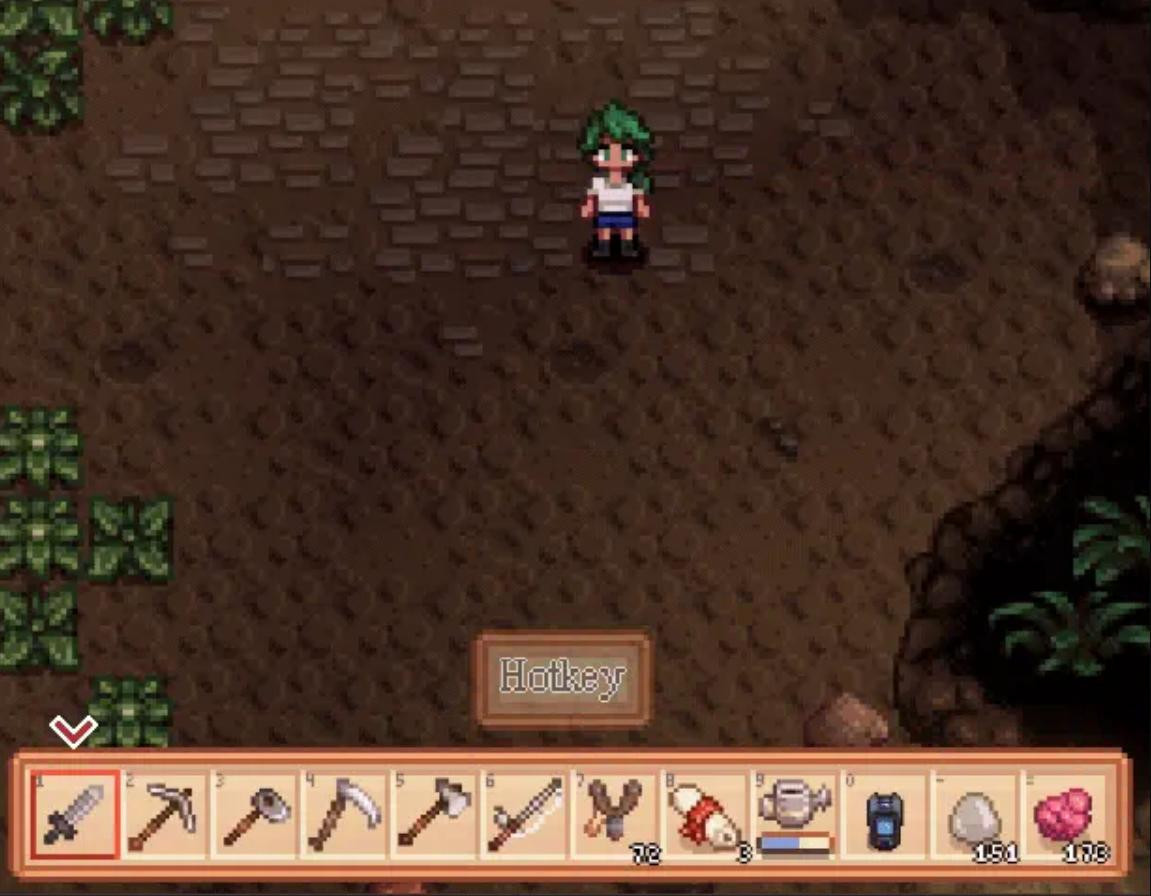
- You need to add melee weapons to the toolbar. Notice that the mod activates the outermost weapon on the left side.
- Now you can approach the enemy to test it in operation.
How to use the smart slingshot?
- Place it on your toolbar and stock up on supplies.
- Then set the “Slingshot Manual Hotkey” hotkey in GMCM.
- It can be used regardless of which toolbar cell it is in.
- The toolbar index will revert to the original item after the slingshot is used.
- Auto Aiming Instructions
- Activate “Auto Aim” in GMCM.
- Activate Continuous auto-attack and melee auto-switch.
Requirements:
- SDV1.6.9+
- SMAPI Minimum Version : 4.1.5
- Generic Mod Config Menu
- SMAPI - Stardew Modding API
Mod author: YunHikari
External Download Links:
About Mod
| Latest Version | v1.1.5 |
| Game | Stardew Valley |
| Category | Gameplay Mechanics |
| Downloads | 97 |
| Created | 1 year ago |
You Might Also Like »






0 Comments
There are no comments. Be first to comment!