Filter Presets 1.2.0

0/5,
0
votes
Latest Update
latest
Version
1.2.0
7 months ago
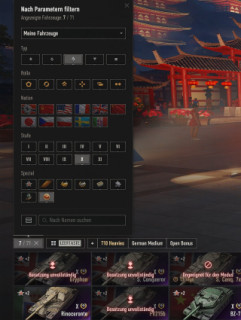
- Presets persist across World of Tanks updates
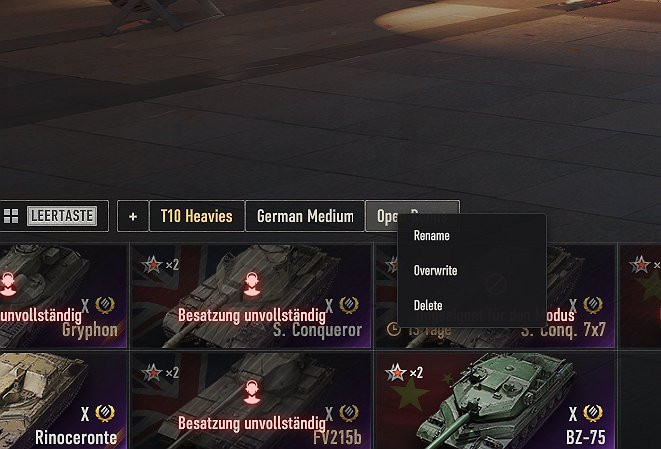
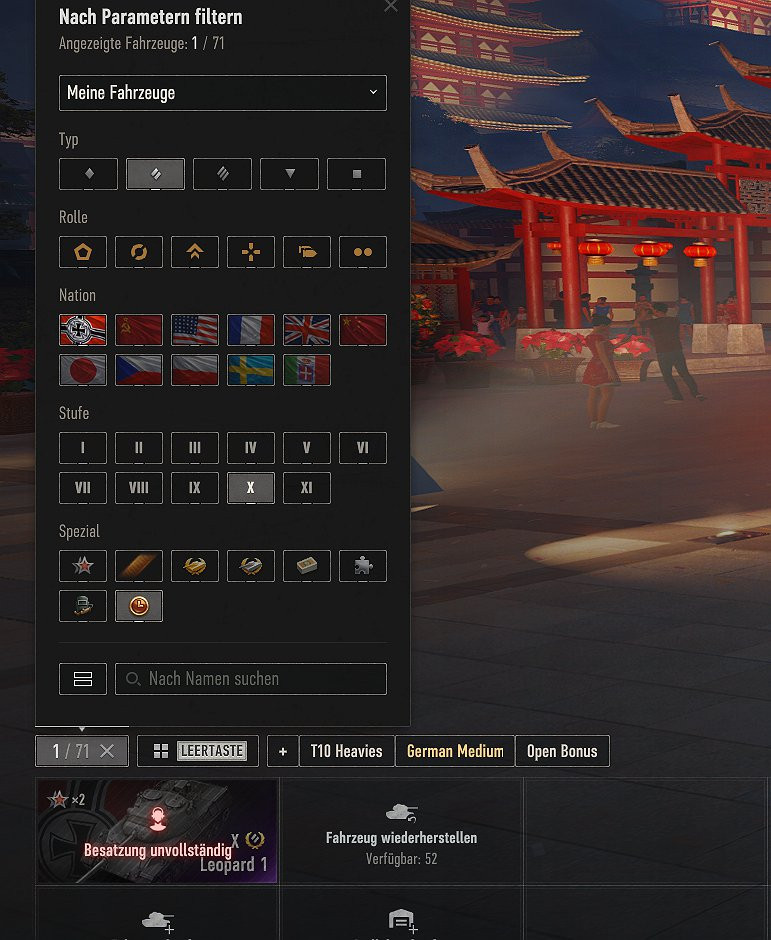
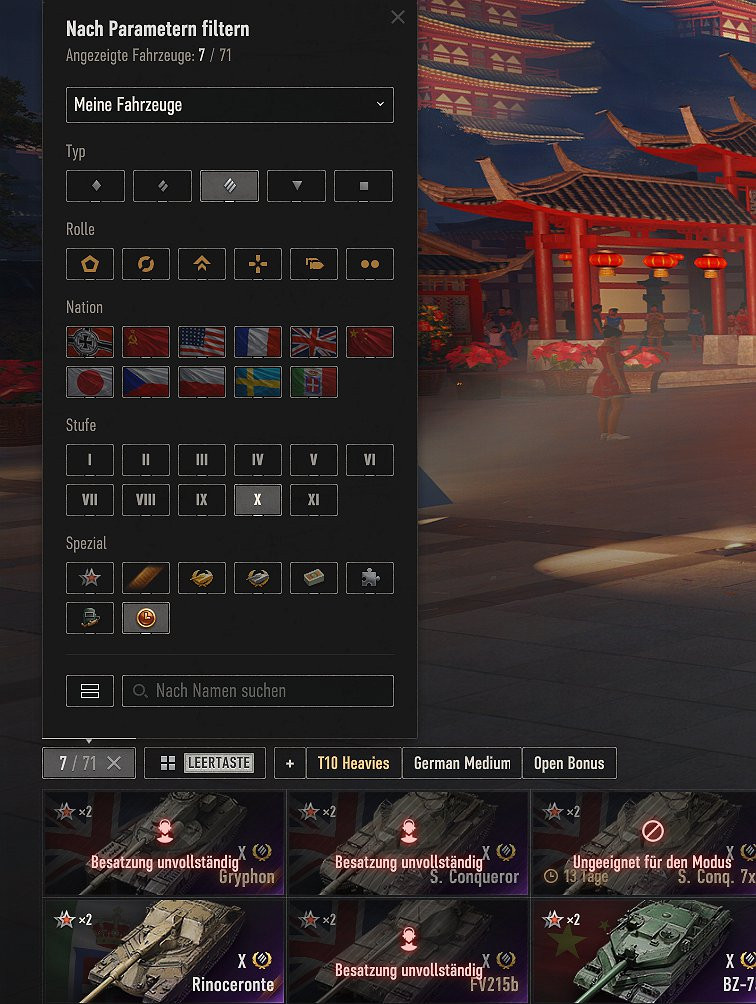
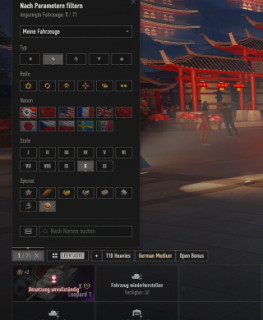
Save and restore your garage carousel filter settings with a single click.Features include:- Preset buttons appear next to the native filter button in the tank carousel.
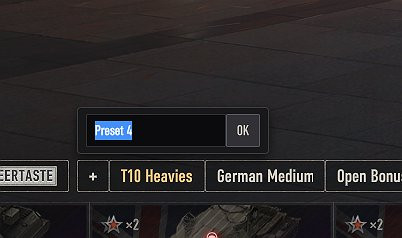
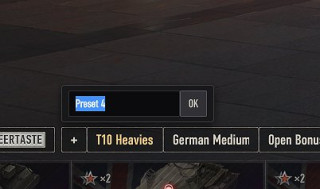
- Click [+] to store the current filter as a new named preset.
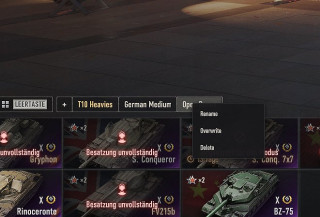
- Left-click a preset to apply its filters immediately.Right-click a preset to access its settings. To use:
- Rename, Overwrite, Delete
- Active preset is highlighted with gold text
- Supports up to 15 presets
- Presets persist across sessions (stored in browser localStorage)
- Native WoT button styling blends seamlessly with the UI
How to use:
1. Set your selected filters in the tank carousel.
2. Enter a name by clicking the [+] button
3. To swap filters rapidly, just click on any preset. Right-click to rename, overwrite with the existing filters, or remove.
Game Version:
2.1.1.1
Credits:
Gendiris
- Click [+] to store the current filter as a new named preset.
- Left-click a preset to apply its filters immediately.Right-click a preset to access its settings. To use:
- Rename, Overwrite, Delete
- Active preset is highlighted with gold text
- Supports up to 15 presets
- Presets persist across sessions (stored in browser localStorage)
- Native WoT button styling blends seamlessly with the UI
How to use:
1. Set your selected filters in the tank carousel.
2. Enter a name by clicking the [+] button
3. To swap filters rapidly, just click on any preset. Right-click to rename, overwrite with the existing filters, or remove.
Game Version:
2.1.1.1
Credits:
Gendiris
Direct Download Links
Version: 1.2.0Updated: 7 months ago
Total Size: 411.96 KB comgendirisfilter_presets_120_modland.wotmod direct download · 411.96 KB · added 7 months ago
You Might Also Like »
![Damage Stickers (Paintball mod) 1.1 [1.5.1.0]](https://li1.modland.net/world-of-tanks/other/thumbnail/damage-stickers-paintball-mod-1.1-[1.5.1.0]_ModLandNet.jpg)


0 Comments
There are no comments. Be first to comment!