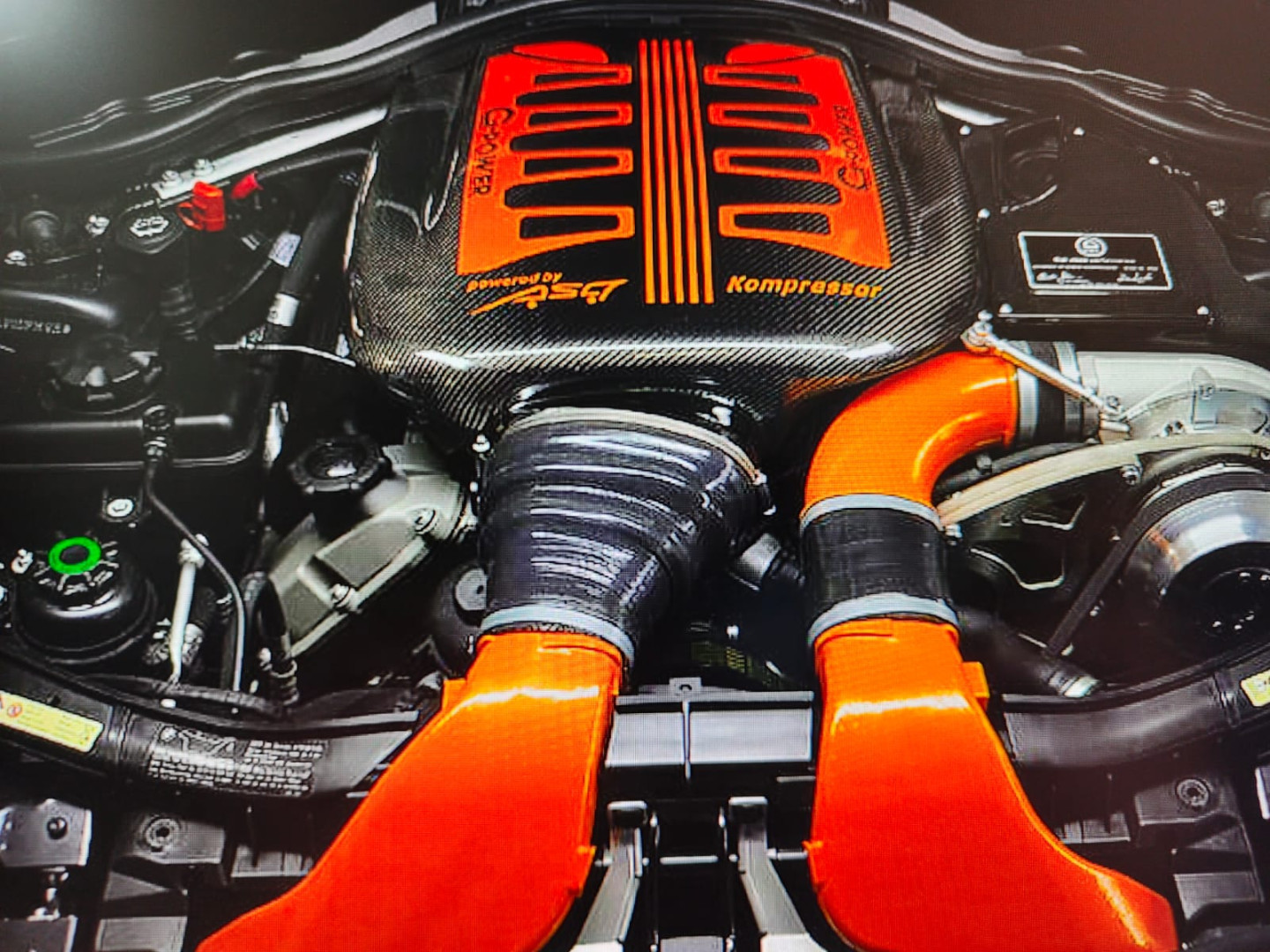
20 Dreamed Massive engine Tune & Swap Mod Pack Car by Danrol 3.0
20 Dreamed Massive engine Tune & Swap Mod Pack Car by Danrol
*Lotus Exige V6 Stage 3 +800hp
*Cayman GT4 RS Weissach Stage 3 700hp
*Alpine A110 Stage 3 600hp
*BMW M2 Swap engine M8 625hp
*Lotus Emira V6 Stage 3 600hp
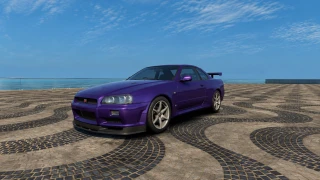
*Lancia Delta HF Integrale Evo II Swap engine 1994 Ferrari V8 biturbo +700hp
*Peugeot Swap engine V6 PSA rallycross 600hp
*Hyundai i30 N Stage 3 600hp
*Golf GTi Clubsport Swap engine RS3 L5 Stage 2 600hp
*M4 CSL extreme tune engine +1000hp
*Dallara Stradale Swap engine F1 V6 '25 1000hp
*BMW M8 S63 Biturbo Drag Config engine 2000hp
*Rs6 V8 VAG Drag Config engine 2000hp
*Camaro LT4 Drag Config engine 2000hp
*M3 e46 CSL Race L6 NA 500hp
*Toyota GR86 Boxer Stage 3 500hp
*S2000 NA 9000rpm GT500 engine
*Alfa Romeo 75 Swap engine 1984 Ferrari V8 biturbo 2.9L +400hp
*Caterham Swap engine 4L TFSI 350hp
*Renault 5 Swap engine Alpine TCe L4 1.8L 300hp
There are many hours of work invested to make everything work properly. Everything has been adjusted to avoid issues while still preserving the essence of the original model.
I’ve tried to divide the cars into categories so that several friends can drive different models online.
If you don't like tuned cars, don't download it. For those who do, I hope you enjoy it as much as I do. If you have any constructive criticism, feel free to message me.
All credit for the original cars & stock engines goes to Kunos Simulazioni. This mod was created using the EvoForge program.
Installation
Extract the .kspkg and .json file to:
C:\Users\<USER>\Saved Games\ACE\mods
(Create the folders if they do not already exist.)
In-Game
Inside the game, the car can be found under the EVOFORGE manufacturer. Select model (car) Tuned by Danrol and add to garage. The car cannot be customized in the Showroom. But you can configure the car's setting in the pits. The specifications shown do not reflect the car’s actual characteristics. I can’t change them, and only the specifications of the original car are displayed.
This mod is based on the Cars created by Kunos Simulazioni for the base version of Assetto Corsa EVO.
I don’t accept any kind of payment or donations. I made these simply because I enjoy creating them, and even more so driving them. Have fun!
Direct Download Links
Version: 3.0Updated: 1 month ago
Total Size: 1.01 GB 20 Dreamed Massive engine Tune & Swap Mod Pack Car by Danrol_modland.7z direct download · 1.01 GB · added 1 month ago

how do you put the files in the game pls ?
Nice job dude! I got just one problem on manual gearboxes, they are blocked on autoclutch and good upshifts are so approxiative... Can you fix that? Have totally clutch control on manual cars?
A user contacted me because they couldn’t find the cars. I’ve given them one-on-one support, but I’m also posting it here in case it helps anyone else.
I’ve done many tests with lots of people, and they haven’t had any problems to find the cars ingame. I’ll attach the instructions, but I’ll also summarize them in a different way beforehand to see if I can help you:
With the game closed:
1-Extract the compressed files. It will create a folder. Open it and copy all the files inside (there are 2 for each car).
2-Then go to C:/ and look for the Users folder. Open it. Then find your username, or whatever your computer is called, and open it.
3-You’ll see a folder called Saved Games. Open it. Among the first folders you’ll find one called ACE. Open it.
3-Here you need to create a folder called mods. Open it.
4-Paste all the files there and exit.
5-Open the game and look for the EvoForge car brand with a red symbol. All the cars should appear there.
If it doesn’t work, tell me which step you got stuck on and where you couldn’t continue.
Important: you can only have one folder called mods.
Other way similar:
Installation
Extract the .kspkg and .json file to:
C:\Users\<USER>\Saved Games\ACE\mods
(Create the folders if they do not already exist.)
In-Game
Inside the game, the car can be found under the EVOFORGE manufacturer. Select model (car) Tuned by Danrol and add to garage. The car cannot be customized in the Showroom. But you can configure the car's setting in the pits. The specifications shown do not reflect the car’s actual characteristics. I can’t change them, and only the specifications of the original car are displayed.
⚠️ IMPORTANT NOTE
For the Lancia Delta, the Evo II base version standard or limited edition works well. DO NOT USE the Evo 3 Prototype version, as it may cause the game to crash.
For the Camaro ZL1, it’s better to use the base version, NOT the 1LE. The gear ratios are optimized for the Drag engine, and it also has a higher top speed.
I’ve tested all 20 cars, and they’re all fantastic.
My top 3 favourites are:1.The M4 CSL Extreme Tune, because of the challenge of pushing it to its limits, even with full traction control, it has character .2.The Dallara, simply because of how effective it is.3.The Lancia Delta, for that amazing sound and 4WD traction.
Thanks for sharing these gems. I encourage anyone who’s still unsure to give them a try, because you’ll be surprised by how well they’re made.
Congratulations, and we hope you release more cars!!!
@luvijafe Thanks for the feedback. I’m working on some new cars for ACE, but on a project that’s a little different from what I’ve released so far.
⚠️ IMPORTANT NOTE
For the Lancia Delta, the Evo II base version standard or limited edition works well. DO NOT USE the Evo 3 Prototype version, as it may cause the game to crash.
For the Camaro ZL1, it’s better to use the base version, NOT the 1LE. The gear ratios are optimized for the Drag engine, and it also has a higher top speed.
Thank you to everyone who has tried it and given me feedback.