Showrooms and CM Presets Pack 1.0
5/5,
1
votes
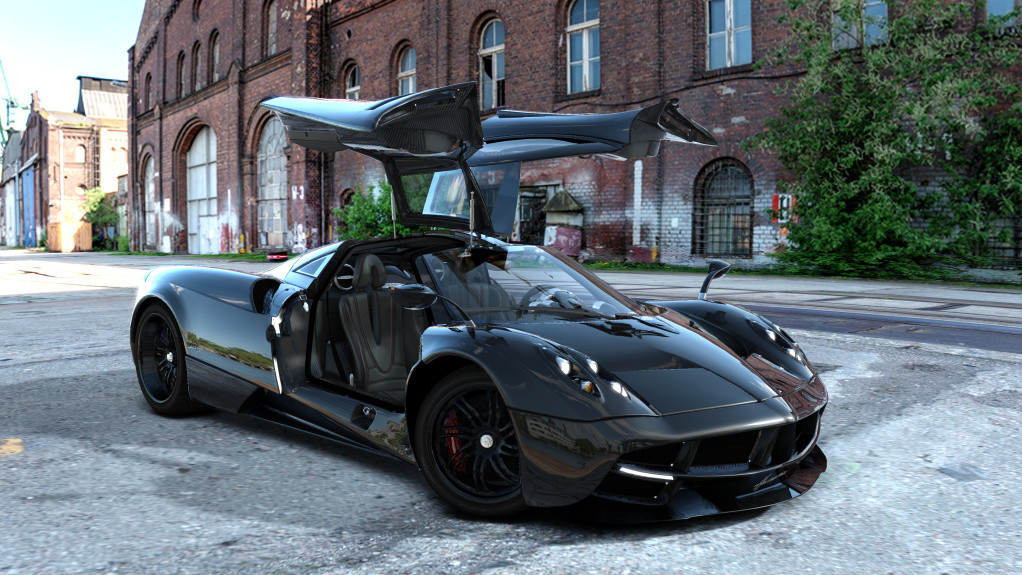
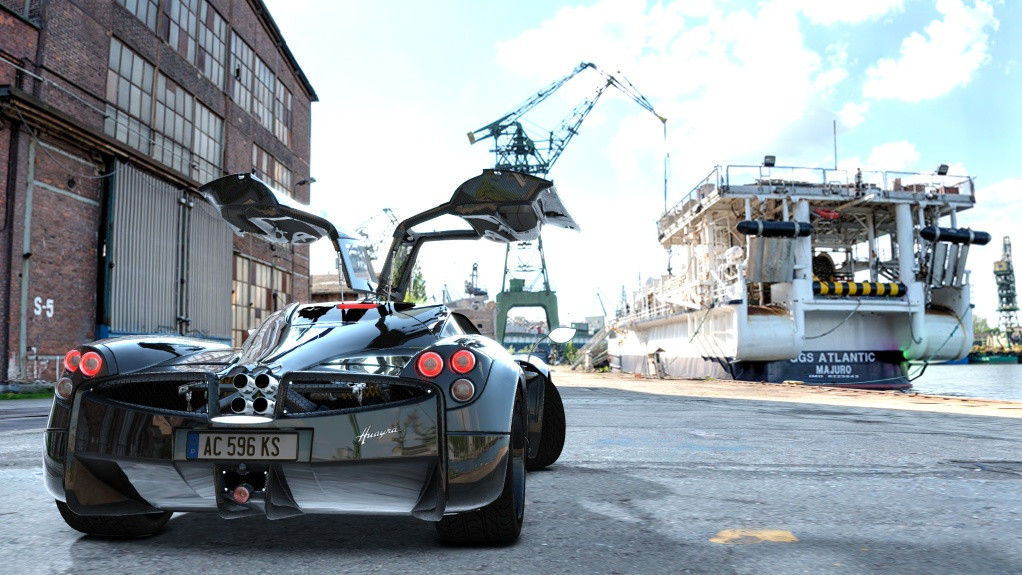
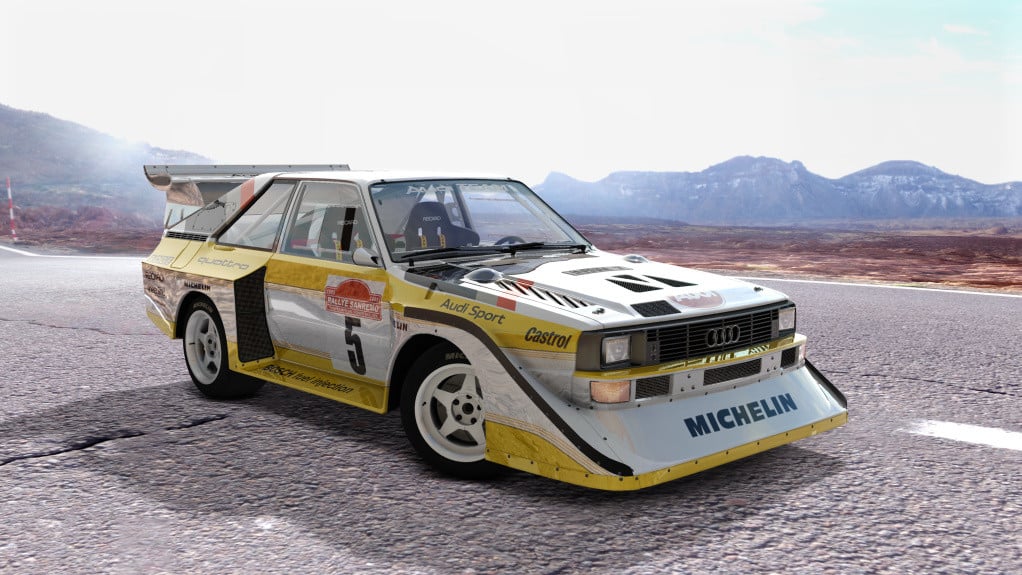
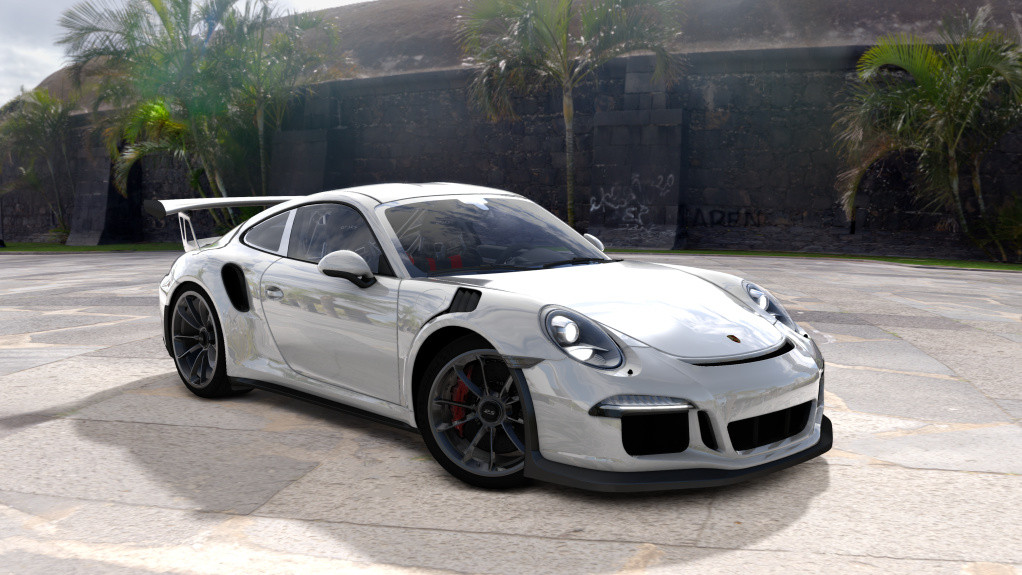
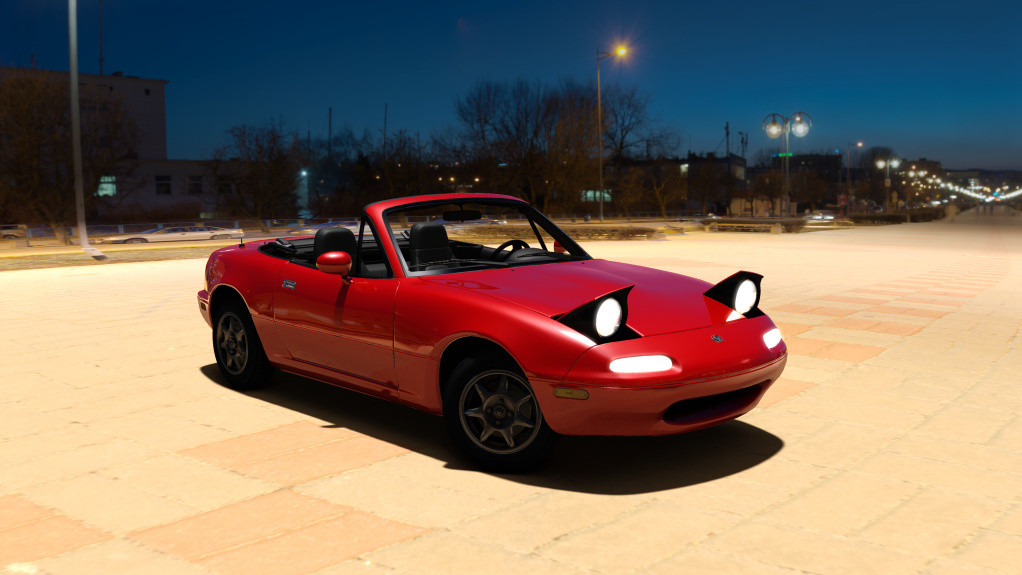
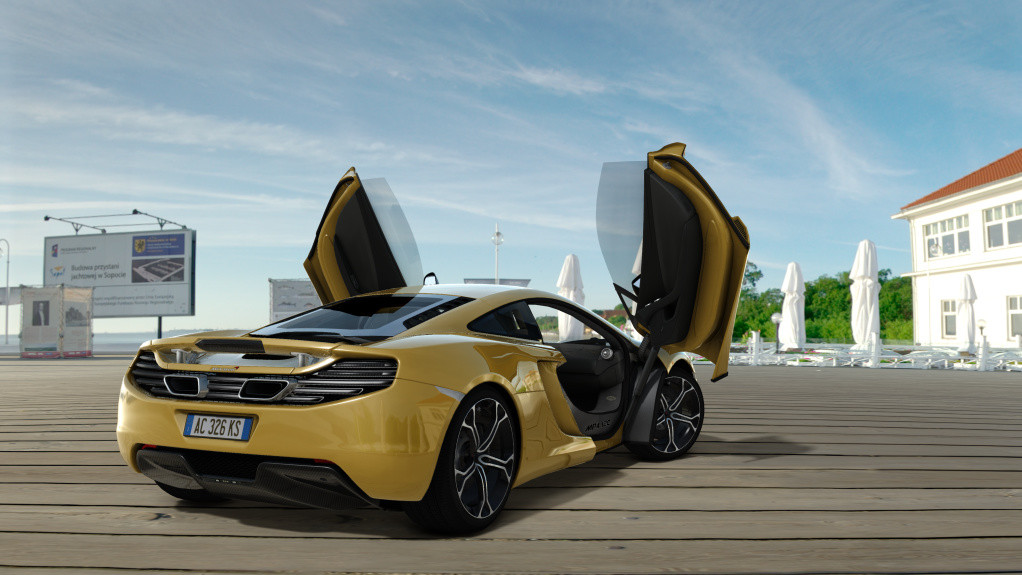
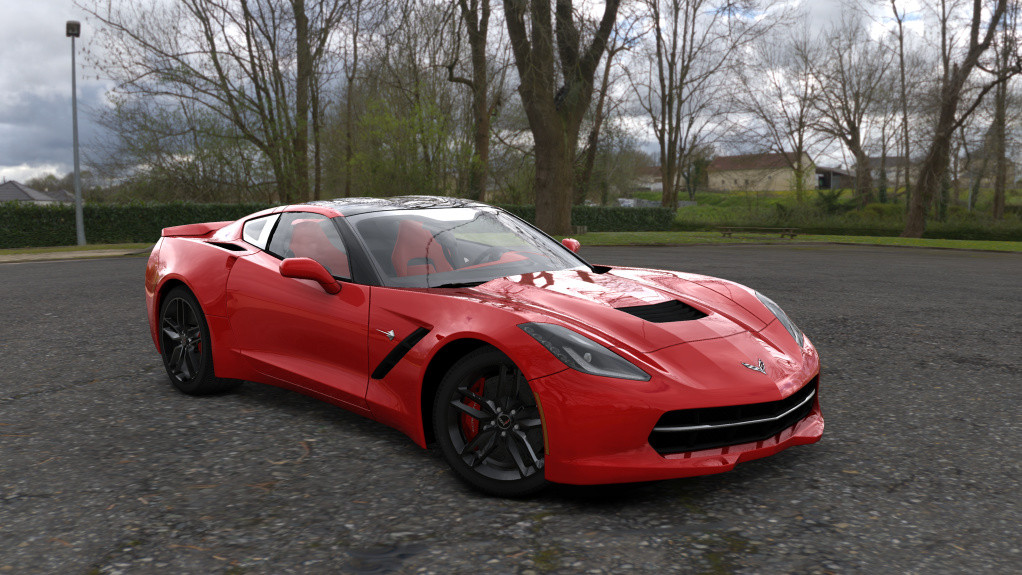
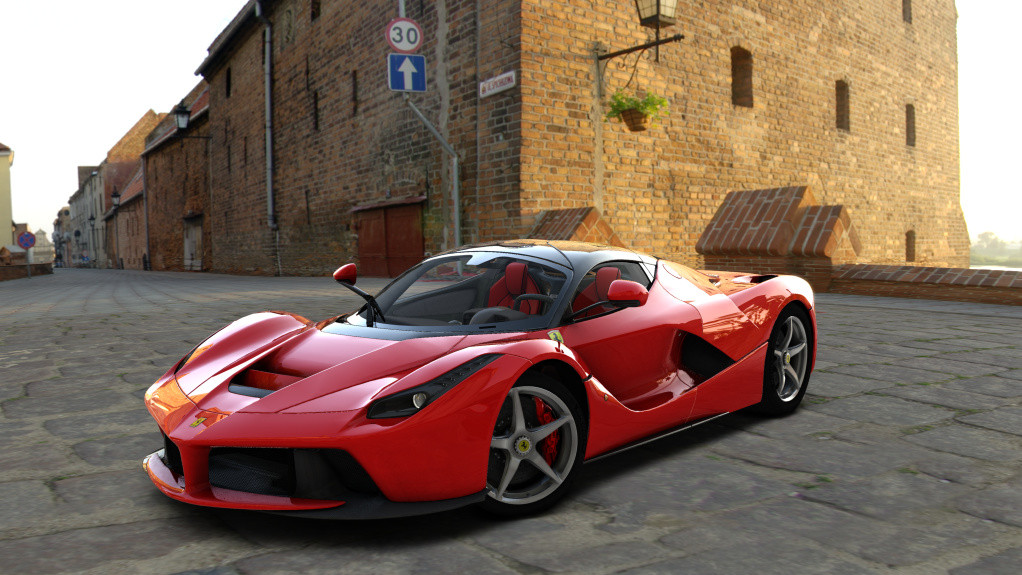
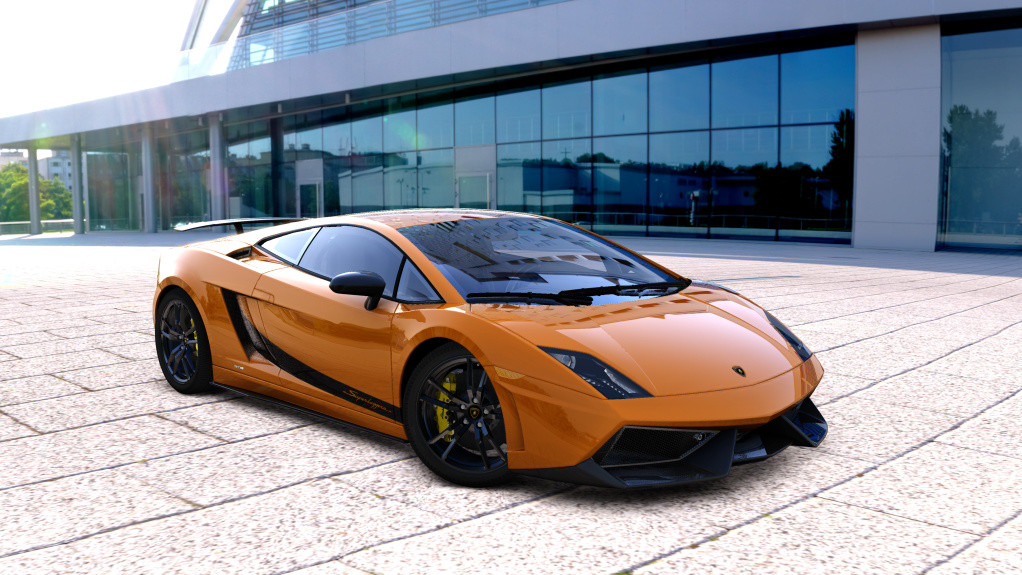
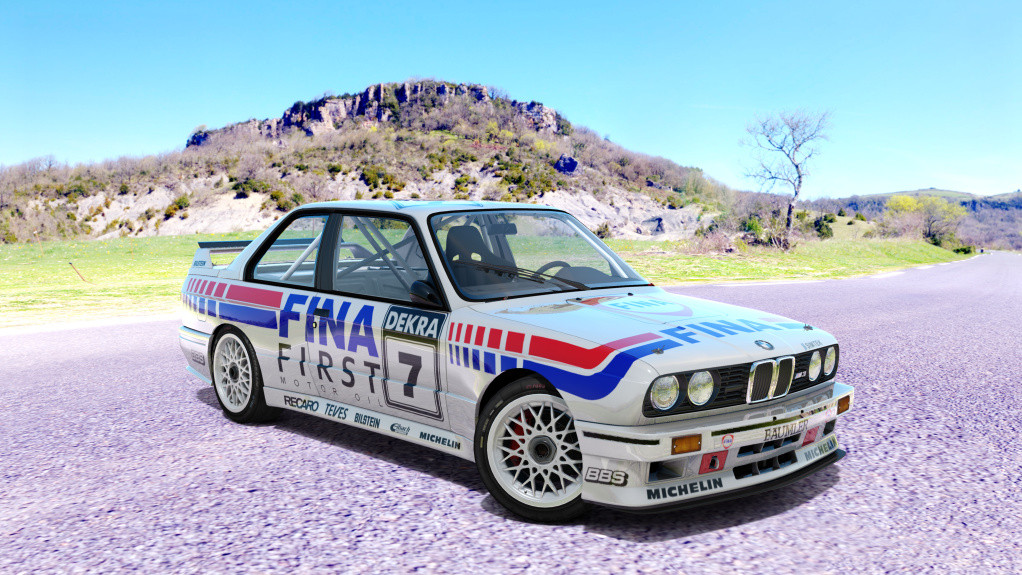
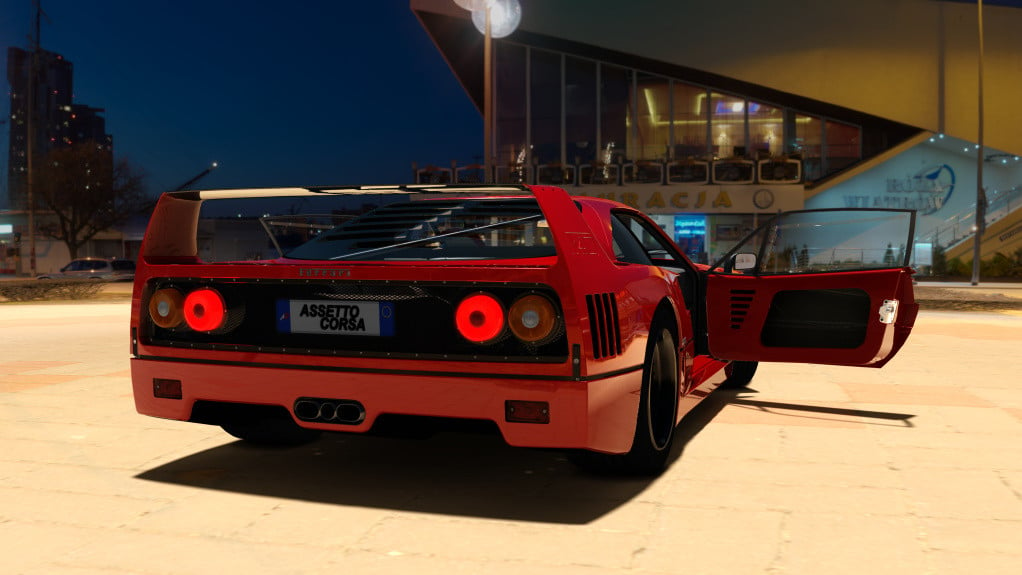
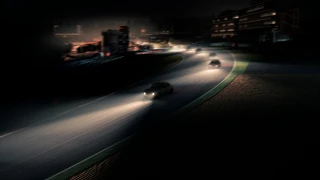
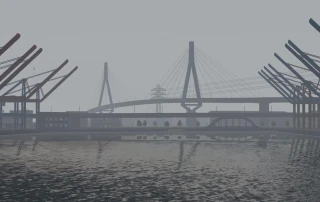
The Showrooms and CM Presets Pack is a modification for Assetto Corsa which enhances the overall experience of the game. This mod expands your options for displaying and showcasing your car collection with new showrooms. These are essentially different environments in which you can view your cars.
The mod also includes CM presets. CM stands for Content Manager, a versatile replacement for the standard Assetto Corsa launcher. With these presets, you gain additional customization settings to change your gaming experience. This can have an impact on a range of elements, such as graphic details, car control adjustments, and even weather conditions.
The presets and showrooms in the pack differ in styles and themes providing a variety of options for the players. This mod doesn't directly impact the gaming performance but significantly improves the aesthetic and immersion of the game, making the game more personalized and enjoyable.
Install:
Download the mod from this page, extract it and copy the showrooms to "\Assetto Corsa\content\showroom\" and the presets to "C:\Users\<YOUR_USERNAME>\AppData\Local\AcTools Content Manager\Presets\Custom Previews\".
You can use my showroom with the original Kunos showroom but I recommend using Content Manager. Once in Content Manager, select a car, open one of my presets and take a screenshot. That's it!
Mini guide
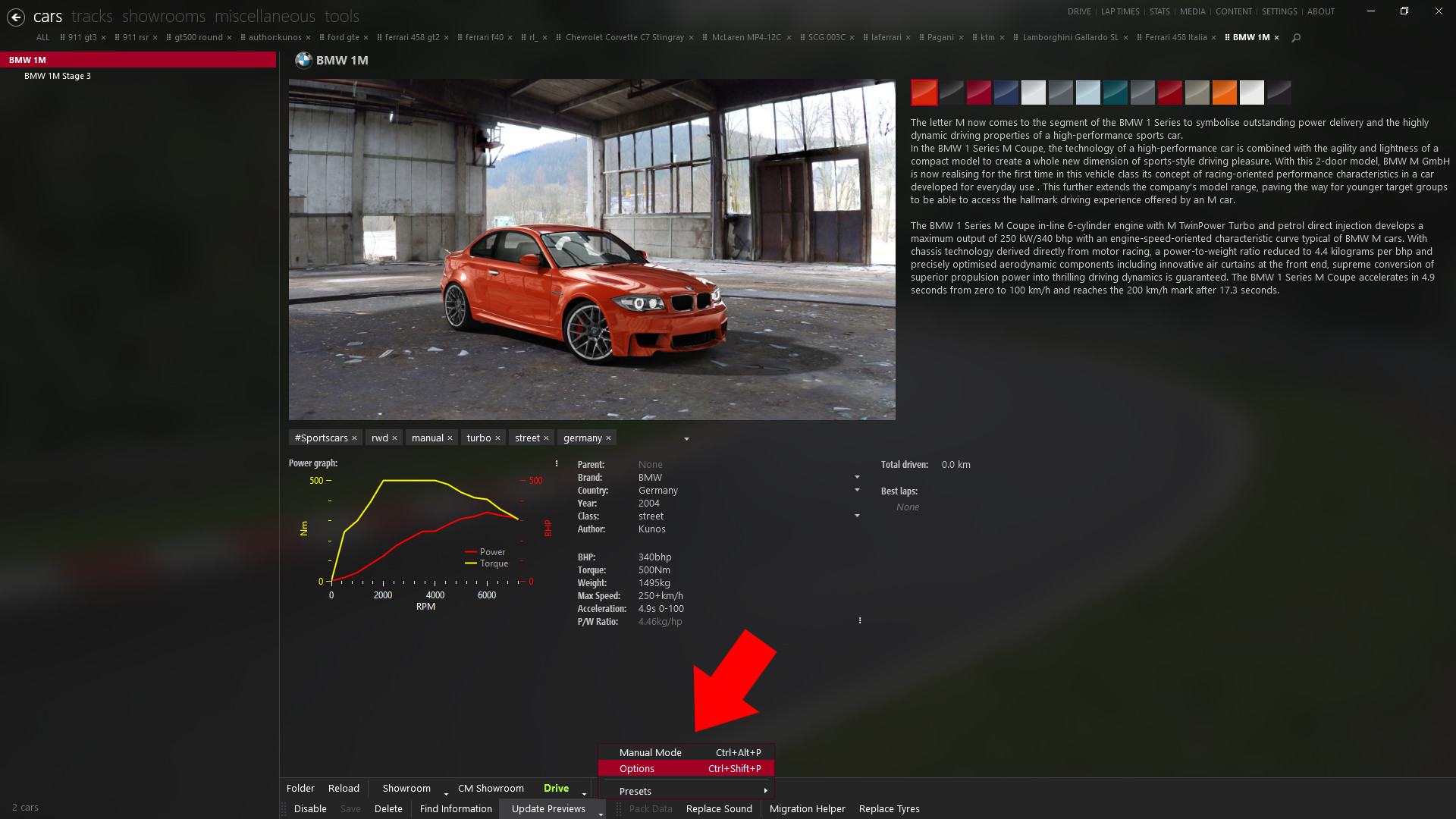
Open Content Manager, go to content and select a car. Then click Update previews>>Options.
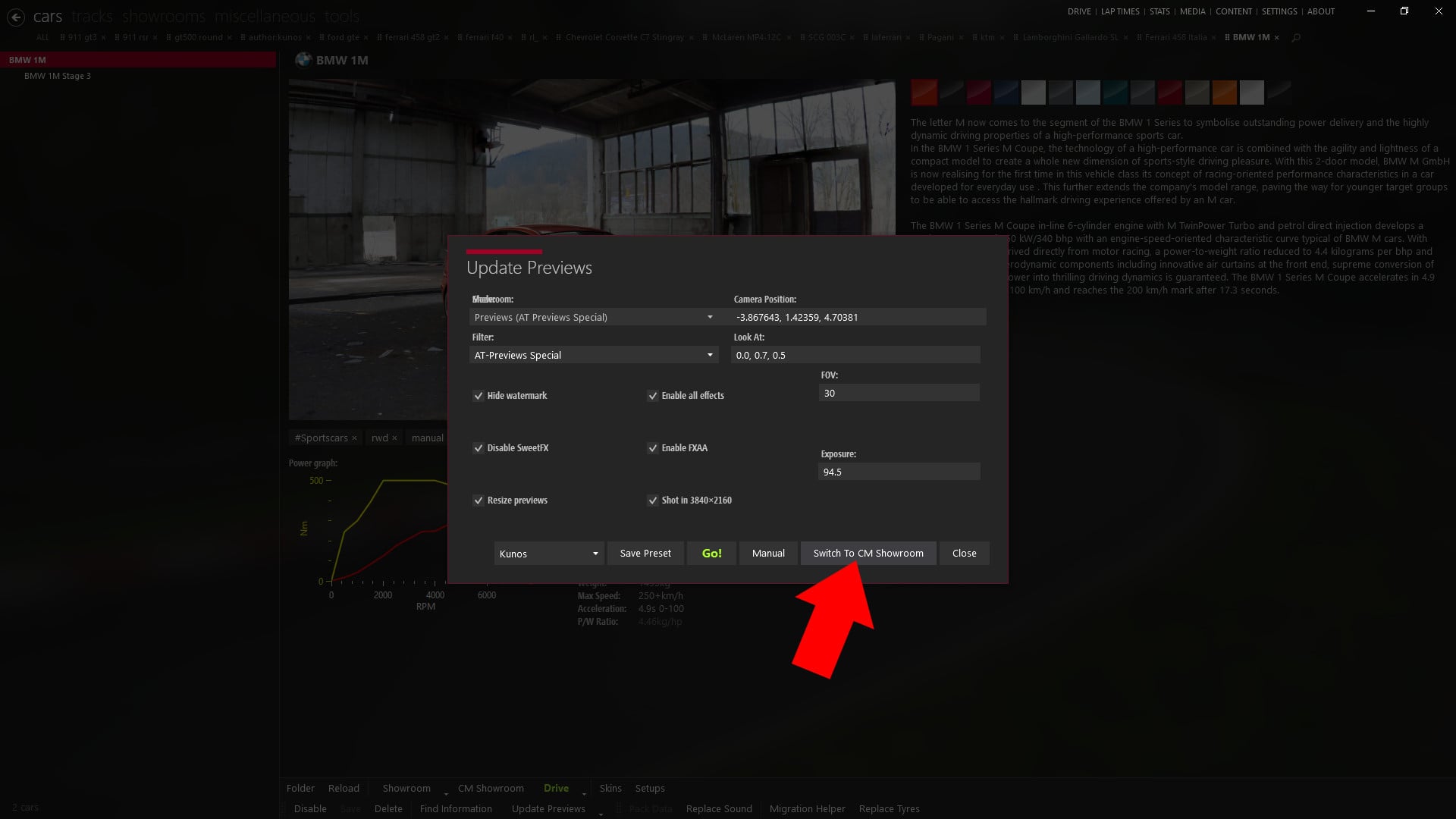
Then click "Switch To CM Showroom" if you have not done yet.
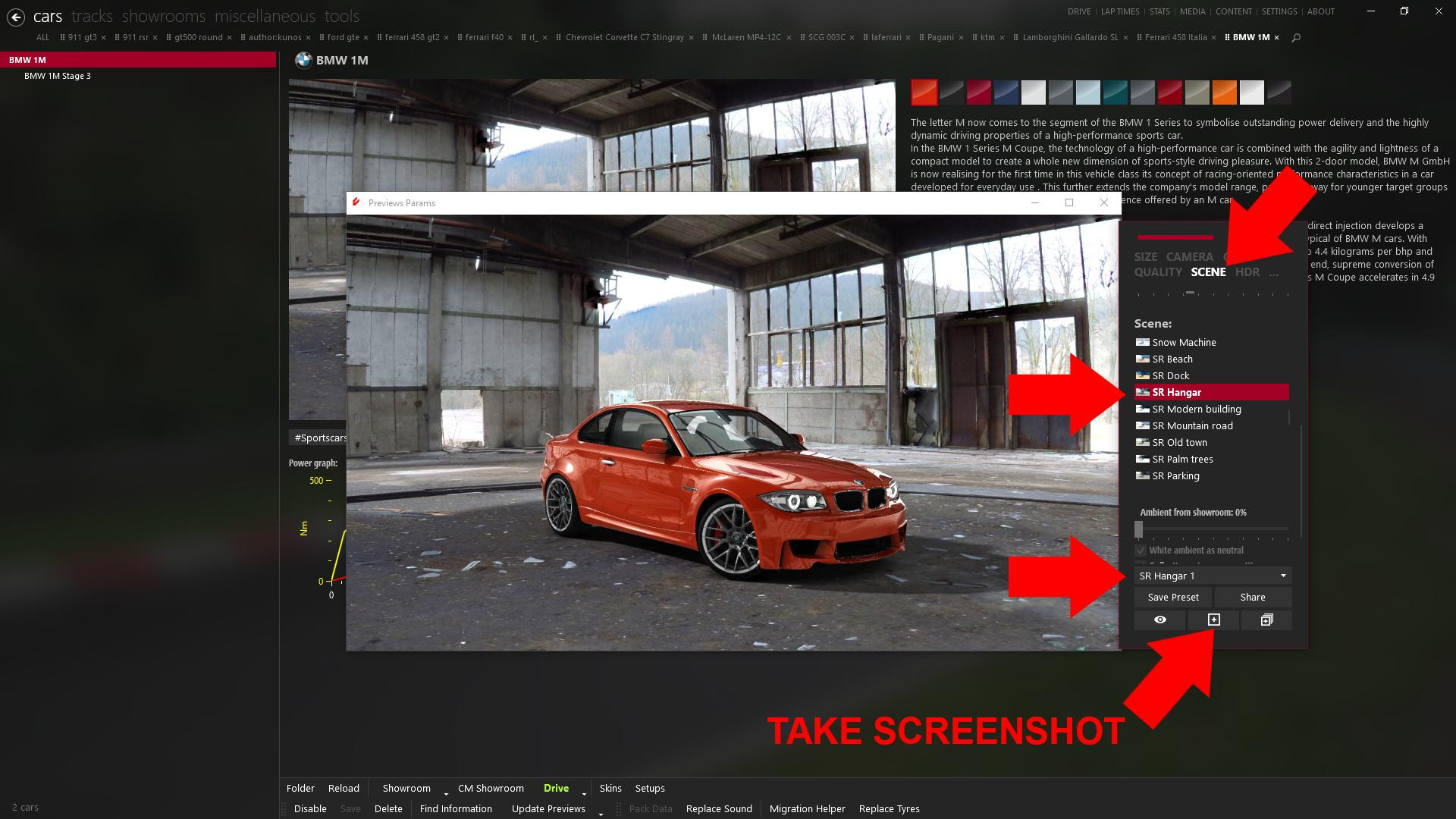
Then go to scene and select a preset or a showroom and take a screenshot by clicking the [+] icon.
Remember to have the latest version of Content Manager, version 0.8.882.17282 or higher, by enabling "Update to non-tested versions" option in Settings>Content manager>General.
Credits:
Paulaob
The mod also includes CM presets. CM stands for Content Manager, a versatile replacement for the standard Assetto Corsa launcher. With these presets, you gain additional customization settings to change your gaming experience. This can have an impact on a range of elements, such as graphic details, car control adjustments, and even weather conditions.
The presets and showrooms in the pack differ in styles and themes providing a variety of options for the players. This mod doesn't directly impact the gaming performance but significantly improves the aesthetic and immersion of the game, making the game more personalized and enjoyable.
Install:
Download the mod from this page, extract it and copy the showrooms to "\Assetto Corsa\content\showroom\" and the presets to "C:\Users\<YOUR_USERNAME>\AppData\Local\AcTools Content Manager\Presets\Custom Previews\".
You can use my showroom with the original Kunos showroom but I recommend using Content Manager. Once in Content Manager, select a car, open one of my presets and take a screenshot. That's it!
Mini guide
Open Content Manager, go to content and select a car. Then click Update previews>>Options.
Then click "Switch To CM Showroom" if you have not done yet.
Then go to scene and select a preset or a showroom and take a screenshot by clicking the [+] icon.
Remember to have the latest version of Content Manager, version 0.8.882.17282 or higher, by enabling "Update to non-tested versions" option in Settings>Content manager>General.
Credits:
Paulaob
Direct Download Links
Version: 1.0Updated: 2 years ago
Total Size: 249.53 MB
Showrooms_and_CM_presets_pack_10_modland.rar
direct download
· 249.53 MB
· added 2 years ago
This File is Scanned by Antivirus and is Safe.
More Details
About Mod
| Latest Version | 1.0 |
| Game | Assetto Corsa |
| Category | Other |
| Downloads | 3813 |
| Created | 2 years ago |
| Last Virus Scan |
0/96
More Details |
You Might Also Like »
_modland.webp)


0 Comments
There are no comments. Be first to comment!