ECU Pro Tuner - Trainer 3.1.1
Changelog
OE Pro Tune v3.1.1 brings a big update to the transmission tuning, NOS, flames and multiplayer features.
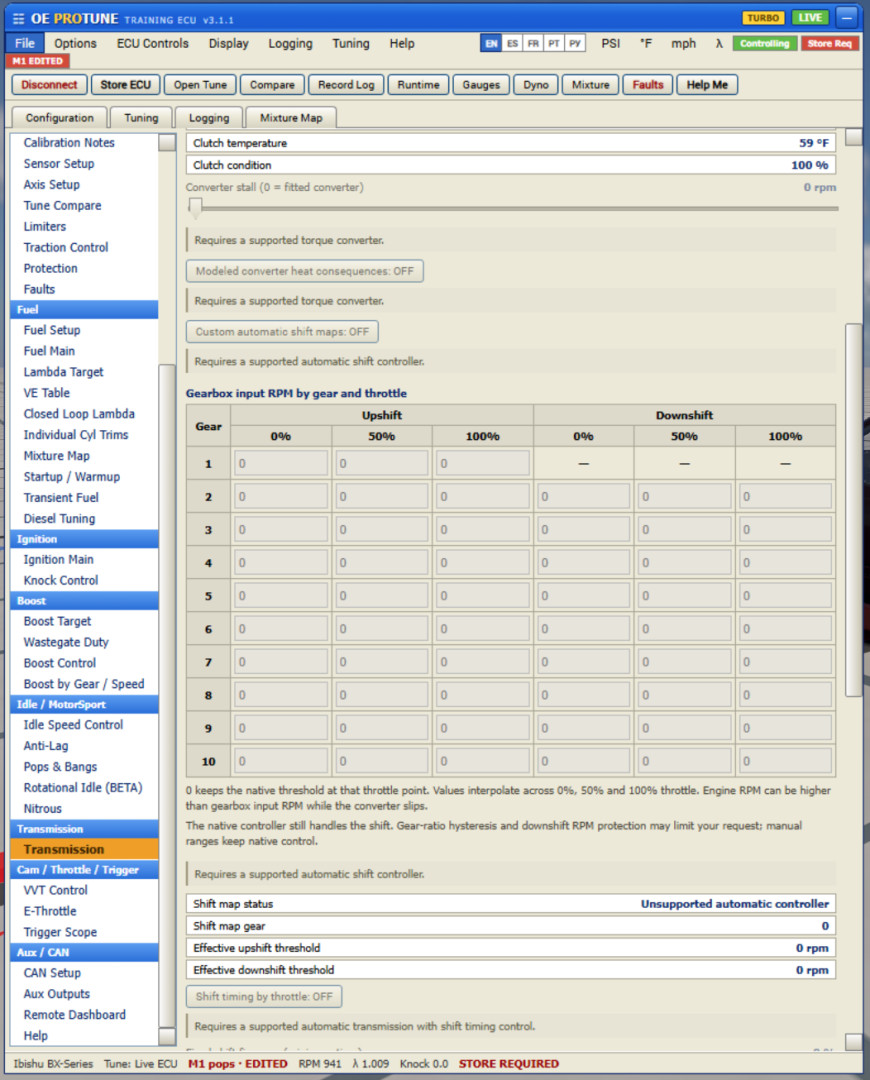
- Transmission tuning: Added gear and load based shift maps, adjustable shift timing and improved torque management during shifts. You can also turn OE transmission tuning off and use the car’s original transmission behavior.
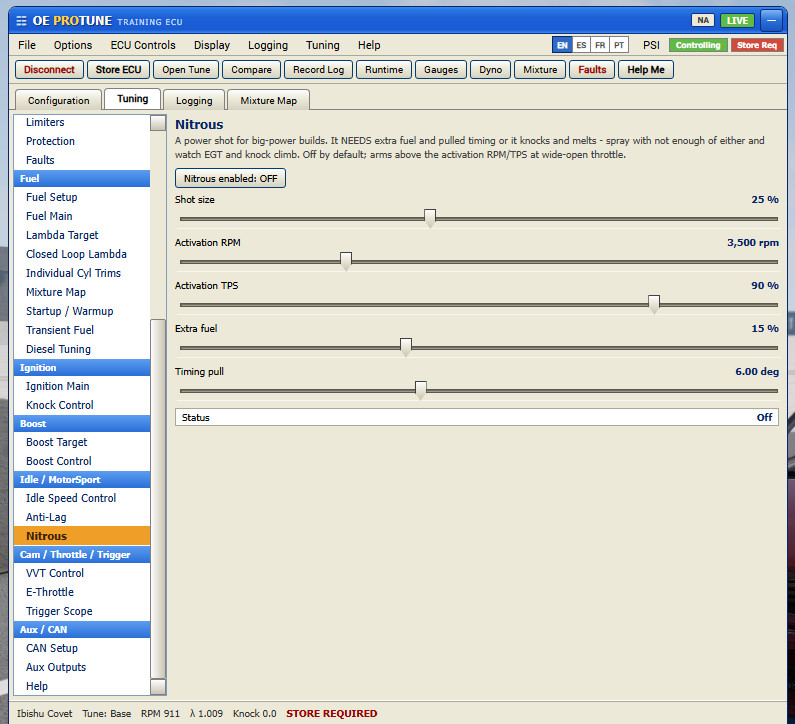
- NOS: Reworked the nitrous system for more realistic power delivery, fuel requirements and activation limits. It takes more thought to set up properly.
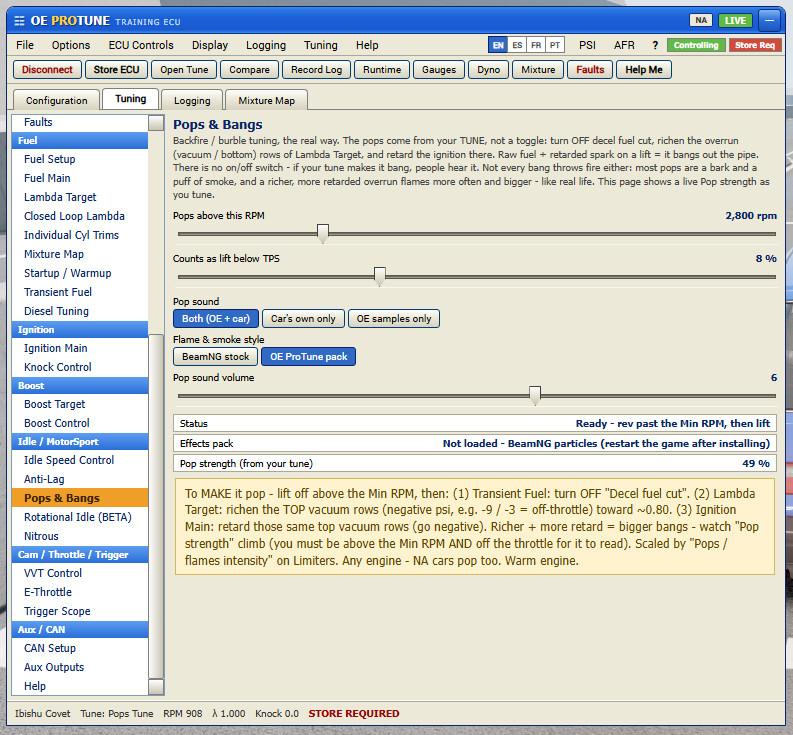
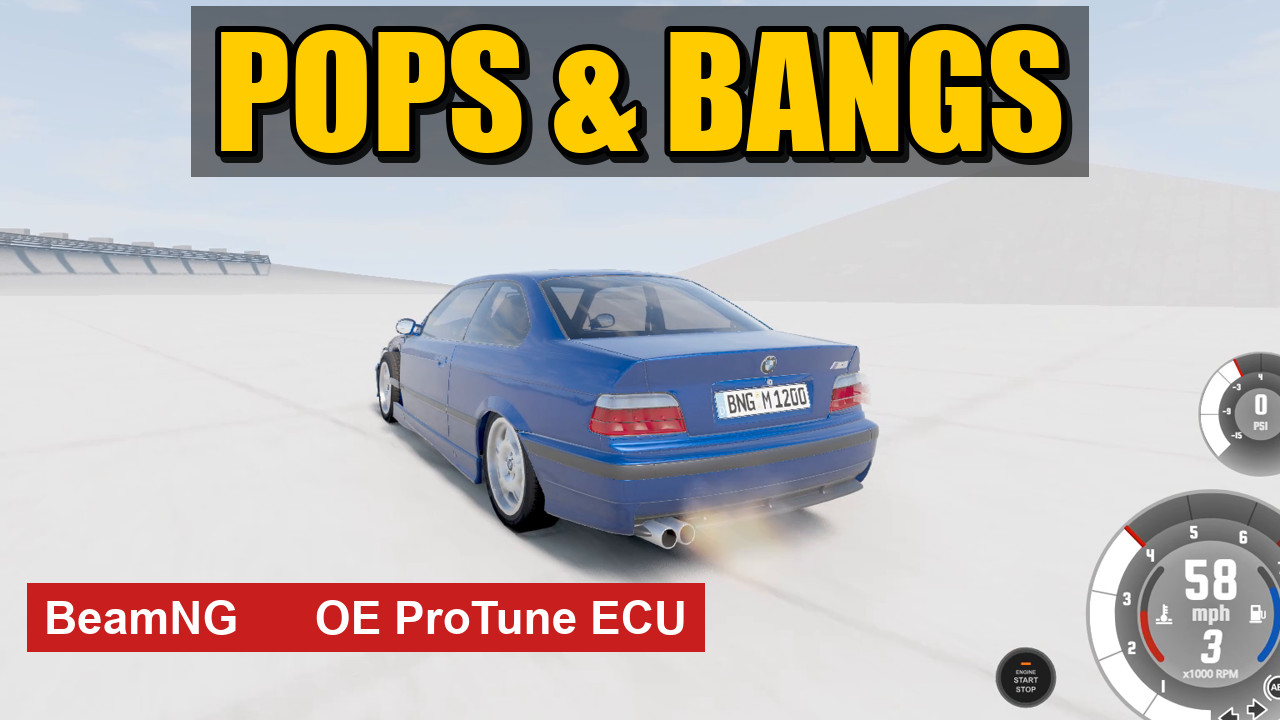
- flames: Reworked the flames with more variation in size, shape and duration. Pops produce separate bursts and fireballs, while tuned overrun flames can linger between bangs.
- OE SHOW / COAL: Added bigger, longer and more exaggerated flames for anyone wanting a show setup.
- Fast / Popcorn limiter: Added a new hardcut profile with quicker ignition cuts and shorter, sharper pop sounds. The rhythm follows the engine’s RPM recovery. Classic is still available.
- Higher RPM support: Improved limiter support for high revvving engines
- BeamMP sounds: Other players can hear your OE pops, bangs and limiter sounds, with improved syncing and missed-packet handling.
- BeamMP tuning: Added the ability to tune other players’ cars.
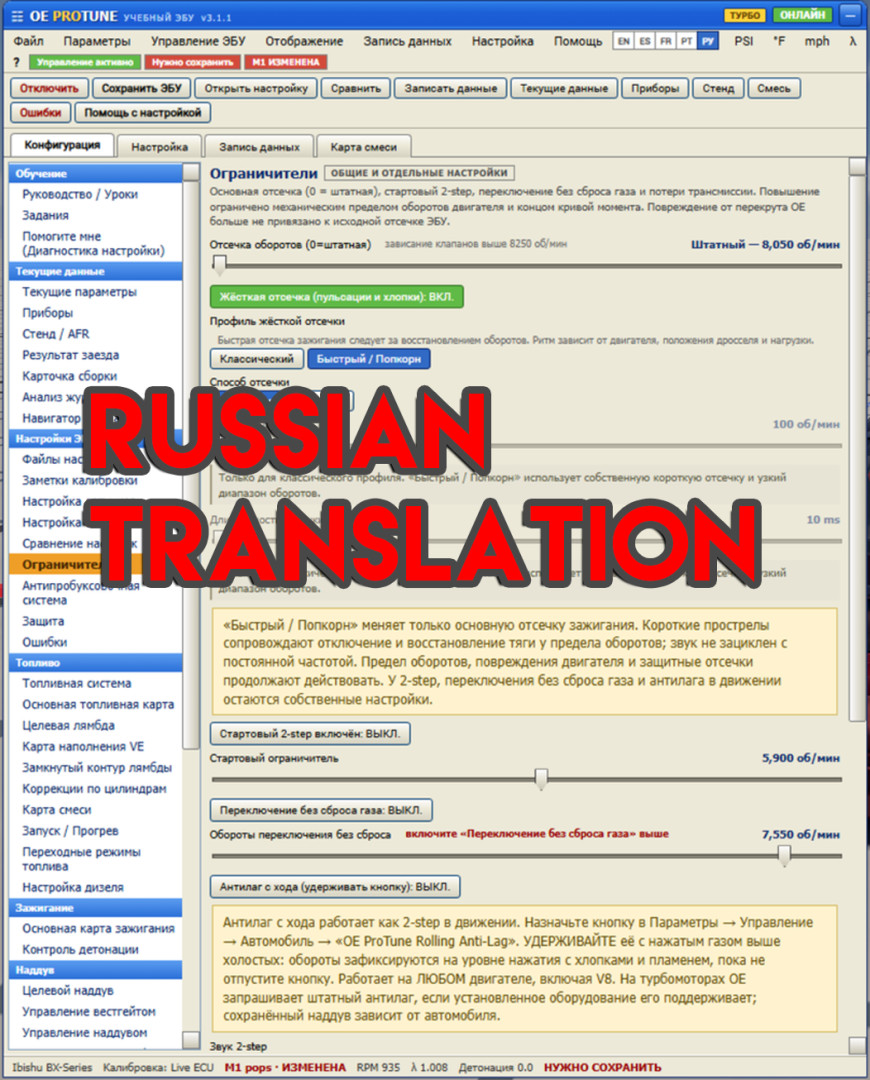
- Russian translation: Added Russian throughout the app and remote interfaces.
Multiple new 2 step sounds, rolling antilag and pops and bangs
What's new in OE ProTune V3
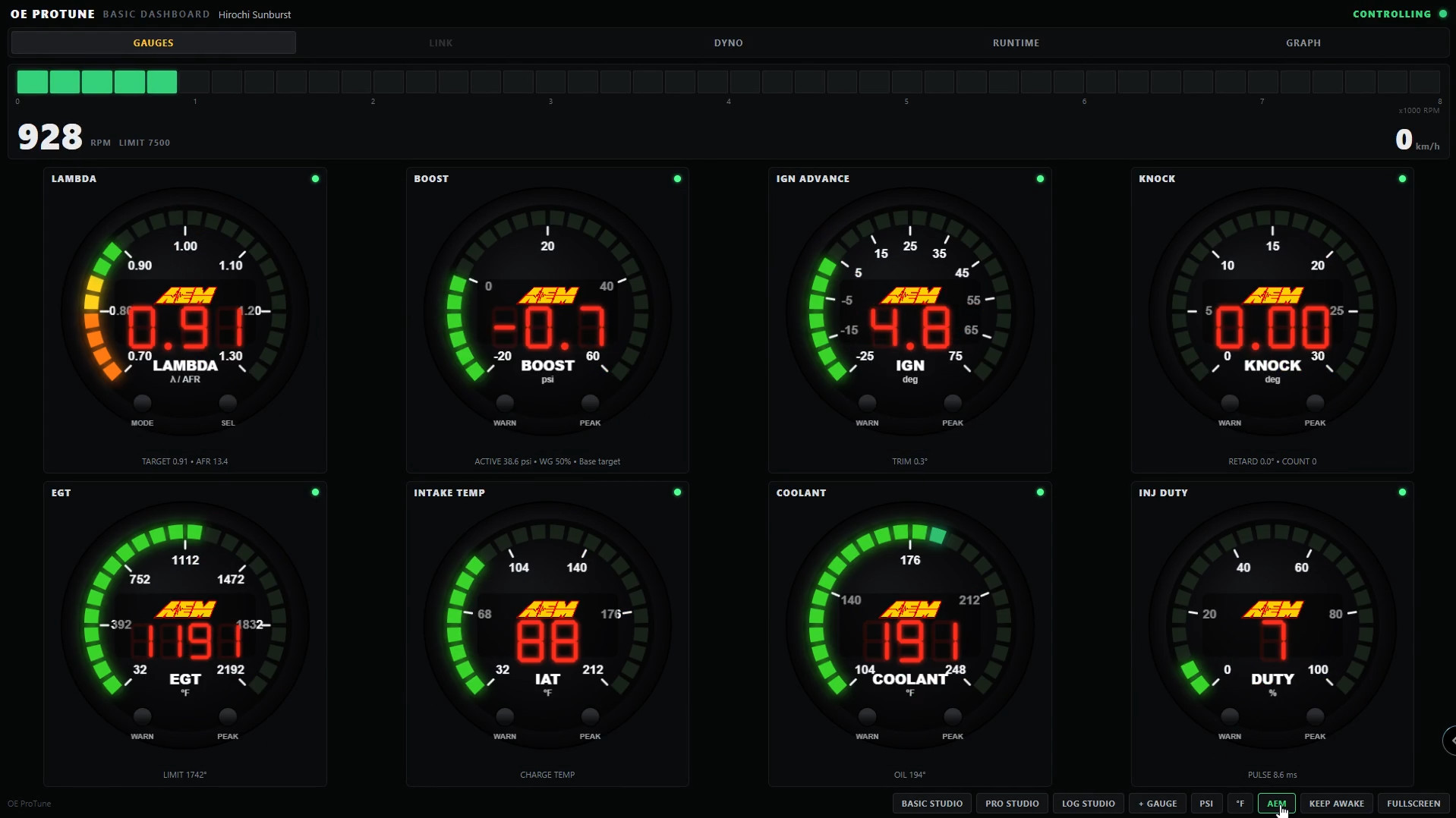
Open it in a browser
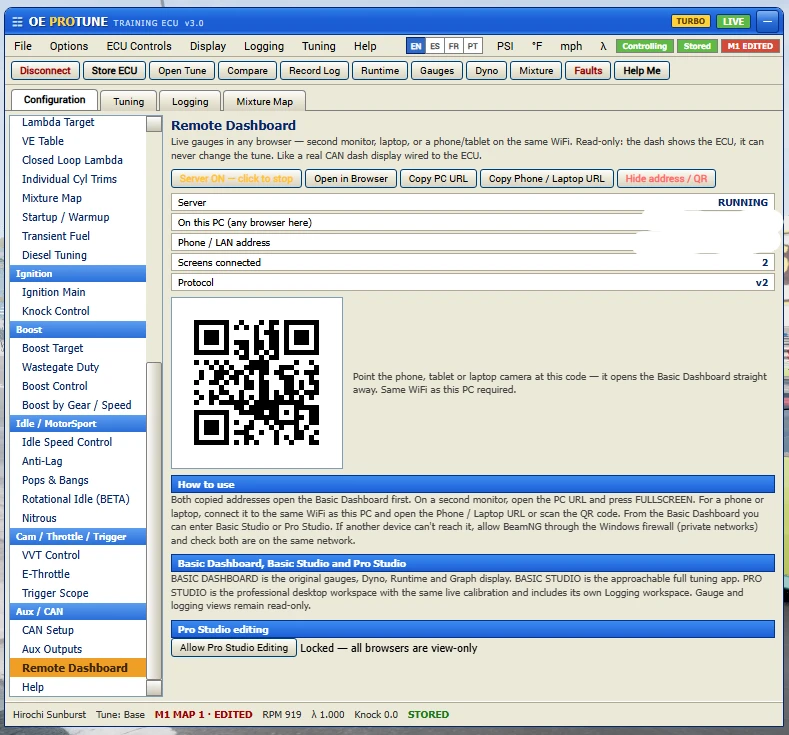
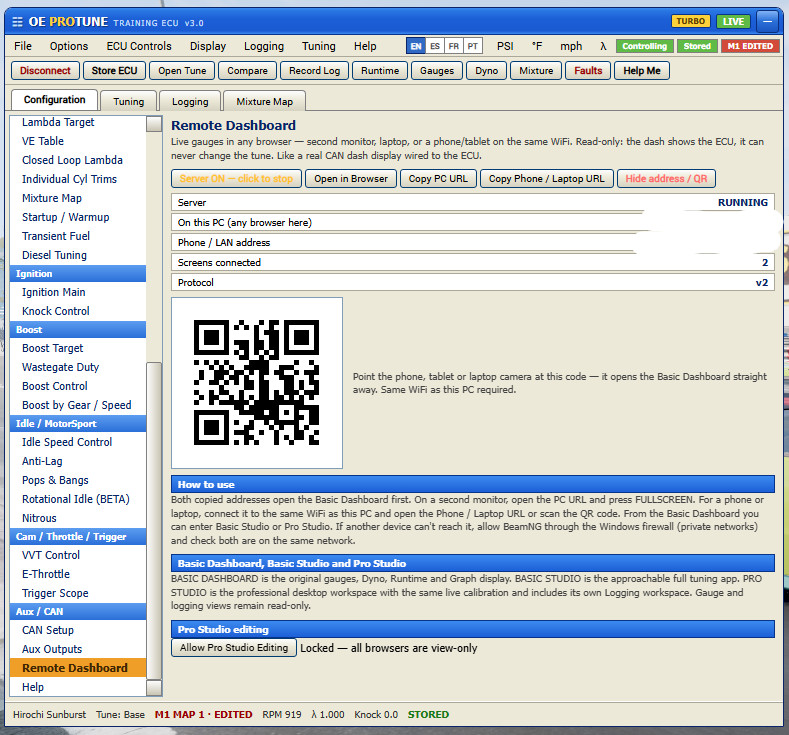
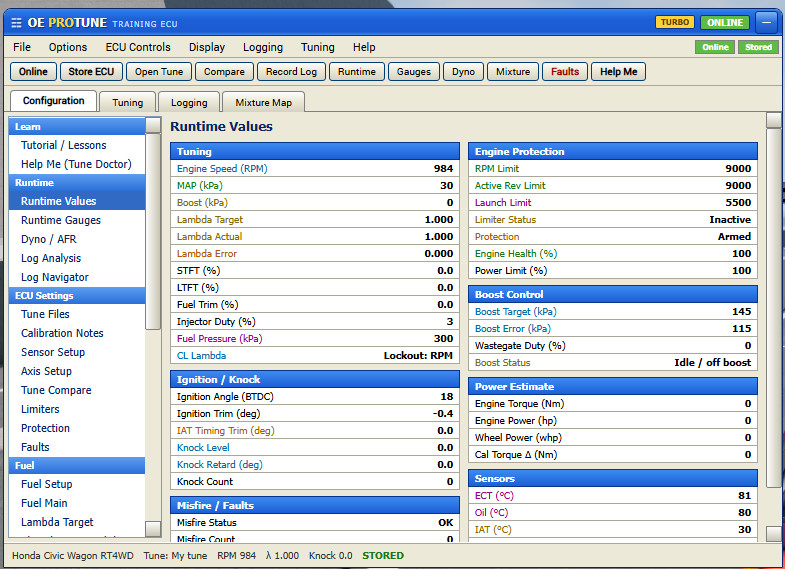
You can now run the whole thing in a web browser instead of only the in game app. Works on a second monitor, or on your phone, tablet or laptop as long as it's on the same WiFi as the game. There's a QR code you scan with your phone to open it instantly, plus Copy PC URL and Copy Phone URL buttons if you'd rather paste it.
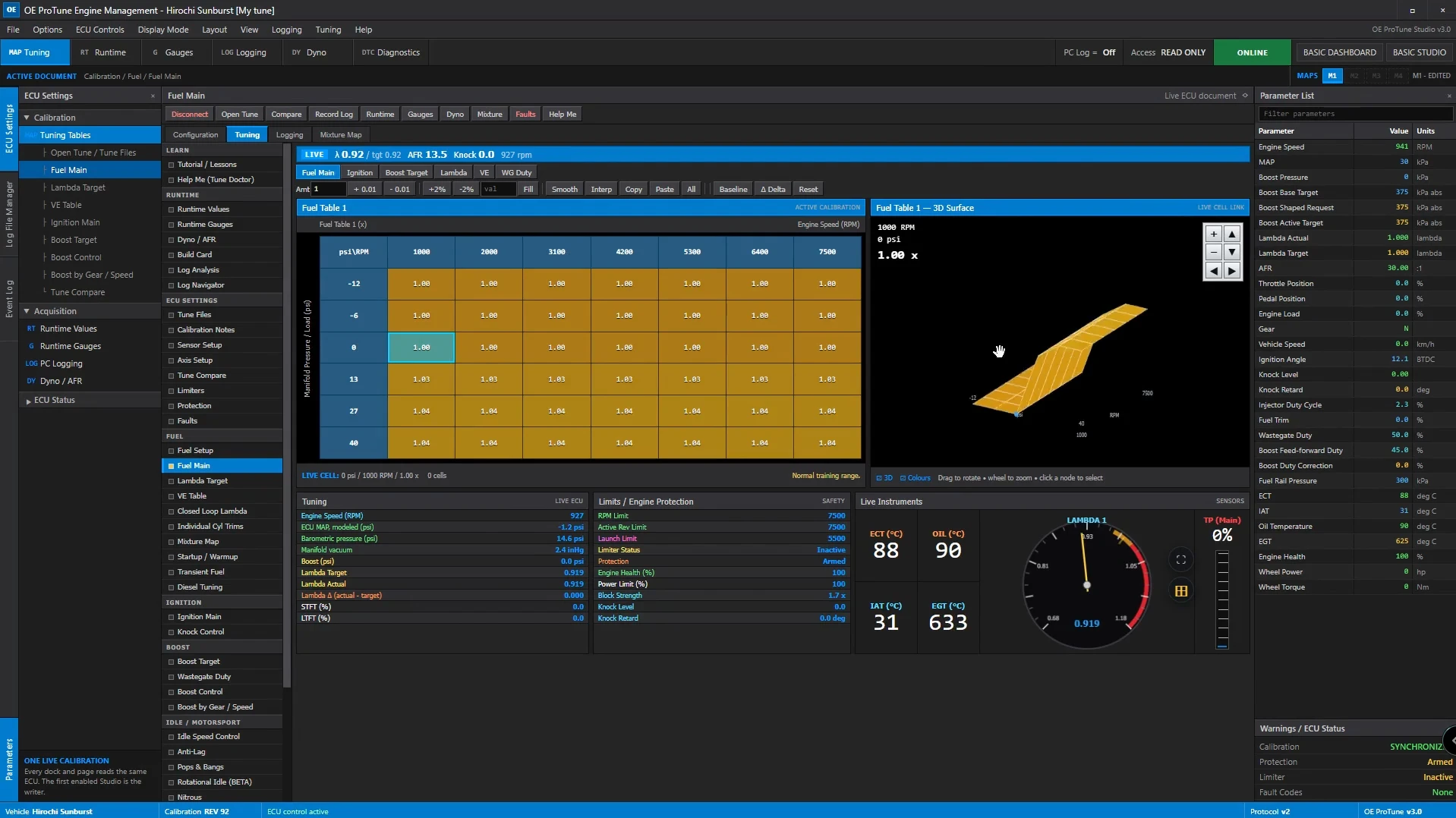
It comes in three screens:
-
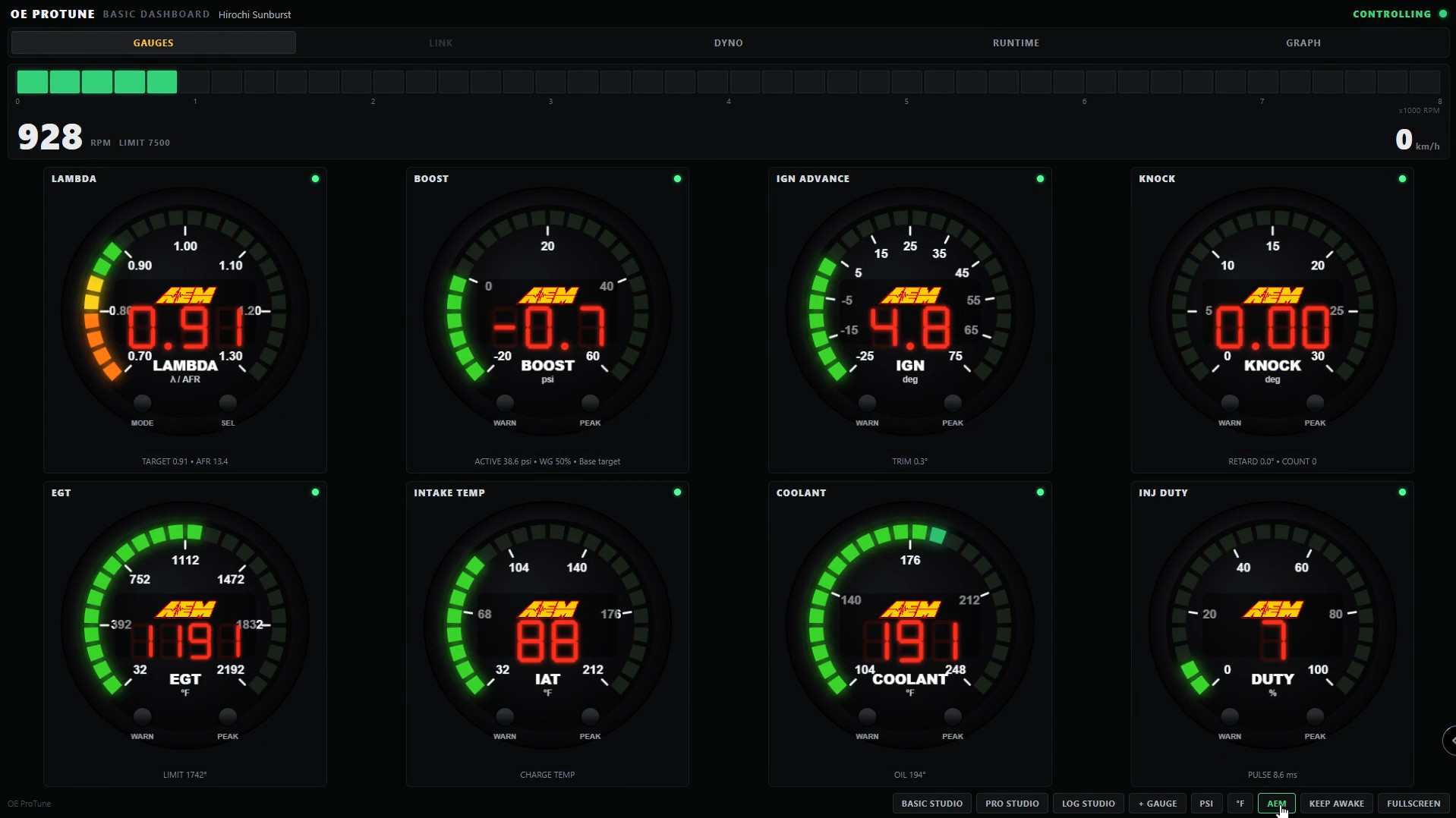
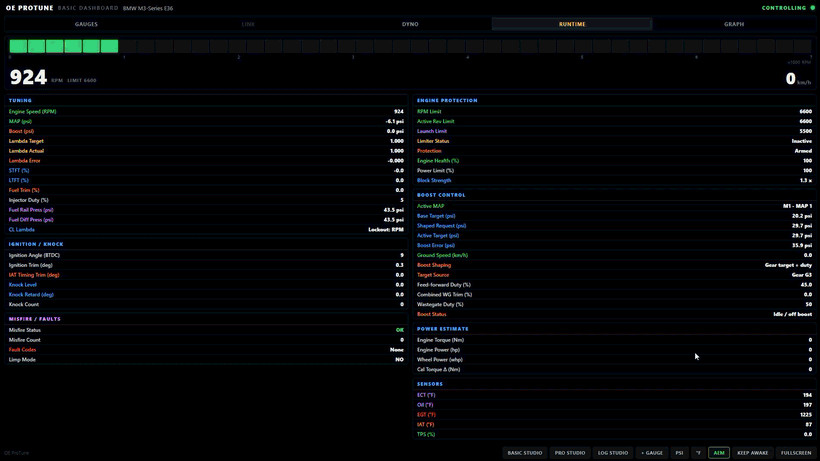
Basic Dashboard: your gauges, dyno, runtime values and the live graph, right in the browser.
-
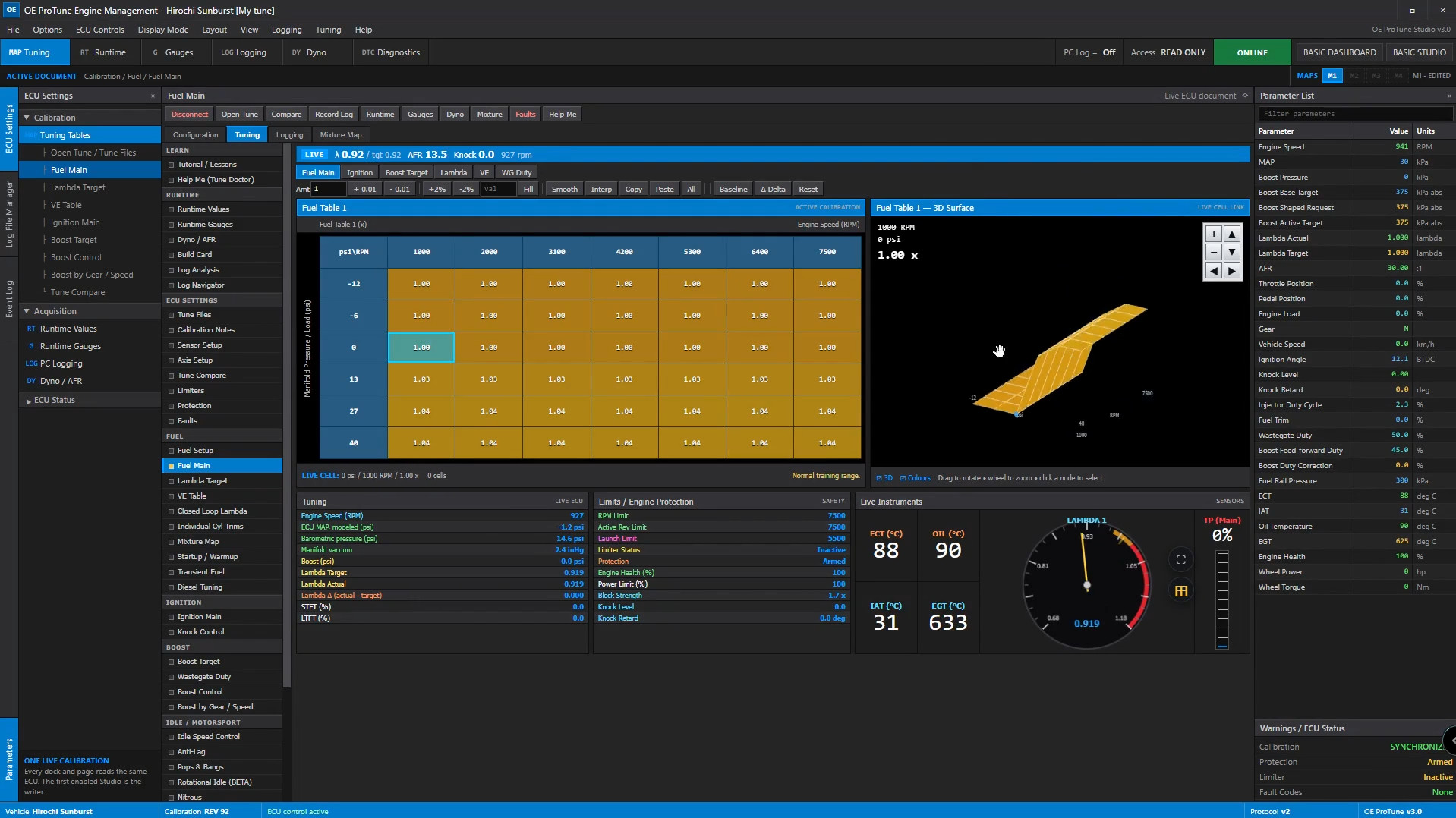
Basic Studio: the full easy tuning app, same one you already know.
-
Pro Studio: the desktop style pro workspace with the same live tuning, and it has its own Log Studio built in for data logging.
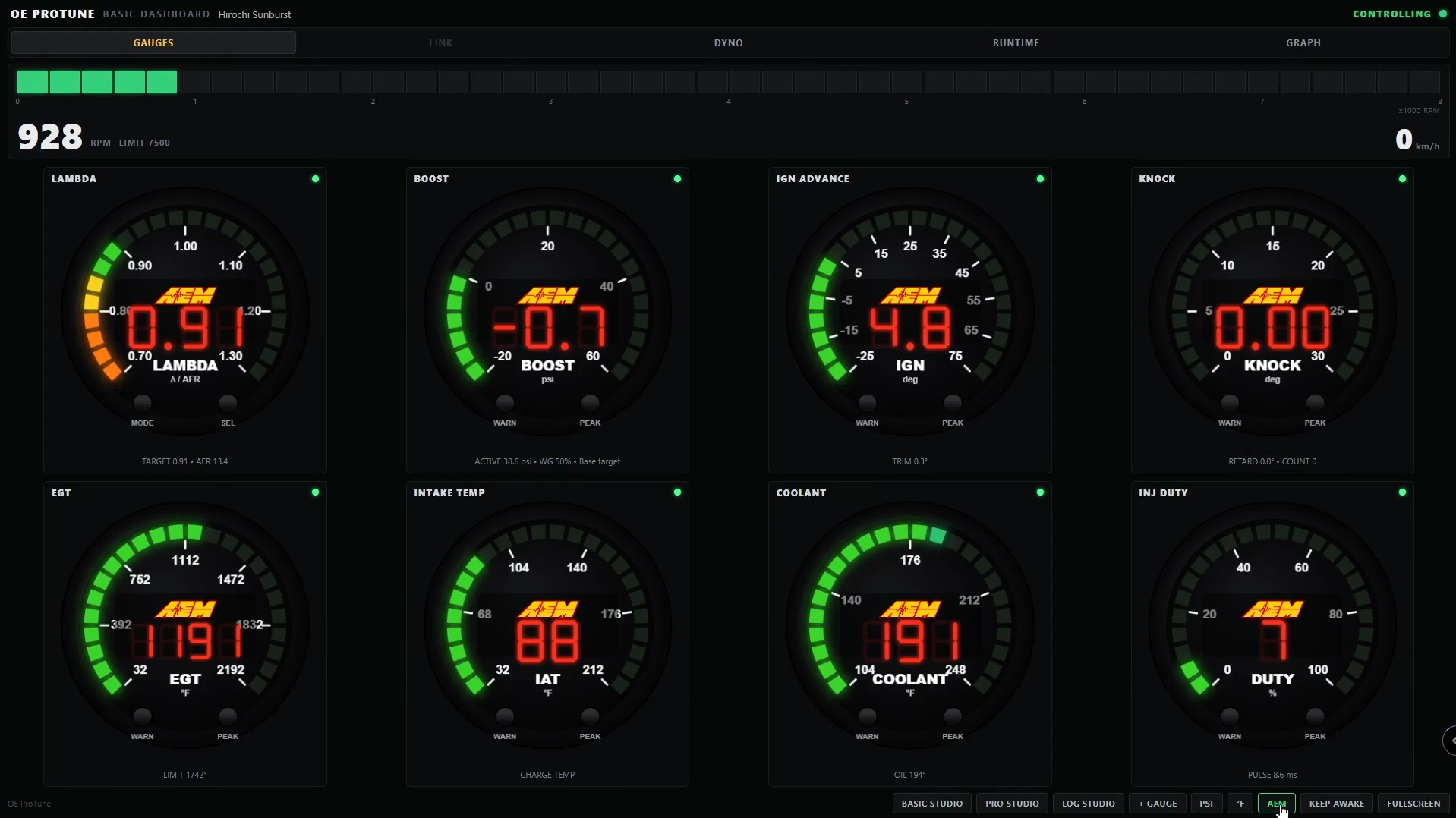
You stay in control of it. Tuning from the browser is locked until you turn on Pro Studio Editing inside the game. The first browser that connects becomes the one that can make changes, everything else stays read only until you hand it over. And every screen has a fullscreen button.
Switchable MAPs (M1 to M4)
Four tune maps you can flip between like the map switch on a real ECU. Each map keeps its own rev limit, launch, boost control (including the new boost by gear/speed) and pops. The stuff that should stay the same on the car, like engine hardware, sensors, safety systems and the table axes, is shared across all four. Every page shows a little badge telling you if a setting is per map or shared, so you always know what you're changing. Backups and tune files now save all four maps and load all four back. Old single tune saves still work, they just come in as your working tune. - Boost by Gear / Speed
You can shape your boost per gear and per speed now. Add or pull boost target and wastegate duty on each gear, or across a speed range. It has anti spike stuff built in like a real ECU: rise and fall rate limits, plus a gear up hold that keeps the lower boost through a shift so you don't spike on the change. Live readouts show you base target, shaped request and final target while you drive. Each map saves its own shaping tables.
New Features
-
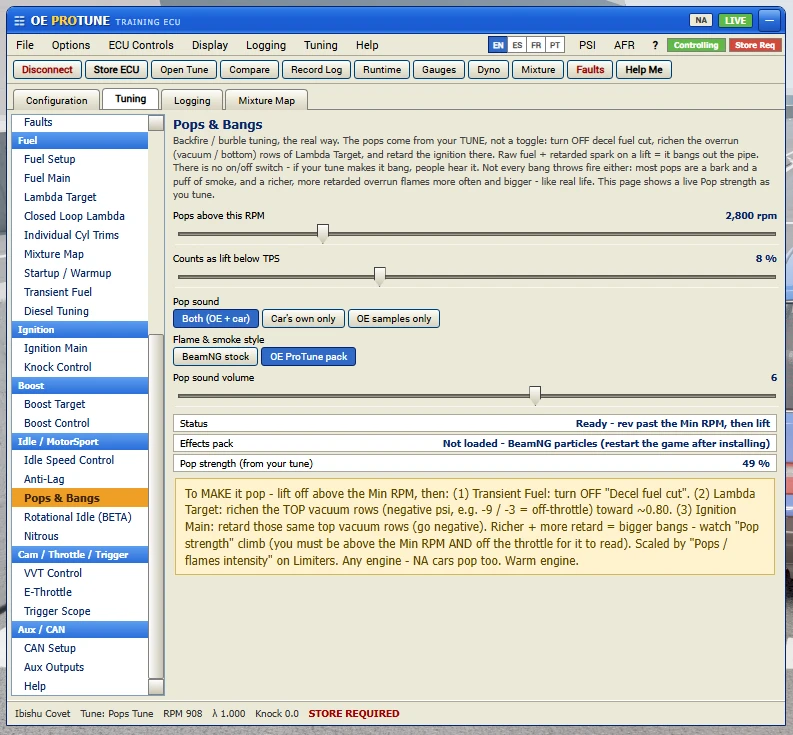
New OE ProTune effects pack. Custom flames and smoke, fireballs that grow and fade out, flame tongues that turn red as they cool, smoke that actually billows and hangs around, thick diesel coal, and white unburnt fuel smoke on anti lag and 2 step. You can switch back to the stock BeamNG look on the Pops page.
-
Your tune decides the flame color now. Rich tunes throw orange fireballs with black smoke, lean tunes with heavy retard burn blue. And not every bang makes fire, most pops are just a bark and some smoke, hotter tunes flame more often and bigger.
-
New Pop sound selector. Use your car's own afterfire sounds, which works great with sound mods, use the OE samples, or both.
-
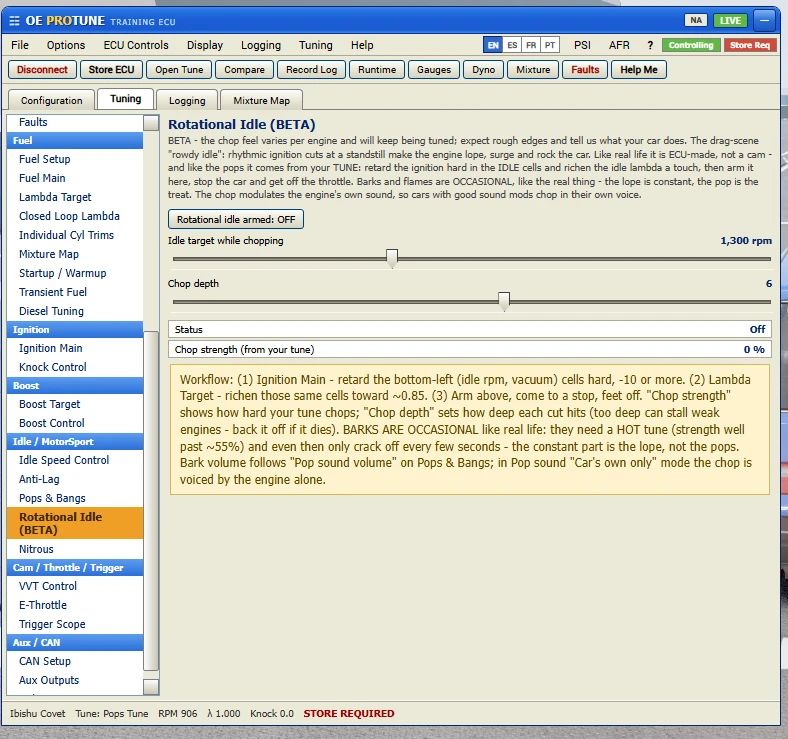
Rotational Idle, in BETA. The rowdy drag idle. Retard the idle cells hard, richen them a bit, arm it, and the car lopes, surges and rocks at a stand still with the occasional bark and flame. There's a lesson for it.
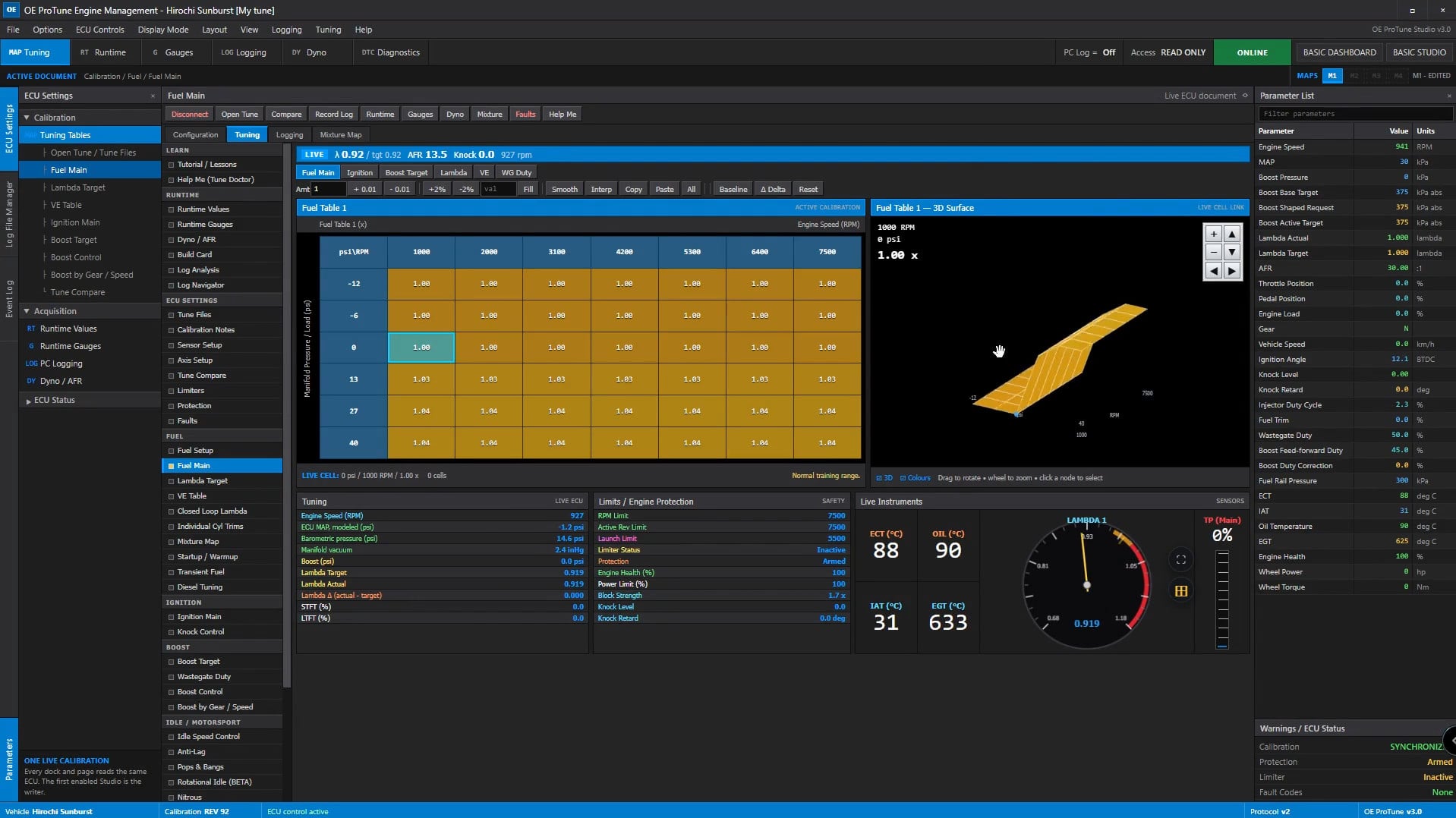
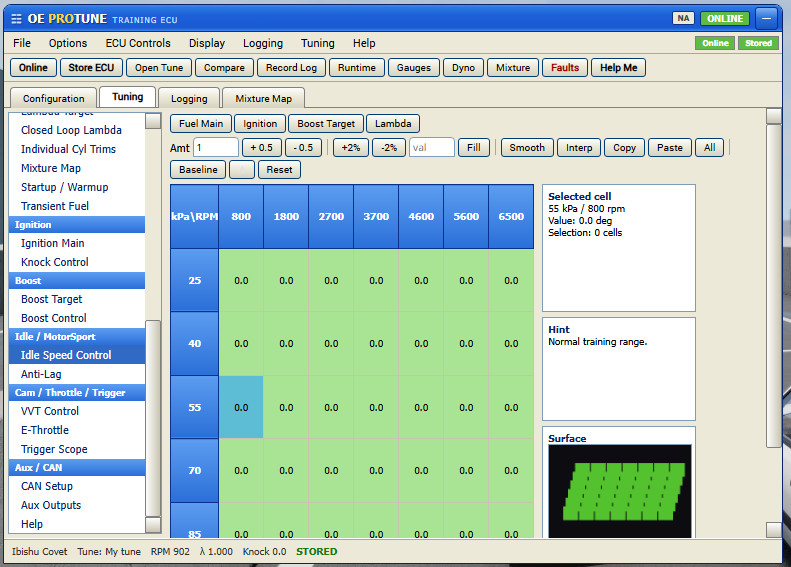
- Adjustable parameters include fuel, ignition timing, boost, lambda, and more.
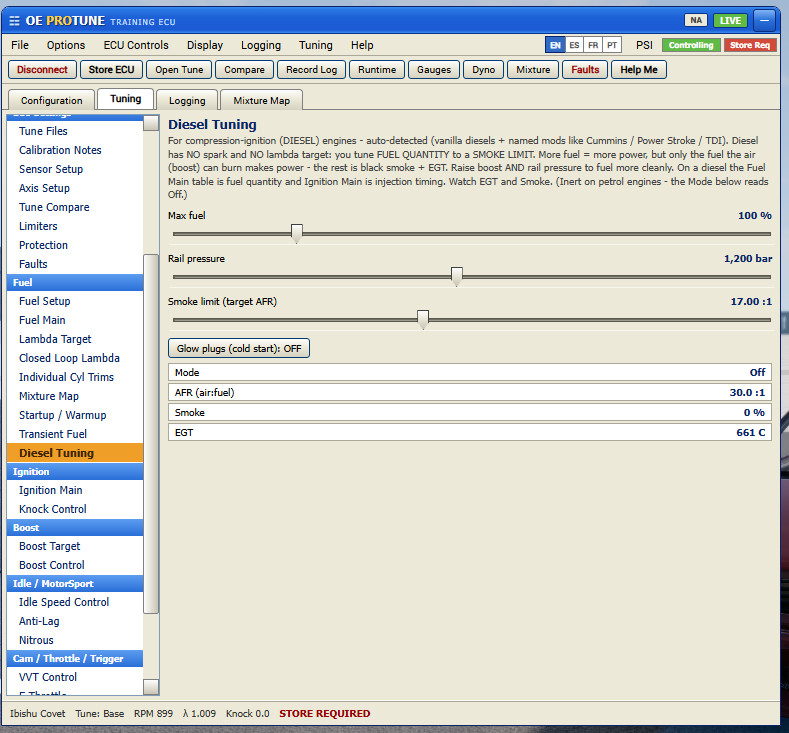
- Compatible with petrol and diesel engines, as well as naturally aspirated, turbo, and supercharged setups.
- Features full fuel, ignition, boost, and lambda tables, closed loop lambda, knock control, and engine protection.
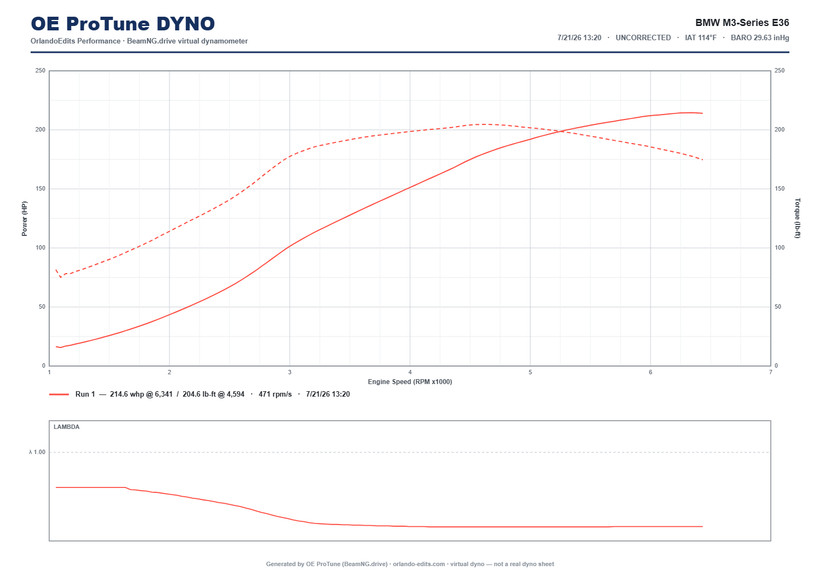
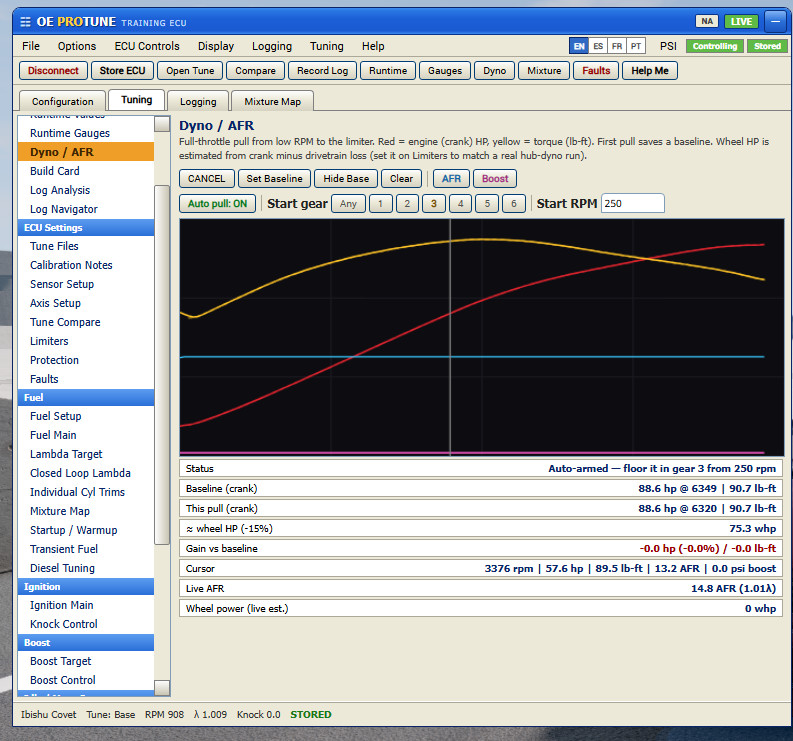
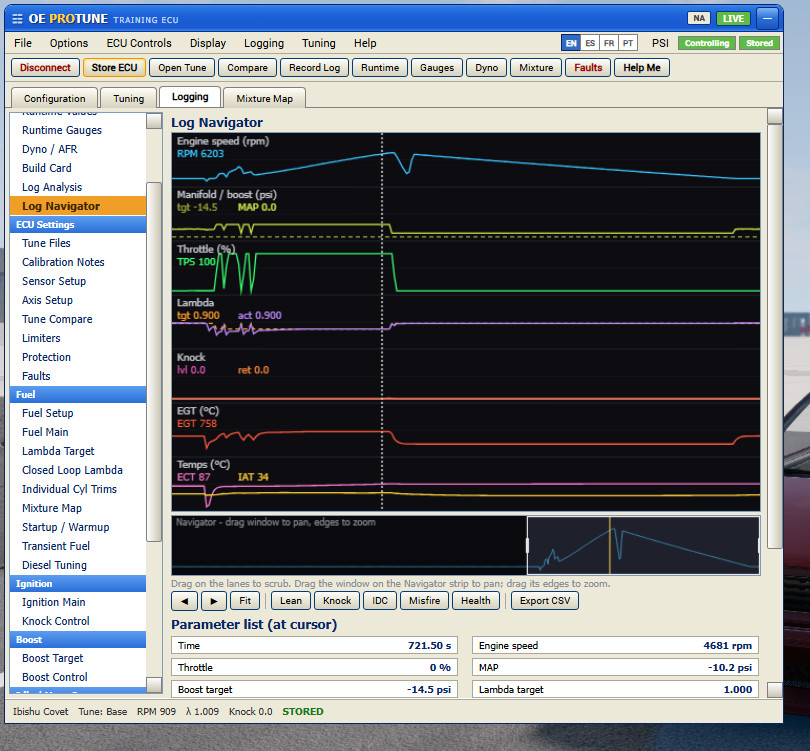
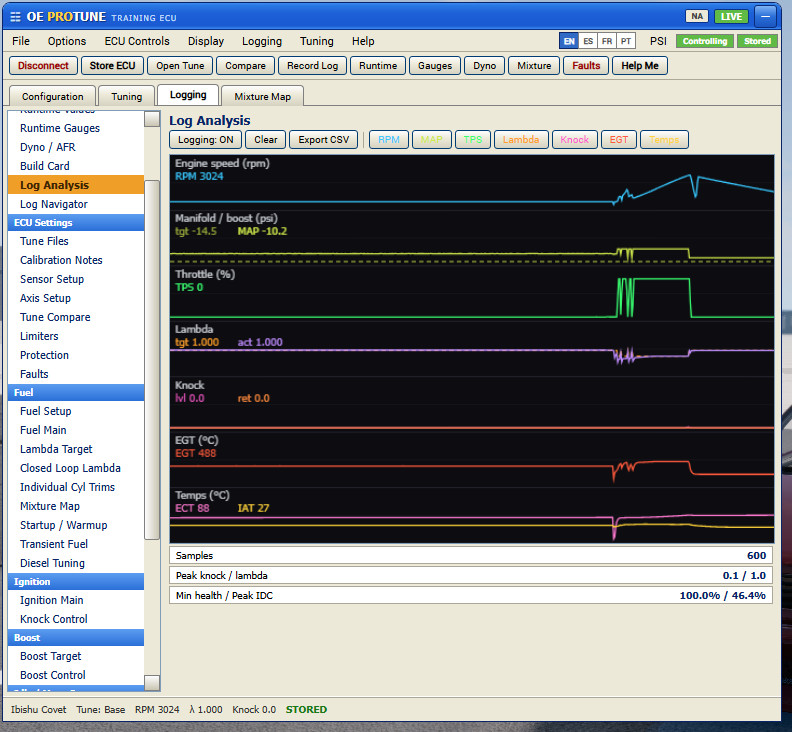
- Includes a built-in dyno for power measurement and live data logging for troubleshooting.
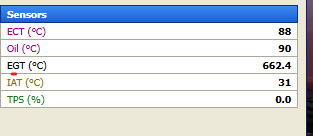
- Provides live readouts for AFR, boost, EGT, knock, injector duty, and engine health.
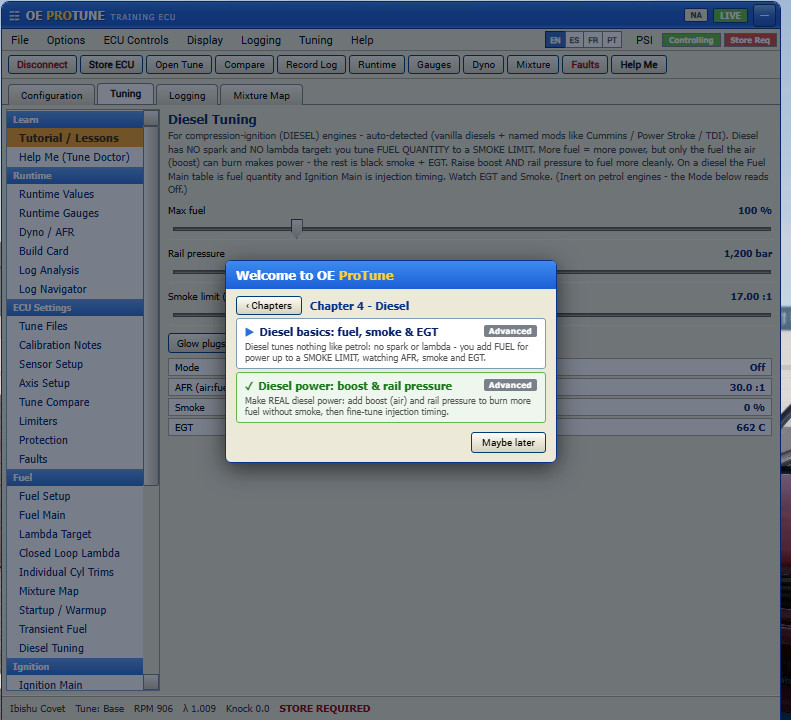
- Diesel support includes a dedicated smoke model (roll coal).
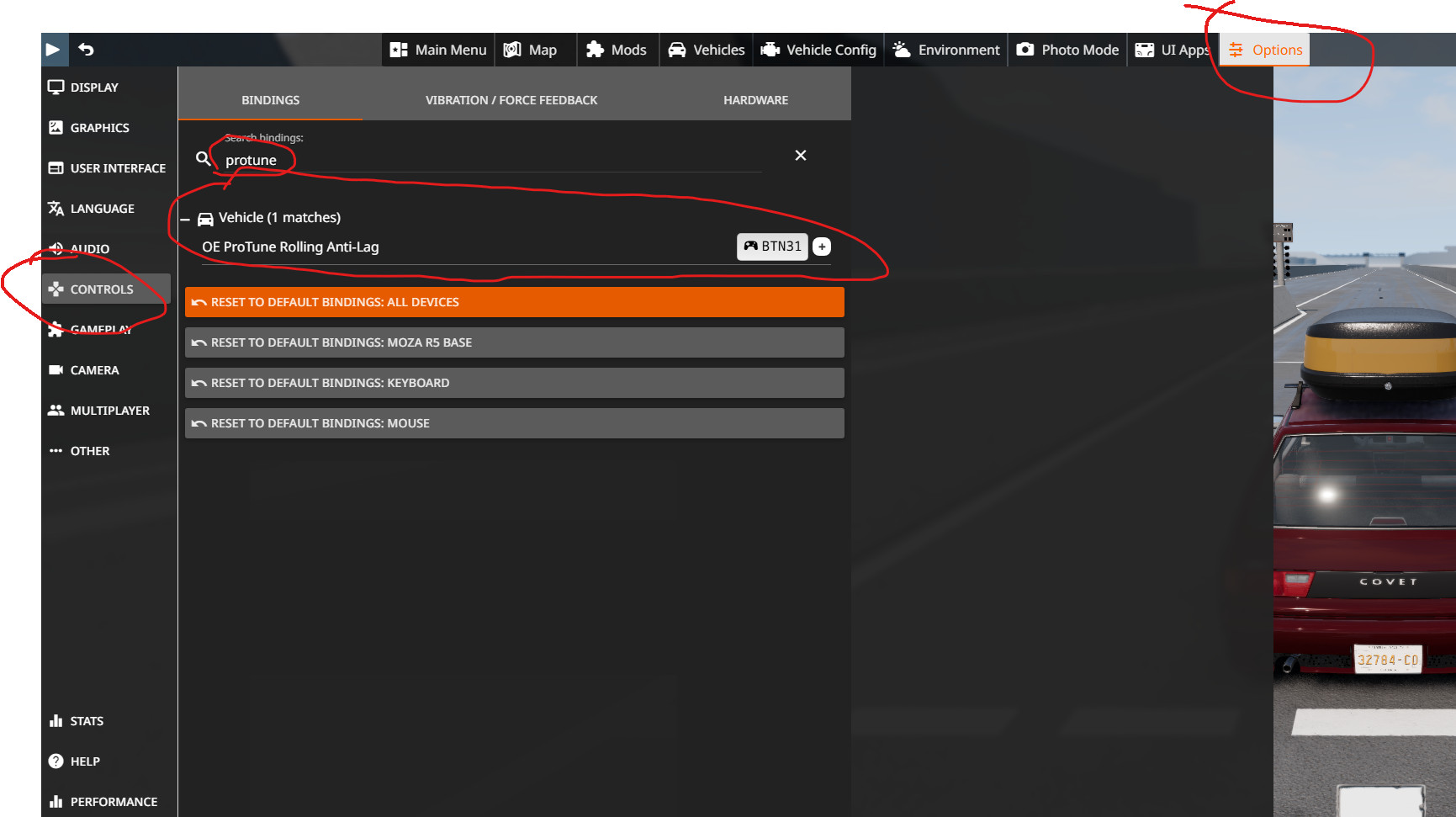
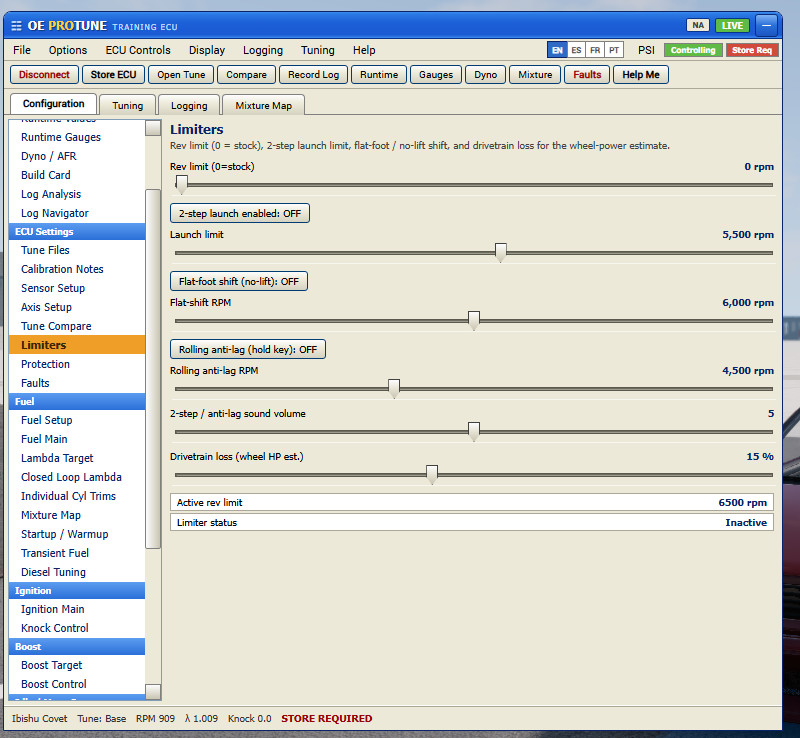
- Includes functional nitrous, launch control with 2-step sound, flat foot shifting, and rolling antilag.
- Offers guided in-game lessons, a "Help Me" tuning tool, and a build card to showcase setups.
About Mod
| Latest Version | 3.1.1 |
| Game | BeamNG.drive |
| Category | Cars |
| Game Version | 0.38.x |
| Downloads | 9643 |
| Created | 3 months ago |
| Last Updated | 1 month ago |