Silhouette Series | GSR-V [Alpha] 0.0.0.4

Latest Update
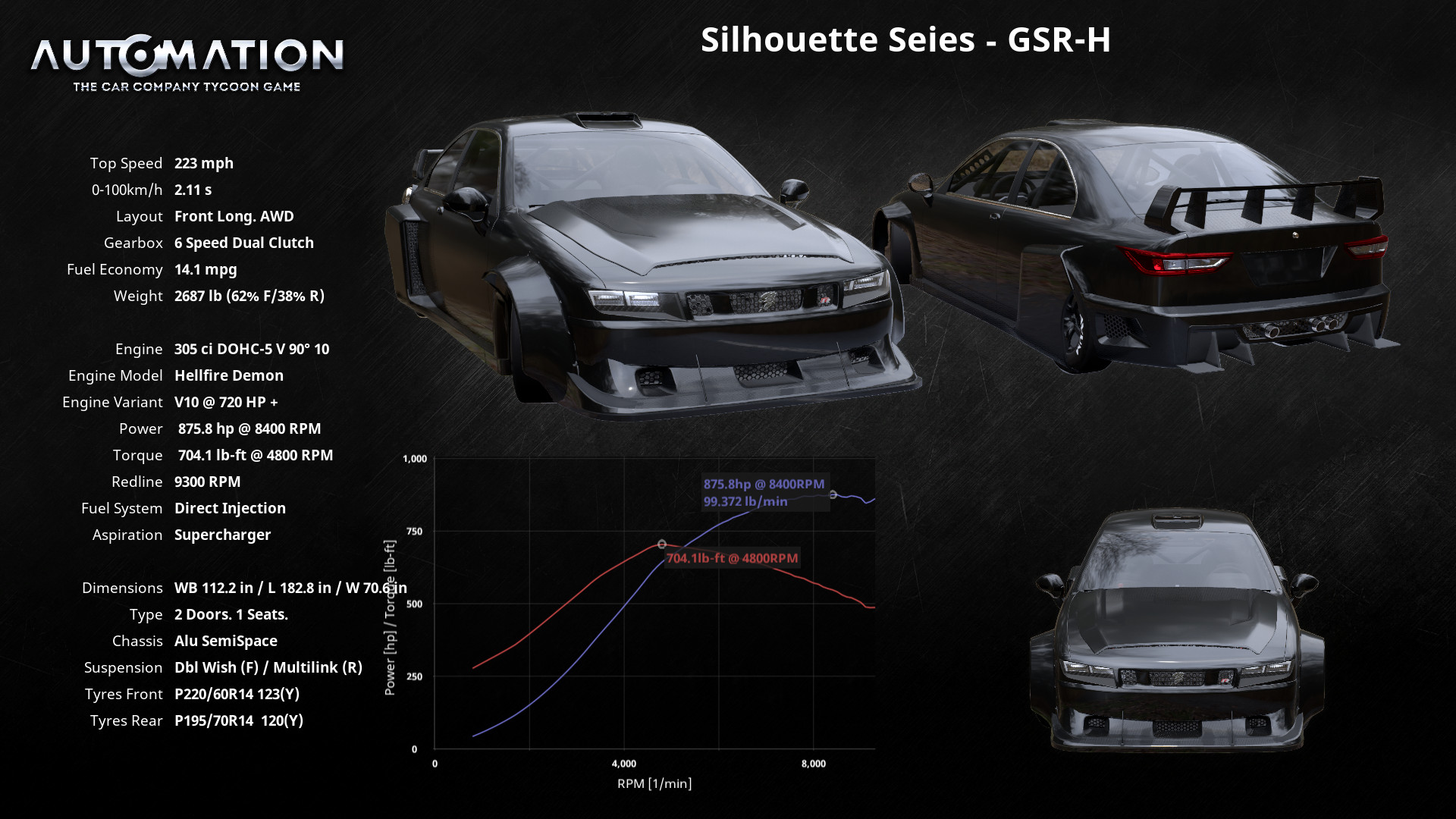
Silhouette Series | GSR-H & GSR-V GT3 | Engine Packs
As promised here is the V10 & GT3 engine package added now to get some new noise from your new track production vehicle. Please keep up the support and more updates will keep coming!
Also there was some handling fixes done for the Inline 5 Version and the Naturally Aspirated Boxer 6.
At 1000 Downloads I will be making a Discord Server for personal/paid mods and more. In this server I will take open suggestions and even car ideas. If you got some tips too from other creators, those are open too!
Install Guide
1. on your pc search bar type the following: %appdata%
2. On the file location in the top you'll see your file location, click on the AppData on the top to go back to your application data.
3. Make sure you click your "Local" file.
4. Find your "BeamNG" file.
5. Click "BeamNG.drive" file.
6. Open the "Current" file.
7. Open your "Mods" file.
8. Leave that file location open, then on a seperate file explore from where the car file was downloaded drag and drop the car file in your mods folder.
9. Close File Explore, then Run BeamNG.drive and your car should be in your game under as an Automation Vehicle, & Enjoy~!
much love from Latte~!
My youtube is Official Officer Latte!
Twitch is Original Officer Latte!
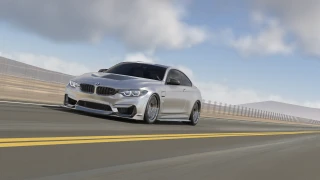
Silhouette Series | GSR-V
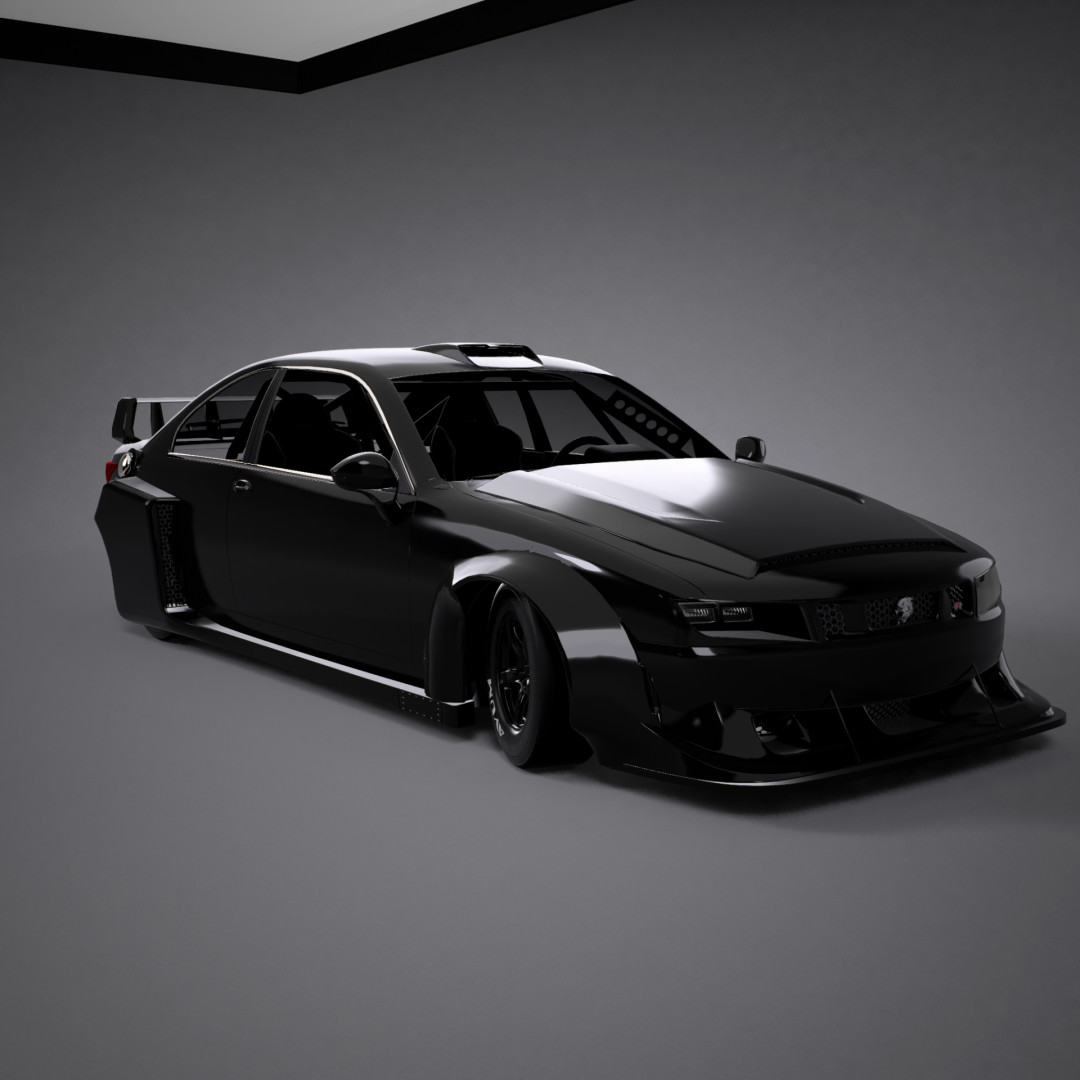
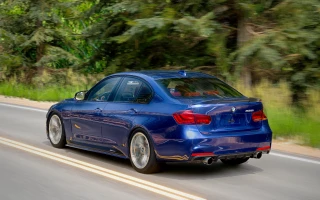
Comes with an Inline 5 engine maxing out around 8350 RPM, with a known top speed of 217 mph or in some cases known to go 220-227 mph with slight modification. The GSR-V was designed based off of British Super Touring Car series and Group 5 racing, with the inspiration to an additional car in the Silhouette Series for RRRE. This car was made by LMVC (Latta Motor Vehicle Company) in order to be their first production track car in order to get into motorsport. Now has fully animated interior (Besides shifter [WIP]). Please welcome the 2026 GSR-V~!
PS. Please dont mind the in game description of car yet, I was adding different engine packages and I forgot to rechange it backto the Inline 5 desc. lol.
Install Guide
1. on your pc search bar type the following: %appdata%
2. On the file location in the top you'll see your file location, click on the AppData on the top to go back to your application data.
3. Make sure you click your "Local" file.
4. Find your "BeamNG" file.
5. Click "BeamNG.drive" file.
6. Open the "Current" file.
7. Open your "Mods" file.
8. Leave that file location open, then on a seperate file explore from where the car file was downloaded drag and drop the car file in your mods folder.
9. Close File Explore, then Run BeamNG.drive and your car should be in your game under as an Automation Vehicle, & Enjoy~!
much love from Latte~!
My youtube is Official Officer Latte!
Twitch is Original Officer Latte!
External Download Links:
Direct Download Links
Version: 0.0.0.4Updated: 8 months ago
Total Size: 367.8 MB silhouette_seies_gsr_h_modland.zip direct download · 78.67 MB · added 8 months ago silhouette_series_gsr_v_gt3_modland.zip direct download · 71.84 MB · added 8 months ago silhouette_series_gsr_x_modland.zip direct download · 72.98 MB · added 8 months ago silhouette_series_gsr_tx_modland.zip direct download · 72.31 MB · added 8 months ago silhouette_series_gsr_v_i5_modland.zip direct download · 72 MB · added 8 months ago
About Mod
| Latest Version | 0.0.0.4 |
| Game | BeamNG.drive |
| Category | Cars |
| Game Version | 0.38.x |
| Tags | Automation |
| Downloads | 1301 |
| Created | 8 months ago |
| Last Updated | 8 months ago |
![Ford Bronco [PACK]](https://temp2.modland.net/i/6abb8bc6ce51c/0_modland.webp)
![Mack Anthem / Pinnacle [PACK]](https://temp2.modland.net/i/6aa50a7184eaa/6ab9344368d3b/0_modland.webp)
Long story short, life has been busy to me and that's why there hasn't been an updated in 8 months so sorry, there won't be one untill maybe December due to some personal stuff I'm so sorry guys.. please know I will be coming back better than ever too later.
🤮🤮🤮🤮🤮🤮🤮🤮
OPEN TO SUGGESTIONS AS WELL AND LMK IF YALL LIKING IT!!! MUCH LOVE!!
@OfficerLatteYT Hey boo, I don't know if a girls what you want to say but honestly, this car is amazing and kinda understandable on why people sleep on it. I see the vision for the car and the package you have, just try to make it into like a pack and then honestly it'll make the mod even better at least one step at a time when you come back, just done rush yourself or your project this has a lot of potential and love behind it.
Please keep your head up in whatever situation you may be in and keep up your hard and amazing work, I also noticed on your YouTube you love trucks and trucking as well, when's a truck mod coming after your back!!!
Make sure to check daily or weekly for updates! I am still working on this. Today I'm figuring out the handling to make it better!