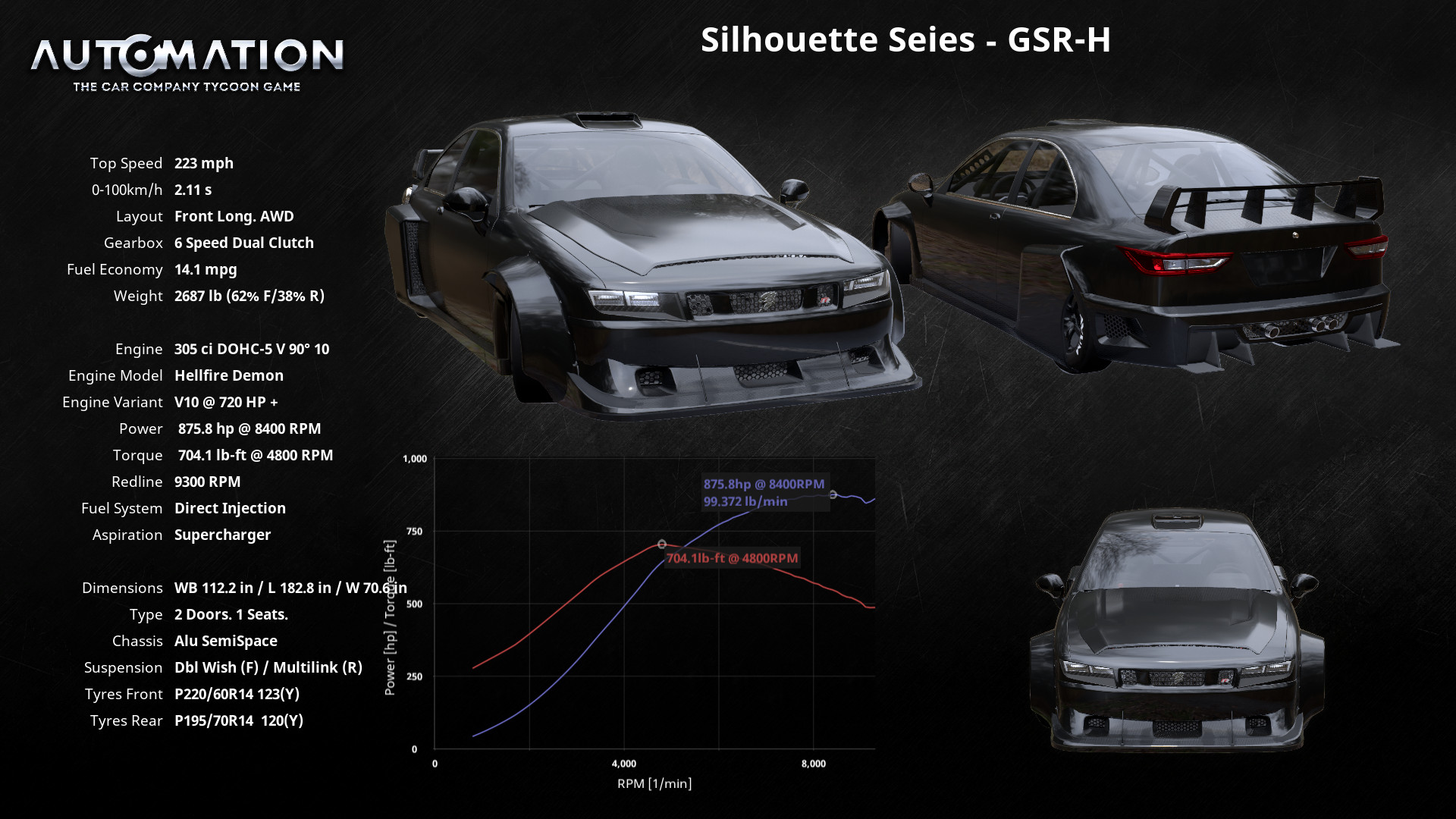
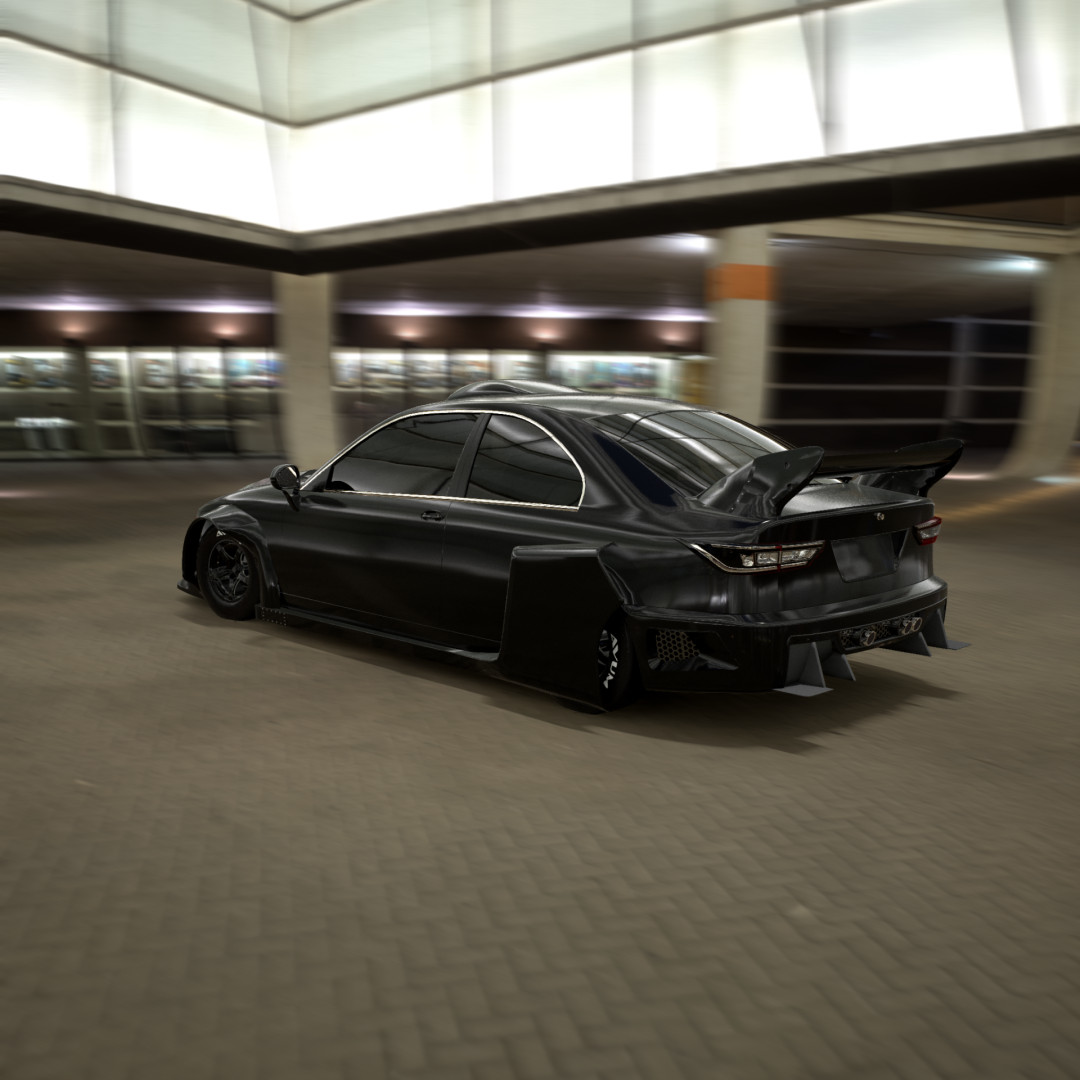
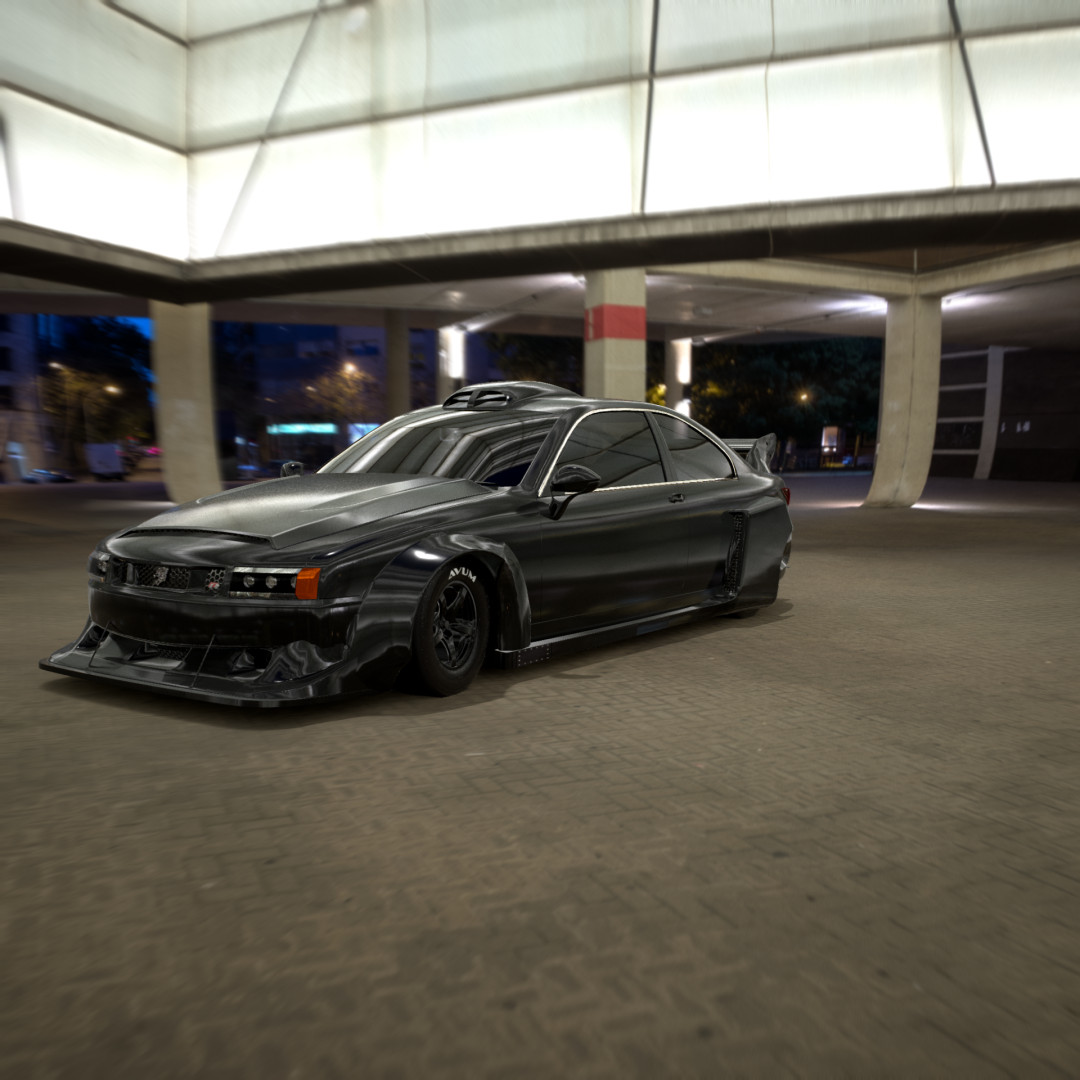
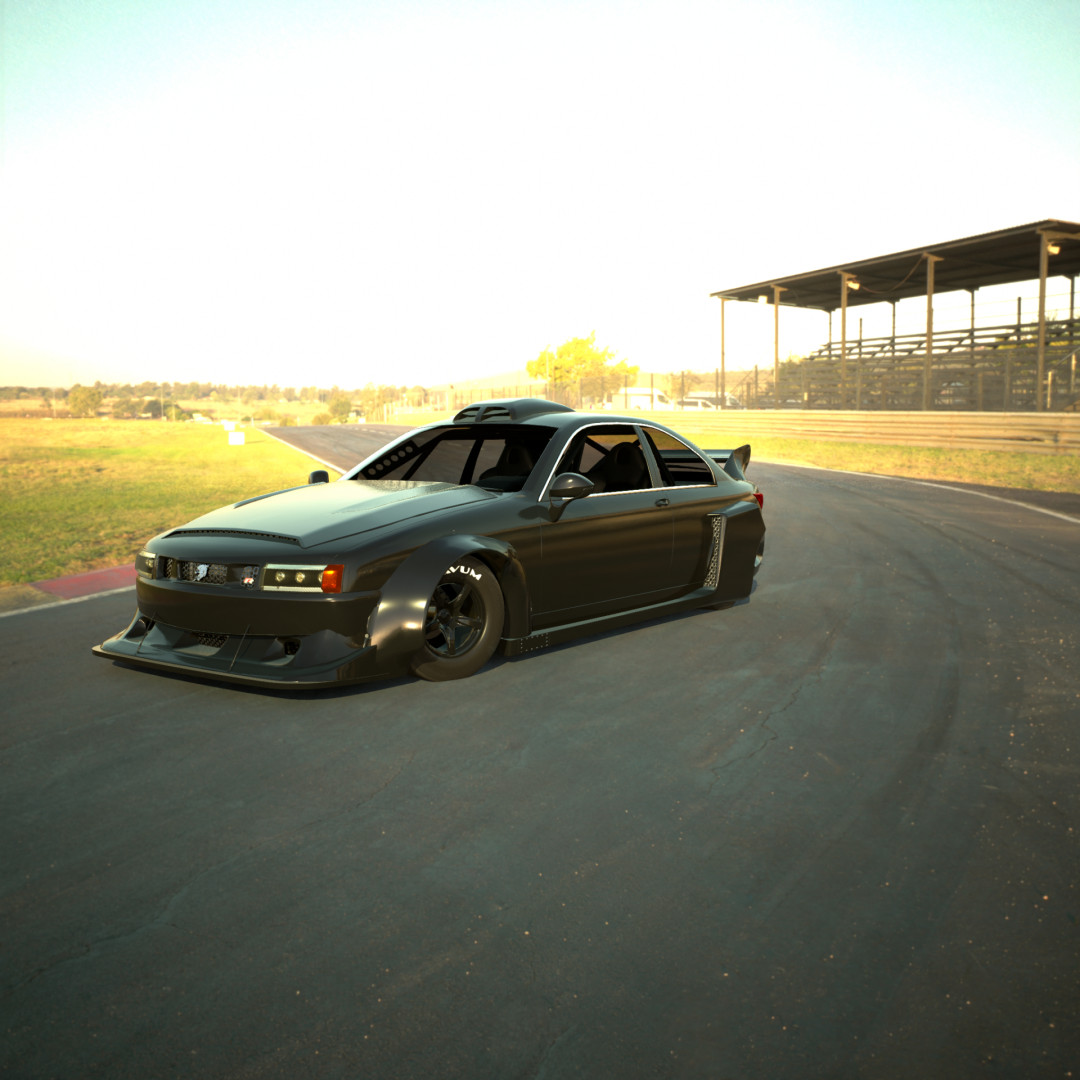
Silhouette Series | GSR-V [Alpha] 0.0.0.4

Changelog
Silhouette Series | GSR-H & GSR-V GT3 | Engine Packs
As promised here is the V10 & GT3 engine package added now to get some new noise from your new track production vehicle. Please keep up the support and more updates will keep coming!
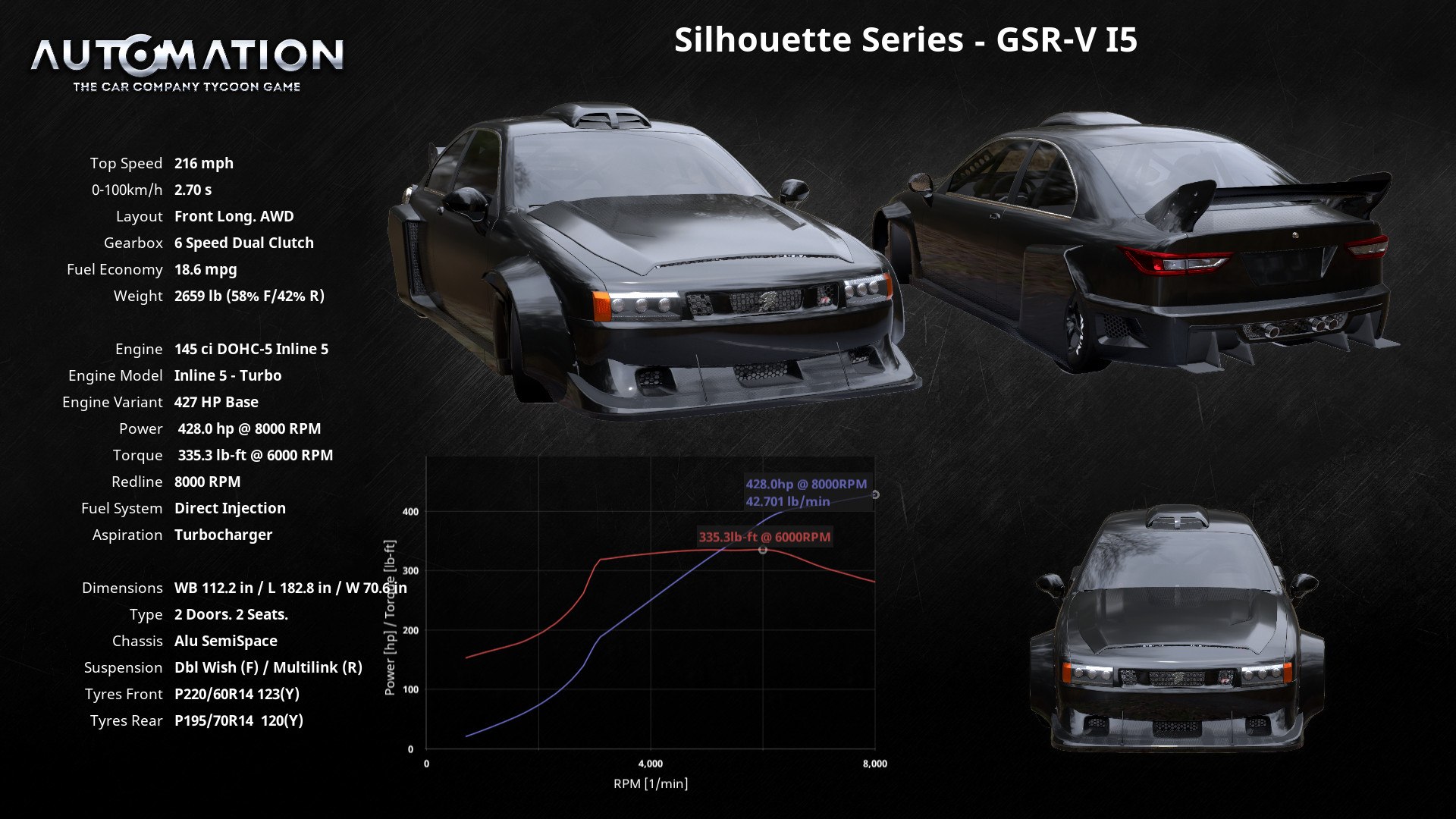
Also there was some handling fixes done for the Inline 5 Version and the Naturally Aspirated Boxer 6.
At 1000 Downloads I will be making a Discord Server for personal/paid mods and more. In this server I will take open suggestions and even car ideas. If you got some tips too from other creators, those are open too!
Install Guide
1. on your pc search bar type the following: %appdata%
2. On the file location in the top you'll see your file location, click on the AppData on the top to go back to your application data.
3. Make sure you click your "Local" file.
4. Find your "BeamNG" file.
5. Click "BeamNG.drive" file.
6. Open the "Current" file.
7. Open your "Mods" file.
8. Leave that file location open, then on a seperate file explore from where the car file was downloaded drag and drop the car file in your mods folder.
9. Close File Explore, then Run BeamNG.drive and your car should be in your game under as an Automation Vehicle, & Enjoy~!
much love from Latte~!
My youtube is Official Officer Latte!
Twitch is Original Officer Latte!
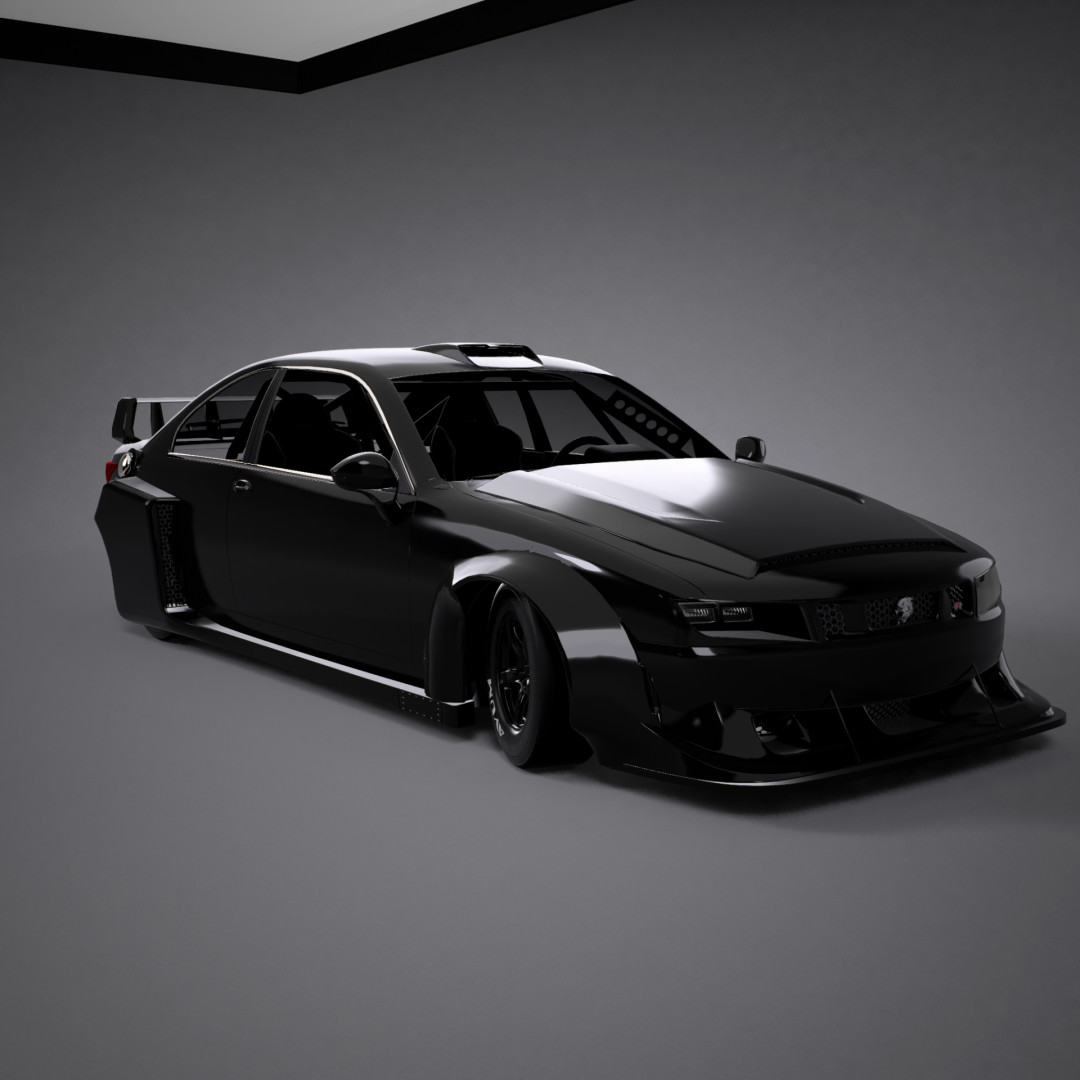
Silhouette Series | GSR Series Fixed 0.0.0.3 Updated |
__________________________________________________________________________________________________________________________________
This is the unglitched version of the car pack sorry my motor vehicle enthusiast still comes with thee Original GSR-V, with its corrisponding trims. If I can reach 250 Downloads and recieve some feedback for the cars I will come out with some other engine packages like maybe a V10 like my Hellfire package or even GT3 package engine that I have already...
However, so, thank you guys so much for the love here for the BeamNG.drive modding community! Please continue this amazing support and I will keep up the hard work and come out with some other mods~! Spoiler alert Im working on a new car series as we speak to be a regular production vehicle!
Install Guide
1. on your pc search bar type the following: %appdata%
2. On the file location in the top you'll see your file location, click on the AppData on the top to go back to your application data.
3. Make sure you click your "Local" file.
4. Find your "BeamNG" file.
5. Click "BeamNG.drive" file.
6. Open the "Current" file.
7. Open your "Mods" file.
8. Leave that file location open, then on a seperate file explore from where the car file was downloaded drag and drop the car file in your mods folder.
9. Close File Explore, then Run BeamNG.drive and your car should be in your game under as an Automation Vehicle, & Enjoy~!
much love from Latte~!
My youtube is Official Officer Latte!
Twitch is Original Officer Latte!
__________________________________________________________________________________________________________________________________
Make sure to come back daily/or weekly for more updates, I will be doing my best to keep up with them~!
Also I will be releasing regular vehicles soon as well! Make sure to follow me for more!
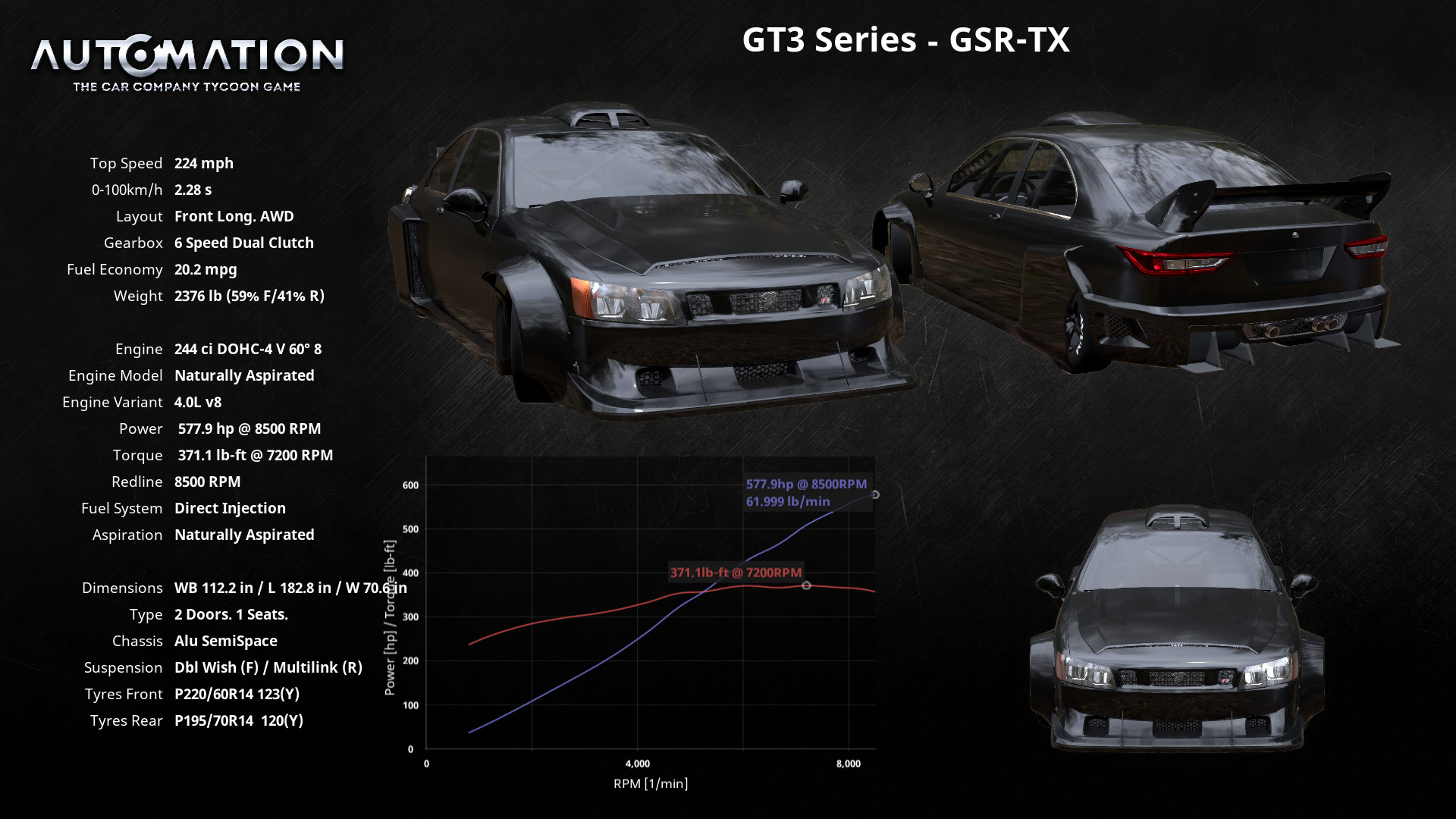
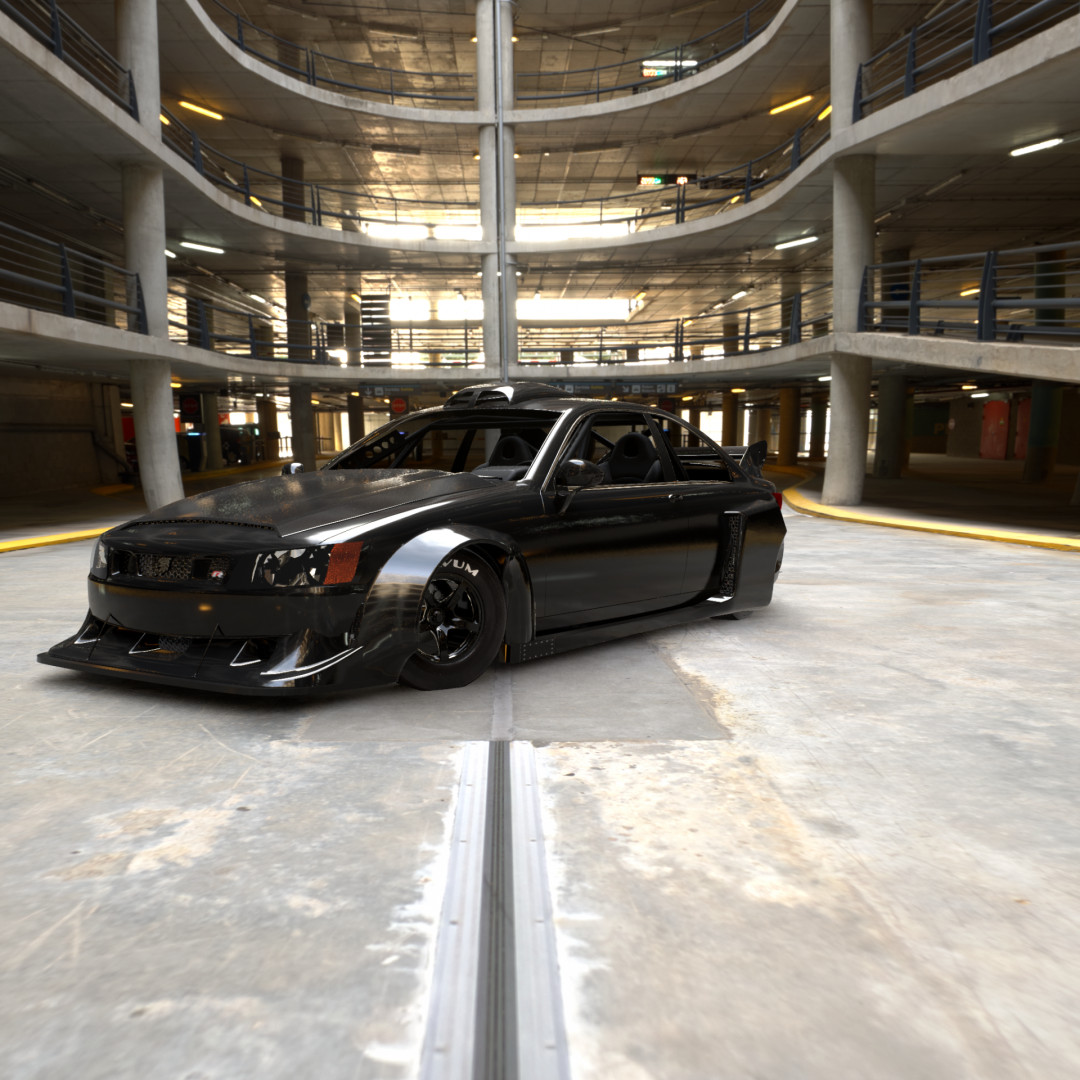
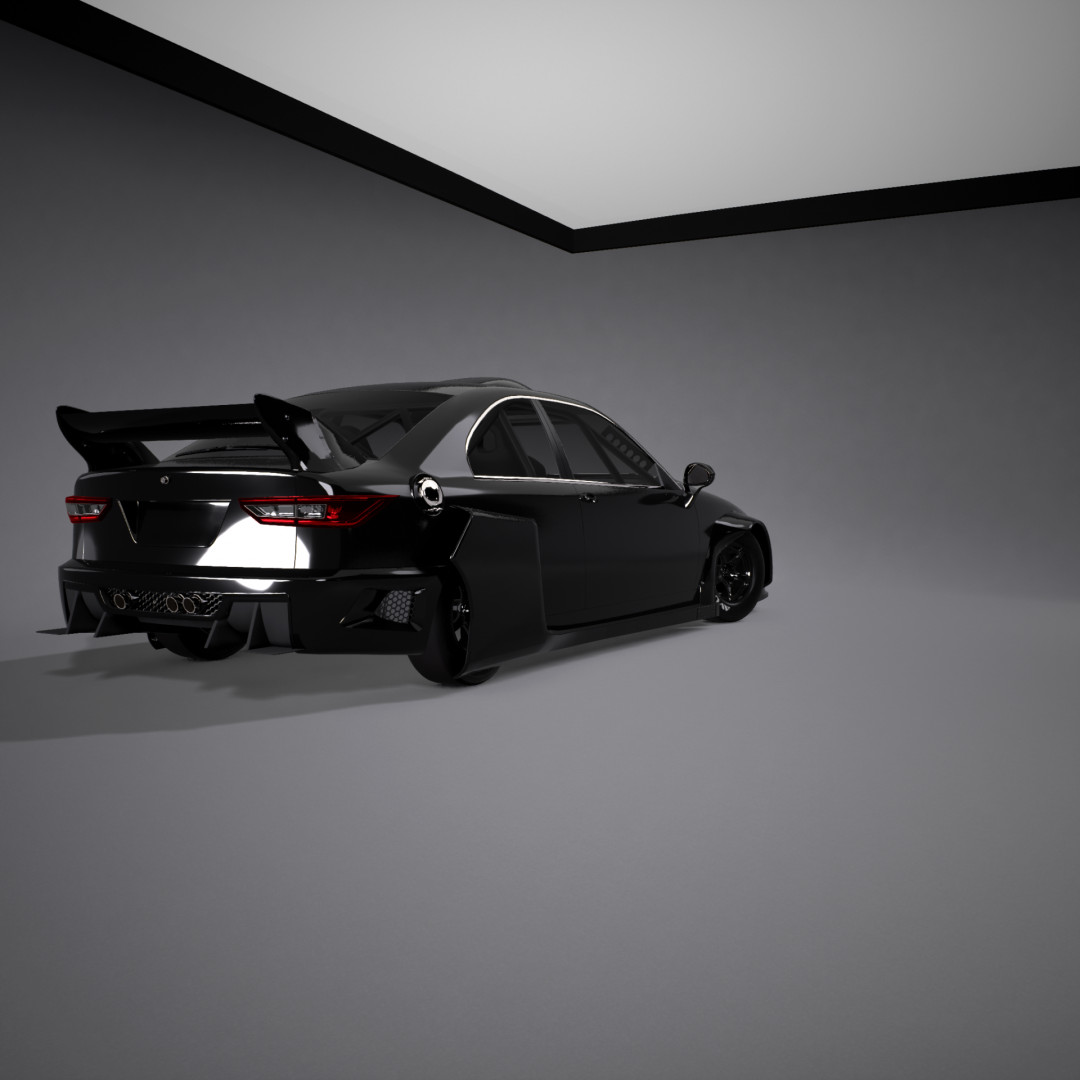
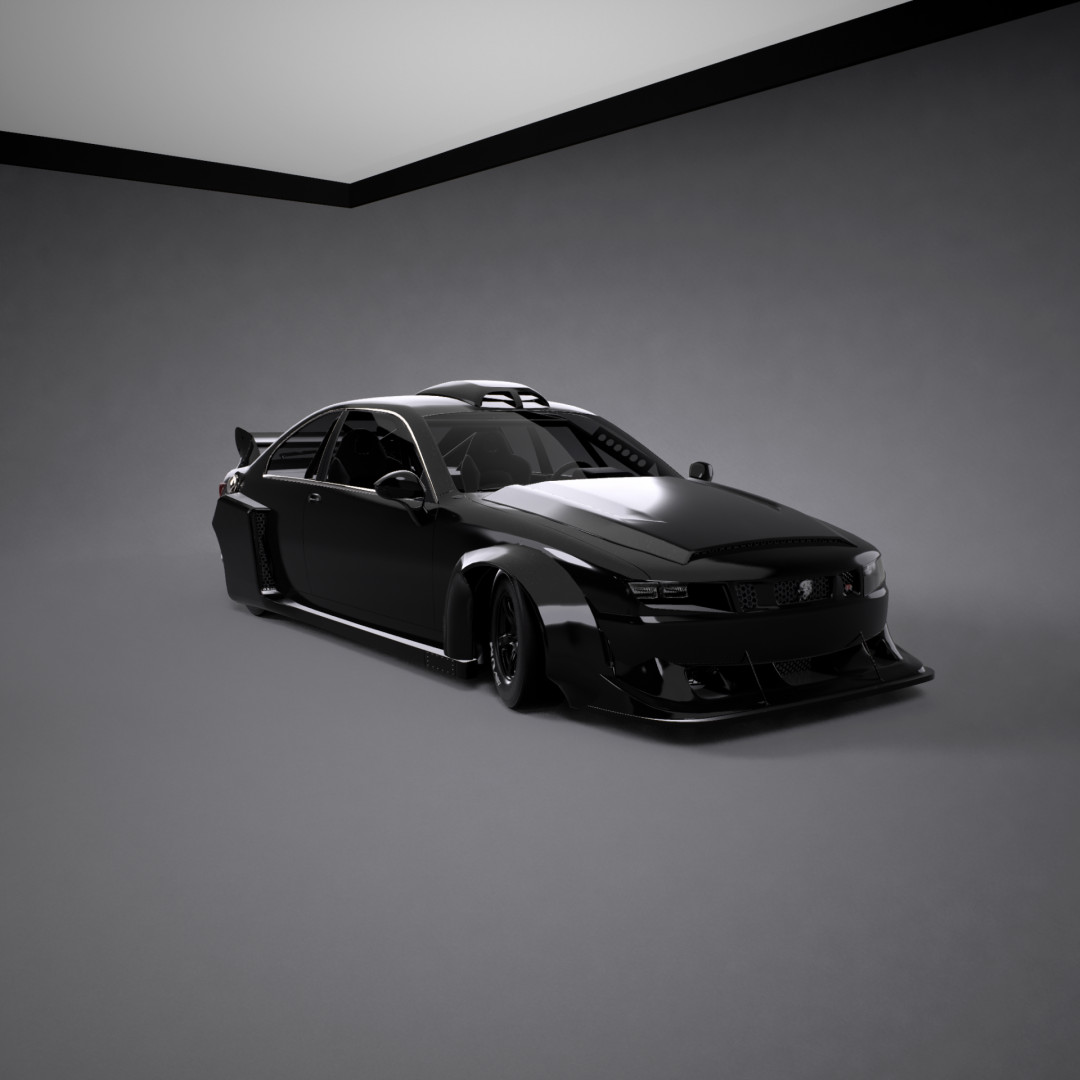
Silhouette Series | GSR-V | w/ Engine Packages
__________________________________________________________________________________________________________________________________
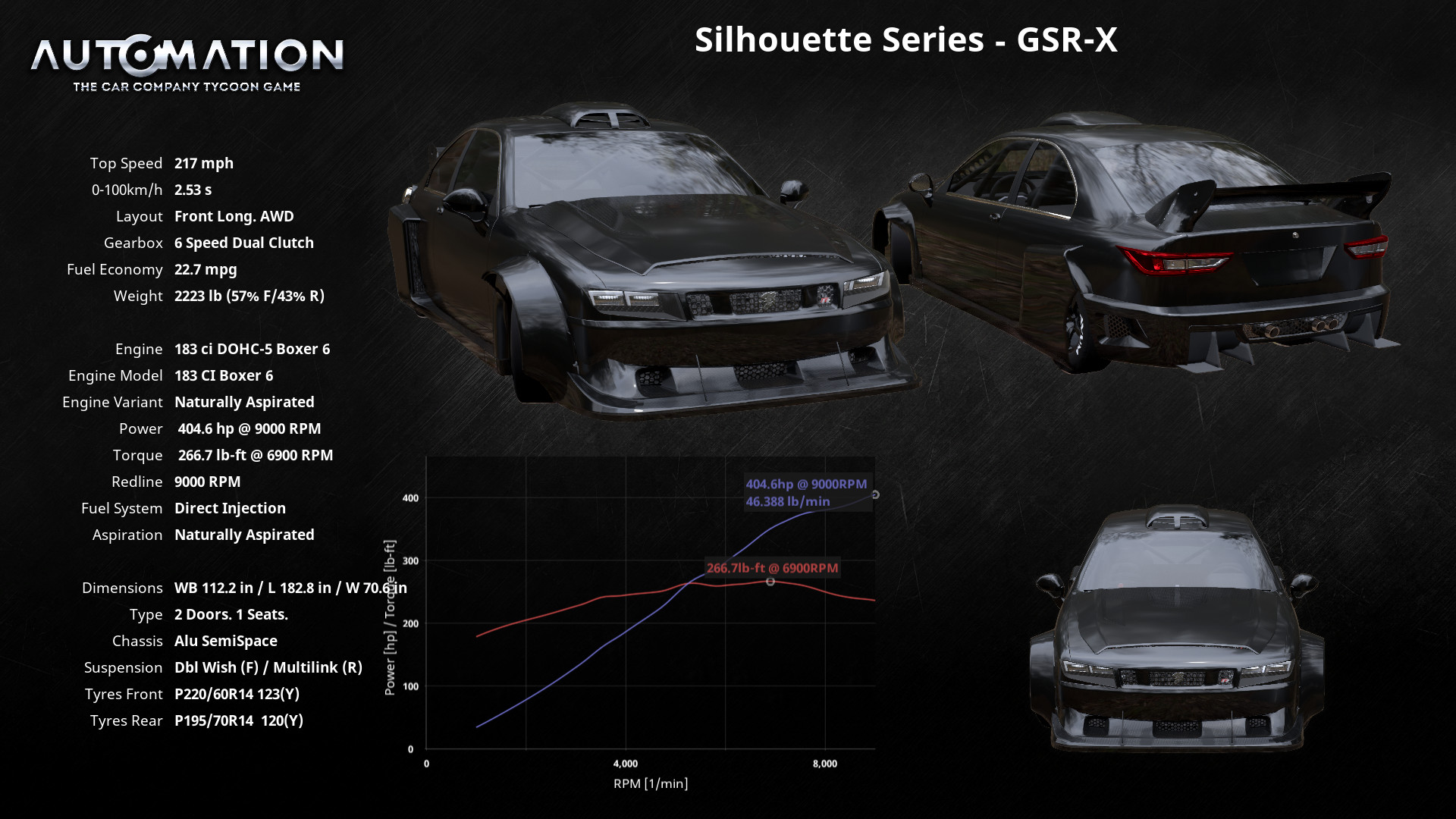
New update as you guys can see I decided to do a couple of engine packages for the vehicle giving 2 new GSR models. We now hve the GSR-X which comes with a naturally aspirated Boxer 6 engine, & thee GSR-TX which comes with a 4L naturally aspirated v8.
Install Guide
1. on your pc search bar type the following: %appdata%
2. On the file location in the top you'll see your file location, click on the AppData on the top to go back to your application data.
3. Make sure you click your "Local" file.
4. Find your "BeamNG" file.
5. Click "BeamNG.drive" file.
6. Open the "Current" file.
7. Open your "Mods" file.
8. Leave that file location open, then on a seperate file explore from where the car file was downloaded drag and drop the car file in your mods folder.
9. Close File Explore, then Run BeamNG.drive and your car should be in your game under as an Automation Vehicle, & Enjoy~!
much love from Latte~!
My youtube is Official Officer Latte!
Twitch is Original Officer Latte!
__________________________________________________________________________________________________________________________________
Make sure to come back daily/or weekly for more updates, I will be doing my best to keep up with them~!
Also I will be releasing regular vehicles soon as well! Make sure to follow me for more!
About Mod
| Latest Version | 0.0.0.4 |
| Game | BeamNG.drive |
| Category | Cars |
| Game Version | 0.38.x |
| Tags | Automation |
| Downloads | 1306 |
| Created | 8 months ago |
| Last Updated | 8 months ago |