MK's Dynamic Weather 1.1

5/5,
10
votes
Changelog
latest
Version
1.1
· Improvements to Career Support and Tornados
· BeamNG.drive
0.36.x
1 year ago
Improved Career Support
Tornado Improvements
Other Stuff
- weather extension is loaded automatically upon entry (can be turned off in UI, so load in a map in freeroam first before playing career if you dont want this)
- tornadoStorm event is turned off by default (can be changed in UI)
- weather is saved upon saving/exiting career or disabling the extension
- previous weather is loaded if saved weather for a career slot exists, else sunny
- active tornadoes are saved as well and are loaded back in when re-entering the save
Tornado Improvements
- increased default tornado movement speed (0.5/sec >> 1/sec)
- changed tornado spawn behavior, now spawns further away from the player
- added option to spawn tornado at player or camera position
- spawn tornado at any precise position using "local pos = vec3(x,y,z) dynaminWeatherMK_tornado.setSpawnPosition(pos) dynaminWeatherMK_tornado.startTornado()"
- added option to make tornado follow a specific vehicle (can be selected in UI from a dropdown-list)
- improved control of tornado movement speed (now two parameters: seconds between each move & meters/distance traveled per move)
- stationary tornadoes are now possible
- added control over tornado duration for customized tornadoes
- added preset system to tornado customization (save/load your custom tornado settings, comes with two default presets)
- added option to use localized ForestWindEmitter for tornado (very weird - try at your own risk)
Other Stuff
- changed UI layout
- added option to change shadow logWeight and texture size to UI (logWeight = 0.992, texSize 2048 recommended for best results)
- added support for AgentMooshroom's Simple Traffic Japan Pack
- (hopefully) fixed traffic cars turning off their headlights at night/in tunnels
- some internal code changes (added custom extension hooks for weather & tornado, extended interface)
- changed icon in keybind settings
Version
1.0.2
· BeamNG.drive
0.34.x
1 year ago

_modland.jpg)
UI can be opened using Ctrl +Alt + W
This version fixes a few bugs.
This version fixes a few bugs.
-lg_modland.jpg)
Version
1.0
· BeamNG.drive
0.34.x
1 year ago

_modland.jpg)
Changes:
- UI now bound to Ctrl + Alt + W, does no longer show up automatically when menu active
- reworked tornado model, by vouthin
- added tornado weather event (toggleable, off by default in career mode)
- improved tornado particles
- added more control options for tornadoes to UI, some combinations may cause instabilities
- tornado visualization in bigmap mode
- new UI design with orange highlighted text elements and improved tooltips
- traffic vehicles using their lights based on weather events
- wind now applying less force to simplified traffic vehicles and player unicycle to account for their reduced weight, compatible with Agent's Simplified Realistic Traffic Mod (forgot Yakuza Pack, will be added asap)
- reduced speed of windbursts during stormy and rainy event
- reworked dynamic groundmodel code to fix bug of cars spawning/resetting (partially) underground, now requires reload of collision, which may take a few seconds on larger maps
- fixed bug of tornado not working correctly when weather paused
-lg_modland.jpg)
Version
Beta 1.4
· BeamNG.drive
0.34.x
1 year ago
Changes:
- added UI that displays when main menu is active (Esc)
- weather, tornadoes and road condition can be controlled using the UI
- added custom button sound for UI
Version
Beta 1.3
· BeamNG.drive
0.34.x
1 year ago
In order to activate this mod, press Alt + W on any map. If you want to hide the weather messages, you can press Ctrl + Alt + W. For spawning a tornado, use Alt + T. These keybinds can be changed in the settings.
To install, simply download the attached file and put it into your mods folder.
Here's a list of all current features:
For more information, you can visit the thread about his mod on the BeamNG Forums: https://www.beamng.com/threads/mks-dynamic-weather.103288/#post-1817798
This is the official reupload of my dynamic weather mod. This page as well as the BeamNG Forums and Repo are the only places you should download this mod. If you find this mod on any other site, it wasn't uploaded by me and may be unsecure to use or download.
Please do not reupload this mod anywhere!

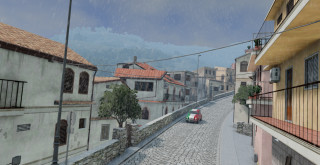
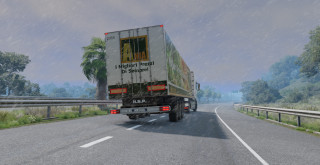
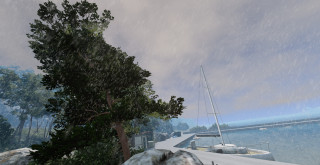
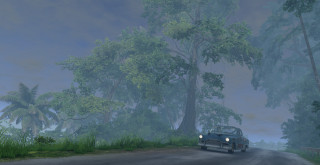
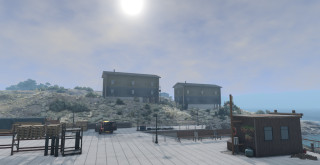
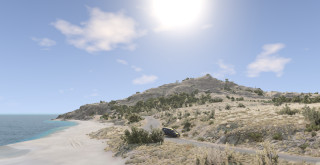

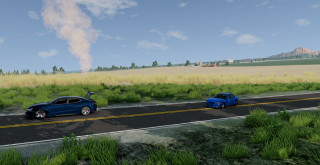
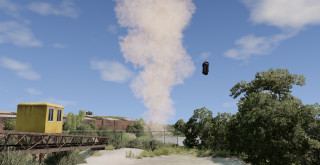
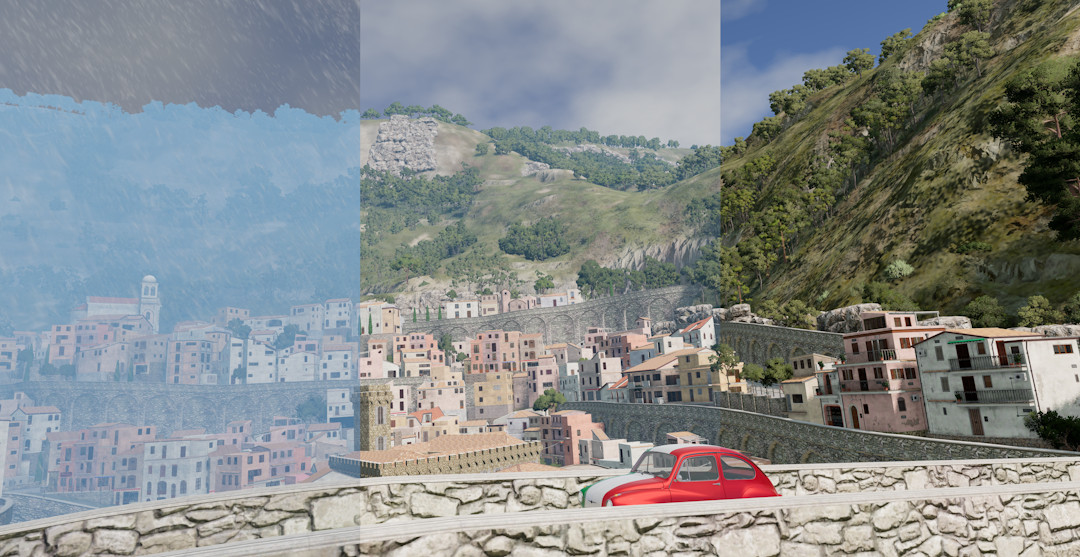
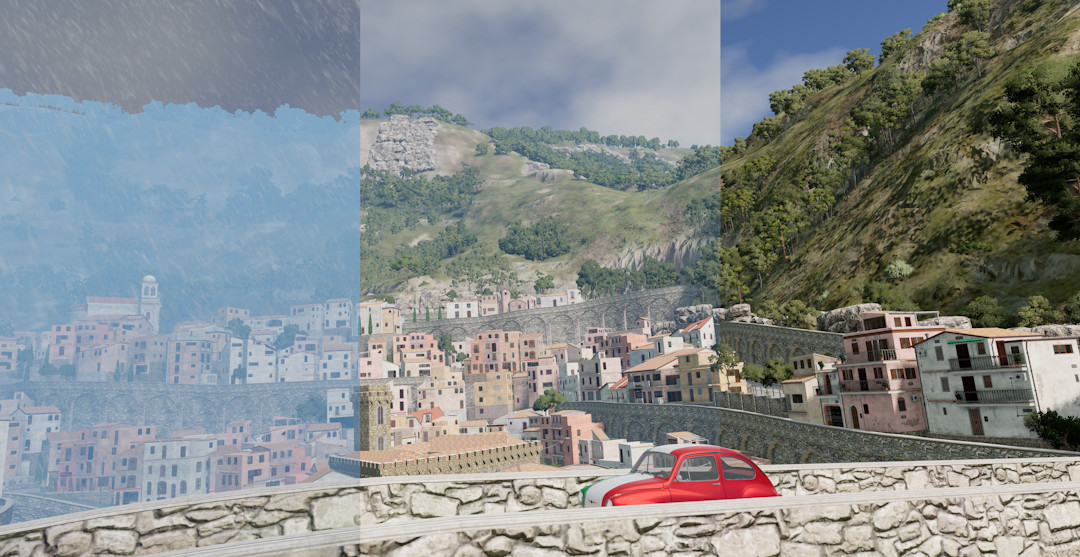
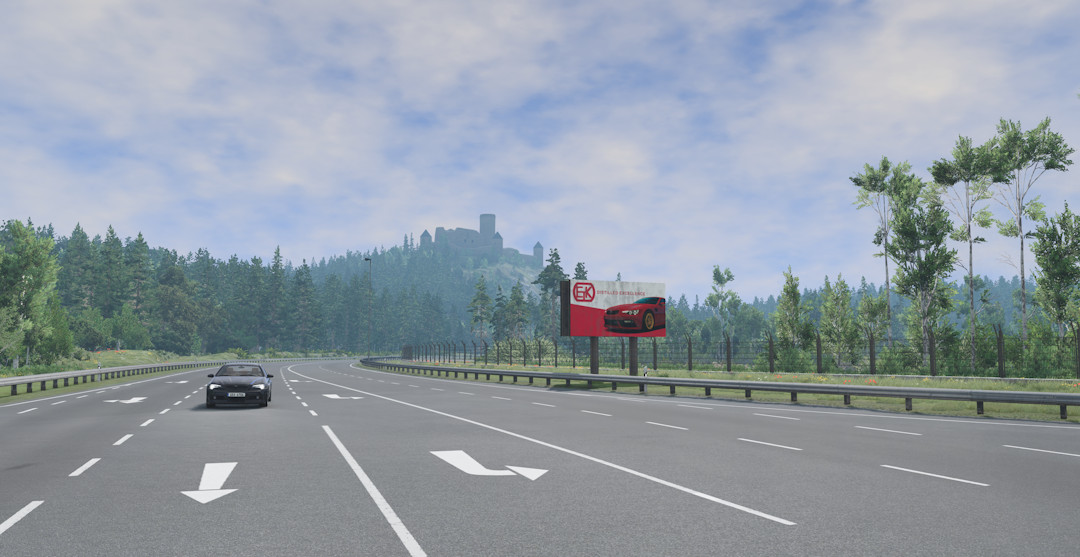
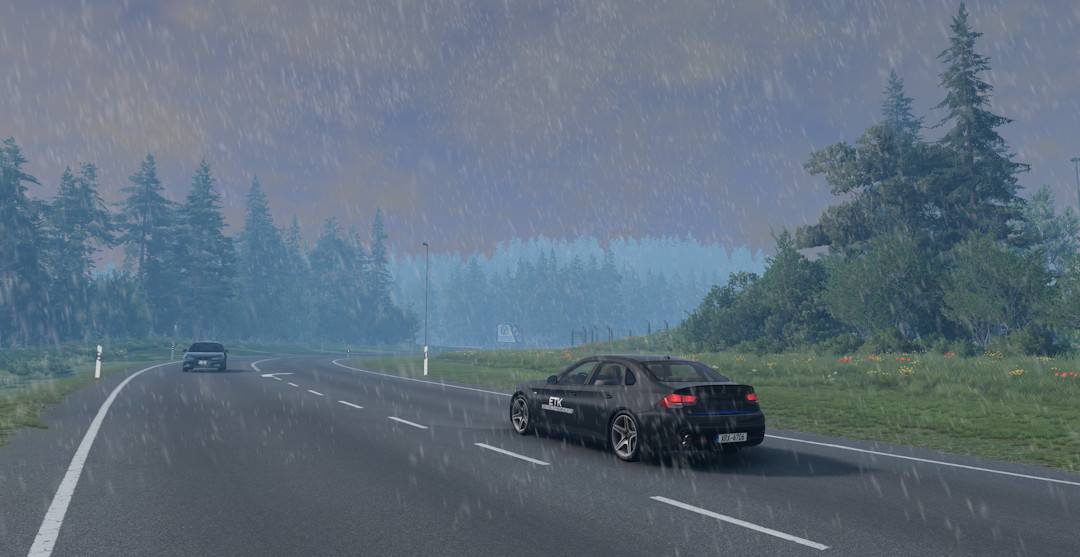
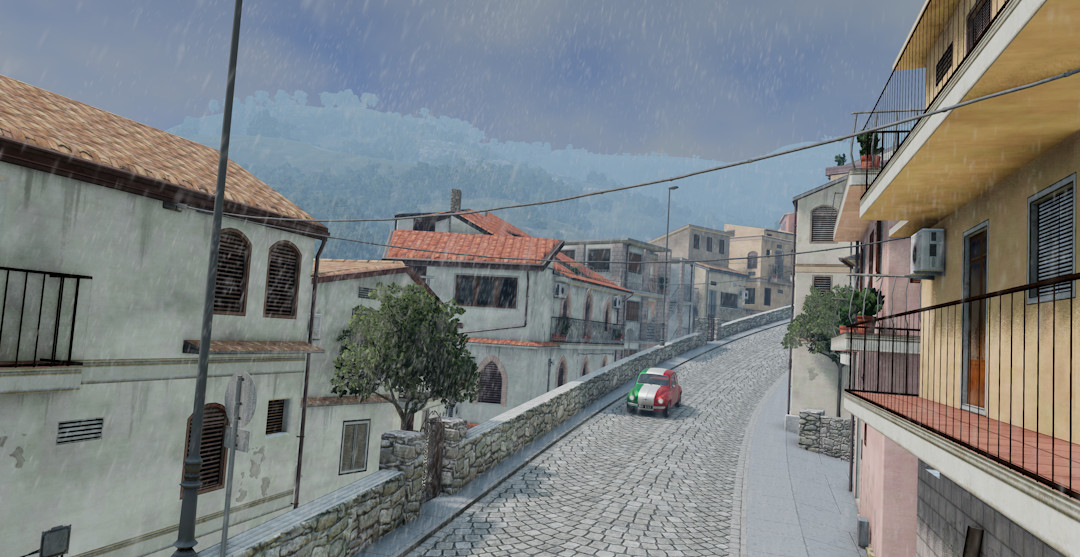
This mod brings dynamic weather to BeamNG!
In order to activate this mod, press Alt + W on any map. If you want to hide the weather messages, you can press Ctrl + Alt + W. For spawning a tornado, use Alt + T. These keybinds can be changed in the settings.
To install, simply download the attached file and put it into your mods folder.
Here's a list of all current features:
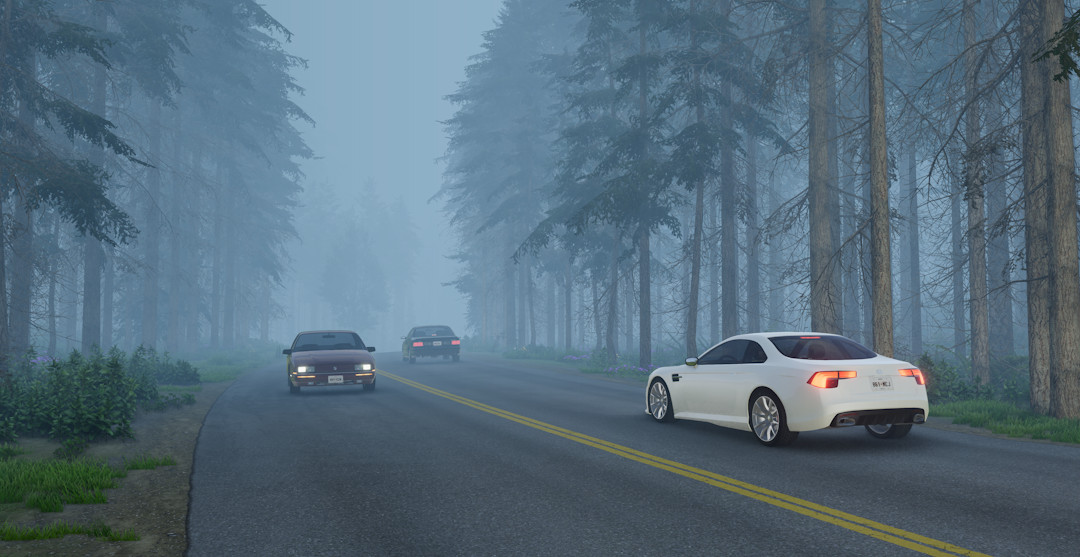
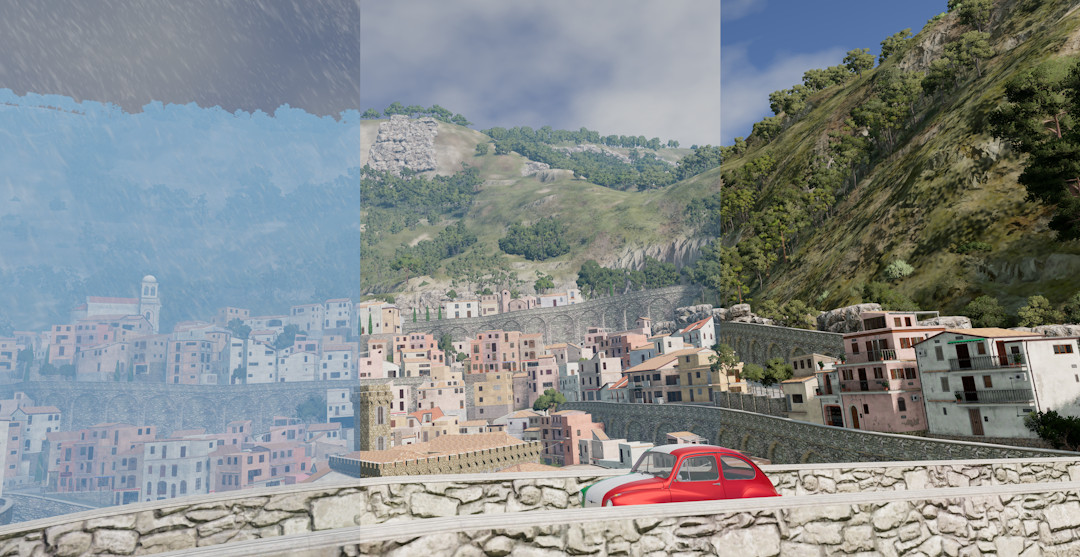
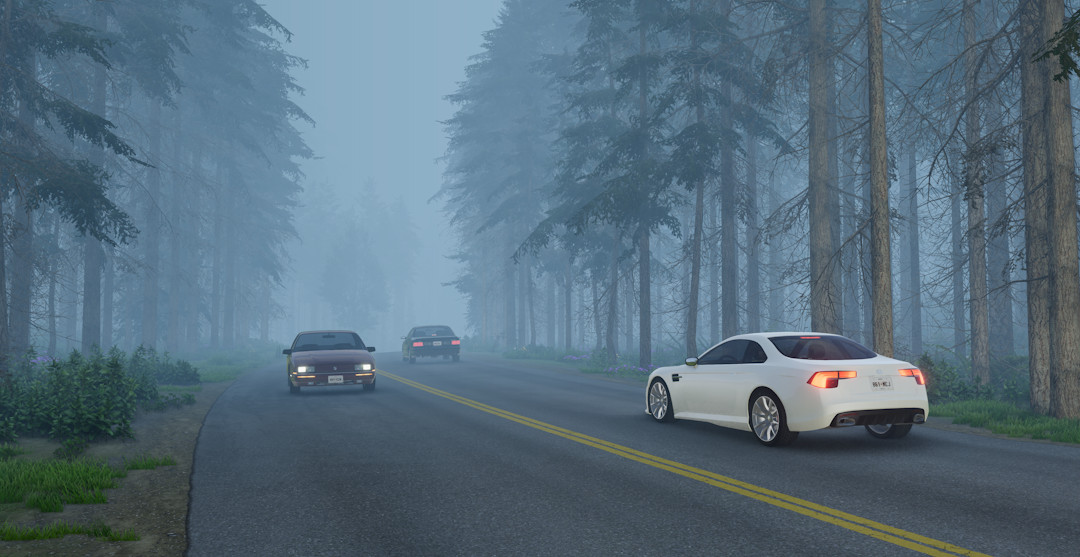
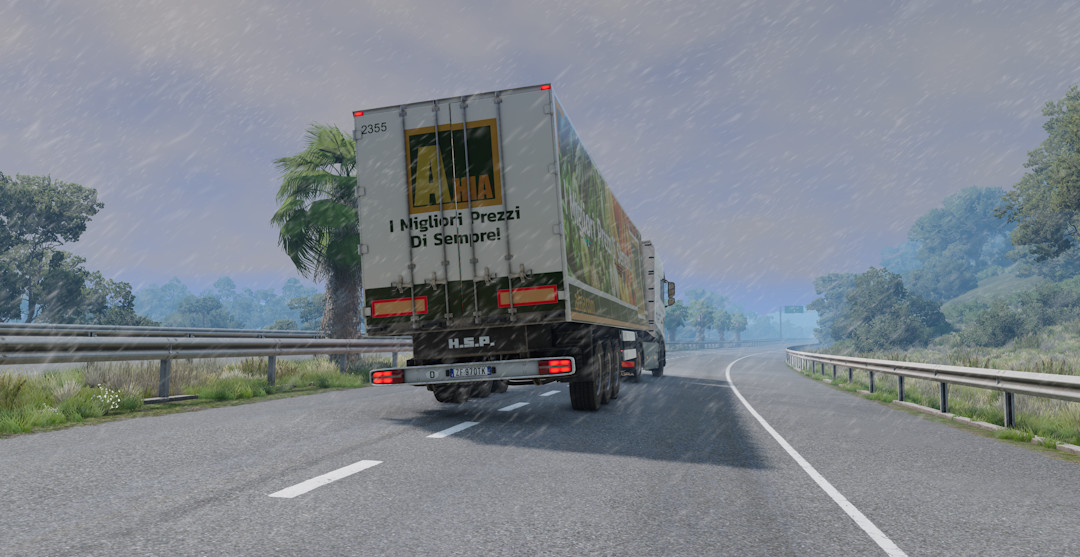
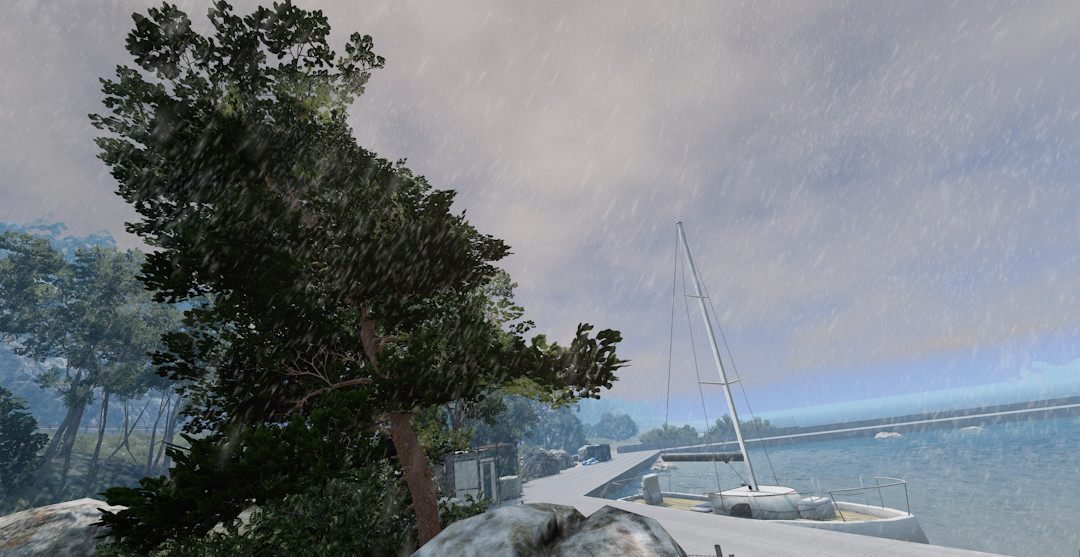
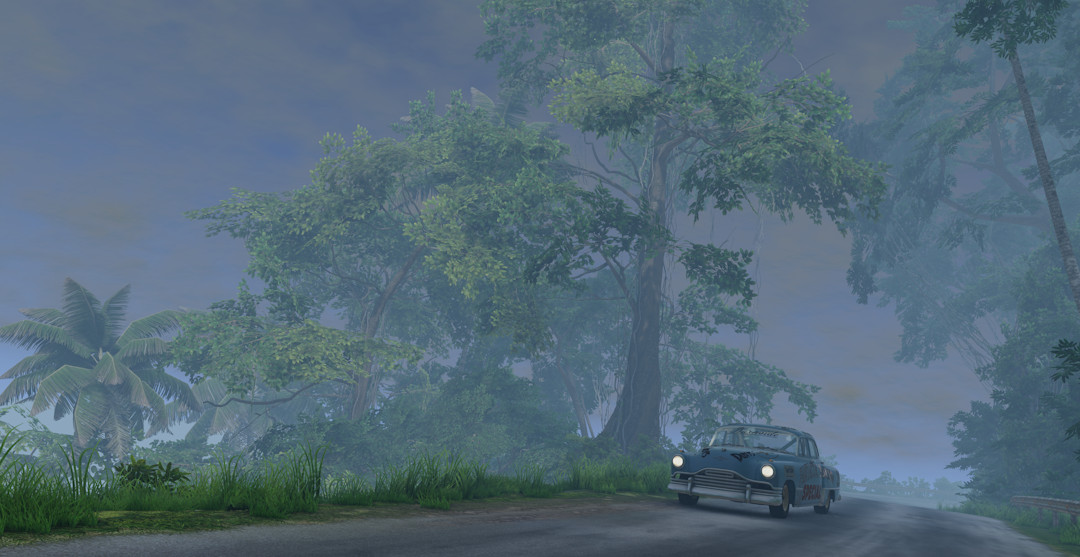
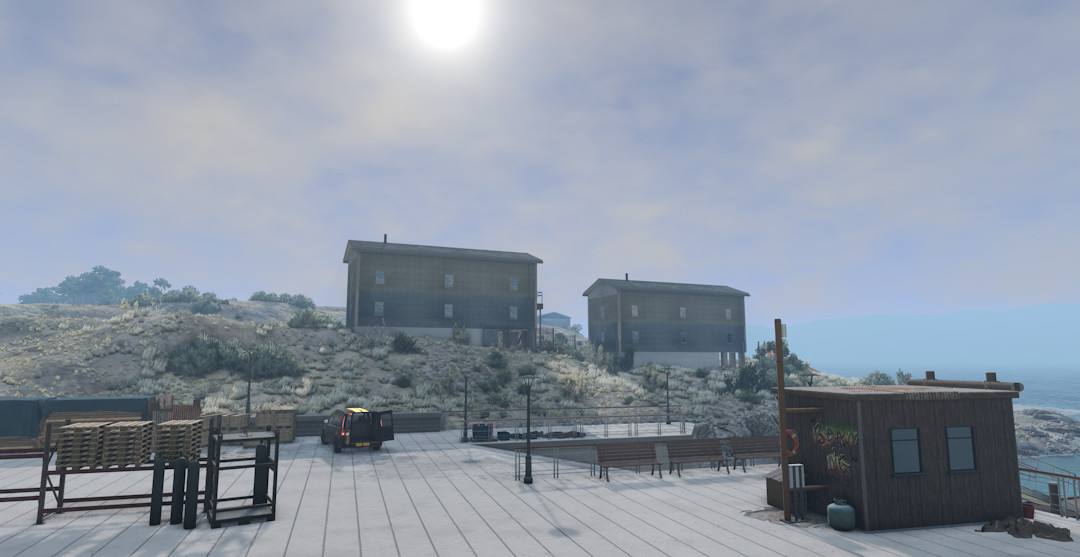
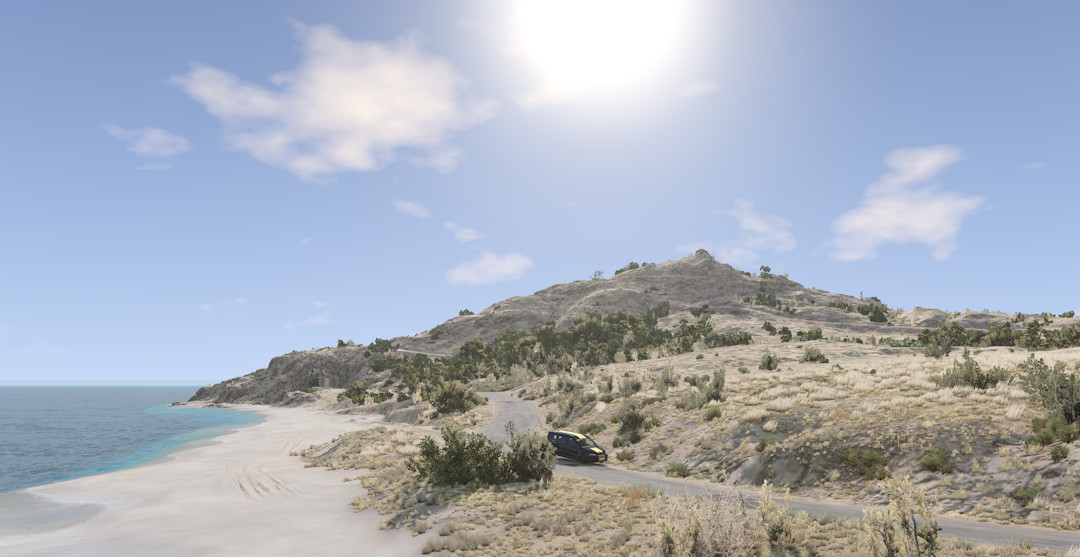
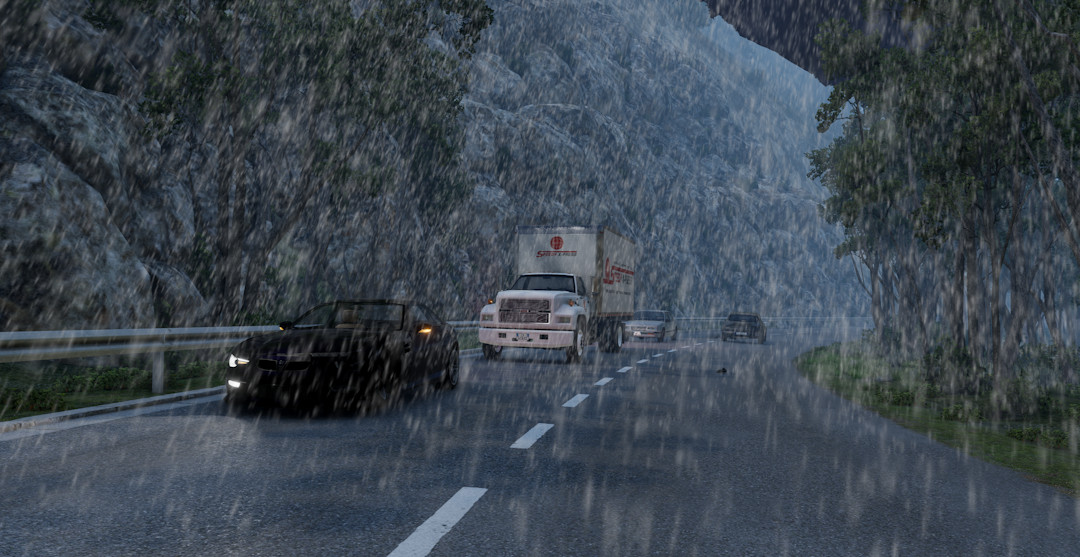
- weather events: sunny, cloudy, light rain*, rainy, foggy, foggy rain*, stormy*
- dynamic fog and rain
- dynamic wind for plants (if supported) and vehicles
- dynamic road conditions; slippery roads during rain*
- windbursts occuring randomly from time to time
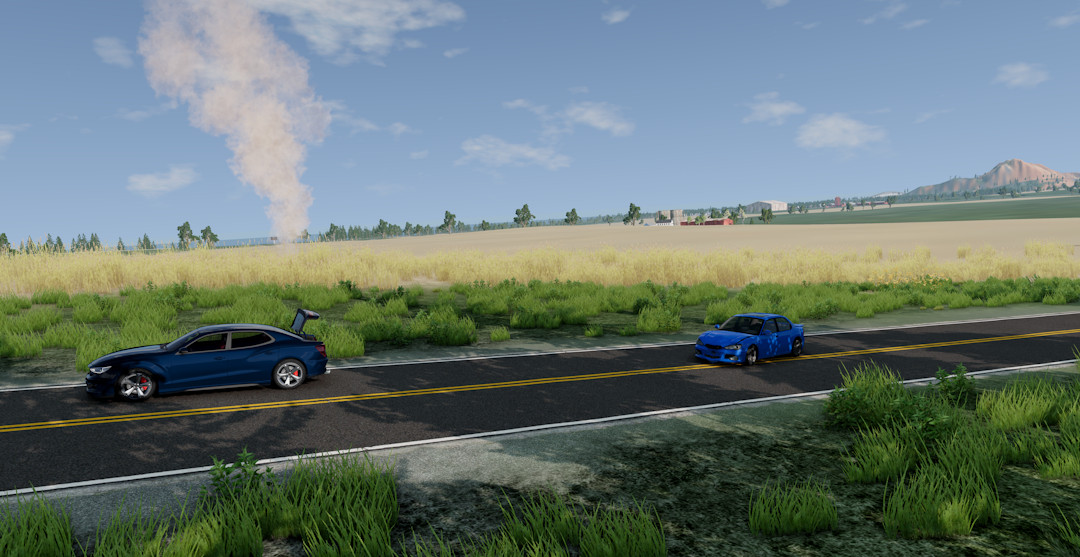
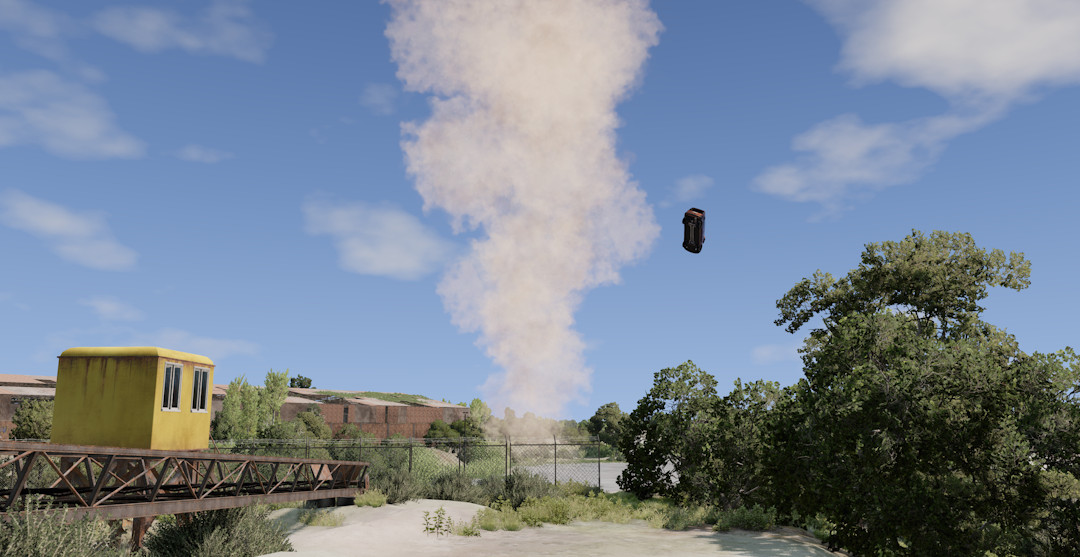
- tornadoes that slowly chase the player* ( can be spawned using Alt + T or randomly using console command dynamicWeatherMK_tornado.toggleRandomTornadoes() )
For more information, you can visit the thread about his mod on the BeamNG Forums: https://www.beamng.com/threads/mks-dynamic-weather.103288/#post-1817798
This is the official reupload of my dynamic weather mod. This page as well as the BeamNG Forums and Repo are the only places you should download this mod. If you find this mod on any other site, it wasn't uploaded by me and may be unsecure to use or download.
Please do not reupload this mod anywhere!
About Mod
| Latest Version | 1.1 |
| Game | BeamNG.drive |
| Category | Maps |
| Game Version | 0.36.x |
| Downloads | 10719 |
| Created | 1 year ago |
| Last Updated | 1 year ago |
| Last Virus Scan |
0/98
More Details |