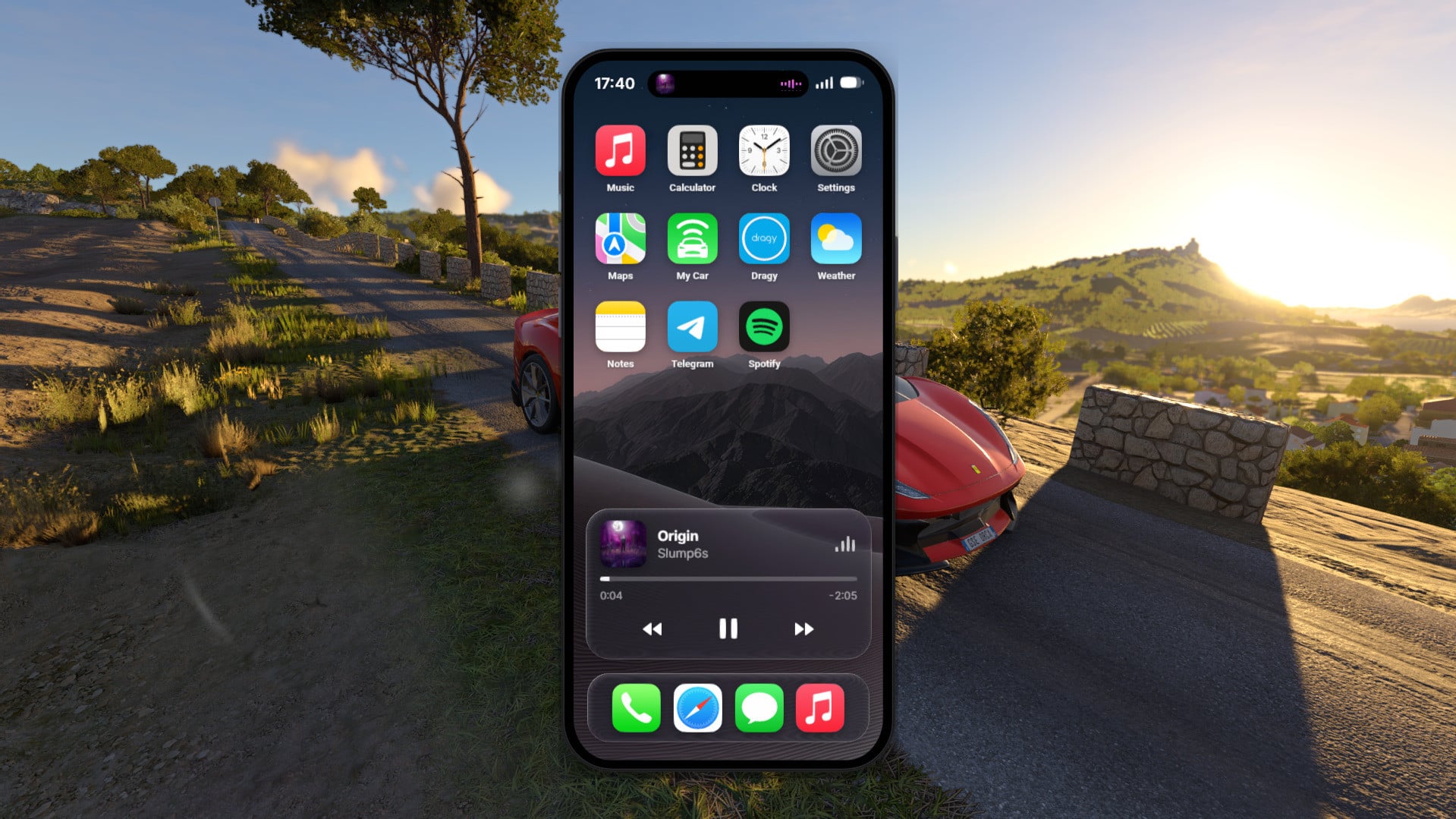
BEAMPHONE 1.3

Latest Update
BeamPhone 1.3 — The Biggest Update Yet!
What's new
-
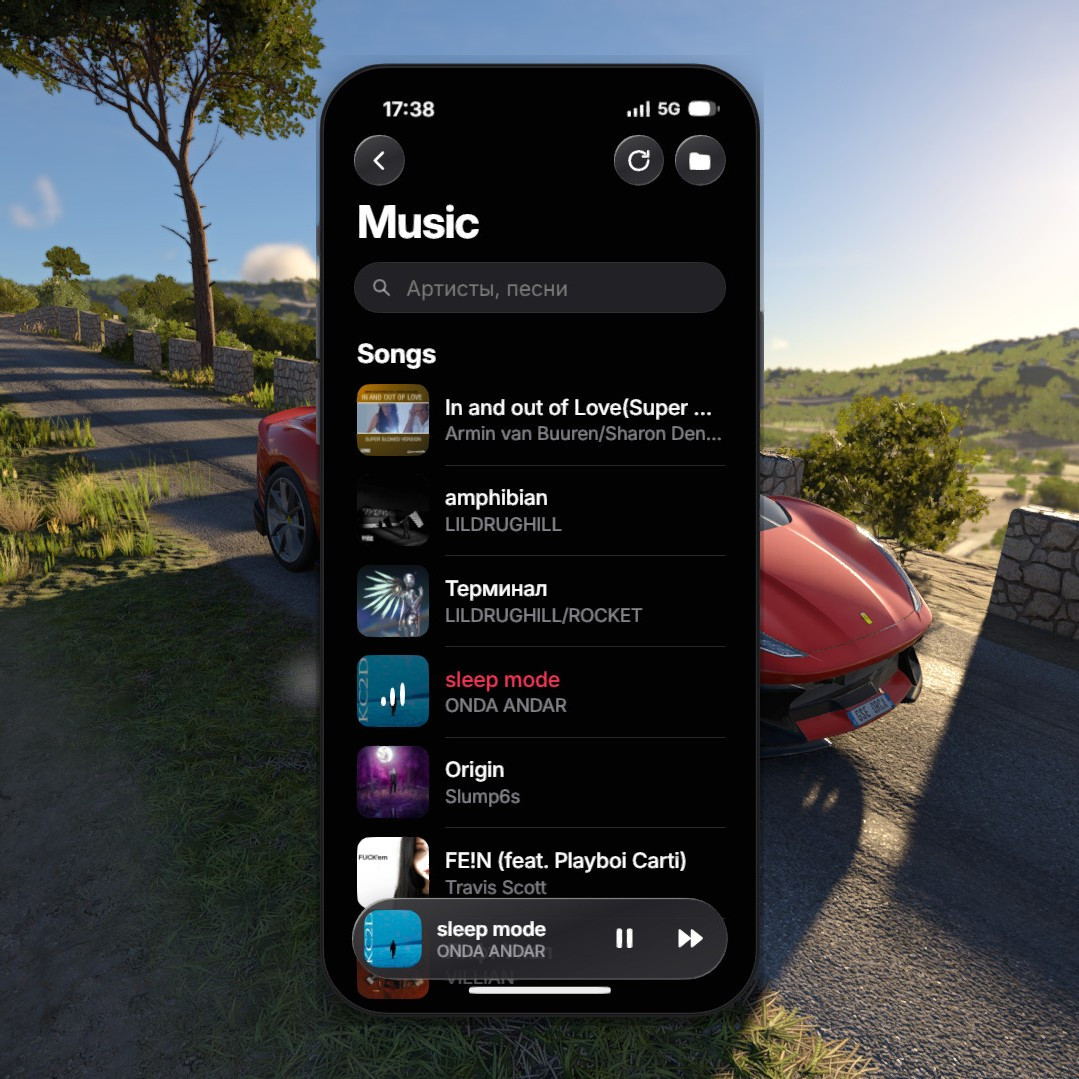
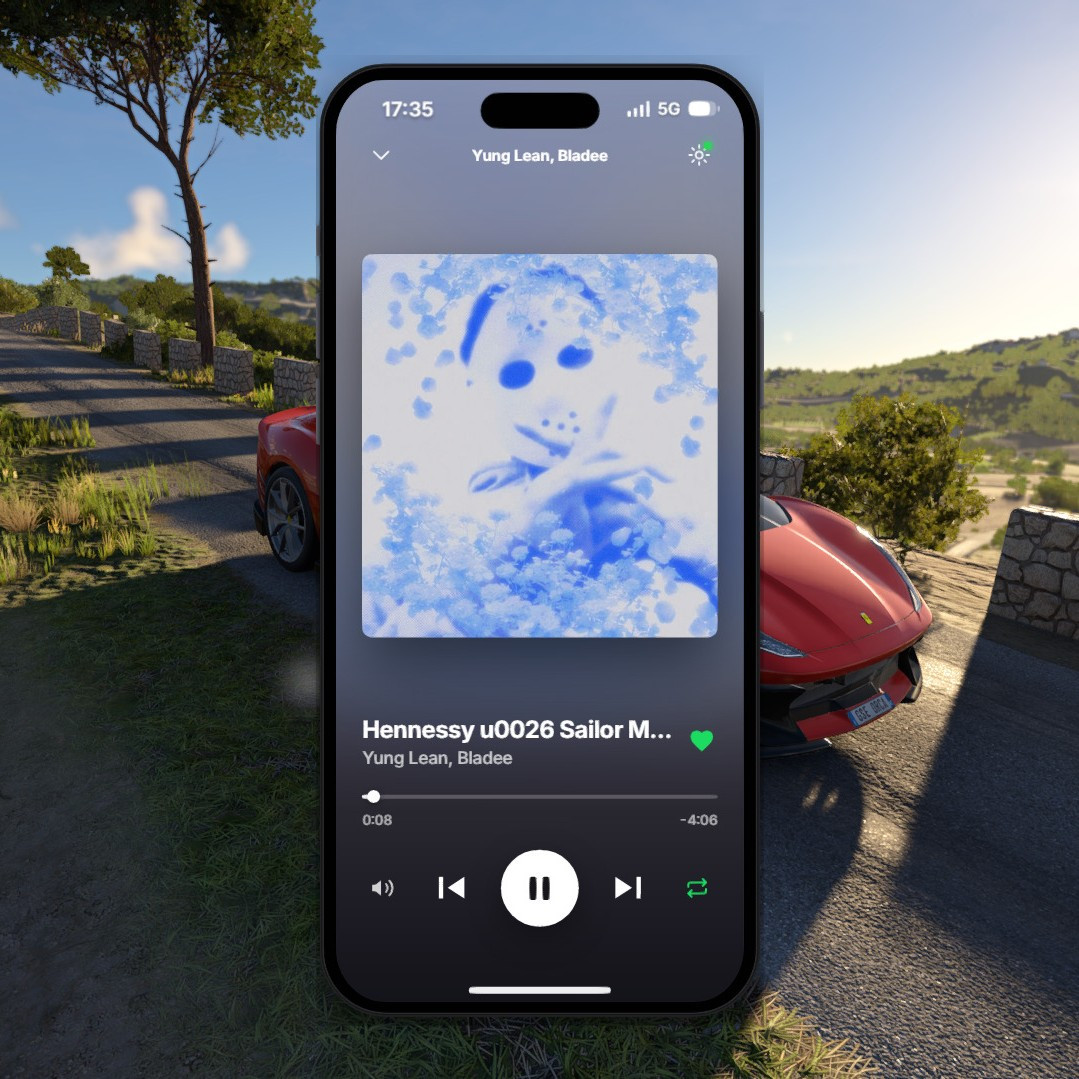
Music: completely redesigned with an Apple Music-inspired interface. Includes a track list with artwork, search, a mini player and a Now Playing screen with large artwork, seeking and volume controls. The background adapts to the album artwork, with favourites and shuffle mode also included.
-
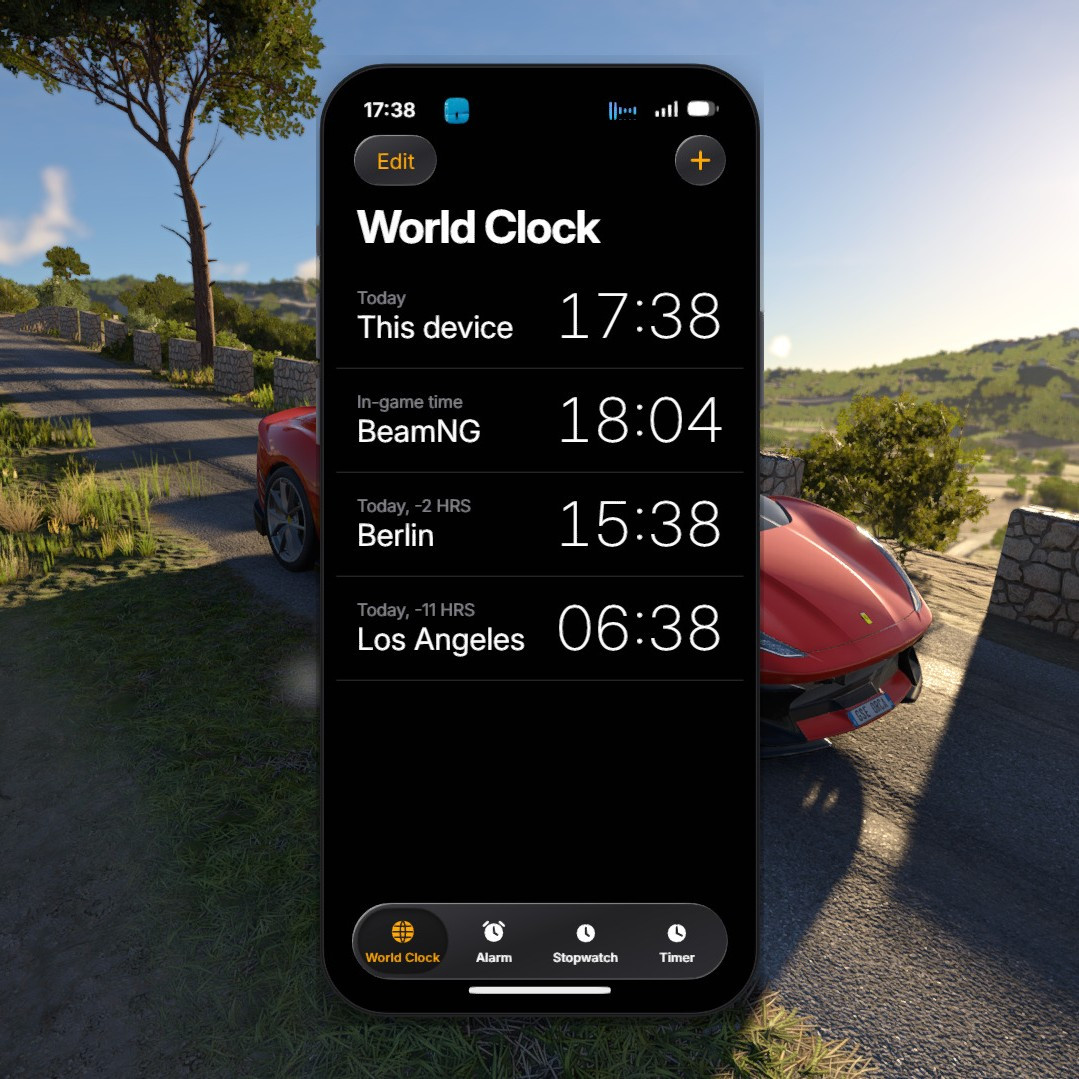
Clock and alarms: redesigned Clock app with sound alarms. Choose between your real PC time and in-game BeamNG time. Alarms can automatically wake the phone's screen.
-
Crash Detection: detects serious vehicle impacts and displays an SOS screen with a Cancel button. If not cancelled, a countdown with a siren starts after 10 seconds, followed by a 911 call after another 10 seconds. The alert automatically switches off when the vehicle is reset or repaired. You can also cancel it with F3.
-
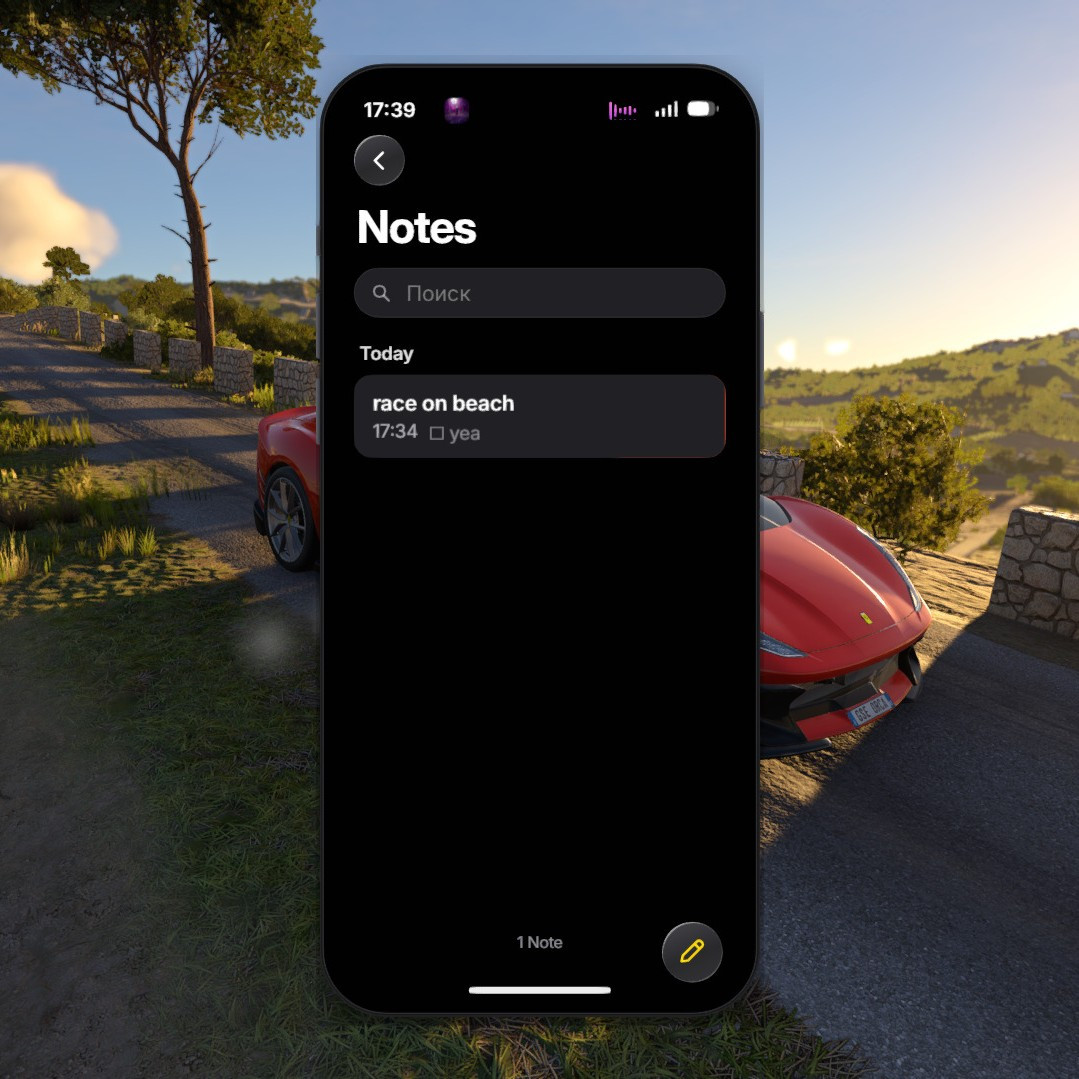
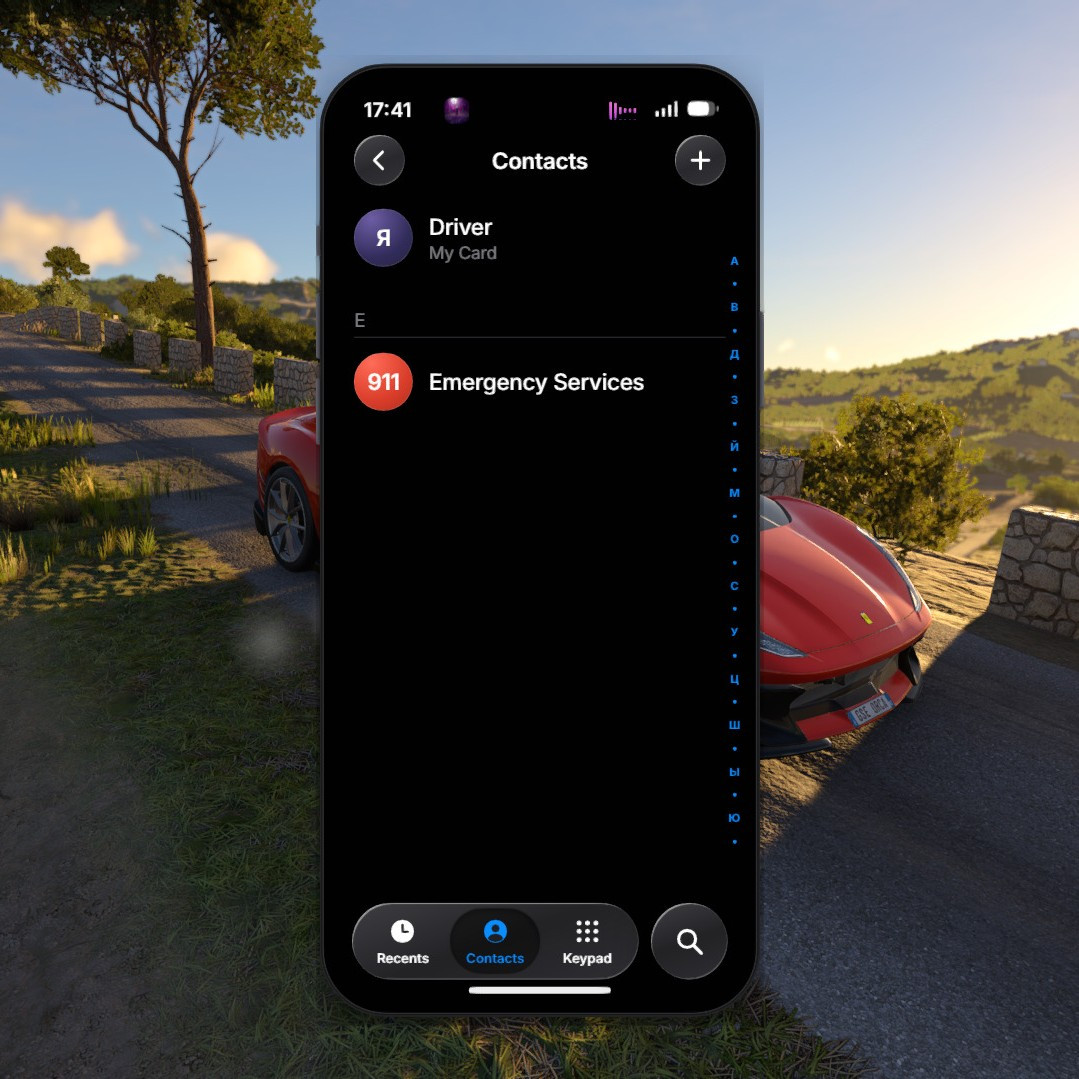
New applications: Phone for emergency 911 calls, Notes with checklists and pinned entries, Telegram with the BeamPhone channel and QR code, and Dragy with a new 80–120 acceleration test.
-
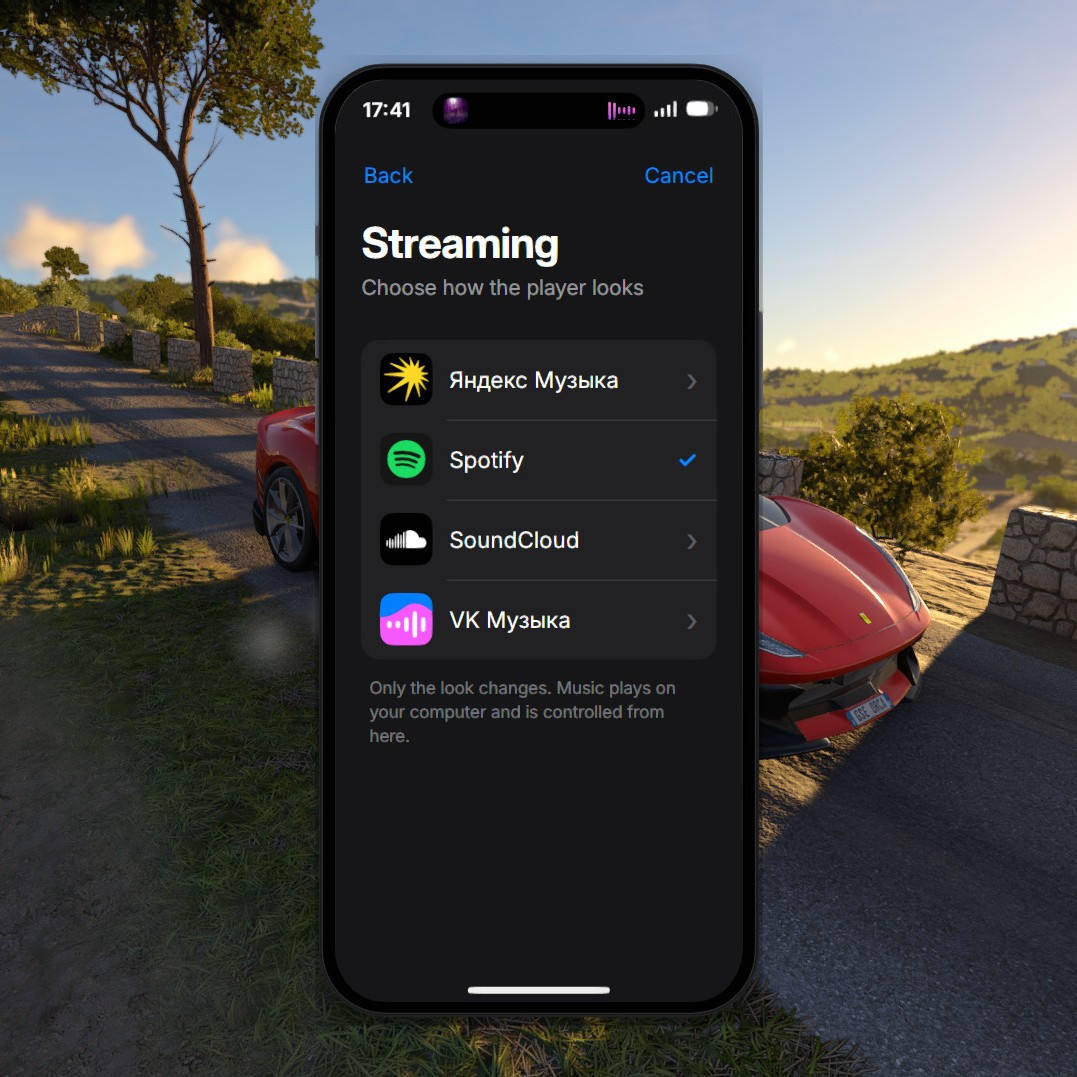
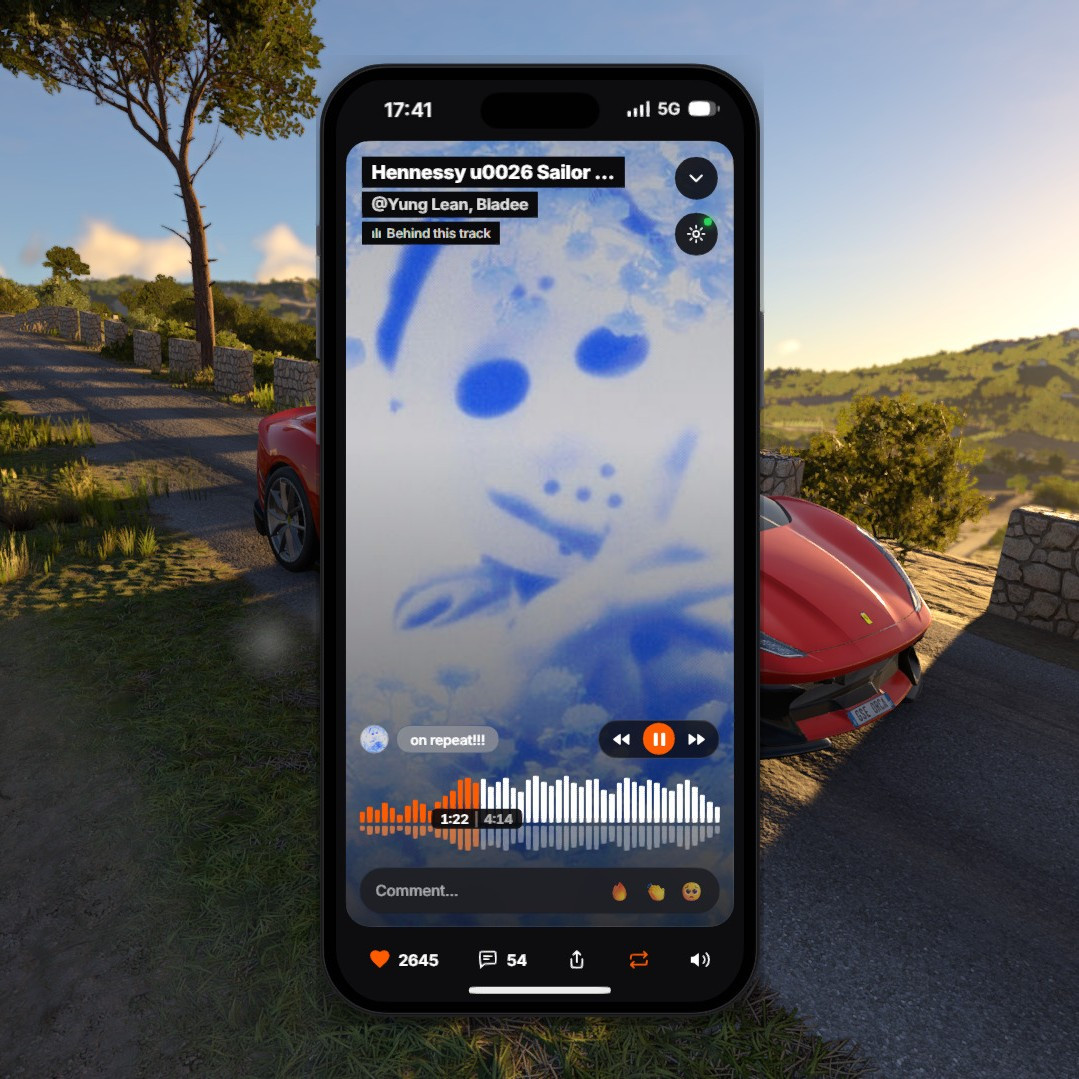
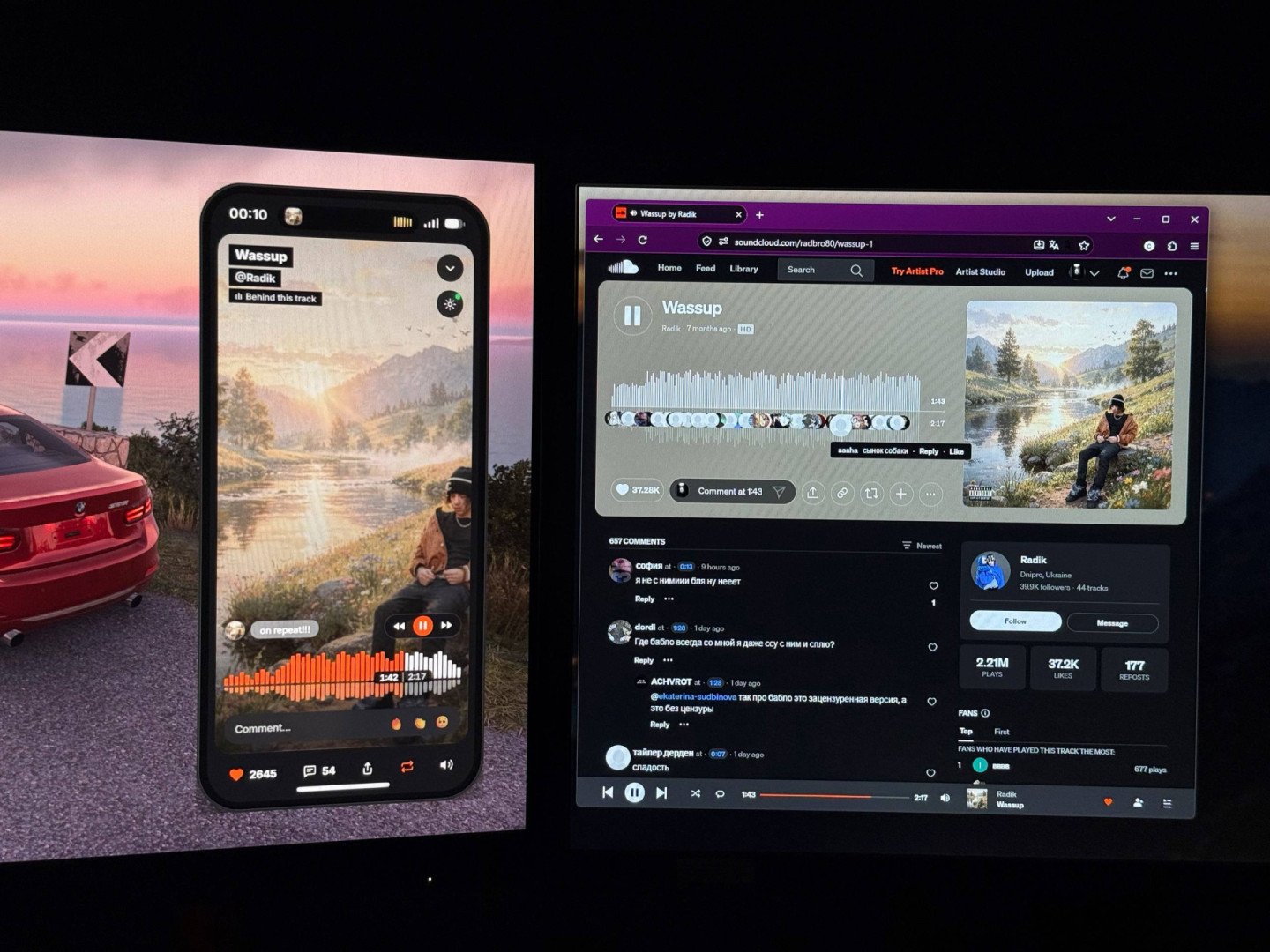
Streaming: Spotify, SoundCloud, Yandex Music and VK Music in one app. Control music playing on your PC, view album artwork and track information, seek through tracks and adjust individual app volumes. Uses a separate Windows bridge that you launch manually.
-
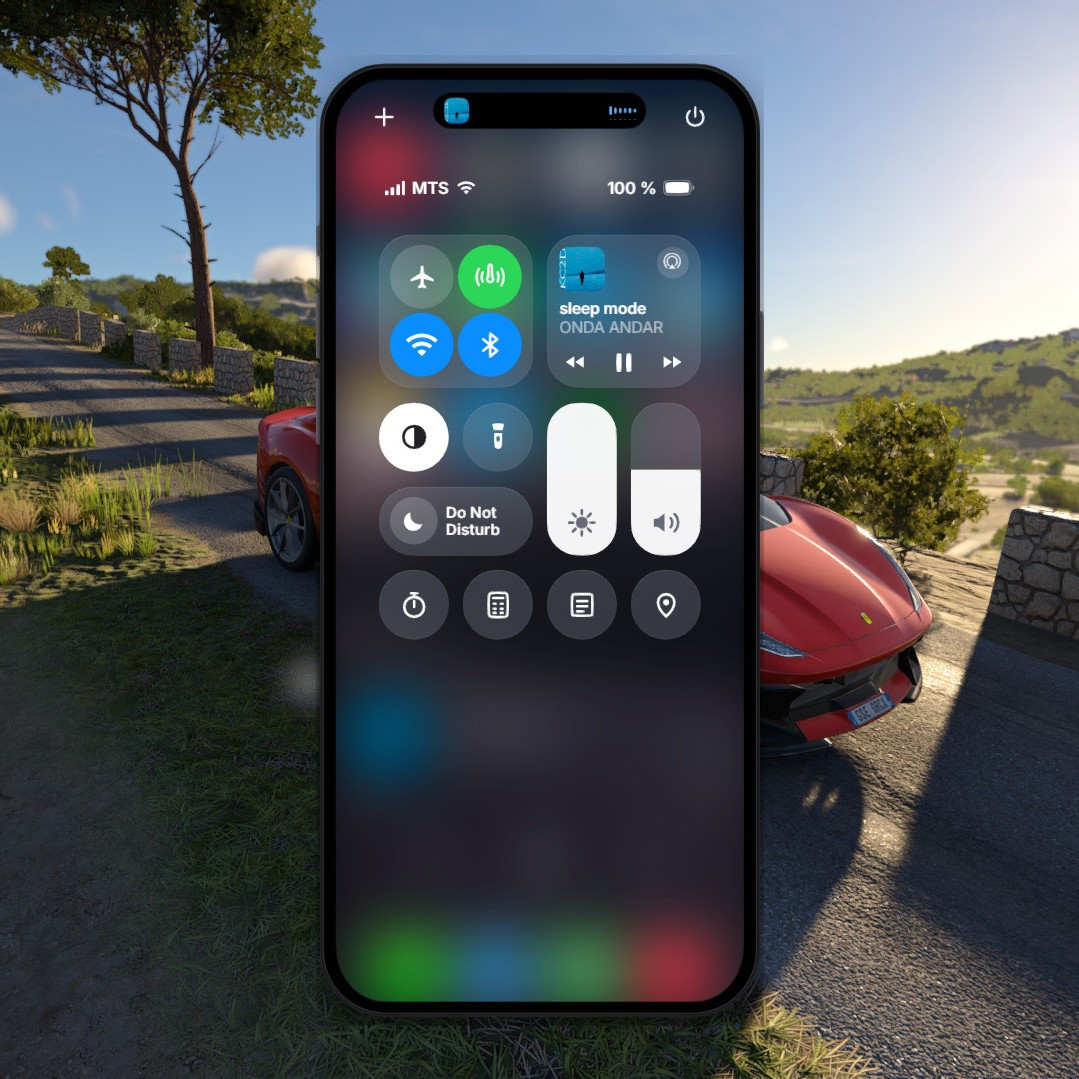
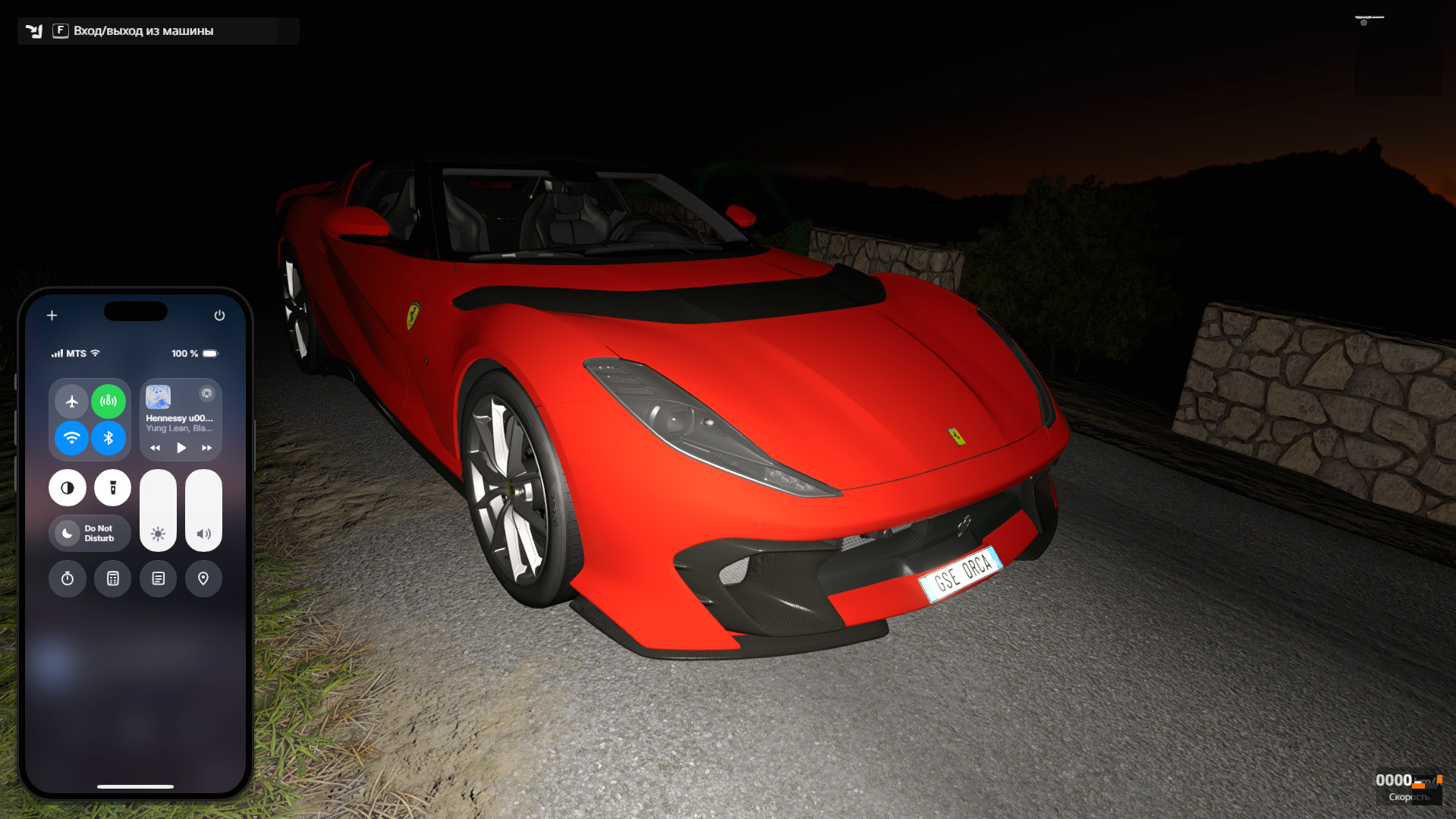
Control Center: a completely new iOS-style feature, opened by swiping down from the top-right corner. Includes background blur, smooth tile animations, brightness control down to a fully dark screen, a flashlight and a power button.
-
Side buttons: the power button turns the screen on and off without putting the phone away. The volume buttons provide step-by-step or continuous adjustment when held. An animated volume bar can also be dragged with your mouse. A first-launch hint explains F3 controls.
-
Dynamic Island: improved music integration across apps. The island no longer duplicates the player when its source app is already open.
-
Flashlight: creates a soft, realistic beam without a harsh circular spotlight, with additional light spreading across the ground and nearby walls. It fades in and out smoothly and automatically turns off when changing maps.
-
Liquid Glass and optimisation: new glass-style elements for the dock, widgets, lock screen buttons and clock. Improved animations home bar behaviour. Settings and notes are saved between sessions, and the closed phone has almost no impact on game performance.
About the Windows bridge
The bridge is only required for the Streaming app. It is a small PowerShell script launched manually through a BAT file. It reads currently playing media information from Windows and carries out playback commands.
Data is exchanged through local files, not over a network. The bridge installs nothing and does not enable Windows startup automatically. If Windows does not provide album artwork, it can be looked up using Deezer and iTunes. An offline launch option is also included.
Requires BeamNG.drive 0.40 or newer.
Thank you for using BeamPhone! Feedback and suggestions are always welcome.
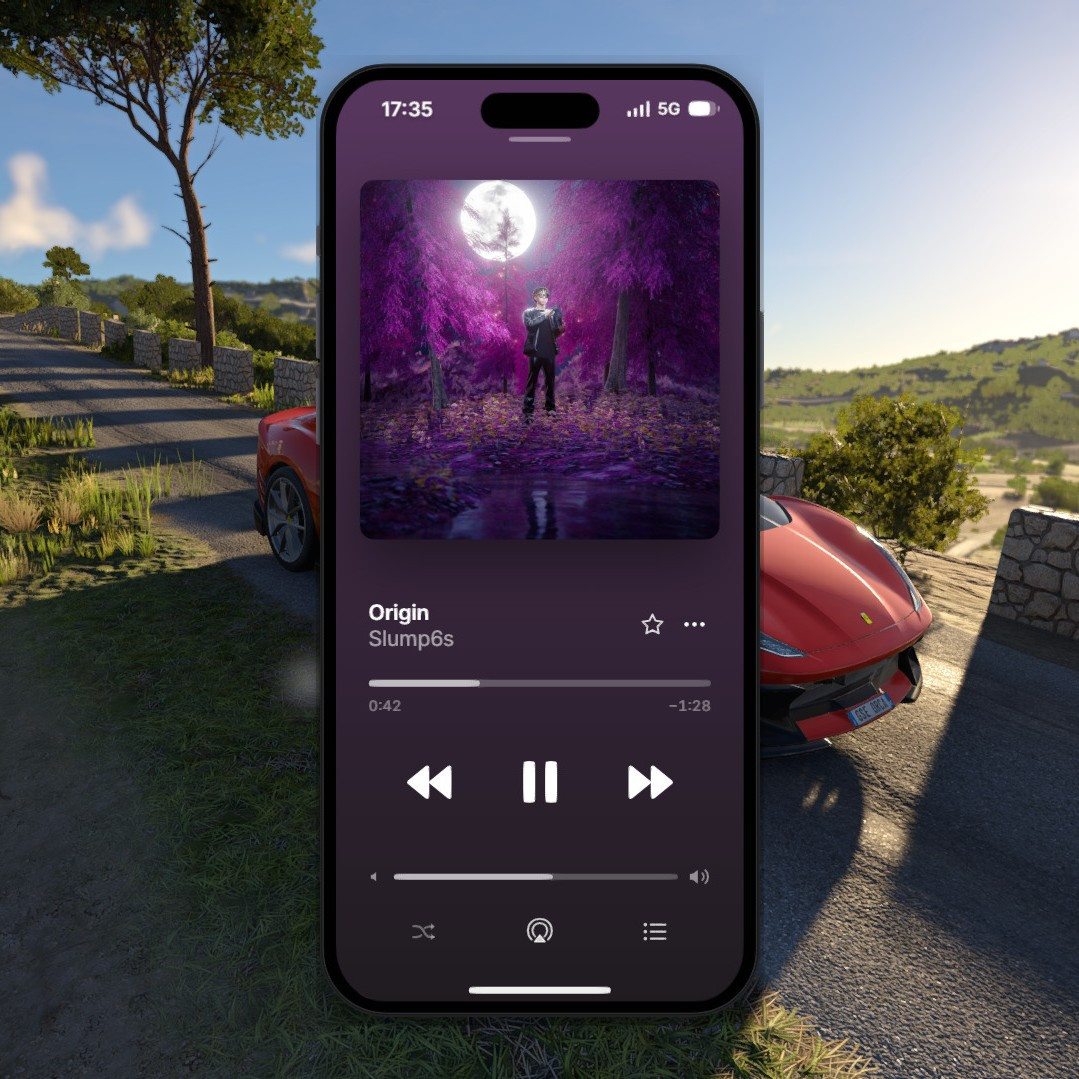
BeamPhone — an iPhone-style smartphone for BeamNG.drive
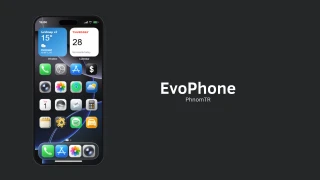
BeamPhone brings the familiar iPhone experience into the world of BeamNG.drive. The phone runs directly inside the game's interface, allowing you to use apps and interact with the game world.
Features
-
🎵 Music player with support for your own music files and album covers.
-
🗺️ Map with vehicle tracking and route navigation.
-
🚘 Controls for your vehicle's main functions.
-
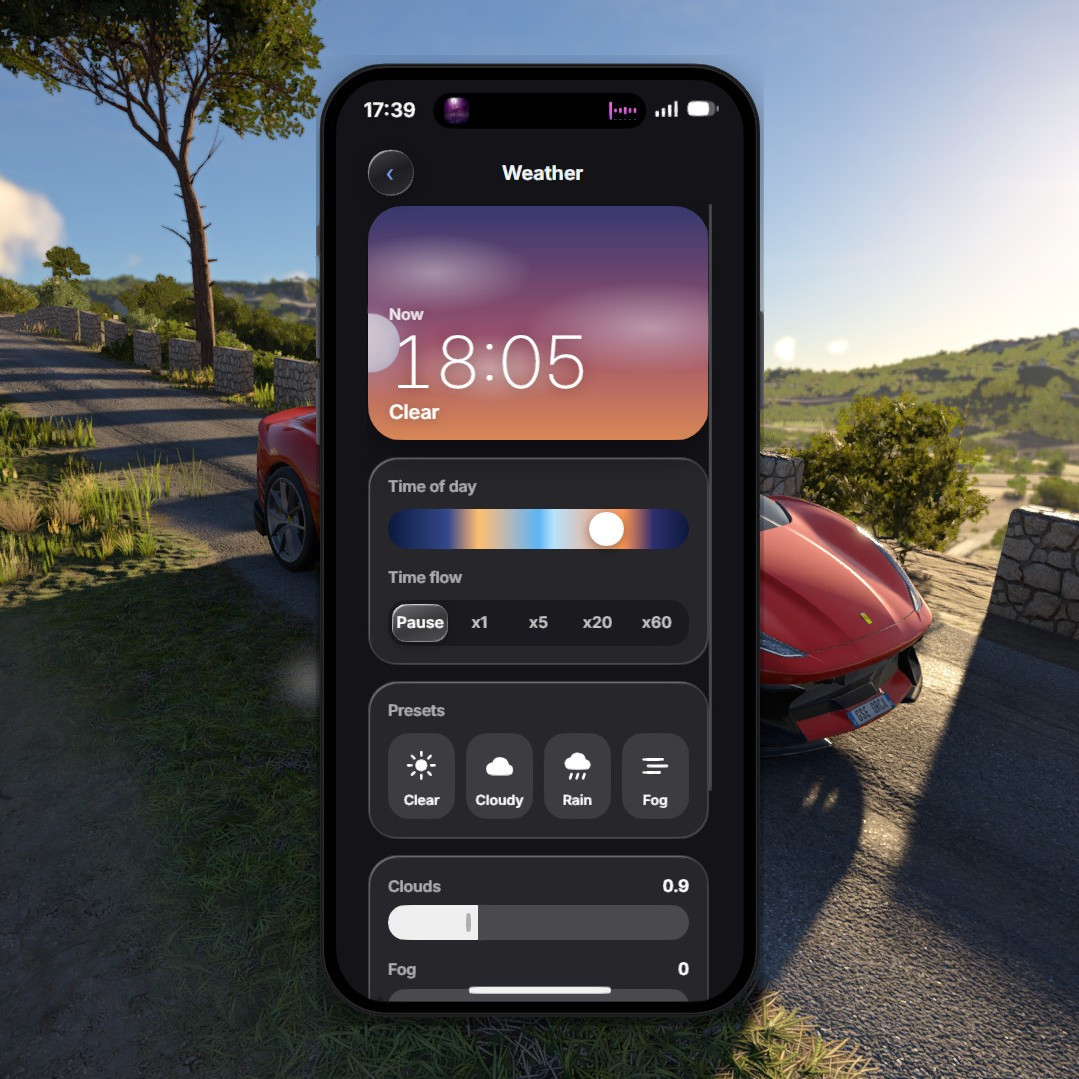
🌦️ Weather and time-of-day adjustments.
-
🏁 Dragy for acceleration and quarter-mile testing.
-
🕒 Calculator, clock, timer, and other apps.
-
🎨 Custom wallpapers, icons, themes, and language settings.
The interface also features a lock screen, a music widget, smooth animations, and gesture controls. 8 languages are supported.
Installation
-
Download the ZIP archive.
-
Place it in your mods folder (do not extract it). If the app does not appear in the app list, extracting the archive may help.
-
Load a Freeroam map, open the Apps section in the HUD, click Edit, and add the BeamPhone app.
-
Place the phone wherever you prefer and adjust its size to your liking.
- Press F3 to open or close the phone. You can change this key in the game's Controls settings by searching for "BeamPhone".
Game: BeamNG.drive 0.39
External Download Links:
- Modsfire.com - BeamPhone 1.3.zip [4.03 MB]
About Mod
| Latest Version | 1.3 |
| Game | BeamNG.drive |
| Category | Other |
| Game Version | 0.40.x |
| Tags | UI |
| Downloads | 3781 |
| Created | 1 month ago |
| Last Updated | 2 weeks ago |

your mod is amazing i love it
where do i get the bat file?
I’m waiting for Spotify/YT Music to be added.
@xenon in 1.3))
@xenon в 1.3))
honestly thanks man this mod is better than the ones that cost money thank u @ASPEE
@ysfo_111 thx bro nice to hear))
Great vibe-code, thanks for the honesty.
@ASPEE Be Carful with this **** anton krd1 because he stooling every mods
@Antonkrd1 thx
Very high quality mod mate good work. the only thing thats annoying me is that the background keeps changing but that a minor lol
I placed the file into the mods folder just as it was and pressed F3, but it didn't work. @ASPEE
@Skeleton Installation
Download the ZIP archive.
Place it in your mods folder (do not extract it). If the app does not appear in the app list, extracting the archive may help.
Load a Freeroam map, open the Apps section in the HUD, click Edit, and add the BeamPhone app.
Place the phone wherever you prefer and adjust its size to your liking.
Press F3 to open or close the phone. You can change this key in the game's Controls settings by searching for "BeamPhone".
Congratulations on creating such a high-quality mod! I’m the creator of Lux Phone, so I know how difficult it is to build interactions like the Dynamic Island and so on. Your mod is excellent—really great work!
dont work to small
@nice Thanks for the feedback! Could you please clarify what exactly doesn't work or appears too small?
It didn't work for me
@ASPEE looks cool, keep it up man, good job
This better not be some random gore mod
@Beto6999 there are gore mods?...
@Beto6999 Nah bro, just an iPhone