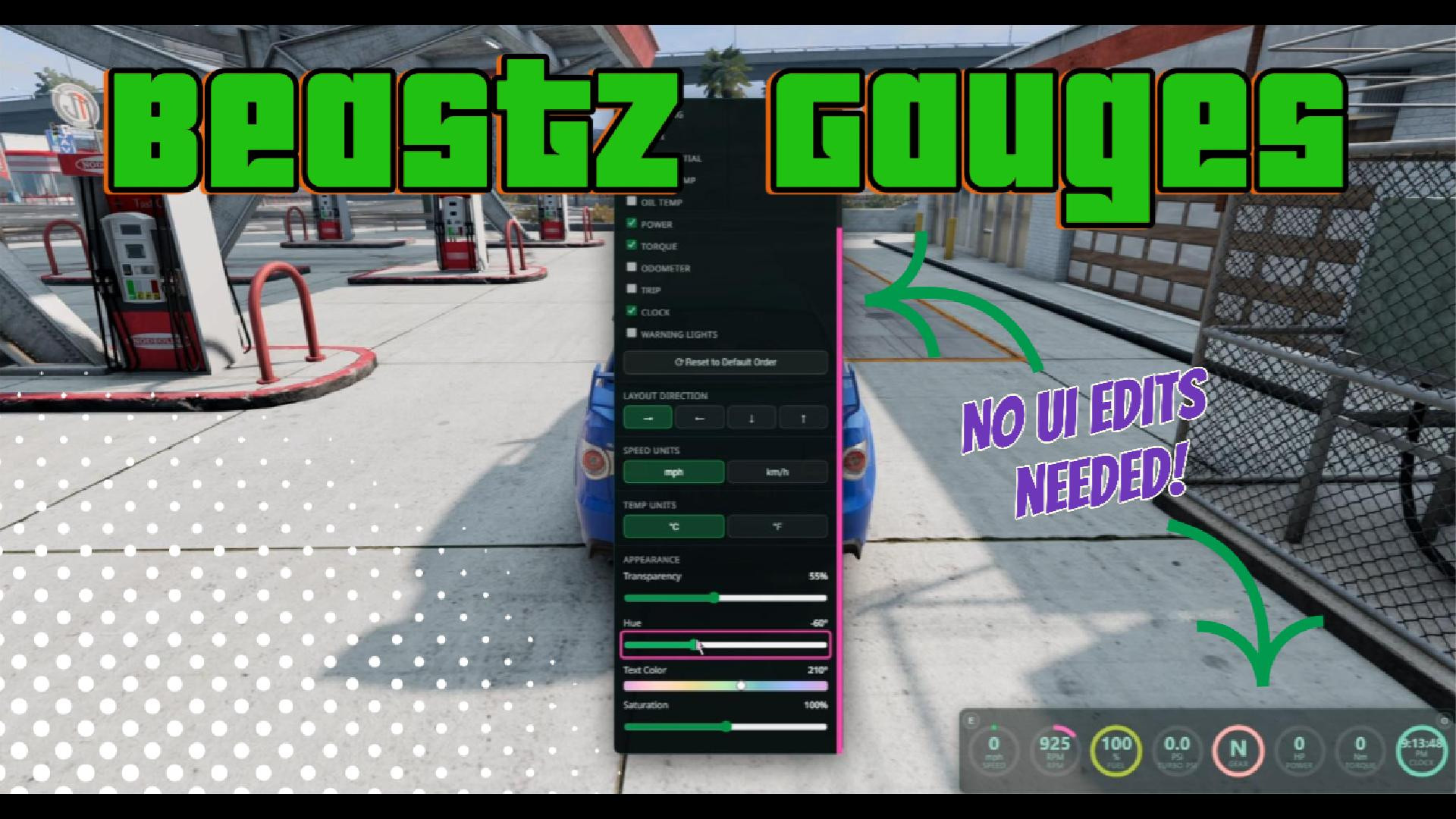
BeastZ Gauges 1.4
5/5,
2
votes
Changelog
latest
Version
1.4
· Sync Color, Smarter Grid Sizing & Snap Guides
· BeamNG.drive
0.39.x
2 months ago

- New: Sync Color setting hue/transparency/saturation/text hue changes broadcast live to every other open BeastZ app with Sync Color also on.
- New: Grid Size now auto-sizes both panel dimensions to a tight fit (not just one axis) based on gauge count and Columns/Rows.
- New: "Reset to Auto" button for Grid Size.
- New: Visual snap guide line + pixel-distance label while snap-dragging, plus screen-center snapping. A big thank-you to 311time.
- New: The gauge tiles now slide smoothly into their new slot on drag-reorder. A big thank-you to 311time.
Version
1.2.1
· Fixed the Gear gauge showing -- on manual/sequential-gearbox vehicles
· BeamNG.drive
0.39.x
2 months ago
- Fixed the Gear gauge showing -- on manual/sequential-gearbox vehicles
Version
1.2
· Edit Mode Fixes + Cross-App Snapping
· BeamNG.drive
0.39.x
2 months ago
- Fixed (buttons): Settings and Edit buttons now actually respond to clicks.
- Fixed: Edit-mode resizing could drag the panel's right/bottom edge past the screen border.
- New: In edit mode, dragging the panel near another BeastZ UI app now snaps it flush — background to background — instead of just free-floating. Snapping is per-axis with a small catch radius, so it only kicks in when you drag close to an edge.
- Fixed: Edit-mode resizing could drag the panel's right/bottom edge past the screen border.
- New: In edit mode, dragging the panel near another BeastZ UI app now snaps it flush — background to background — instead of just free-floating. Snapping is per-axis with a small catch radius, so it only kicks in when you drag close to an edge.
Version
1.1
· BeamNG.drive
0.38.x
2 months ago
Layout & Customization Improvements
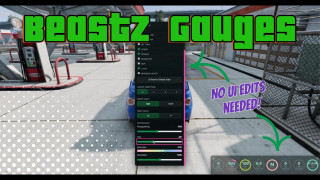
Layout & Customization Improvements
Layout: Switching between horizontal and vertical layouts now automatically swaps the panel’s width and height. The panel is also kept fully on-screen after resizing.
Appearance: Added a Reset to Default button for Hue, Transparency, Saturation, and Text Color. Other settings remain unchanged.
Default Gauges: The default layout is now Speed, RPM, Gear, and Turbo PSI. Gear and Fuel also swapped positions in the Settings list.
Temperature: Fahrenheit is now the default, and the °F button appears before °C.
Edit Mode: Reset size/position has been renamed to Reset size. It now resets the panel to 460 × 160 without changing its position.
About Mod
| Latest Version | 1.4 |
| Game | BeamNG.drive |
| Category | Other |
| Game Version | 0.39.x |
| Tags | UI |
| Downloads | 1000 |
| Created | 3 months ago |
| Last Updated | 2 months ago |