Radial Cheat Menu 1.3.9

Latest Update
- Virtual Braking Booster
- Part Softness Multiplier (Jelly Car)
- Freeze Strength Multiplier(v2 STABLE, for parts)
- Sticky Tires and Rollover protection
- Tire Protection v2 (Any speed)
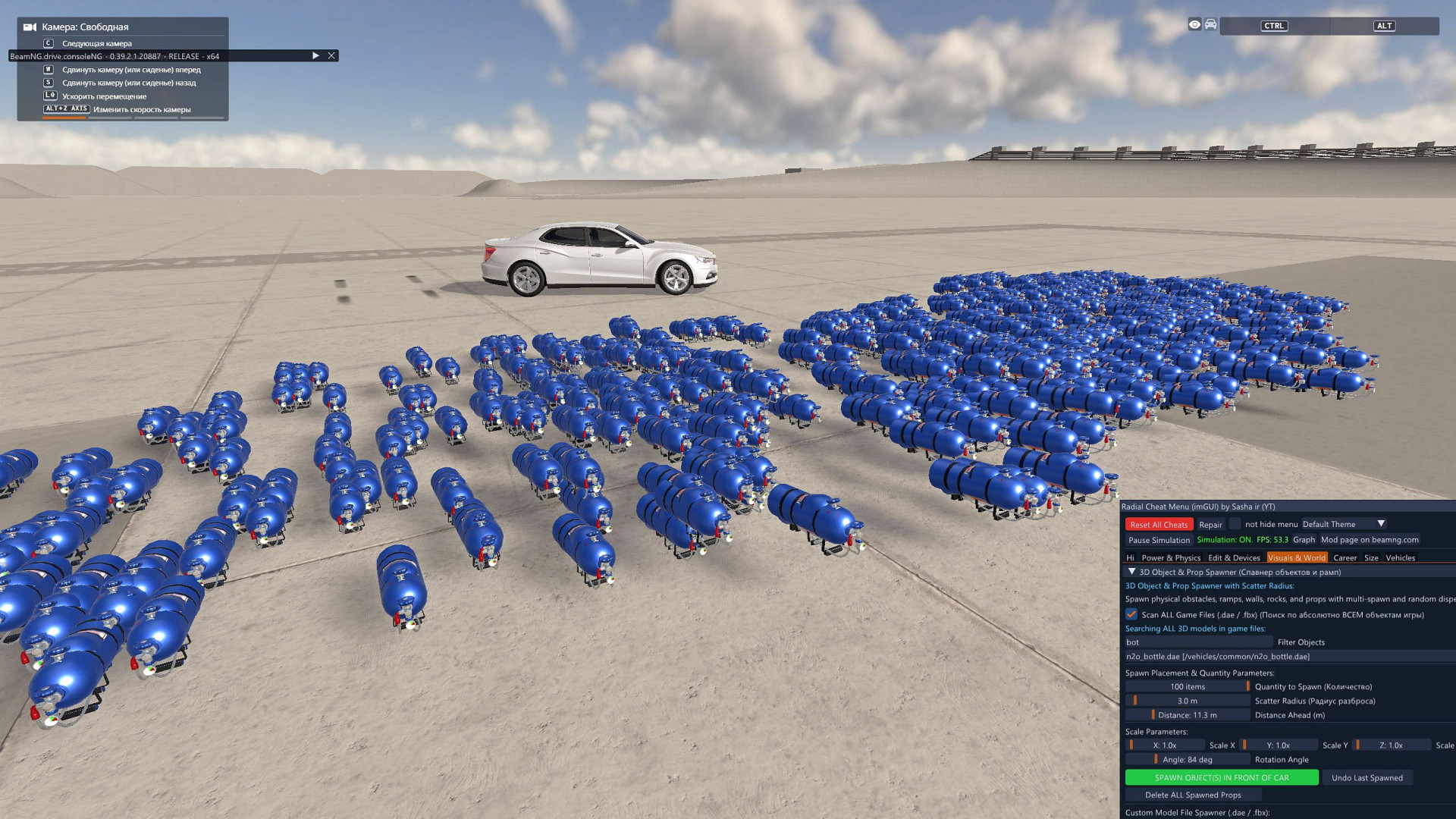
- 3D Object Spawner: Spawn any static object in any quantity, size and location
- Individual Component Failures
- Easter egg management: speed, start/stop
- More ready-made buttons for "Why's This Dealer?"
- City Traffic Lights Control: Manage all traffic lights in the city using the menu
- 5-second banner at the top of the screen when physics instability is detected and prevented (physics instability protection function)
- Special Camera Controls
- Weather Control & Sky Customizer
- Real Astrnomical sky
Fixed:
- imGUI menu is now always in the game, not a separate Windows window (Now it doesn't disappear).
- Cleaning code from useless lines.
- Instability protection feature now places vehicles at their first spawn point OR at valid coordinates recorded 5 seconds ago (instead of placing them under the map).
- Instability Protection no longer respawns other vehicles you're not currently playing as (to ensure a smooth online experience).
- Displaying all objects in the Vehicles tab.
_________________________
v1.3.5 and new of the mod is only suitable for game version 0.39 (New).
v1.3.3 of the mod is only suitable for game version 0.38
If you continue to experience errors, they may be due to file caching.
To clear the mod cache, do the following:
1. Uninstall the mod Radial Cheat Menu
2. Close and reopen the game
3. Install the mod Radial Cheat Menu
The errors should 100% disappear
If the issue persists, please report it here
Activate Menu in the Multiplayer(BeamMP):
YouTube video
How to use Radial menu:
Open Radial Menu by button E
and go to Freeroam Actions > Cheat Menu
How to use imGUI menu(new):
Open Radial Menu by button E
and go to Freeroam Actions > Cheat Menu
Click on "Open imGUI menu" (Blue star ★)
How to assign opening Menu to button:
1. Open game settings -> keyboard controls
2. Search - Radial Cheat Menu
3. Assign opening to any key on your keyboard/mouse/gamepad
YT Channel
Mod discussion thread(beamng.com)
Mod discussion thred(modland.net)
Donate patreon (secret updates)
FAQ:
- Tires exploding at 600-5000 km/h - is normal.
- When reducing the weight of the car, failure - is normal.
- When encountering an insoluble mode, the car disappears - is normal.
- Does this work in career mode? - Yes.
- Does this affect FPS? - No.
- Gamepad support - Yes.
- Is it free and safe? - Yes.
- There is a official mod on modland - yes, video modland
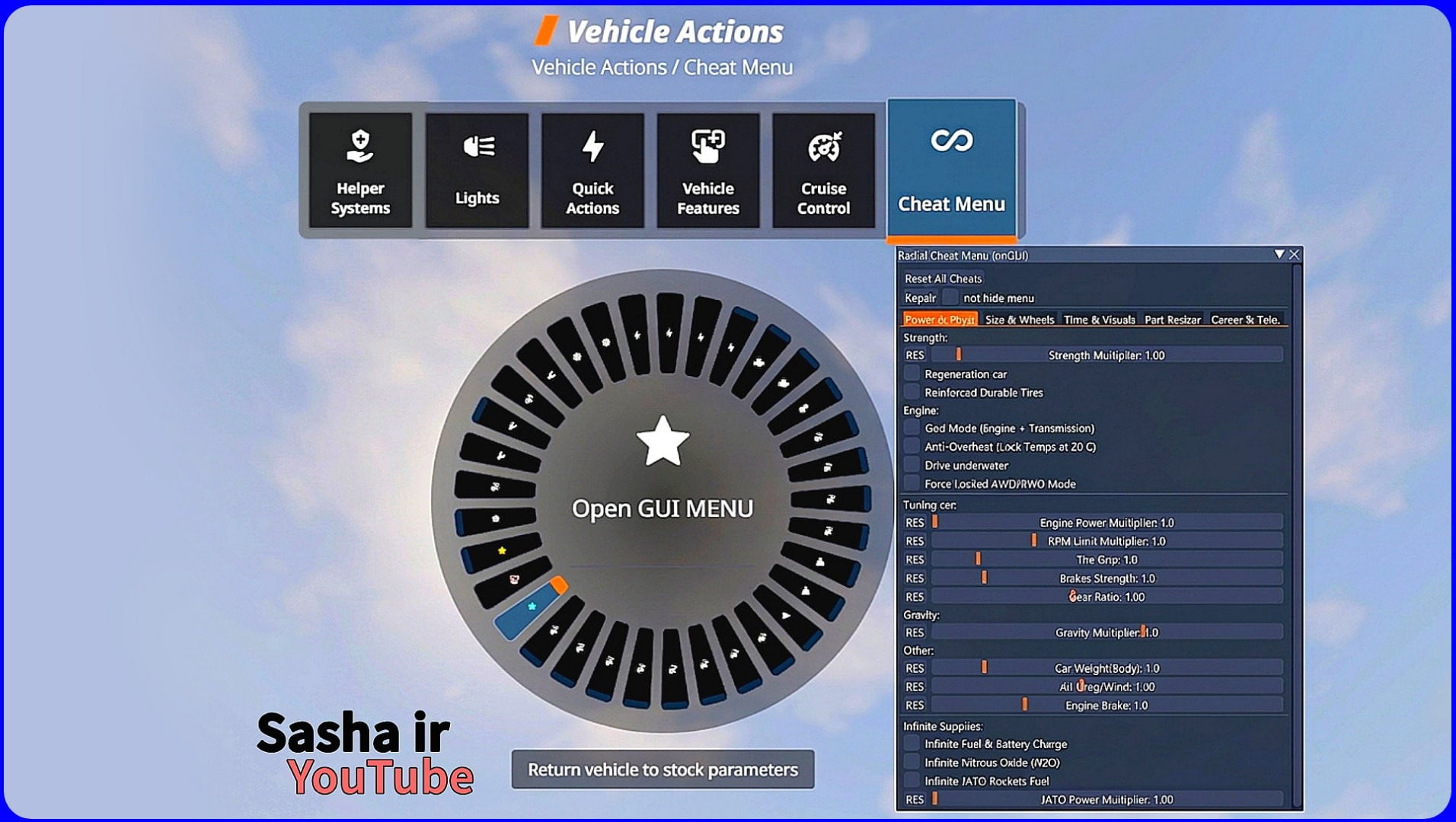
Cheat menu allowing you to modify vehicle physics and performance in real-time via the Radial Menu (Quick Access).
Features
1. Engine & Gearbox & Resources
-
Power Multiplier: Multiplying engine power from x0 to x100000 (without damaging the engine).
-
Gear Ratio Adjustment: Changing the gear ratio for the entire gearbox to zero or cosmic values (x0.1 - x1000)
-
Anti-Overheat: Locks engine and brake temperatures at a constant 20°C.
-
Infinite fuel and Electric battery
-
Infinite Nitrous Oxide (N2O)
2. God Mode
-
Indestructible (God Mode): Prevents vehicle deformation and crash damage.
-
Auto-Repair: Continuously heals engine and drivetrain damage in real-time.
-
Burst-Proof Tires: Prevents tires from popping regardless of speed or pressure.
3. Physics
-
Grip Multiplier: Change the tire grip(-x10 up to x500).
-
Brake Multiplier: Changes the braking force coefficient(-x10 up to x100).
-
Gravity Control: Change your car's gravity(-x1000 up to x1000).
-
Mass Multiplier: Change vehicle weight(x0.7 up to x100000).
-
Air Drag/Wind Multiplier: Adjust or remove wind resistance for unlimited aerodynamic speed(x0 up to x50).
-
Engine brake Multiplier: Change the engine braking force (-x10 up to x100).
4. Special Modes
-
Max Locks AWD: Forces a 50/50 torque split and locks all differentials for maximum off-road capability.
-
Rainbow Mode: Automatically cycles through vehicle paint colors (RGB effect).
-
Message Filtering: Suppresses engine damage and overheating warnings on the UI.
5. UI & Usage
-
Reset All: instantly restore the car to factory settings.
All settings are neatly categorized within the Quick Access menu.
Usage: Click on the button "E" -> Vehicle Actions -> Cheat Menu.
Activate Cheat Menu in the Online game(BeamMP): soon
Video previev(Reddit)
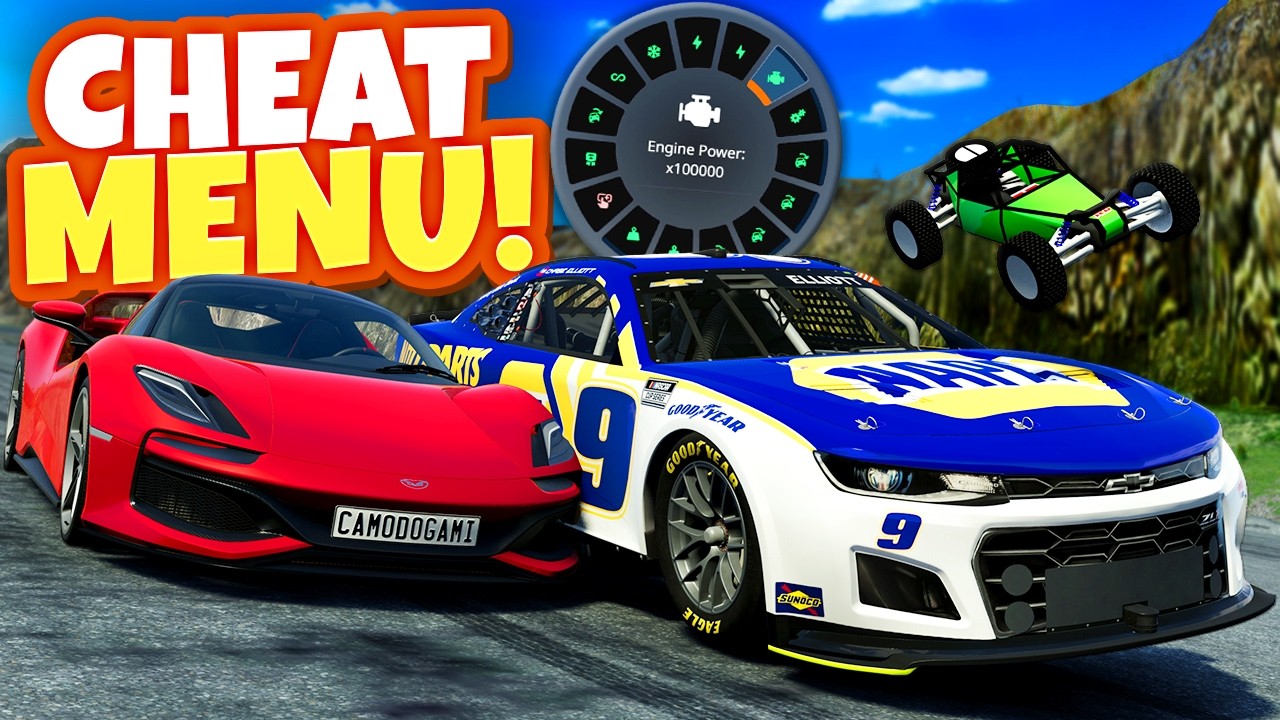
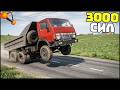
Videos


















Direct Download Links
Version: 1.3.9Updated: 1 month ago
Total Size: 586.97 KB RadialCheatMenu_modland.zip direct download · 586.97 KB · added 1 month ago
About Mod
| Latest Version | 1.3.9 |
| Game | BeamNG.drive |
| Category | Other |
| Game Version | 0.39.x |
| Tags | Gameplay Tuning UI |
| Downloads | 1492068 |
| Forum Thread | Visit forum thread |
| Created | 4 months ago |
| Last Updated | 1 month ago |
![BMW X6 G06/F96 [PACK]](https://temp2.modland.net/i/6a8ff76445a04/0_modland.webp)




![Ford Mustang Mach-E [PACK]](https://temp2.modland.net/i/6aa50a7184eaa/0_modland.webp)
While having nothing activated..after crashing a car (any) the car is still able to drive even without the enginge (or even whole chassis) just the sound of the engine disappears
@Felix Don't know
Is it usable in the new career mode?
@Hottydiggyboi yes
why does my engine explode every time i do 1k times engine power without god mode?
@femboy cracker engine fail when test involve anti-engine juice levels
v1.3.5 of the mod is only suitable for game version 0.39 (New, Published)
v1.3.3 of the mod is only suitable for game version 0.38
If you continue to experience errors, they may be due to file caching.
To clear the mod cache, do the following:
1. Uninstall the mod Radial Cheat Menu
2. Close and reopen the game
3. Install the mod Radial Cheat Menu
The errors should 100% disappear
If the issue persists, please report
nuts just cracked
спасибо что сделали это меню, мы долго ждали, как старые меню уже устарели. вы молодцы)
its on the repo just install it from there less hassle
i thought it was a reupload...
official
can this used in beammp?
@btap +
in what folder i can add this mod
mods
is it a virus
@james funny. No
@sashair Can you fix the bug that prevents creating a new career save when the cheat mod is active?
@sashair Thanks :)
@mercedesfan312013 1.2.8 will be released soon, try it out
@sashair Okay, that's weird. Oh well, but that's how it was for me.
@mercedesfan312013 I have no mistakes
@sashair can you add a mod for career for spawn car in the car selections and after take the car and add to garage
@Nitox· Ami(e)s I don't know yet
Ever time i use this mod for career it says fatal lua error. and i only activated this mods so no other mod can interfer
@sashair
@RAV7x7 1.2.8 will be released soon, try it out
@RAV7x7 Need logs from the console
realy nice mod! i dunno how to use the 'add car to garage feature' mabye add the ability to add 1 mil credits instead of only 20k
@Carter 1.2.8 will be released soon, try it out
@Carter This is done so that it won't be boring in your career