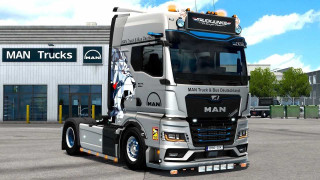
[PAID] Truck Customs — 3D Truck Customization 0.0.3

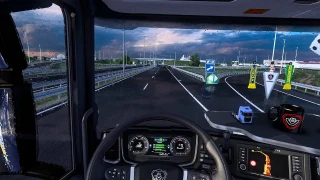
![[PAID] Truck Customs — 3D Truck Customization](https://temp2.modland.net/i/6ad1259d1de32/truck-customs-003-banner-v2-lg_modland.jpg)
Updates
Truck Customs 0.0.3 — Diagnostics & Improvements
PAID SOFTWARE — available to paid members on Patreon. Get the Windows application and this update from the official Truck Customs 0.0.3 release.
Compatibility notice
This version is NOT compatible with truck mods split into separate Def + Base files. Please do not use this release to customize trucks packaged in that format.
Compatible with HaulMP.
What’s new in 0.0.3
- Detailed support diagnostics for package selection, missing textures, material scale and temporary interface stalls.
- New Settings → Export diagnostics option to save a ZIP for support.
- Improved reading of Steam Workshop version manifests with indentation and comments.
- Prepared resource data is cached without modifying the original mod files.
Updating
Download Truck Customs.exe 0.0.3 from Patreon. Save your design, exit Truck Customs from its system tray icon, and replace the previous executable. The changelog appears on the first launch of this update in your selected language.
Beta and support
Truck Customs remains in beta, so bugs and errors may occur. Reproduce the issue, open Settings → Export diagnostics, and send the ZIP in a support ticket with the truck/mod name, affected part and screenshots. Open a ticket for any questions.
The diagnostic export does not include saved games, mod archives or account credentials.
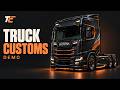
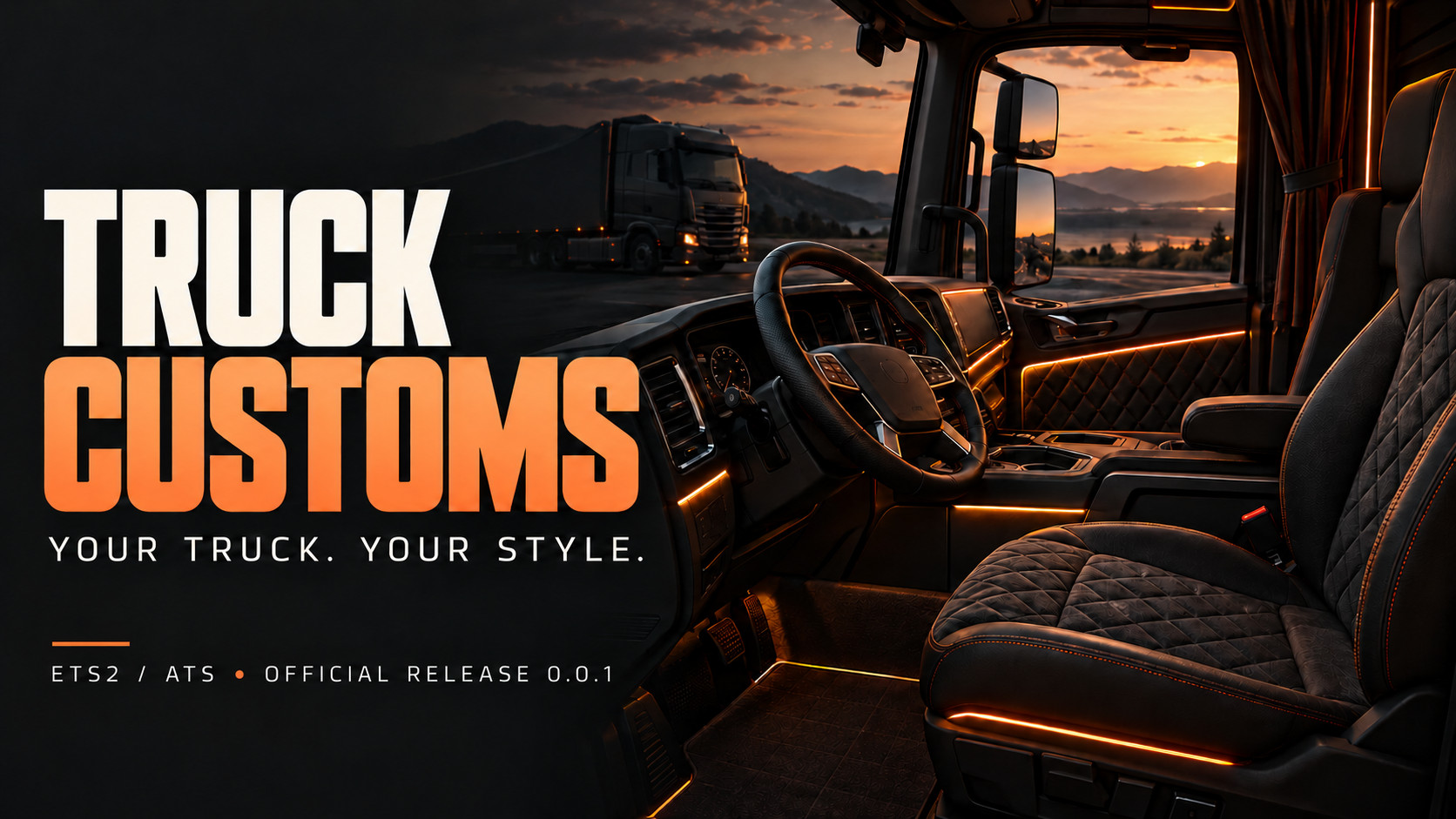
Truck Customs 0.0.1 — Your Truck. Your Style.
PAID APPLICATION — Access through Patreon. An active eligible Customer membership is required. Visit the official Patreon page for membership details and the Windows download.
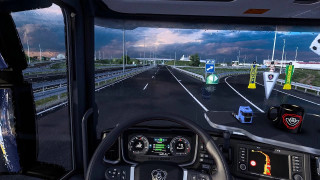
Truck Customs is a visual 3D customization workshop for Euro Truck Simulator 2 and American Truck Simulator. Create a personal design, preview your changes and apply them to your selected save.
Main features
- Interactive 3D preview of your truck and cabin.
- Custom colors and materials, with supported interior parts and accessories.
- Interior lighting and exterior neon underglow with separate controls.
- Save and apply your complete design to the save you choose.
Compatibility
Local / single-player and Convoy: supported. Changes are applied locally on your computer; other players will not automatically see the same customizations. Available parts and results depend on the truck and installed mods.
TruckersMP: testing is still pending. It may work or it may not. Compatibility has not been confirmed and is not guaranteed.
Download and activate
- Visit Truck Customs on Patreon and choose the Customer membership.
- Download the official Windows x64 executable from the 0.0.1 release post.
- Open Truck Customs, sign in or create your application account, then select Connect Patreon.
- Authorize your Patreon account. Eligible access activates automatically.
An internet connection is required to verify access. Server Boosters can open a support ticket to request Truck Customs access.
This is a standalone Windows application, not an SCS archive to place in your mod folder. Keep a backup of your saves before applying a design, then load the selected save in the game.
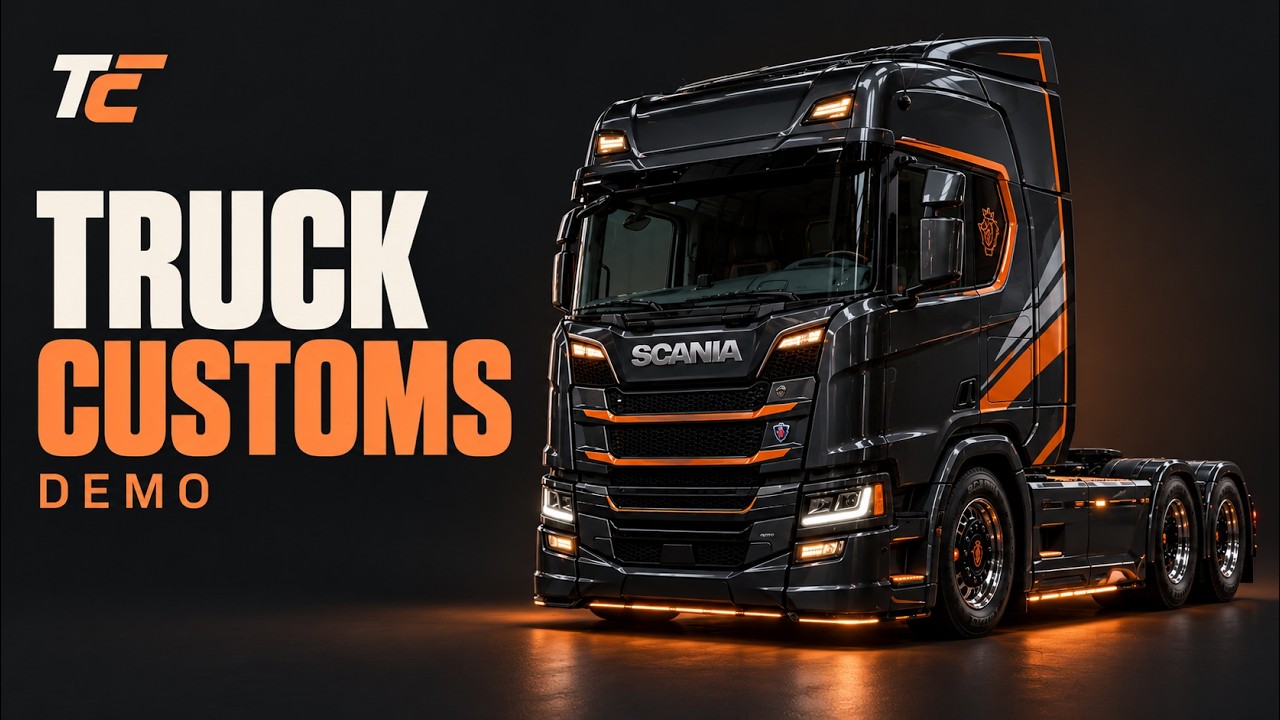
Video demonstration
Watch Truck Customs in action on YouTube
Created by Cortex Studios. Official release: 0.0.1.
External Download Links:
Videos
Download Latest Version
Version: 0.0.3Updated: 14 hours ago
https://www.patreon.com/TruckCustoms/posts/truck-customs-0-173695902 external download · added 14 hours ago