Truck Manager 5.7.0




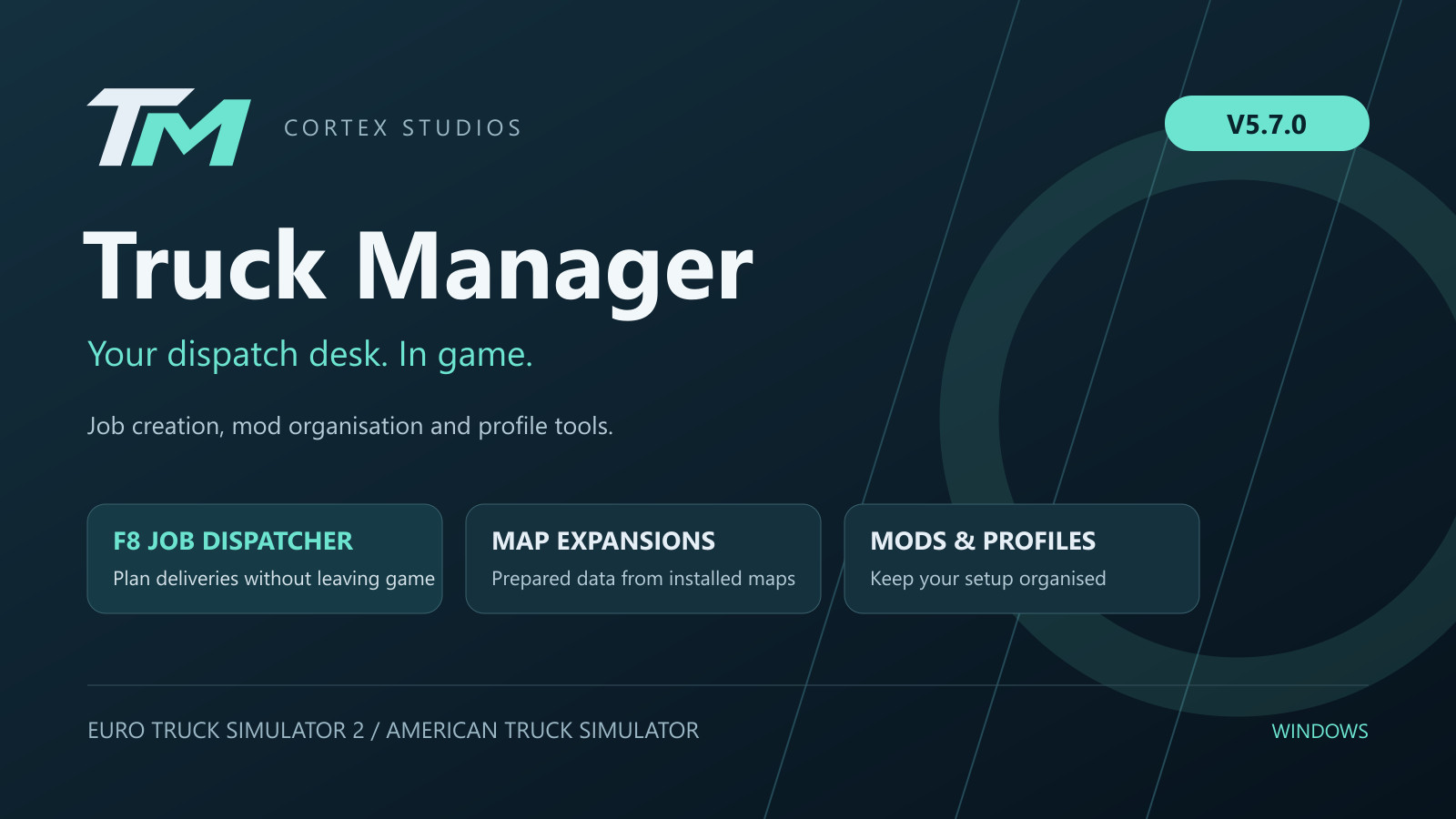
Truck Manager V5.7.0
Your dispatch desk for Euro Truck Simulator 2 and American Truck Simulator.
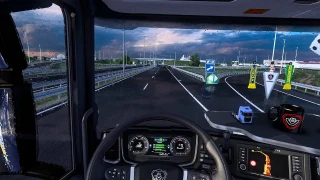
Truck Manager is a Windows desktop application by Cortex Studios that brings job creation, mod organisation and profile tools together in one interface. Version 5.7.0 expands the in-game F8 Job Dispatcher and improves map preparation, profile handling and connection recovery.
Job Dispatcher — on your desktop and in game
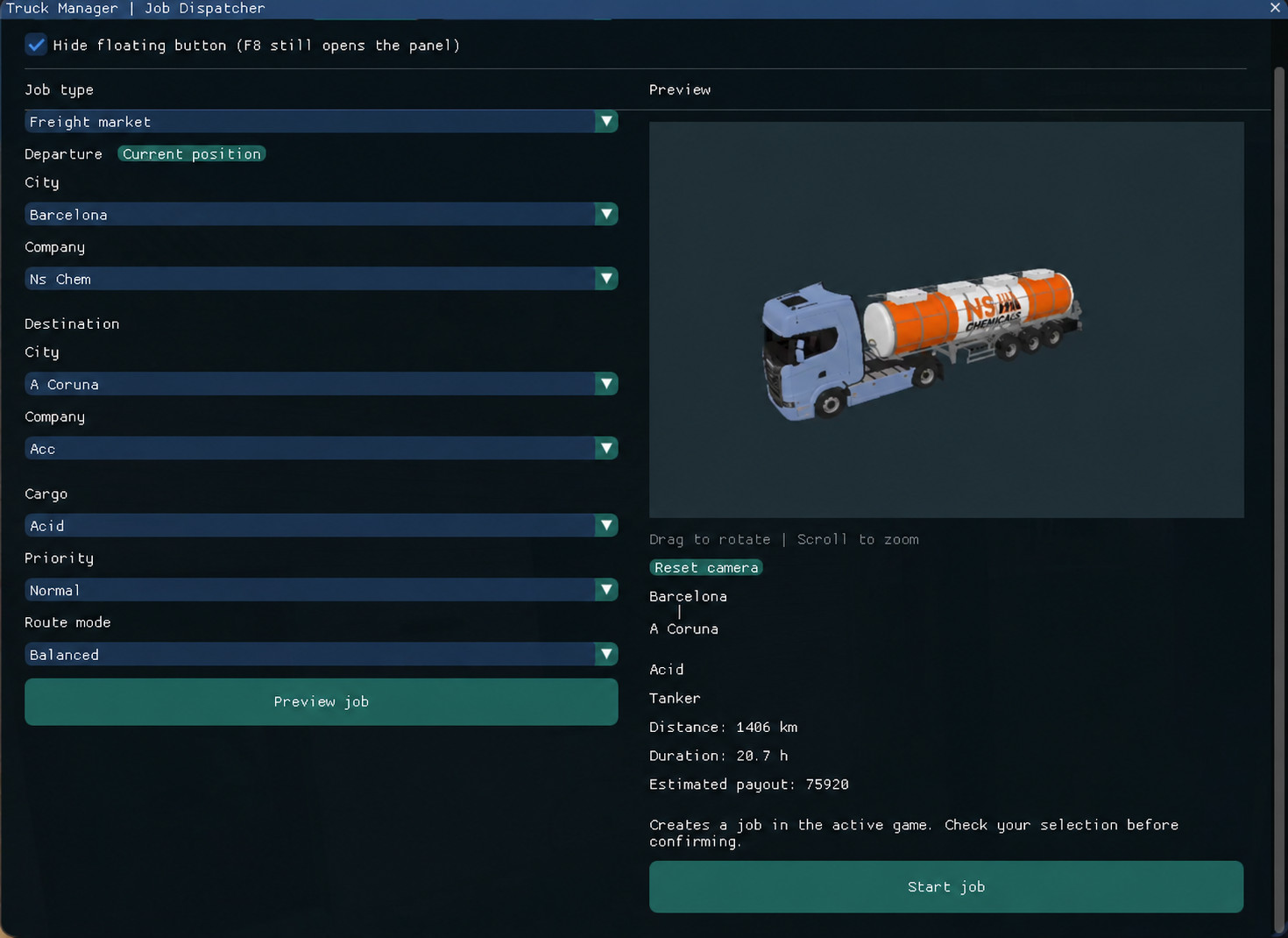
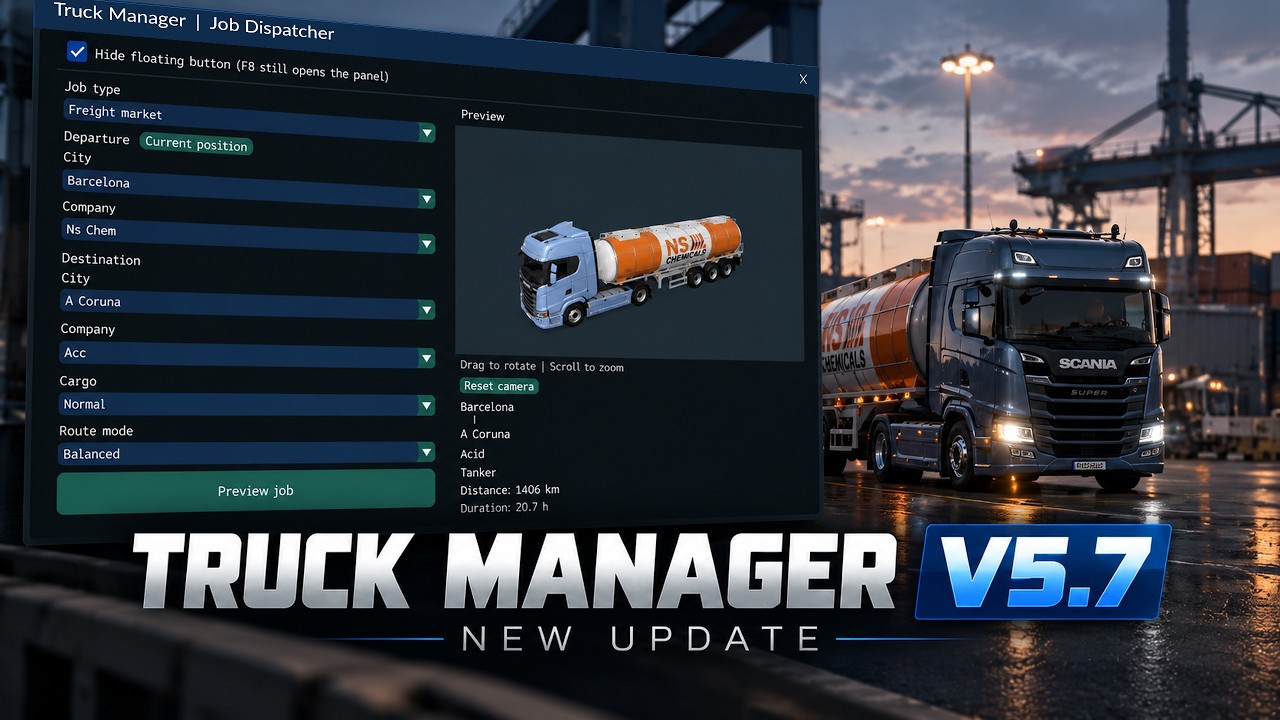
- Open the in-game panel with F8 and choose departure, company, destination and cargo.
- Create jobs with a company trailer, your own attached trailer or Quick Jobs.
- Browse cities on the map and preview trucks, trailers and cargo in 3D.
- Use your current location when the truck is at a recognised company, or choose the departure manually.
- Create deliveries between different companies in the same city.
- Use prepared data from your installed game and supported map expansions, including ProMods. Available cities and companies depend on the active profile, save and installed mods.
More tools in one application
- Mod management: organise local and Steam Workshop mods, manage load order and use presets. Presets do not download the required mods.
- Profile Editor: edit supported profile and save values through a clearer interface.
- Steam Cloud profiles: supported, with some functions unavailable where the profile format requires it.
- Background operation: keep Truck Manager running in the Windows system tray.
- Connection handling: automatic detection and reconnection, with improved recovery after loading another save.
What is new in V5.7.0?
- A more complete F8 dispatcher and improved Quick Job selection.
- Map expansion support and better city/company data handling.
- Faster preparation and profile editing, plus clearer progress information.
- Fixes for same-city deliveries, connection errors and interface spacing.
Installation and first use
- Download the official Truck.Manager.exe from the download link below. This is the normal V5.7.0 edition, not the beta edition.
- Place it in a folder of your choice and launch it on Windows. No separate Python installation is required.
- Select your game and profile, then complete resource preparation in the desktop Job Dispatcher.
- Launch the game with the matching profile and press F8. If the in-game map is outdated or missing cities, return to Truck Manager and prepare the resources again.
This is a desktop utility, not a .scs mod. Do not place the executable in the game's mod folder. Keep a backup before editing a save. Compatibility depends on the game version and mod combination; future game updates may require a Truck Manager update. Some features require verified access.
Demonstration and official links
Watch the V5.7.0 demonstration on YouTube
Official release and download
Full guide — English / Español
SCS Software forum — information and support
Author: Cortex Studios
External Download Links:
- Github.com - Truck.Manager.exe [76.4 MB]
Videos
About Mod
| Latest Version | 5.7.0 |
| Game | ETS 2 |
| Category | Other |
| Game Version | 1.61.x |
| Downloads | 18 |
| Forum Thread | Visit forum thread |
| Created | 10 hours ago |

virus