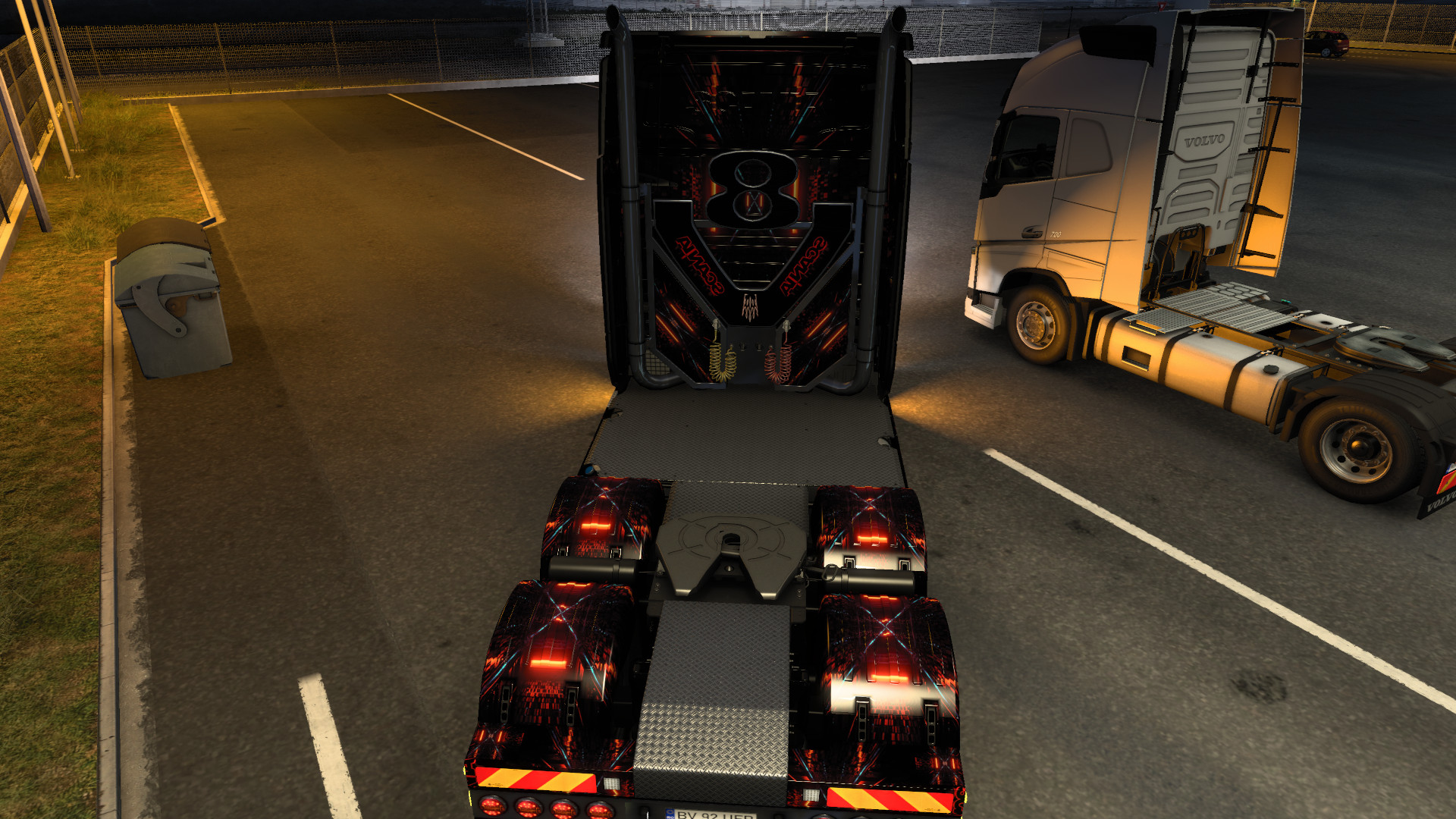
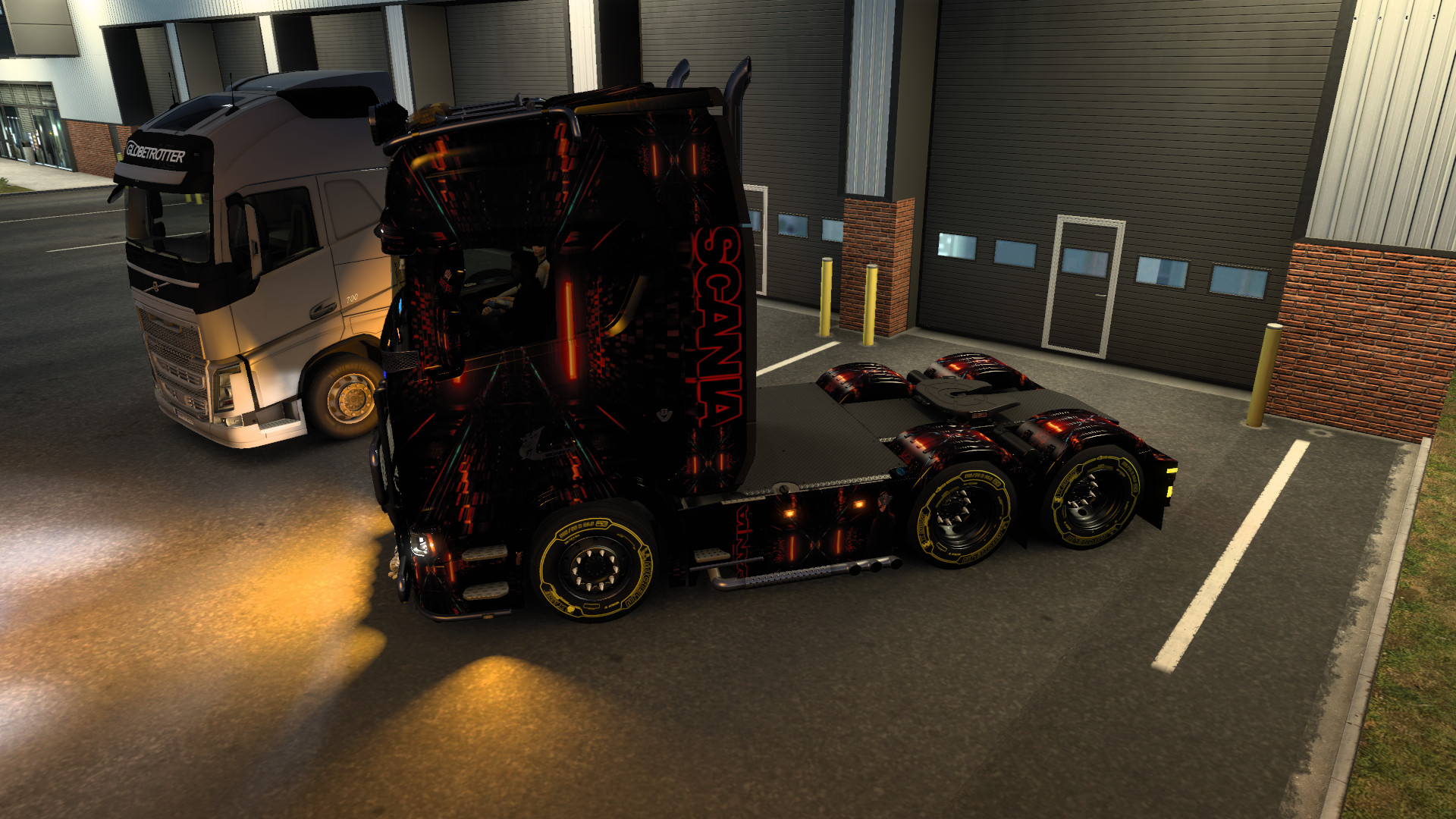
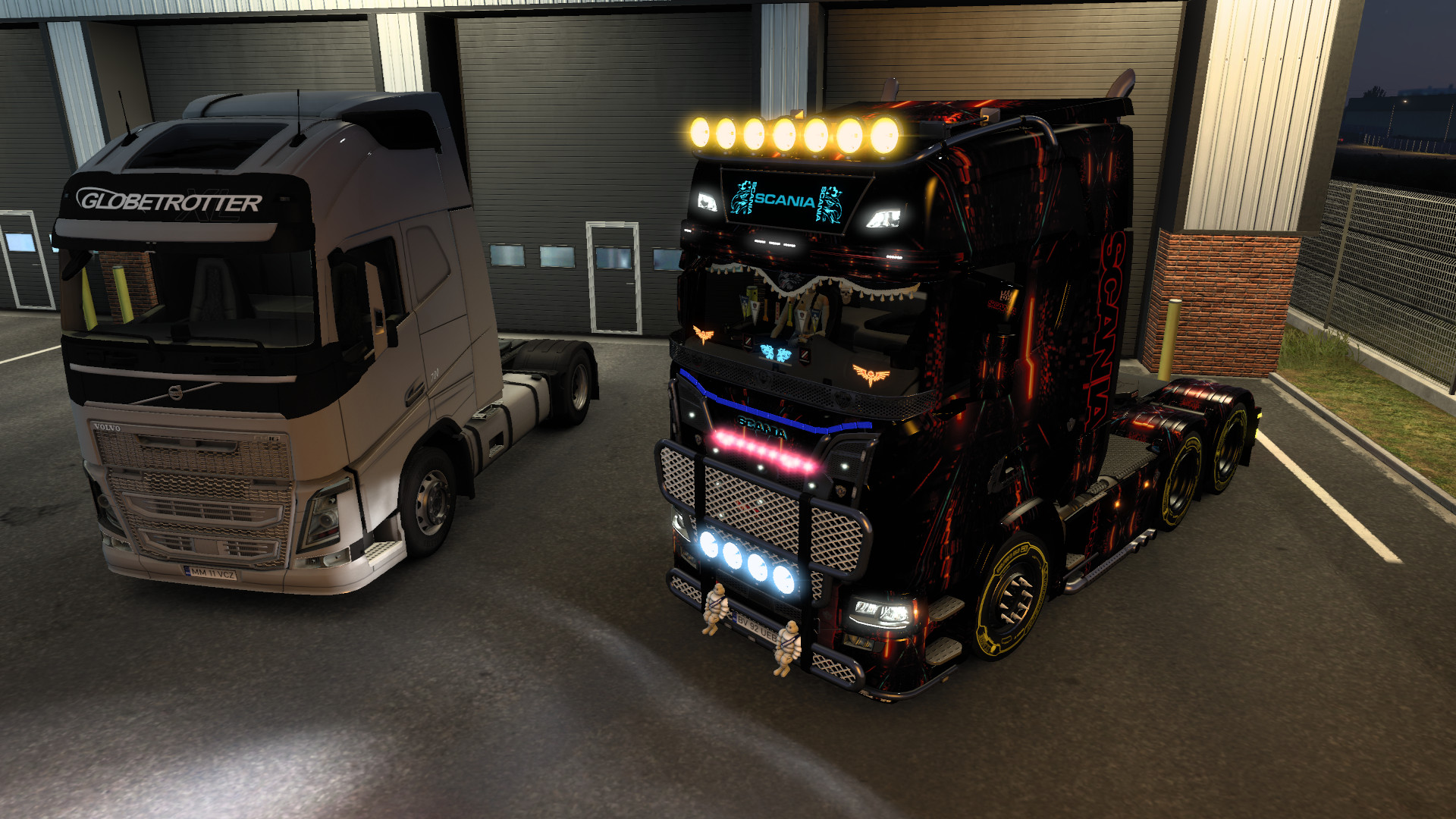
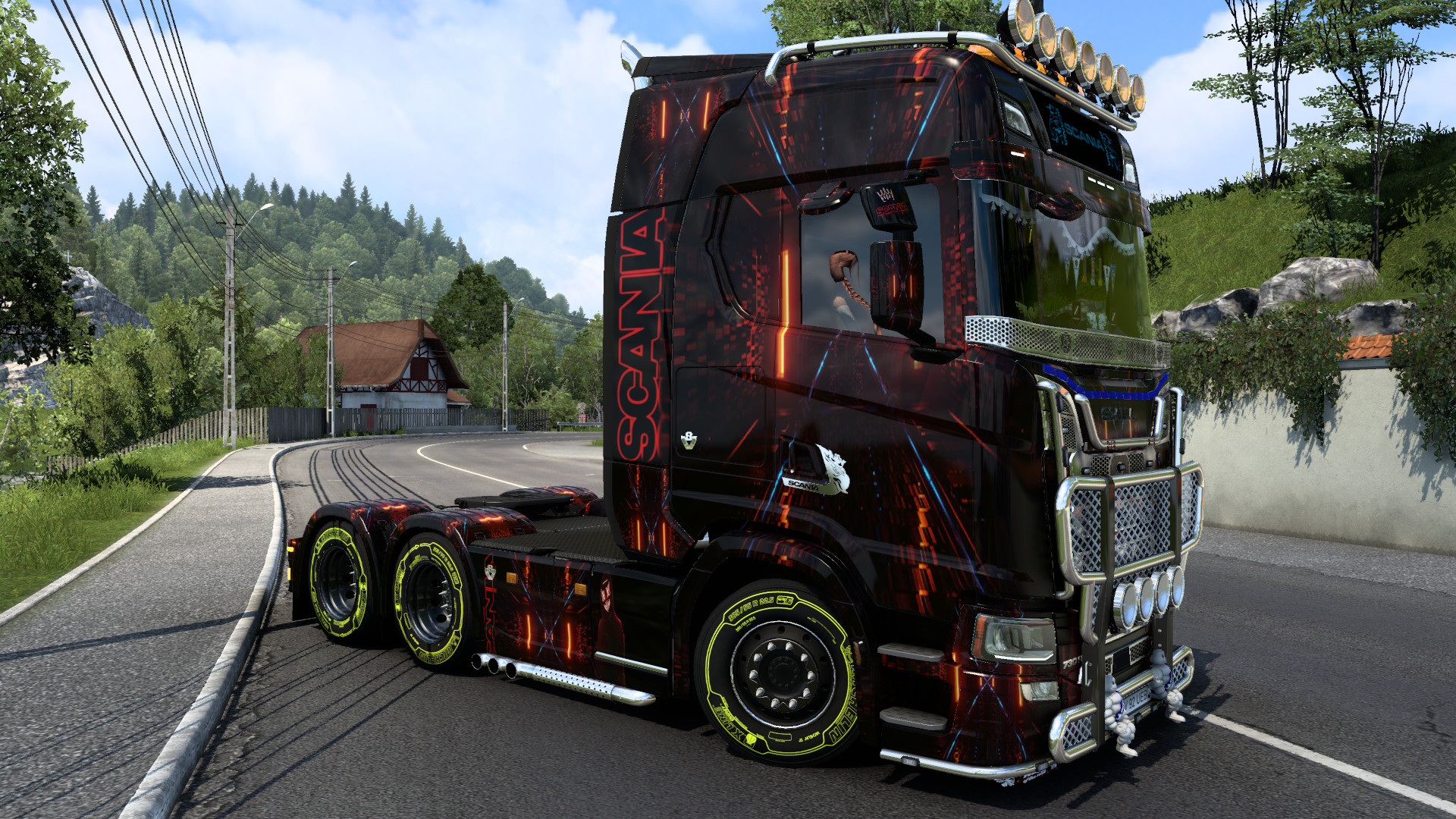
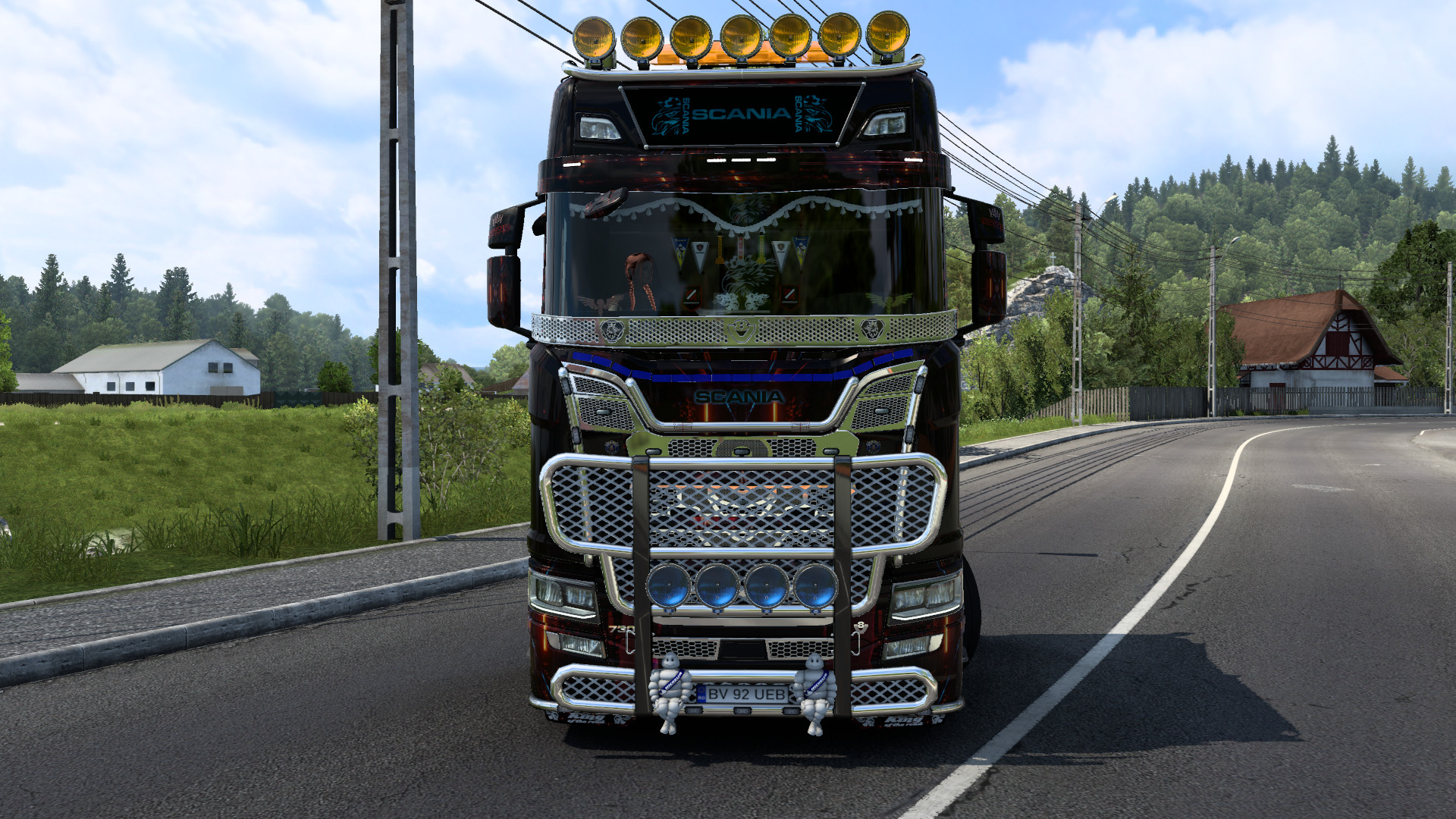
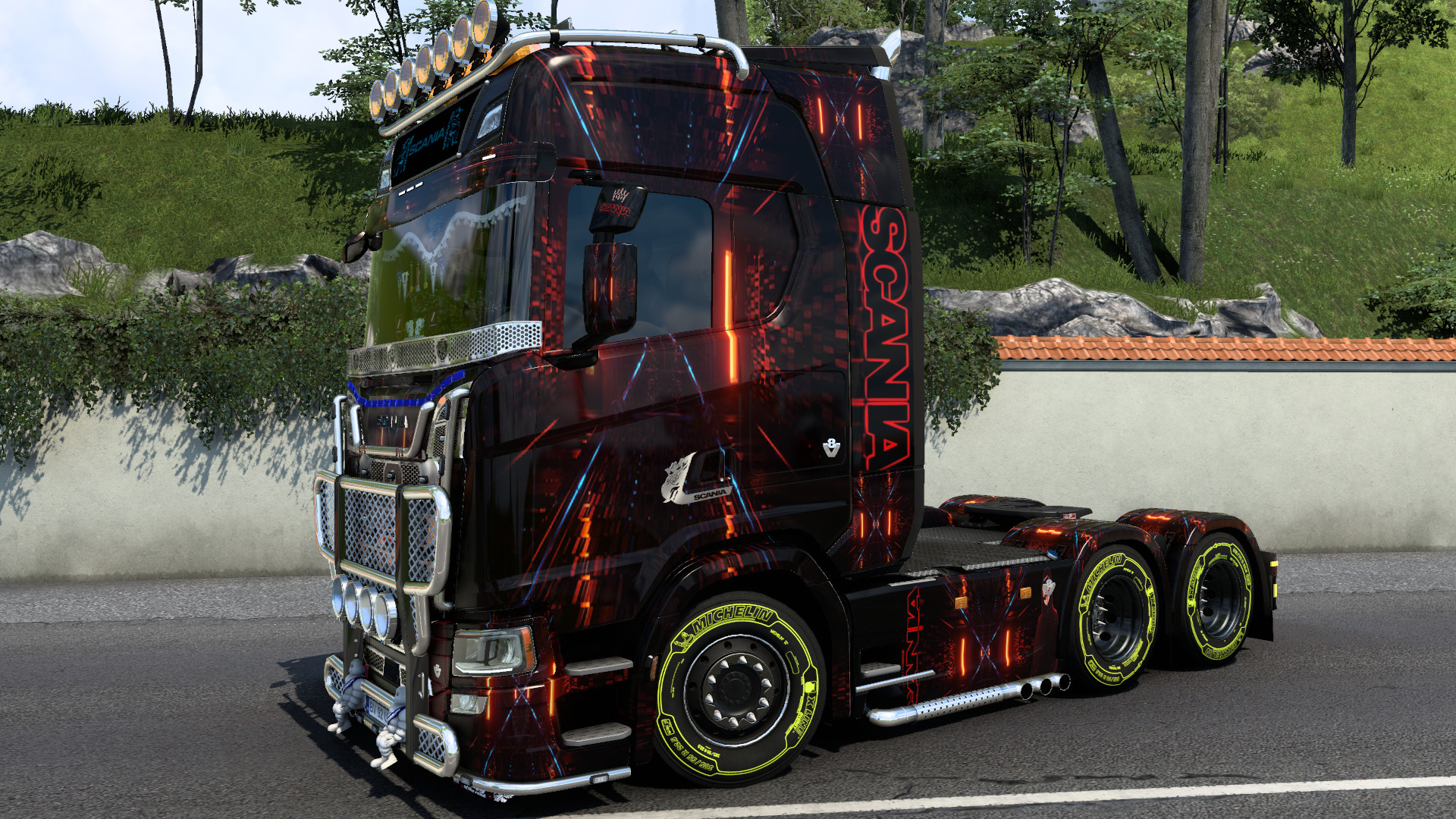
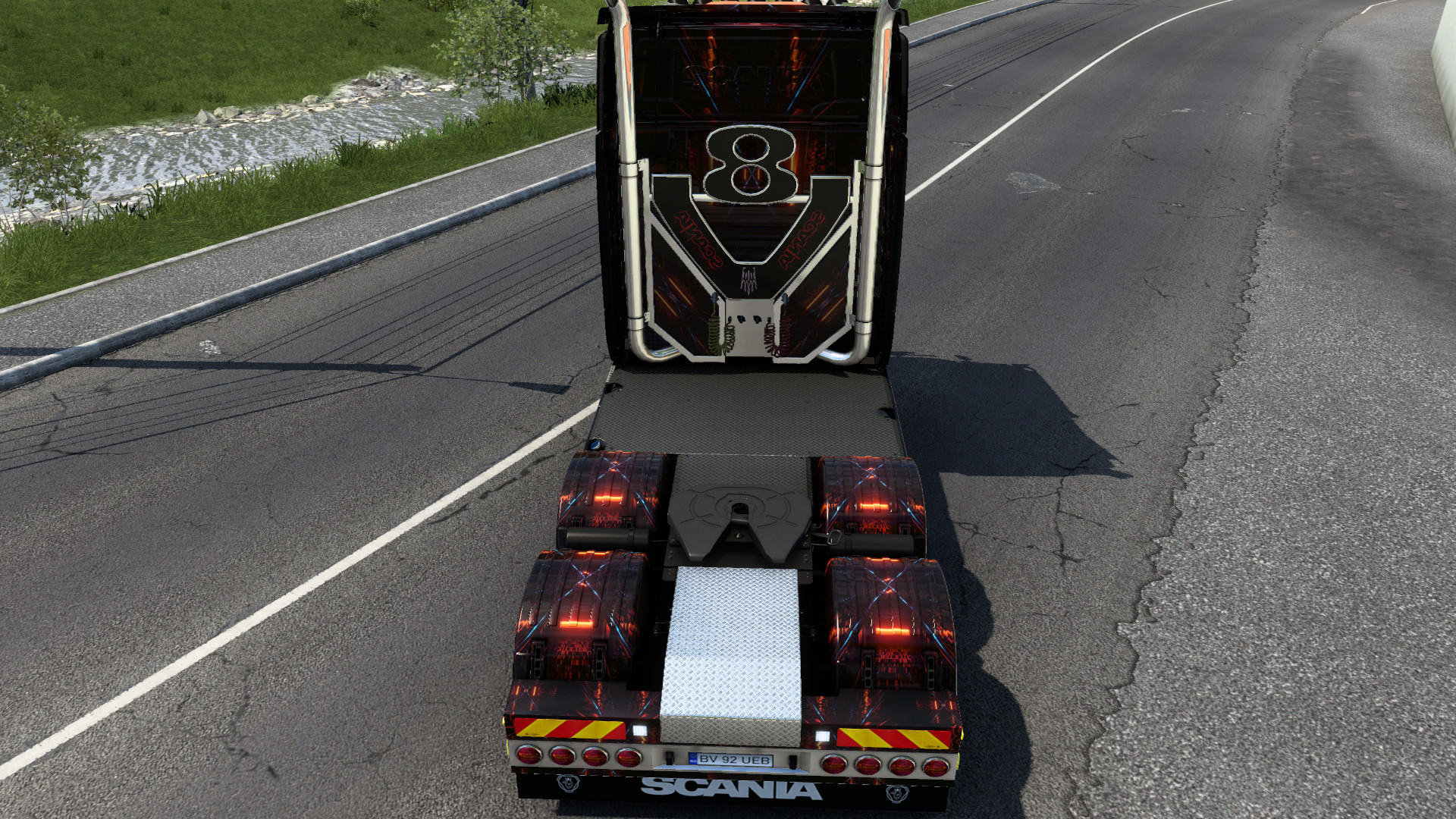
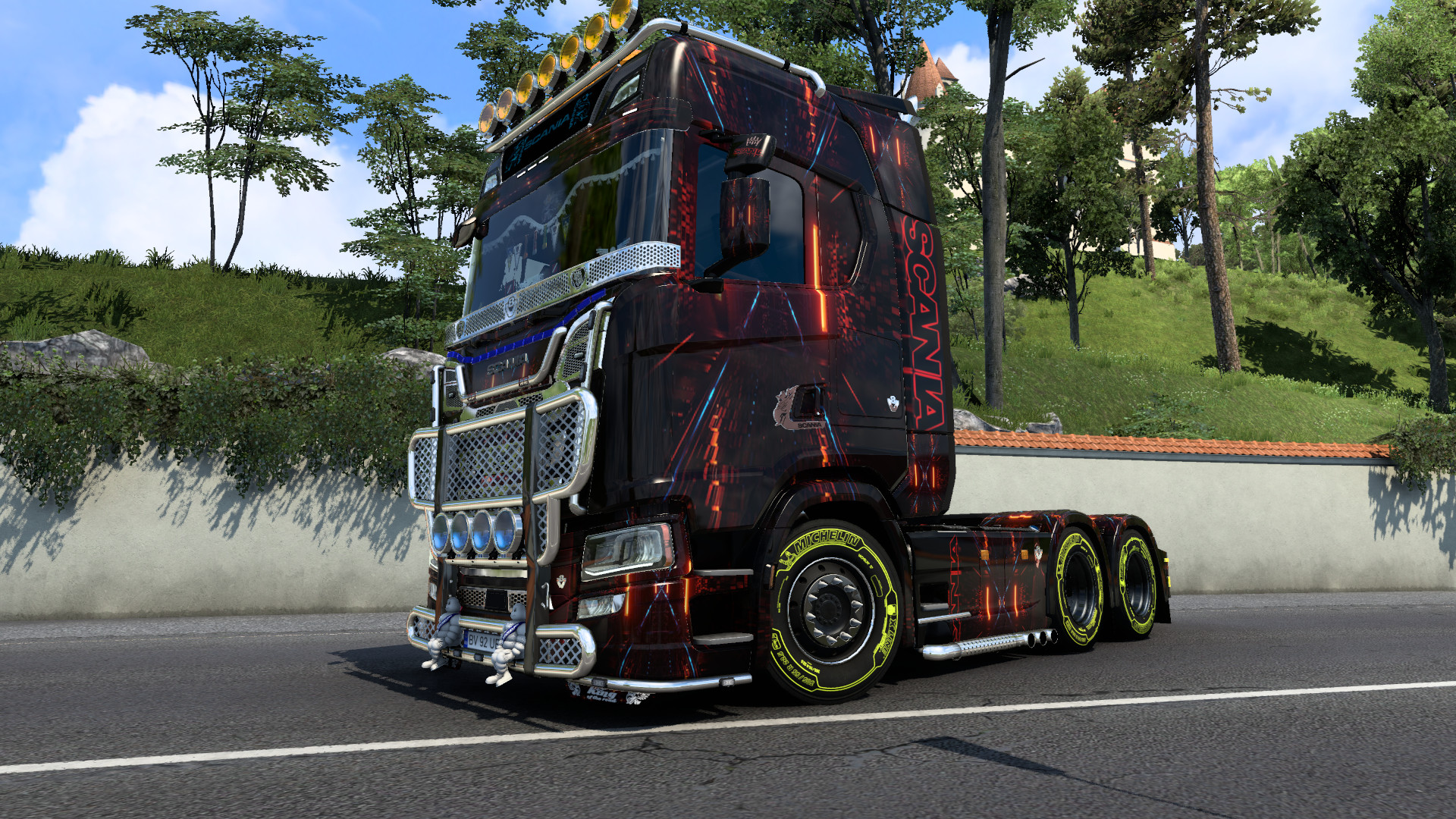
Abstract Red Scania Skin 1.0




0/5,
0
votes
Hi everyone, new Abstract Red Skin is ready to check it out and give me a like as your support.
Steps download.
1.Download the file name AbstractRedScania.modland.scs.
2.Copy the file into the document folder ETS Simulator under mod folder.
3.Launch the game.
4. At the profile click mod manager.
5.Find the file name AbstractRedScania and click right arrow to ensure the file is load under modmanager on right column.
6.launch the game.
Do give me a like thank you!
Steps download.
1.Download the file name AbstractRedScania.modland.scs.
2.Copy the file into the document folder ETS Simulator under mod folder.
3.Launch the game.
4. At the profile click mod manager.
5.Find the file name AbstractRedScania and click right arrow to ensure the file is load under modmanager on right column.
6.launch the game.
Do give me a like thank you!
Direct Download Links
You Might Also Like »






0 Comments
There are no comments. Be first to comment!