Google Voice Navigation 1.0.0


1/5,
1
votes
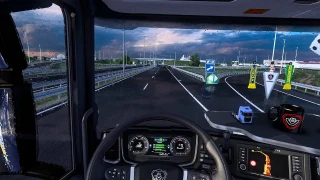
Google Voice Navigation adds a US English voice navigation pack to ETS2 that sounds like Google Maps. It speaks distances in metric units (km and m), and it shows up in the game as “English US-Google Voice Navigation”.
Installation steps:
- Copy GoogleVoiceNavigation.scs into Documents\Euro Truck Simulator 2\mod.
- Open ETS2 and go to the Mod Manager.
- Enable “Google Voice Navigation” by double-clicking it.
- Load your profile, then go to Options → Gameplay and set the navigation voice language to “English US-Google Voice Navigation”.
Direct Download Links
You Might Also Like »







0 Comments
There are no comments. Be first to comment!