




0/5,
0
votes
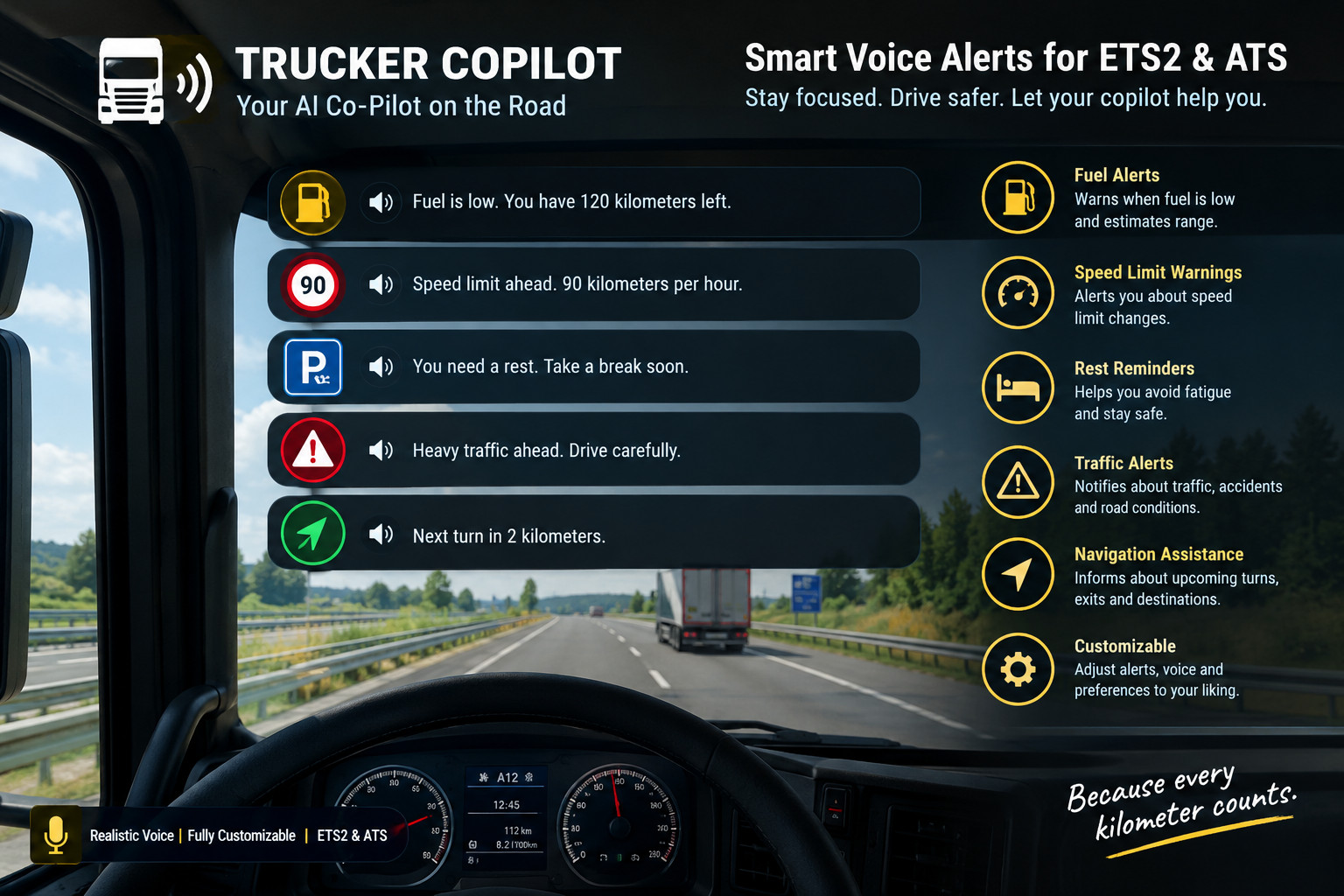
Truck Copilot provides spoken driving alerts for Euro Truck Simulator 2 and American Truck Simulator on 64-bit Windows.
Features
- Voice alerts for speeding, low fuel, and truck wear/damage.
- Spanish, English, and German alert messages.
- Select from compatible Windows SAPI voices installed on your computer.
- Configurable speed limit with km/h or mph selection.
- Adjustable fuel threshold in litres and wear/damage threshold.
- Voice volume and speaking rate controls.
- Enable or disable each alert independently, or switch off the entire copilot.
- Open or hide the external settings window with Ctrl + F11.
- Separate saved settings for ETS2 and ATS.
Installation
- Close the game and extract the ZIP.
- Copy dist/TruckCopilot.dll into the game’s bin\win_x64\plugins folder. Create the plugins folder if needed.
- Launch the game and accept the SDK warning if displayed.
- Load your profile and press Ctrl + F11.
- Select a voice, adjust your settings, and click “Aplicar y guardar”.
Requirements and notes
- Windows x64 and a compatible 64-bit Windows SAPI voice.
- Windowed or borderless mode recommended.
- Settings interface is in Spanish; spoken alerts support Spanish, English, and German.
- Speed alerts use your manually configured limit, not the road’s speed limit.
- No GPS turn-by-turn directions.
- Experimental release: compatibility with every game version is not guaranteed.
- This is a DLL plugin, not an .scs file for the Mod Manager.
External Download Links:
- Modsfire.com - TruckCopilot-ver-0.3.zip [327.52 KB]
About Mod
| Latest Version | 0.3 |
| Game | ETS 2 |
| Category | Tutorials & Cheats |
| Game Version | 1.62.x |
| Downloads | 87 |
| Forum Thread | Visit forum thread |
| Created | 1 day ago |
You Might Also Like »









0 Comments
There are no comments. Be first to comment!