DXVK GPLAsync and Shader Cache v2.6.2




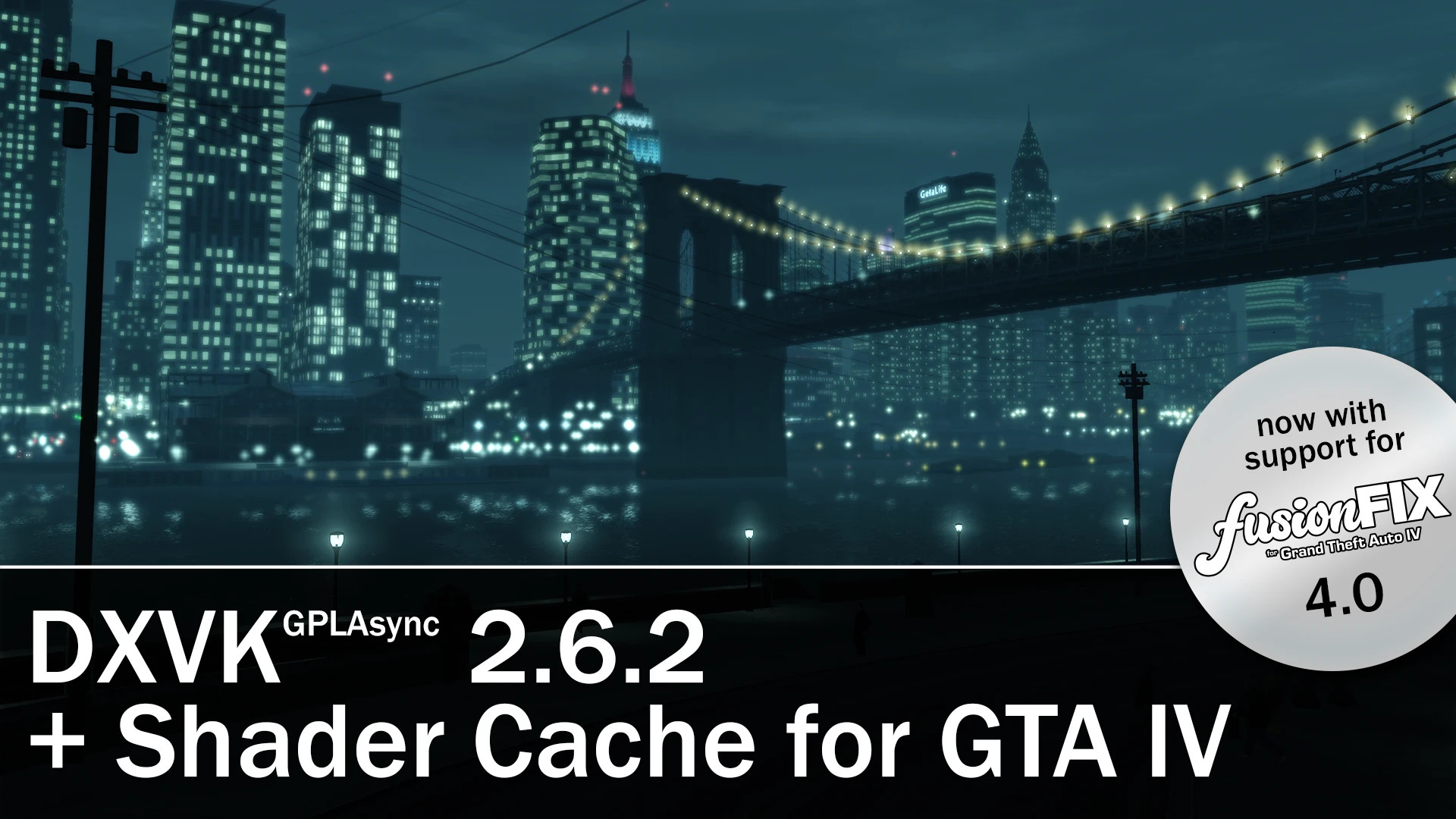
DXVK GPLAsync 2.6.2 and Shader Cache
DXVK is an API wrapper that translates DirectX calls into Vulkan. In simple terms, it moves older and slower API calls to a newer, faster, and more efficient path, which improves compatibility and performance.
For GTA IV, this helps reduce issues like stuttering by easing CPU bottlenecks caused by DirectX 9.
WHAT IS DXVK?
DXVK is an API wrapper that translates DirectX calls into Vulkan. In simple terms, it moves older and slower API calls to a newer, faster, and more efficient path, which improves compatibility and performance.
The GPLAsync version helps reduce stuttering even further by handling shader compilation and caching asynchronously.
For GTA IV, this can solve many performance issues, including stuttering, by reducing CPU bottlenecks caused by DirectX 9 and building a persistent shader cache as shaders appear in-game.
DOES IT AFFECT PERFORMANCE?
GPU performance stays the same between native DirectX 9 and DXVK’s Vulkan translation. If your performance is limited by the GPU, you should not see a drop in performance. In most cases, CPU performance improves.
You may experience some minor stuttering when first launching the game. As shaders build during gameplay, these stutters should become less frequent or disappear entirely.
WHAT DOES THE SHADER CACHE DO?
The shader cache helps reduce, and in some cases fully remove, first-time shader compilation stutter by providing a database of prebuilt shaders. The game can access them immediately instead of waiting for DXVK to encounter DirectX 9 shaders, translate and compile them for Vulkan, and then store them.
"Why is my memory stuck at 512MB?"
Thanks to Abbanon for pointing out the fix in the comments.
Right-click the game in your Steam library, open Properties, and add the following launch options:
–availablevidmem 6144 –nomemrestrict –norestrictions
For reference, 6144 is for 6 GB of VRAM.
You get the value by multiplying 1024 by the amount of VRAM you have.
For example, if you have 4 GB of VRAM, use 4096 instead.



![4K Ultra HD Graphics V 4 Last [Final]](https://i2.modland.net/i/667c09fbb29e9/jsVs6CK76TjfogbFGmzSwPdpiQIaa7BuifA5wchn_modland.jpg)