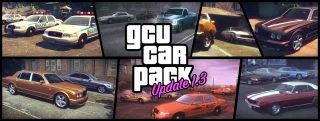
Ash735's Vehicle Pack and GCU v1.3

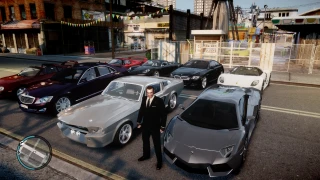
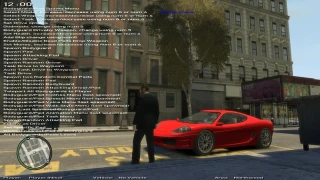
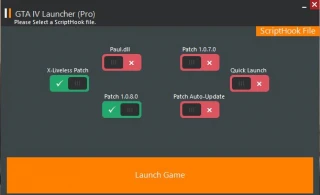
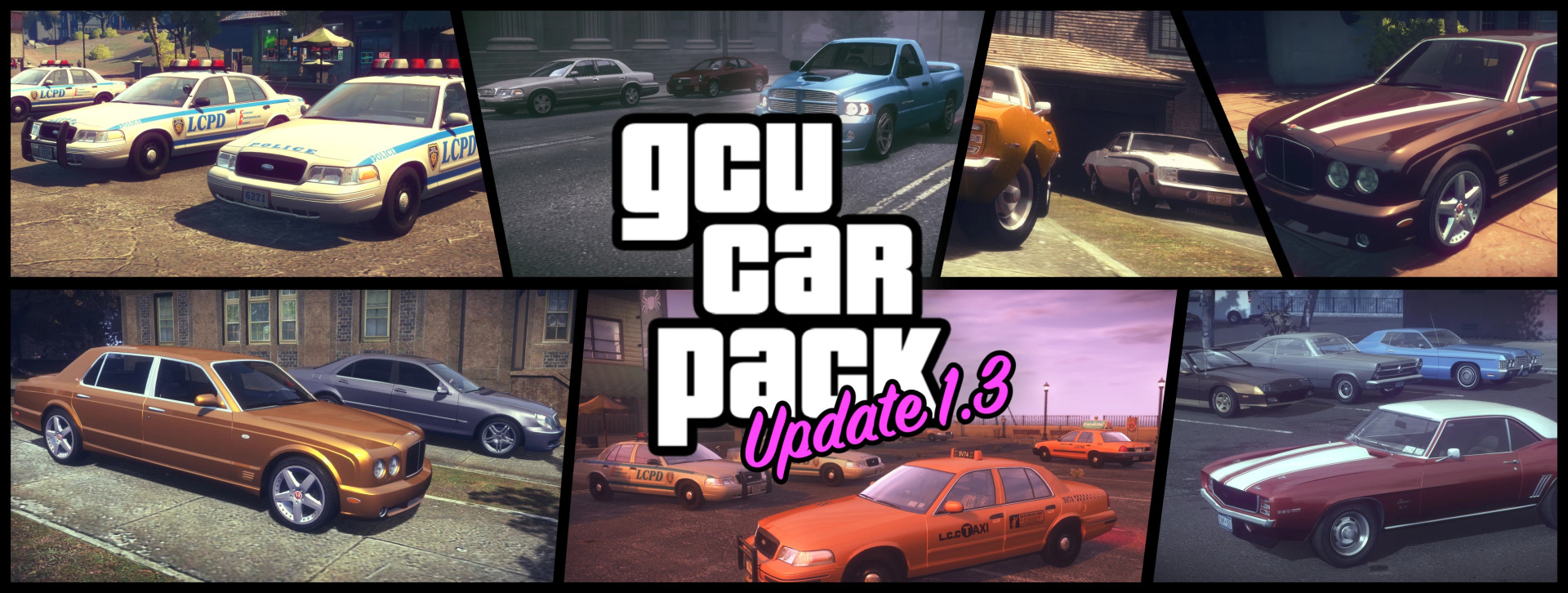
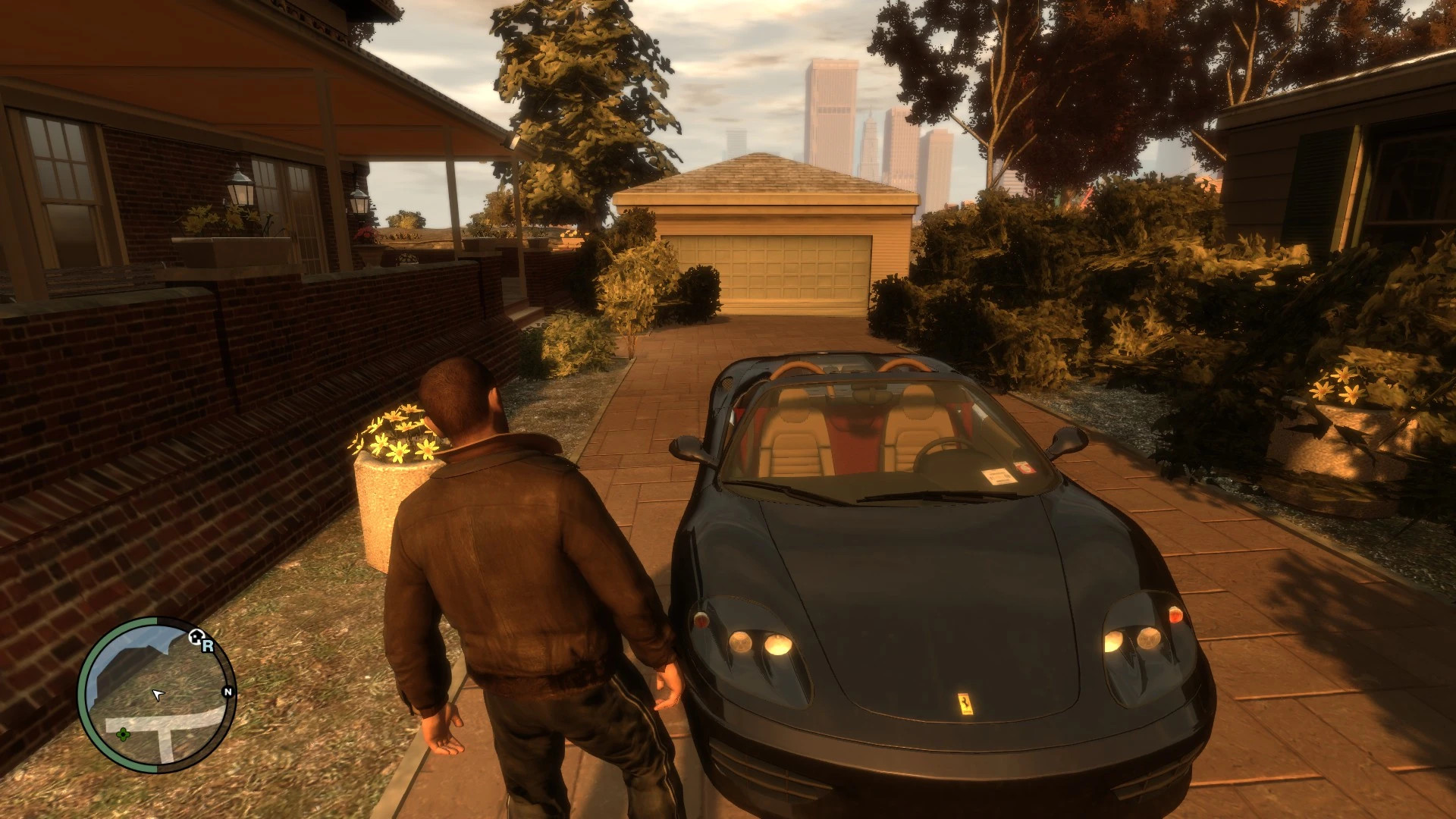
Ash735 Vehicle Pack and GCU v1.3 Car Pack (merged)
Installation:
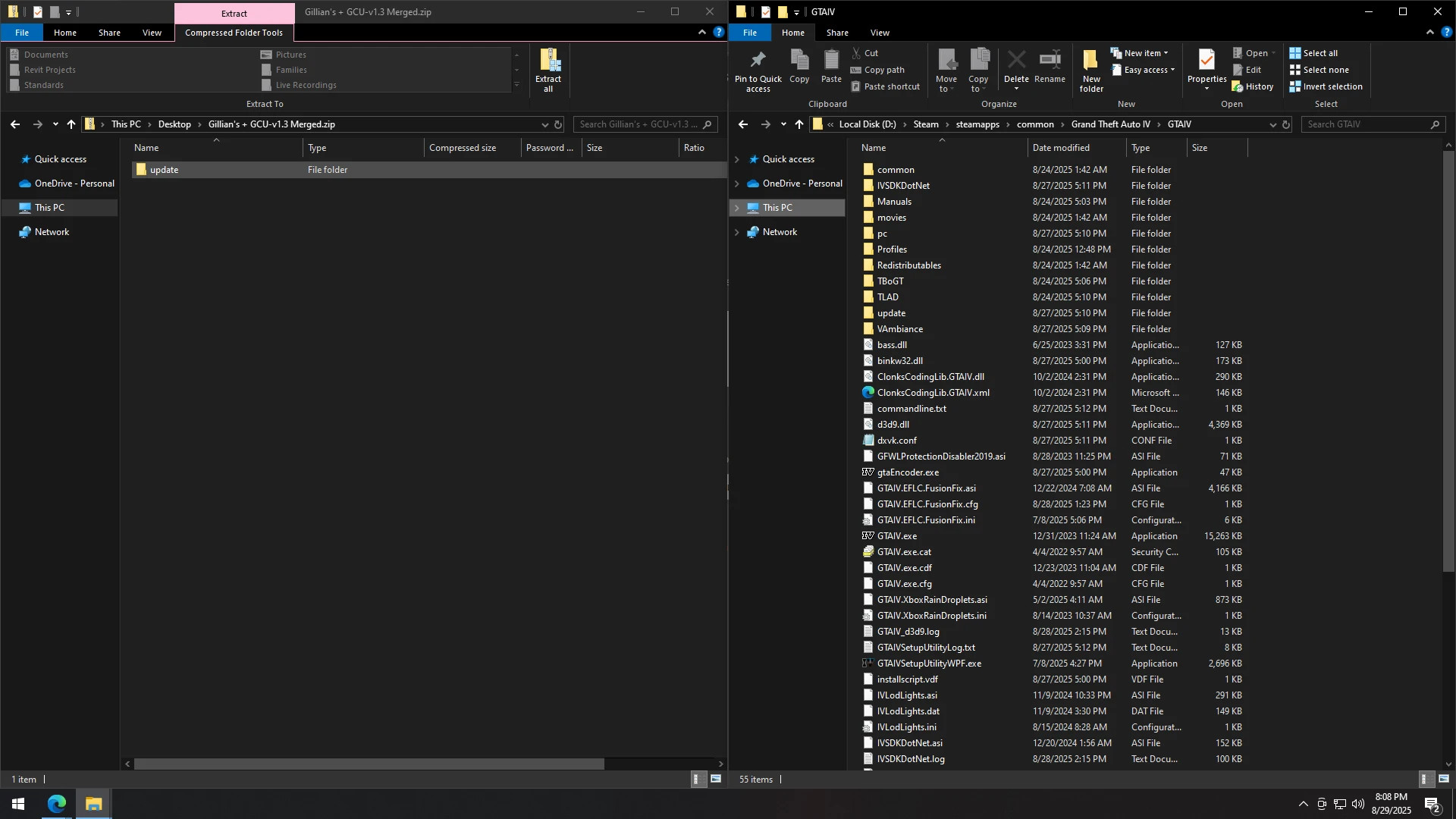
– Extract files from the merged .zip archive
– Copy the “update” folder into your GTA IV root directory
Example:
Drive:\Steam\steamapps\common\Grand Theft Auto IV\GTAIV
If Gillian modpack is already installed:
– Open the “update” folder
– Go to “6 Vehicle Mods”
– Delete “ResizedBlista.img”
Path:
GTAIV\update\6 Vehicle Mods
If you only have Higher Resolution Vehicle Pack:
– Extract the merged .zip archive
– Copy “update” folder into GTA IV root directory
– Open “6 Vehicle Mods” folder
– Move “IV_Vehicle_Pack.img” to “Ash_HiRes_VehiclePack” folder inside “update”
– Allow overwrite
– Delete “6 Vehicle Mods” folder
Clean game (no vehicle mods):
– Extract merged .zip archive
– Copy “update” folder into GTA IV root directory
– Launch game