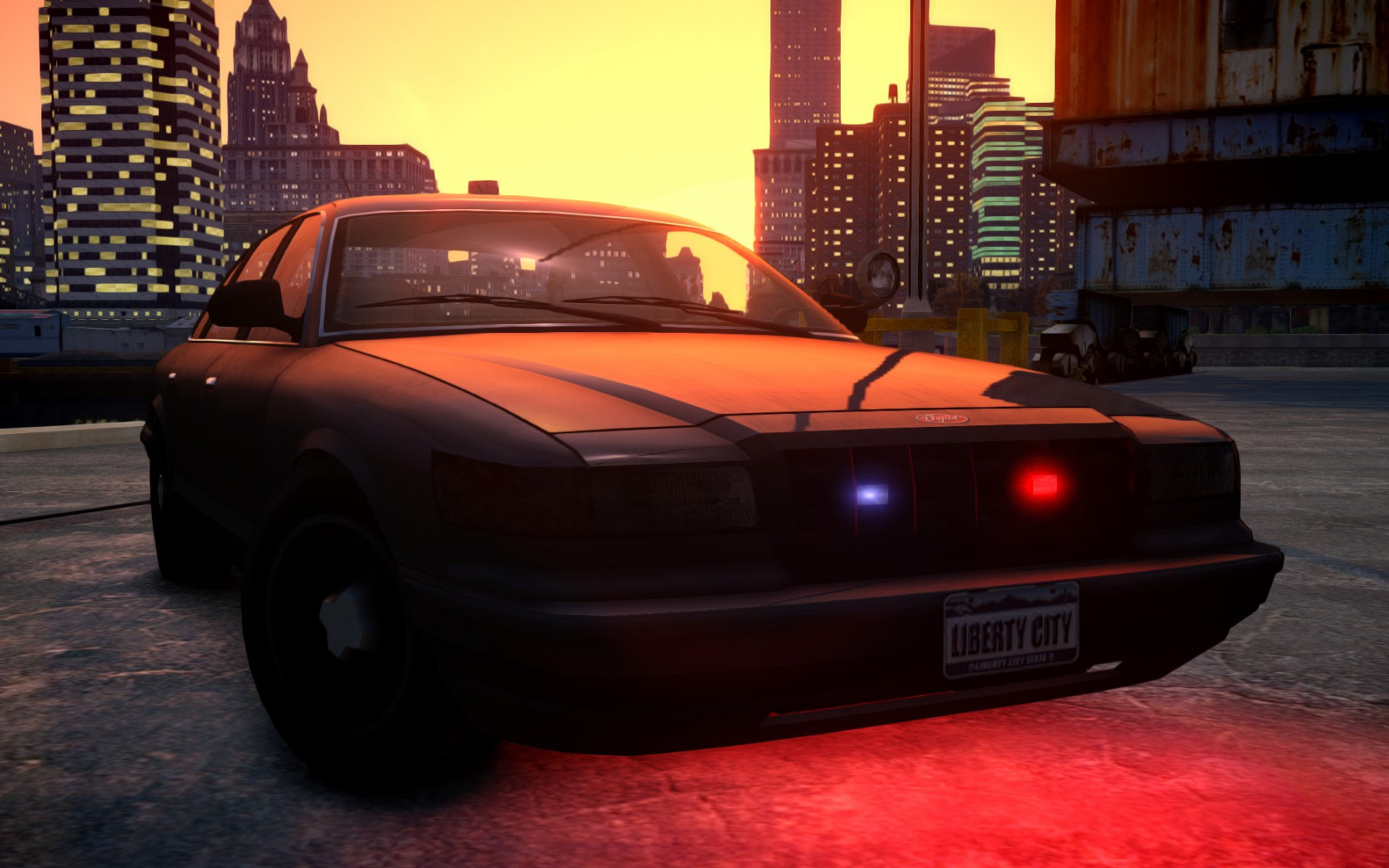
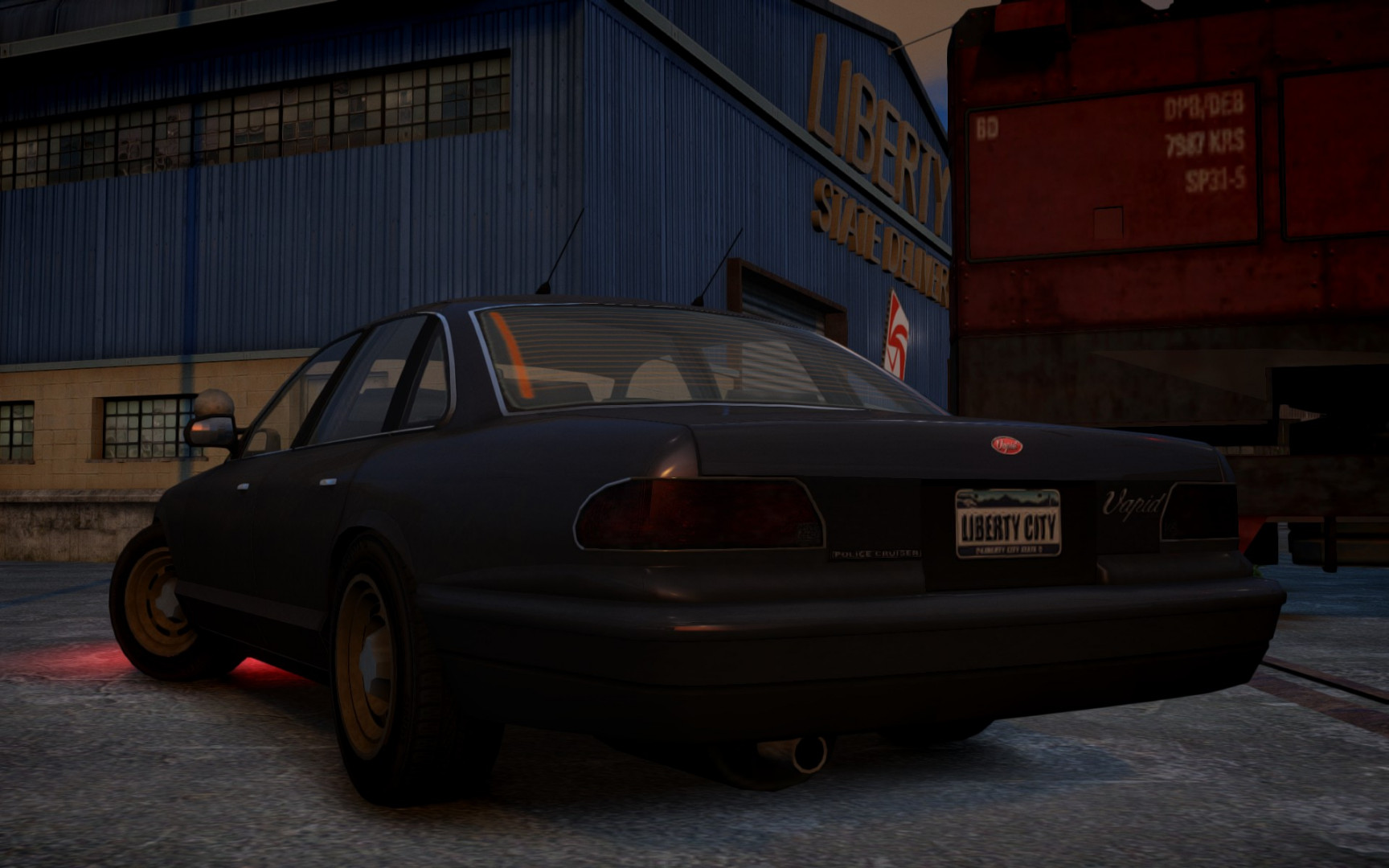
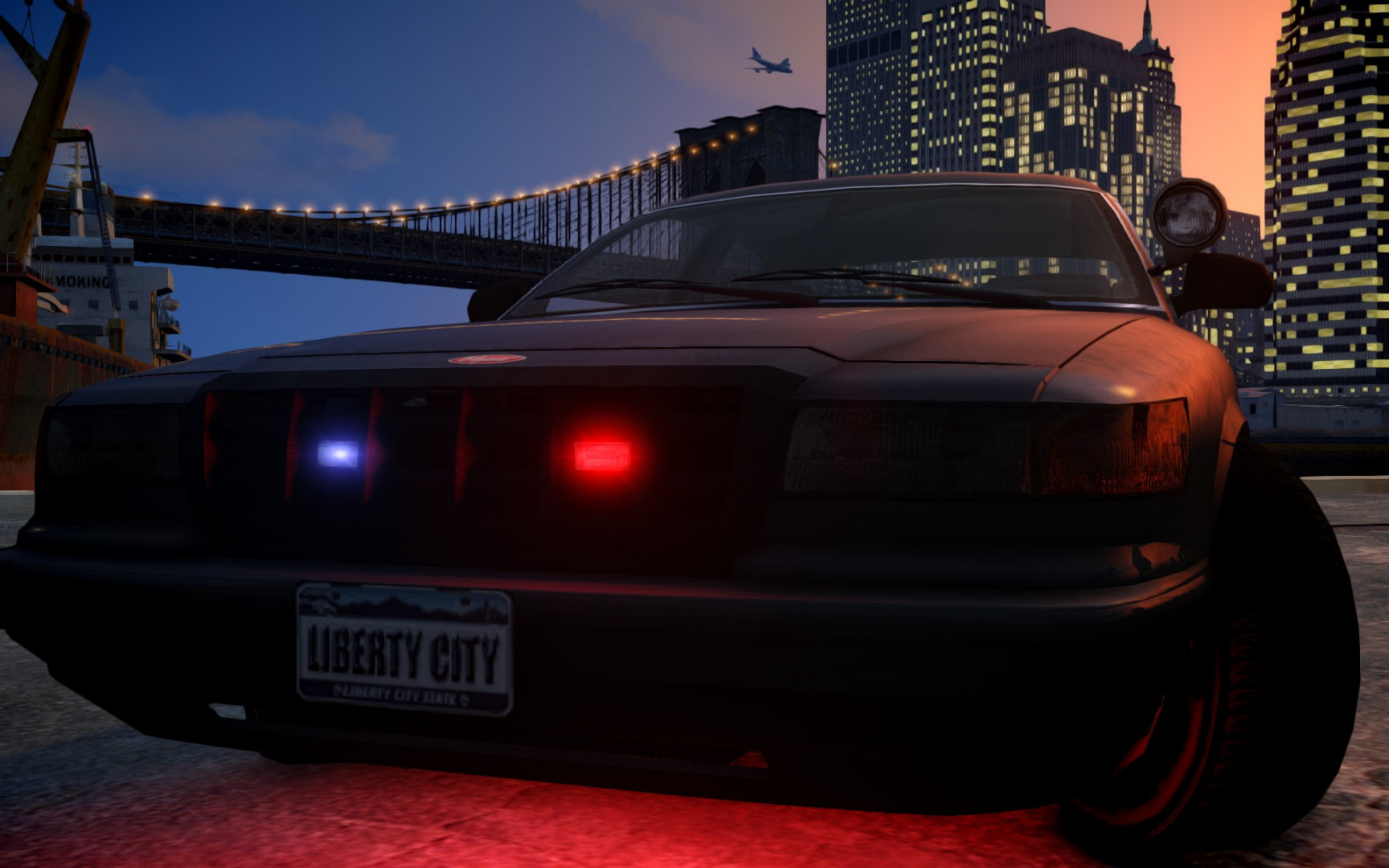
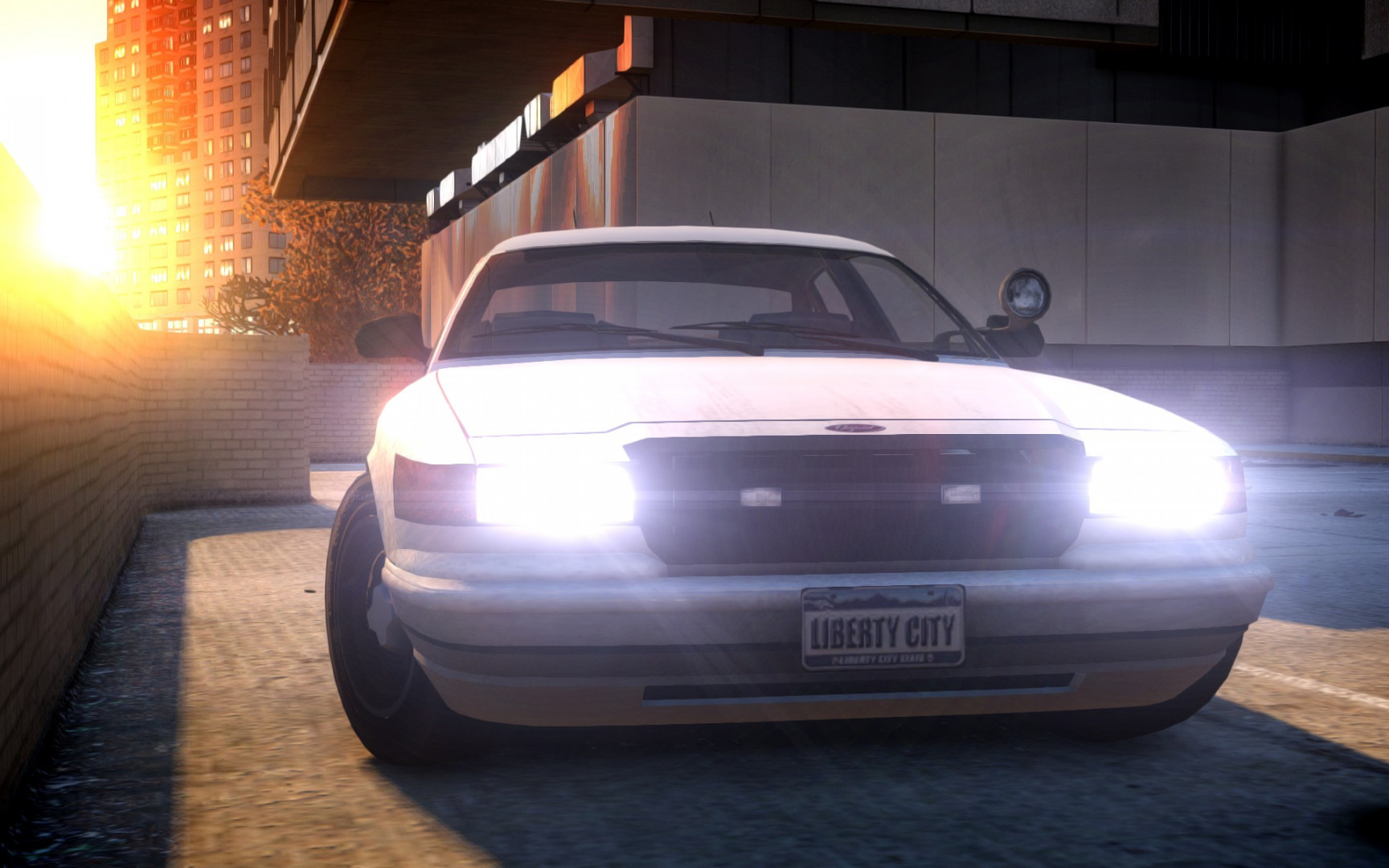
Vapid Stanier Unmarked 1.0


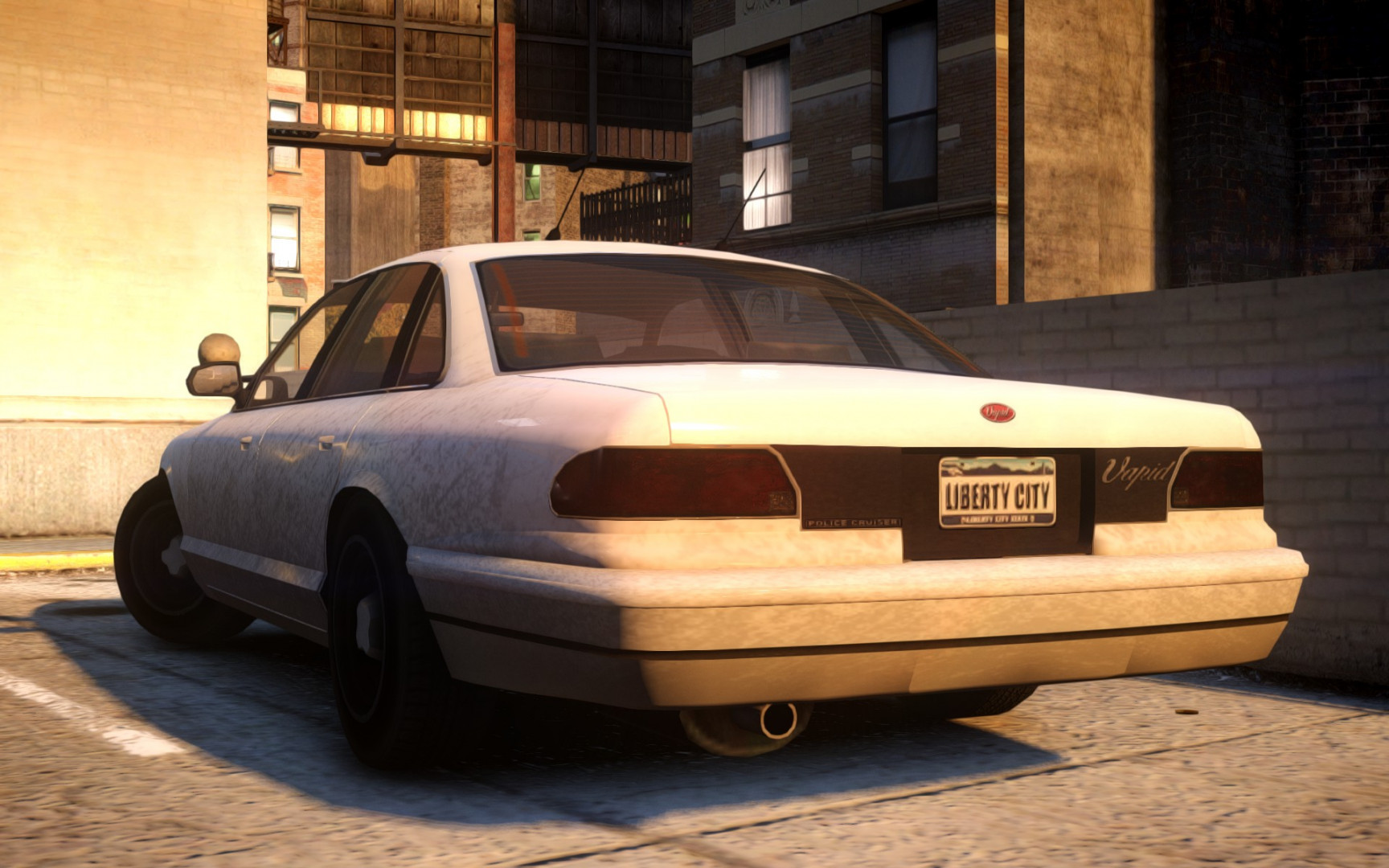
0/5,
0
votes
HANDLING LINE:
FBI 1700.0 6.0 85 0.0 0.0 -0.16 0.0 5 0.20 1.0 150.0 0.22 0.67 0.7 35.0 1.35 1.10 15.0 0.15 0.47 1.5 0.8 0.8 0.14 -0.17 0.0 0.5 1.0 1.0 0.8 1.5 0.0 25000 440040 0 0
VEHICLE LINE:
fbi, fbi, car, FBI, FBI, [email protected], [email protected]_RI1, 100, 999, 0.2345, 0.2345, 0.2, 2, 1.0 ,1, ext_requi+ext_strong
COLOR LINE (Only if you'd like to have a few extra colors when it spawns):
fbi, 0,0,8, 1,1,7, 4,4,16, 36,36,15, 88,88,6, 113,113,6,
HOW TO INSTALL
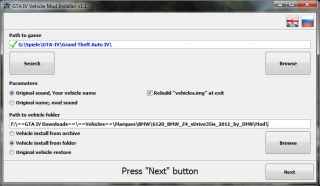
1. Open any type of program that reads .img file. (Recommended: OpenIV) And then open the IV directory within this program.
2. Head over to pcmodelsimages and open the vehicles.img file.
3. Look for FBI.wft and/or FBI.wtd and replace them with the files inside the folder of this mod.
4. Go back to the main directory and open commondata and open the handling.dat file.
5. Search for FBI, select the line and head over to this file. Copy the handling line and paste it onto the selected line in handling.dat.
6. Close the handling.dat file and open vehicle.ide. Search for FBI, select the entire line and copy the vehicle line from this file.
7. Copy it onto the selected line like step 5 and save/close the file.
8. Open carcols.dat and copy the color line from this file. Paste this line over the FBI line in carcols.dat
9. Save and close the carcols.dat file, open up the game and enjoy!
KNOWN BUGS OR ISSUES
none
Credits:
BrownieBear
FBI 1700.0 6.0 85 0.0 0.0 -0.16 0.0 5 0.20 1.0 150.0 0.22 0.67 0.7 35.0 1.35 1.10 15.0 0.15 0.47 1.5 0.8 0.8 0.14 -0.17 0.0 0.5 1.0 1.0 0.8 1.5 0.0 25000 440040 0 0
VEHICLE LINE:
fbi, fbi, car, FBI, FBI, [email protected], [email protected]_RI1, 100, 999, 0.2345, 0.2345, 0.2, 2, 1.0 ,1, ext_requi+ext_strong
COLOR LINE (Only if you'd like to have a few extra colors when it spawns):
fbi, 0,0,8, 1,1,7, 4,4,16, 36,36,15, 88,88,6, 113,113,6,
HOW TO INSTALL
1. Open any type of program that reads .img file. (Recommended: OpenIV) And then open the IV directory within this program.
2. Head over to pcmodelsimages and open the vehicles.img file.
3. Look for FBI.wft and/or FBI.wtd and replace them with the files inside the folder of this mod.
4. Go back to the main directory and open commondata and open the handling.dat file.
5. Search for FBI, select the line and head over to this file. Copy the handling line and paste it onto the selected line in handling.dat.
6. Close the handling.dat file and open vehicle.ide. Search for FBI, select the entire line and copy the vehicle line from this file.
7. Copy it onto the selected line like step 5 and save/close the file.
8. Open carcols.dat and copy the color line from this file. Paste this line over the FBI line in carcols.dat
9. Save and close the carcols.dat file, open up the game and enjoy!
KNOWN BUGS OR ISSUES
none
Credits:
BrownieBear
Direct Download Links
You Might Also Like »

0 Comments
There are no comments. Be first to comment!