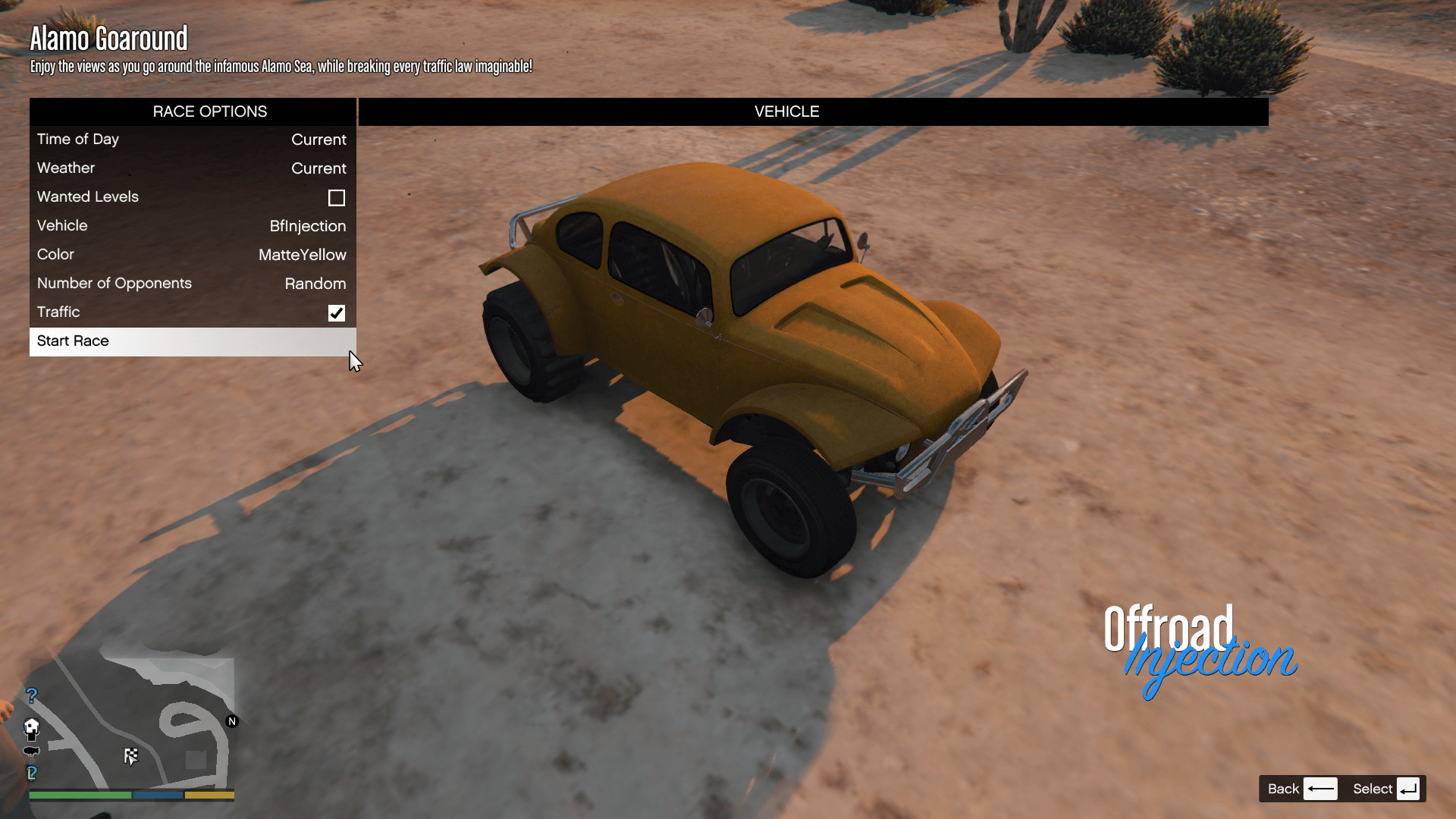
Community Races 1.3

0/5,
0
votes
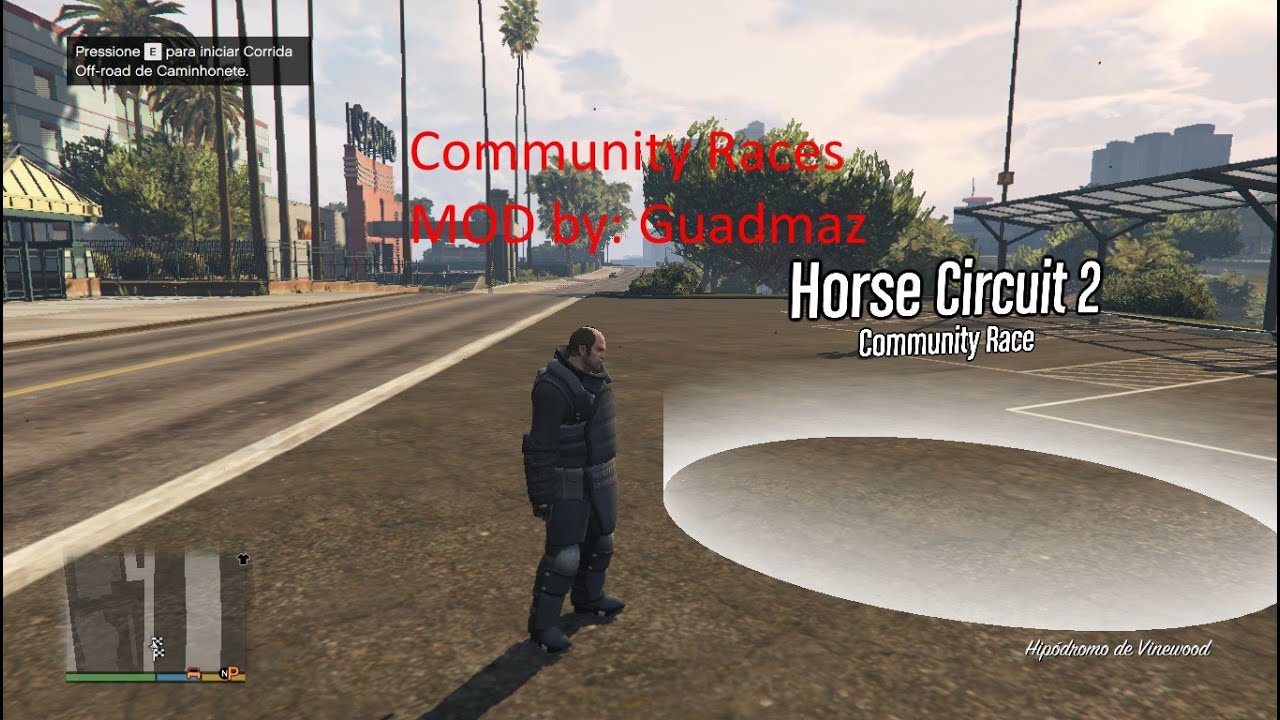
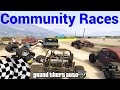
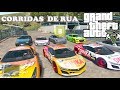
The Community Races mod for Grand Theft Auto 5 is an enhancement that allows players to create and customize their own unique races across the GTA 5 world. This interactive, community-driven feature lets you design a variety of race types, including street races, off-road tracks, and obstacle courses. Players can set checkpoints, race paths, starting and finishing points, plus the type and number of vehicles in the race. This mod opens up new possibilities for gaming enthusiasts who would like to experiment with GTA vehicle dynamics or simply add more variety to their racing challenges. It adds a competitive edge with the ability to share created races with the worldwide GTA 5 player community. You can easily create new races with the Map Editor mod. As of the 1.2 version, I included 4 default maps: Prison Lap, Horse Circuit, Alamo Goaround and Construction race.
Controls
M or Controller Back button - Quit current race.
Saving and Loading Races
All races are loaded from the scripts/Races folder. To create a race, you need the latest Map Editor mod installed alongside this mod. In the map editor, go to Create Map for External Mod, and then Create a Community Race. Then follow the next steps:
1. Place a ped - this will be your mission trigger/marker.
2. Place vehicles - these will be the race spawnpoints. Spawning different vehicle models adds them to the vehicle model pool.
3. Place markers in order for your checkpoints. The type of marker doesn't matter. Don't place markers right at a curve, because the AI doesn't have time to react and will drive right past the curve.
4. Place any objects you want, they'll be spawned in the race.
5. Save the map, it should be saved in scripts/Races/yourmap.xml
6. Open yourmap.xml with a text editor and edit the Name and Description tags.
7. You're done! Restart the mod to play your race.
Installation
1. Install ScriptHookV, minimum version released on August 23rd.
2. Install ScriptHookVDotNet v1.1
3. Download latest NativeUI.
4. Move all contents of the .zip except the sourcecode folder into your /scripts/ directory. If it doesn't exist, create one.
Credits:
Guadmaz
Controls
M or Controller Back button - Quit current race.
Saving and Loading Races
All races are loaded from the scripts/Races folder. To create a race, you need the latest Map Editor mod installed alongside this mod. In the map editor, go to Create Map for External Mod, and then Create a Community Race. Then follow the next steps:
1. Place a ped - this will be your mission trigger/marker.
2. Place vehicles - these will be the race spawnpoints. Spawning different vehicle models adds them to the vehicle model pool.
3. Place markers in order for your checkpoints. The type of marker doesn't matter. Don't place markers right at a curve, because the AI doesn't have time to react and will drive right past the curve.
4. Place any objects you want, they'll be spawned in the race.
5. Save the map, it should be saved in scripts/Races/yourmap.xml
6. Open yourmap.xml with a text editor and edit the Name and Description tags.
7. You're done! Restart the mod to play your race.
Installation
1. Install ScriptHookV, minimum version released on August 23rd.
2. Install ScriptHookVDotNet v1.1
3. Download latest NativeUI.
4. Move all contents of the .zip except the sourcecode folder into your /scripts/ directory. If it doesn't exist, create one.
Credits:
Guadmaz
Videos


Direct Download Links
Version: 1.3Updated: 2 years ago
Total Size: 58.31 KB CommunityRaces_modland.zip direct download · 58.31 KB · added 2 years ago
You Might Also Like »









0 Comments
There are no comments. Be first to comment!