
0/5,
0
votes
Description
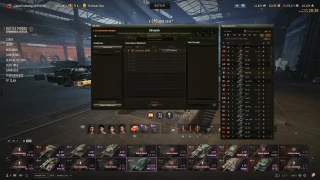
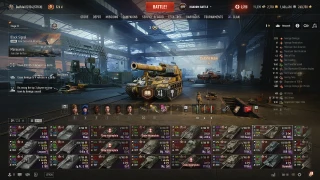
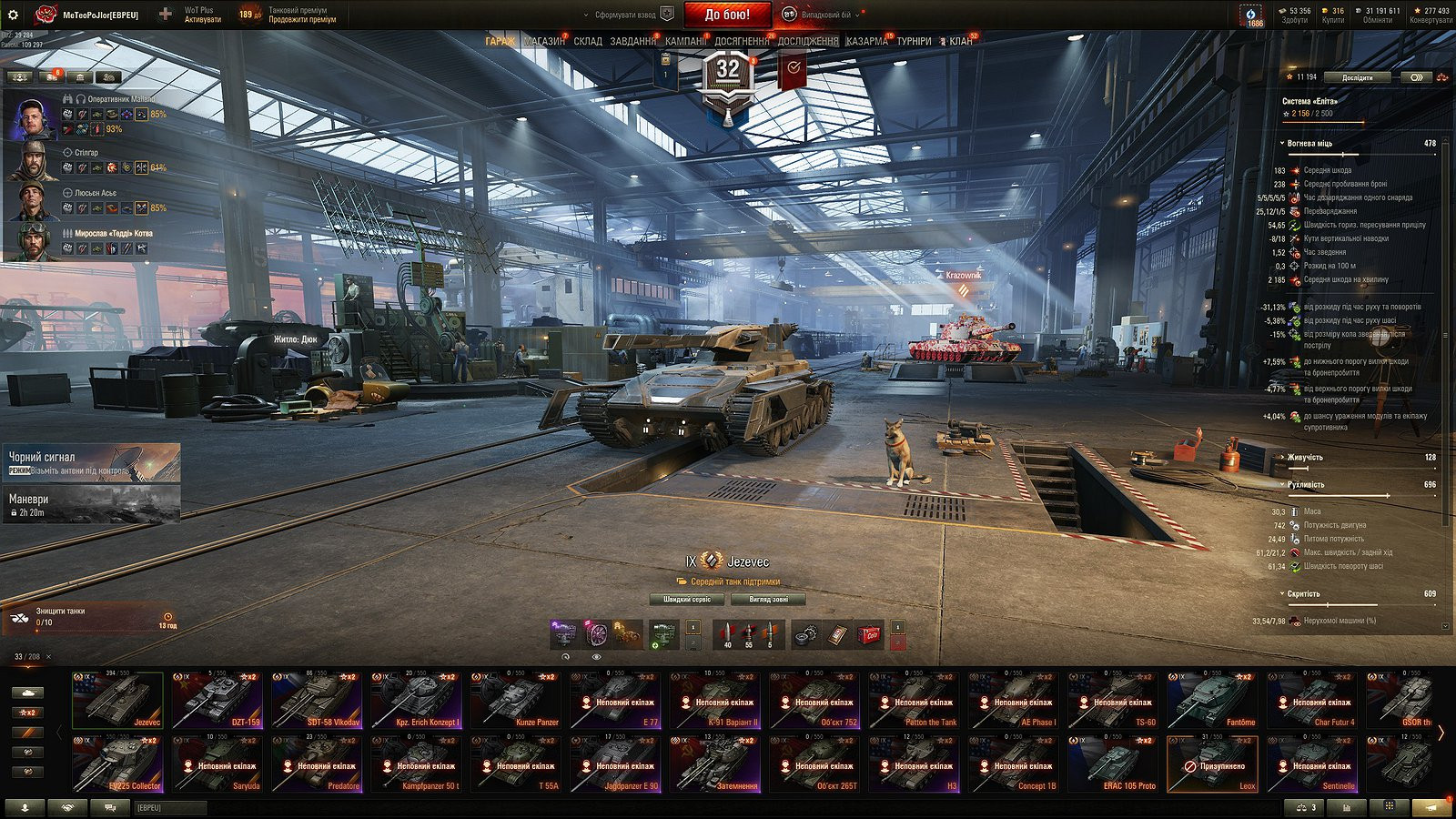
Legacy Hangar UI restores the classic World of Tanks Scaleform hangar interface specifically for Random Battles while staying compatible with modern 2.x mechanics and mods. Press Ctrl + I in the Hangar (Random Battles) at any time to switch between Legacy UI and 2.0 UI.
Features
- Classic Lobby Header — top bar with Battle Type and Squad popovers, WoT Plus, Premium Account, Premium Shop, Personal Reserves widget, currencies, and account controls.
- Classic Messenger Bar — contacts, channels carousel, notifications, comparison basket, and session stats button.
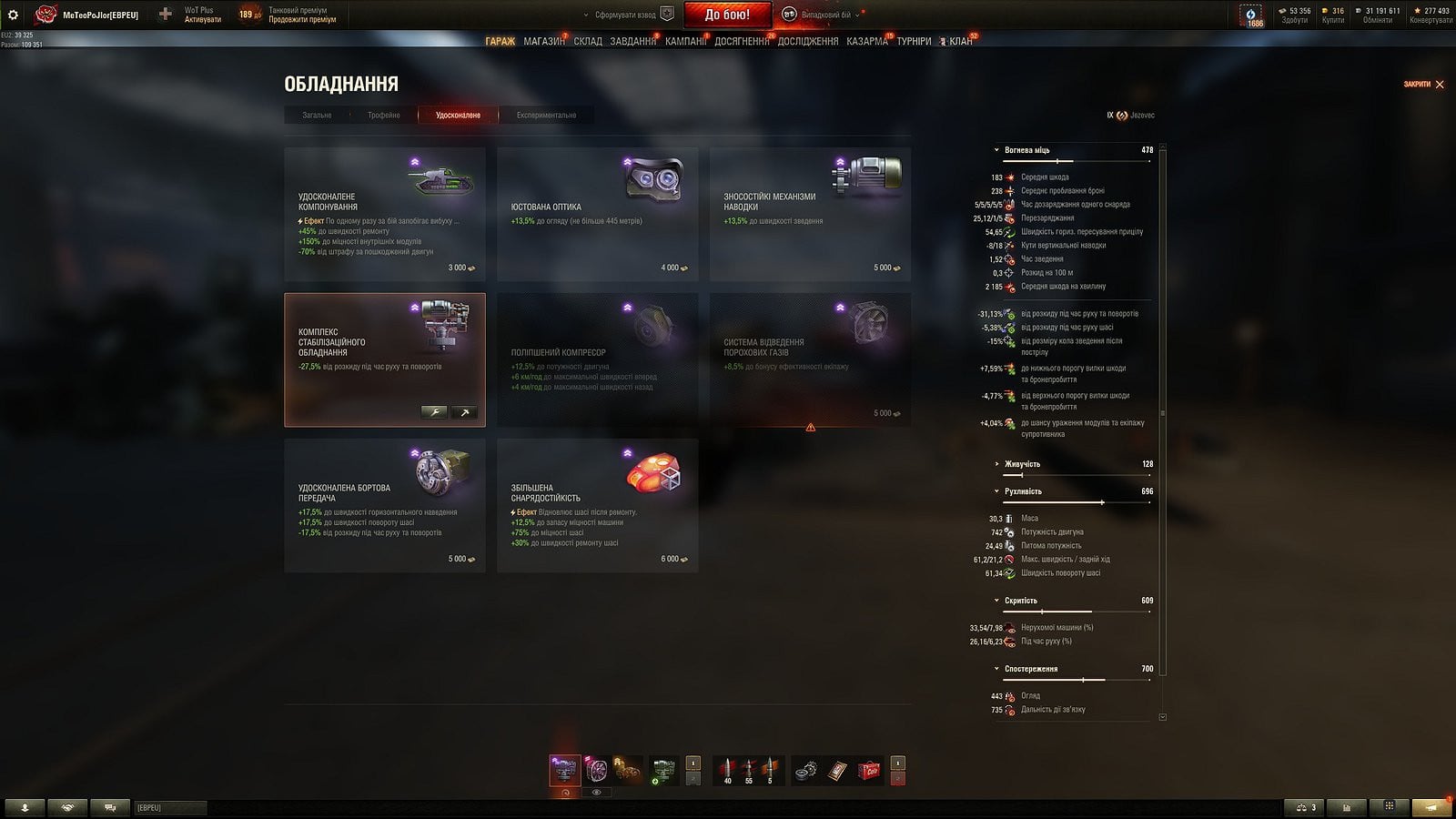
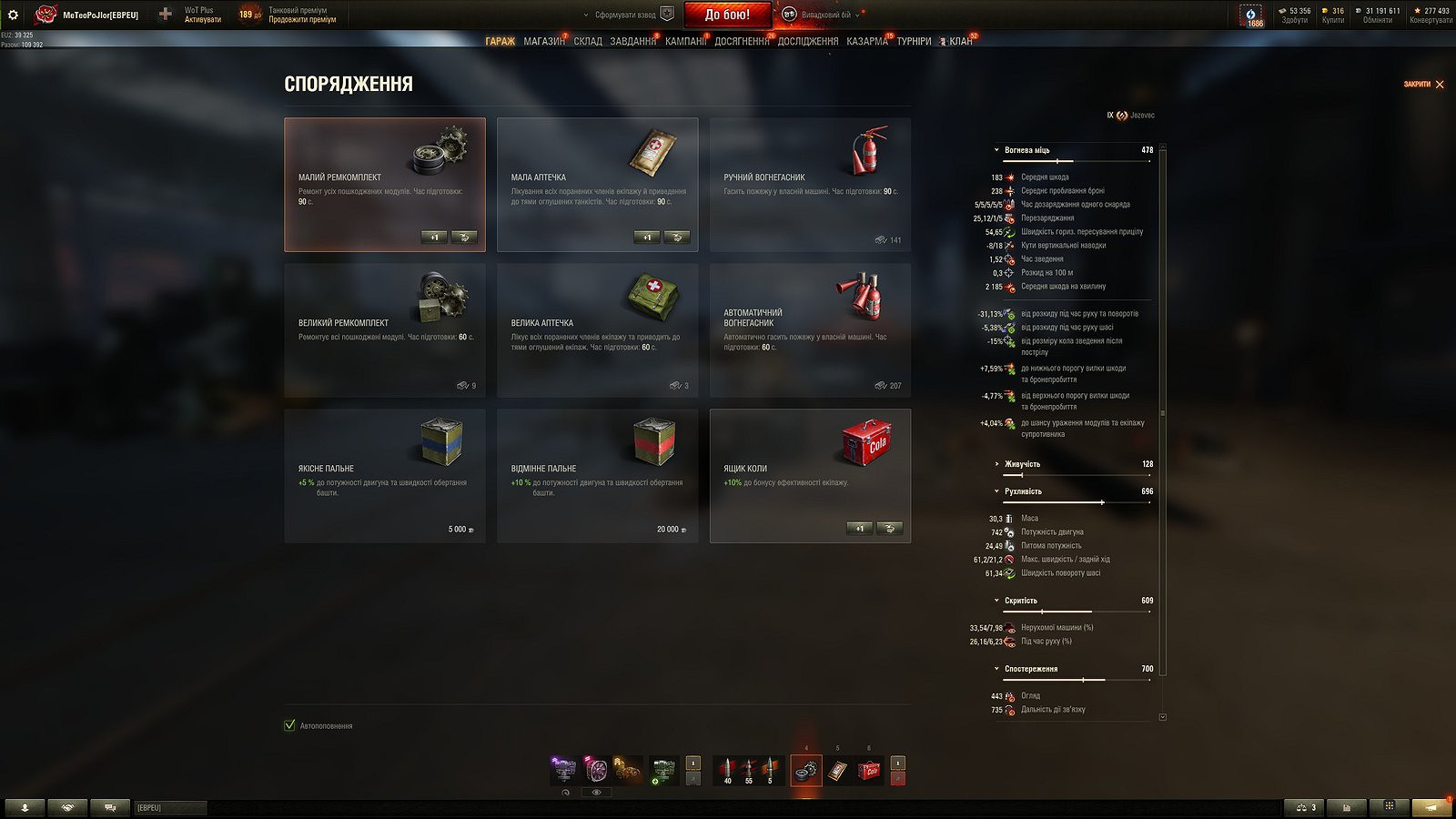
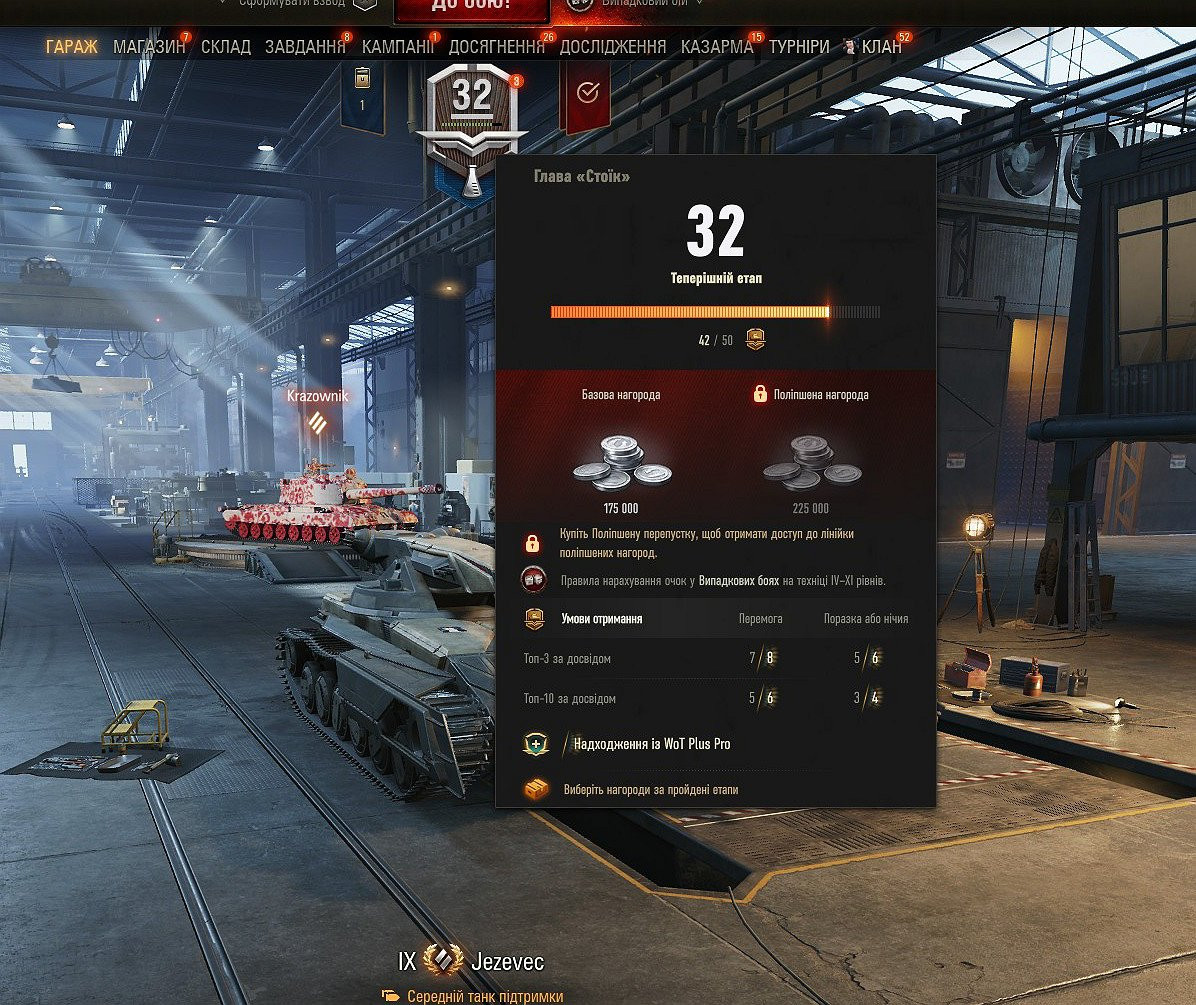
- Classic Hangar & Carousel — classic tank carousel, crew and research panels, ammo/equipment setup, and scrollable Vehicle Parameters with event banners below.
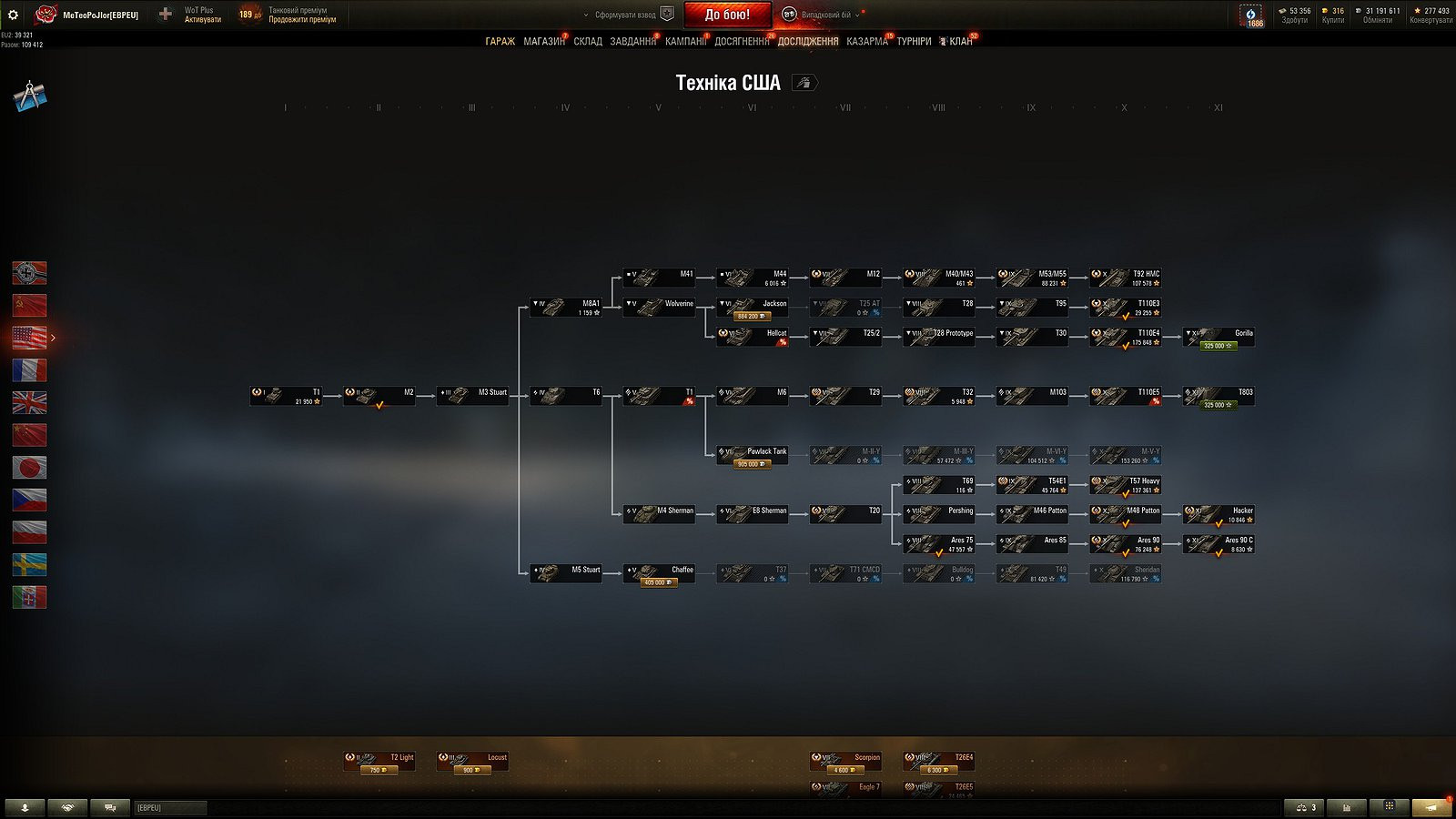
- Classic Tech Tree — nation tree layout, research view, blueprint conversion tooltips, and Tier XI (VehSkillTree) redirect.
- Classic Widgets — Battle Pass, Daily Quests, and Event Banners using live 2.x server data.
- Responsive Scaling — adapts to screen resolutions (including Full HD and lower), display modes, and UI scale.
- Integrations — Quick Service (Easy Tank Equip) bridge, featured hangar Premium tank inspection, XVM carousel compatibility, and Poliroid ModsList / Aslain Mod Menu.
Q&A
Q: Why only Random Battles?
A: In WoT 2.x, events and special modes often use custom banners, screens, and rental/mode carousels absent in our Random Battles Legacy UI. Leaving Random Battles preserves the client's native UI for each mode and returns to Legacy UI in Random Battles.
Q: How does Tech Tree switch between Legacy and 2.0 UI?
A: It follows the active Hangar mode. Toggle with Ctrl + I in the Hangar, and Tech Tree opens in the same mode.
Q: What about the Pet System (dog and kennel)?
A: 3D entry points on the dog and kennel can work unstably in Legacy Hangar. For reliable Pet System access, we recommend installing other compatible tools.
Game Version: 2.4.1.1
Credits
Renovo, MeTeoPoJIor
Direct Download Links
You Might Also Like »
0 Comments
There are no comments. Be first to comment!