Tactical Tier Icons 0.5.1

0/5,
0
votes
Description
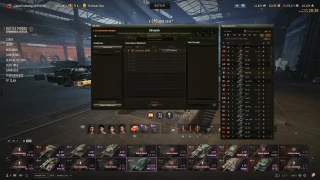
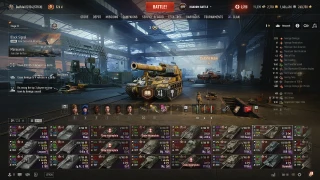
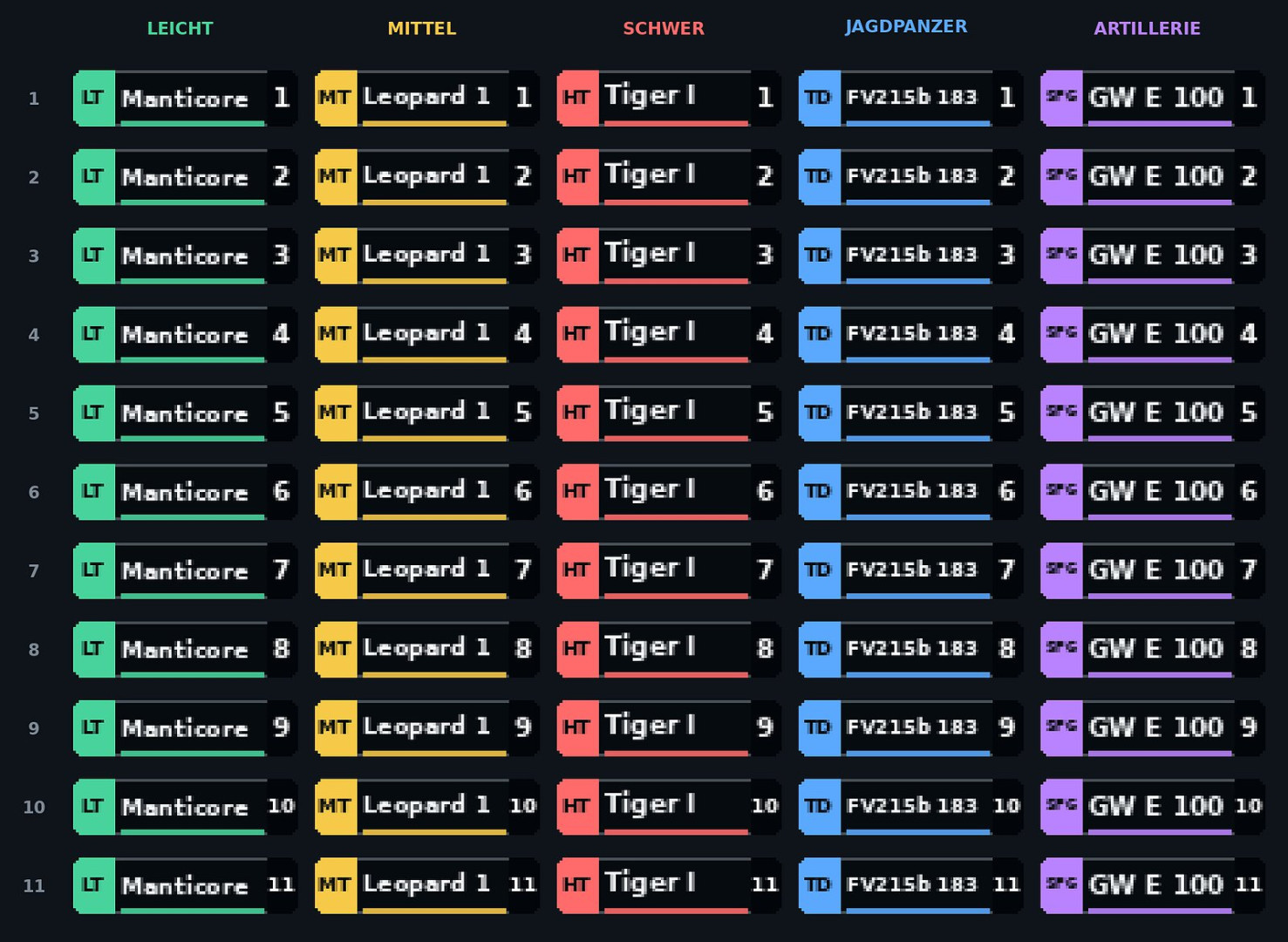
Tactical Tier Icons replace the standard vehicle outlines in World of Tanks with compact and easy-to-read tank icons. Each icon shows at a glance: the vehicle class, the vehicle's name, and its tier. The uniform width of all icons ensures a clean and uncluttered display on the battle loading screen and in the team lists.
Features
- easily readable German vehicle names
- large, instantly recognizable tier levels
- uniform icon dimensions
- modern and minimalist design
- Display on the battle loading screen and during battle
- No changes to vehicle stats or game mechanics
- XVM is not required for the actual icons
Color coding of vehicle classes:
- Green – Light Tanks (LT)
- Yellow – Medium Tanks (MT)
- Red – Heavy Tanks (HT)
- Blue – Tank Destroyers (TD)
- Purple – Artillery (SPG)
Notes:
World of Tanks mirrors the vehicle icons on the enemy side. To prevent vehicle names from appearing mirrored there, icon mirroring must be disabled via XVM or a compatible anti-mirror mod. When using XVM: "mirroredVehicleIcons": false. If WoT also displays its own tier level next to the icon, this can be disabled in the battle interface settings.
Installation Instructions
1. Close World of Tanks completely.
2. Copy the included .wotmod file to the “World_of_Tanks_EU\mods\CURRENT_CLIENT_VERSION” folder.
3. Remove any older versions of this mod and other Contour Icon mods first.
4. Launch World of Tanks.
Credits
Christansteifen
Direct Download Links
You Might Also Like »
0 Comments
There are no comments. Be first to comment!