Rebind Everything 0.0.1

0/5,
0
votes
Description
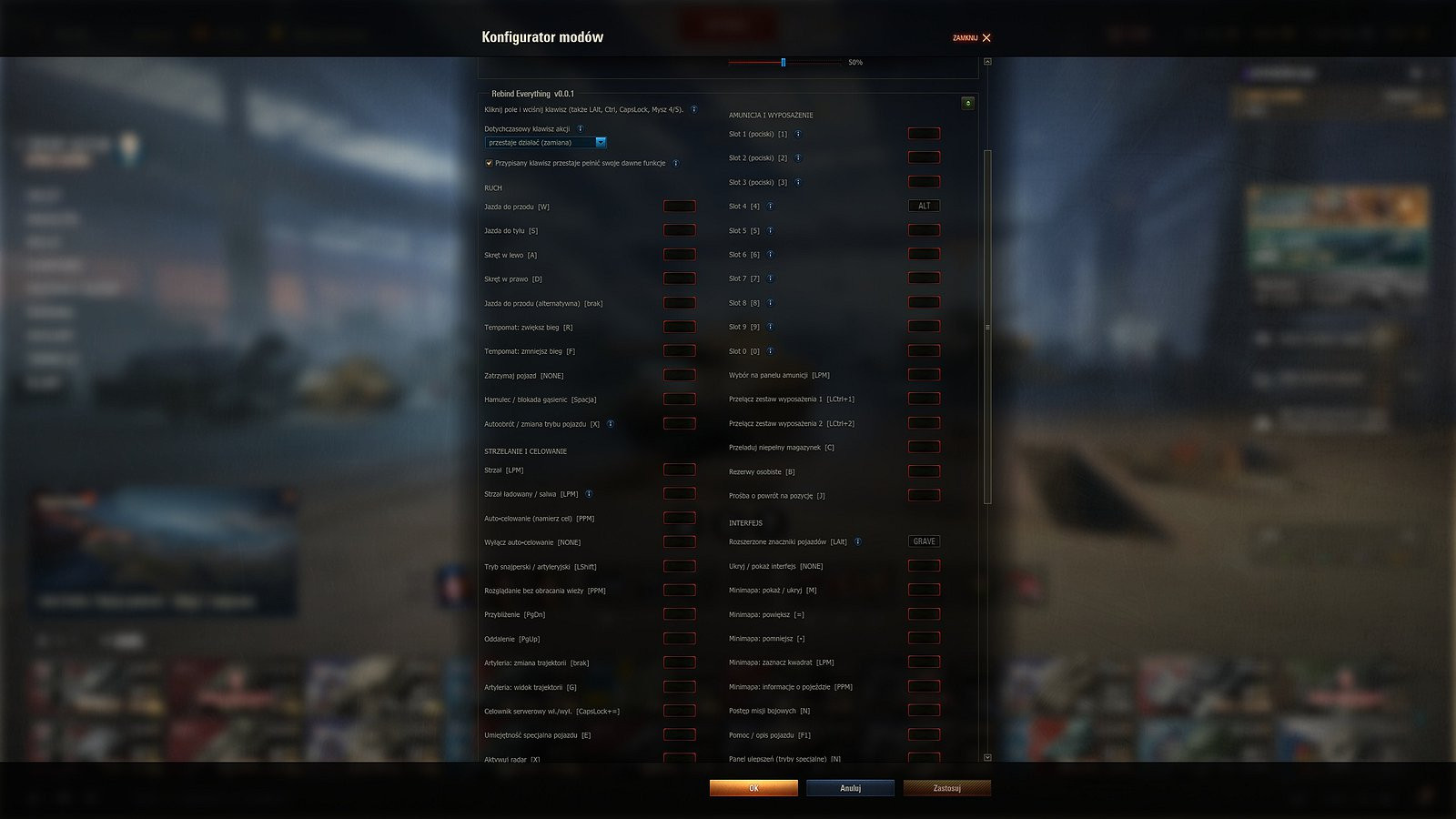
Bind ANY key to battle actions, including the keys the game settings refuse: Left Alt, Right Alt, Ctrl, Shift, Tab, CapsLock, the side mouse buttons (Mouse 4/5) and combinations such as Ctrl+F.
Features
- All battle actions in one list: movement, Fire, auto-aim, sniper mode, camera, ammo and equipment slots, radial menu, chat commands, minimap, voice chat, spectator controls and more.
- Put Left Alt (or any other key) on Fire, Auto-aim, Sniper mode, a consumable - whatever you like.
- Move the two actions hard-coded in the game: the mouse cursor (always Ctrl) and full battle statistics (always Tab). The game's Ctrl+Tab (player panel mode) keeps working.
- Replace or add: the old key either stops working or keeps working next to the new one - your choice.
- Key exclusivity: a key you bind loses its old function. Example: with Fire on LAlt, LAlt no longer shows extended vehicle markers, and you can move the markers to another key.
- Ctrl/Alt/Shift combinations; left and right Alt/Ctrl/Shift are remembered separately.
- The key currently set in the game is shown next to every action.
- The ammo and equipment panel shows your new keys in battle.
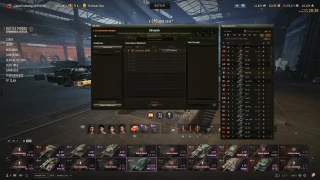
- Set up in the garage (mod settings window). Changes apply from the next battle, no restart needed.
- Interface in English, or Polish when your game client is Polish.
- Safe by design: Your game control settings (preferences.xml) are never changed. Delete the mod file and the game is exactly as before.
- No macros, no automation, no new gameplay features: the mod only changes which key triggers an existing game action.
- Not obfuscated - the full source is plain readable text inside the mod file.
Tips
- Right-click a key field to clear it (the game's own key is used again).
- The field shows ALT/CTRL/SHIFT without a side, but the mod remembers whether you pressed the left or the right key.
- LMB, RMB and MMB can be bound only in the config file.
- Ammo/equipment slots (1-0) always use the key set in the mod, even in "additional" mode.
- If you put Fire on Left Alt, Alt+Tab will also fire - like with any key bound to Fire.
Game Version: 2.4.1.1
Installation Instructions
The following APIs are included in the archive for the in-game settings window:
- ModsSettings API 1.7.1 by IzeBerg
- Mods List API 1.8.0 by POLIROID
- OpenWG Gameface 1.2.2 (MIT)
Without them the mod still works - set your keys in mods/configs/rebind_everything/config.json.
Credits
nik230
Direct Download Links
You Might Also Like »
0 Comments
There are no comments. Be first to comment!