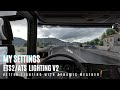
Lighting Improvements v2.6

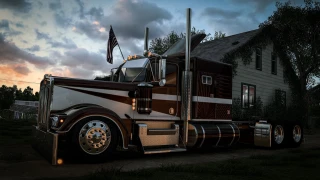
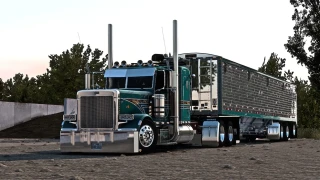
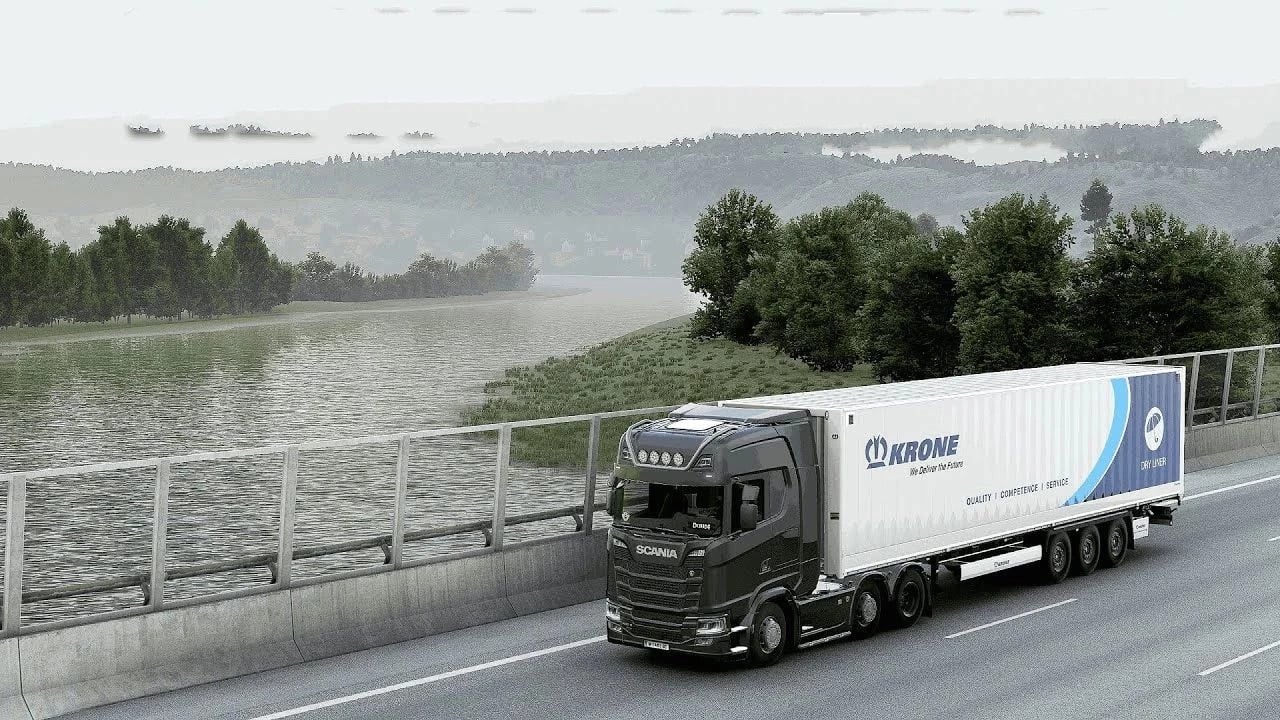
Updates
Extract files to Euro Truck Simulator 2/bin/win_x64/
Launch game with DirectX 11 and press FN+END or END key during quick job
Temporal Anti Aliasing/Anti Aliasing Clarity is working with HDR & to use DLAA and DLSS turn off HDR from windows display settings if you are getting black screen
Tested with
ETS 1.61.1.1s(64 bit)
ProMods 2.83 Maps/Cabin Accessory Pack/Trailer and company pack
Ultimate Graphics Mod ETS2
Real Companies & gas stations
What is working
1. Temporal Anti Aliasing
2. Tmporal Anti Aliasing Clarity
3. DLAA
4. DLSS Quality Rev.2
5. DLSS Balanced Rev.2
6. DLSS Performance Rev.2
7. DLSS Preset C(Less Ghosting)
8. DLSS Preset D(Less aliasing)
9. DLSS Preset F(smooth)
10. Sharpness/Motion Blur/Color Preset/FXAA
Issues:
1. Pausing esc to menu sometimes crashing game so you can disable snowymoon and then can return to menu
2. If your game isn’t loading/hang/crash on job menu.set snowymoon to Disabled at game startup and once the job starts set snowymoon menu options
- Fixed crash issues and road rendering issues for game version 1.59.
Compatible with ATS and ETS2
Realistic streetlight brightness, color, and distribution for immersive night driving
Optional light temperature adjustments (e.g., halogen warmth or LED coolness)
Upgraded truck headlights with improved range and clarity
Enhanced visibility of roads and objects in low-light conditions
Refined sunlight rendering with natural shadows and intensity
Smoother transitions between day and night (dawn/dusk effects)
Potential dynamic lighting based on time of day
Balanced light/shadow to prevent overexposure or harsh contrast
Custom improved rain/snow effects
Dynamic sky/weather integration (future updates planned)
Uses in-game weather and lighting data for realism
Optimized for performance with minimal FPS impact
Forces highest vegetation quality for visual fidelity
Realistic puddle placement using specular data (not random)
Compatible with all mods, VR and multimonitor setups
What is working
1. Temporal Anti Aliasing
2. Tmporal Anti Aliasing Clarity
3. DLAA
4. DLSS Quality Rev.2
5. DLSS Balanced Rev.2
6. DLSS Performance Rev.2
7. DLSS Preset C(Less Ghosting)
8. DLSS Preset D(Less aliasing)
9. DLSS Preset F(smooth)
10. Sharpness/Motion Blur/Color Preset/FXAA
How to Fix Crash Problem
– Reset your config.cfg (Documents → ETS2/ATS folder → delete config.cfg)
– Disable/remove plugins
– Turn off RTX features in NVIDIA settings
Features
– Temporal Anti-Aliasing (TAA)
– DLAA / DLSS 3.7 support
– Motion Blur toggle
Installation
– Go to ETS2/ATS folder
– Go to “bin\win_x64” folder
– Copy & paste “dxgi.dll” file and “nvngx_dlss.dll” (for DLSS)
– Copy & paste “snowymoon_lighting” folder
– Start game with DirectX 11
– Press “END” or “CTRL+P” key to open menu ingame
Using with ReShade
– Create a folder named “reshade” in “bin\win_x64\” folder
– Put all ReShade (or any other mod/plugin) files to “bin\win_x64\reshade\” folder or select “bin\win_x64\reshade\” folder from ReShade installer
Credits
Snowy Moon
External Download Links:
Videos
Download Latest Version
Version: v2.6Updated: 2 days ago
Total Size: 32.12 MB Lighting Improvement_Snowymoon.rar external download · 32.12 MB · added 2 days ago
bro it is showing to enter license key what to do
it doesnt work, we need license key
@Beezlebub yes pfouuuu