



Changelogs
3 new chassis
New footpeg on lying chassis
Description:
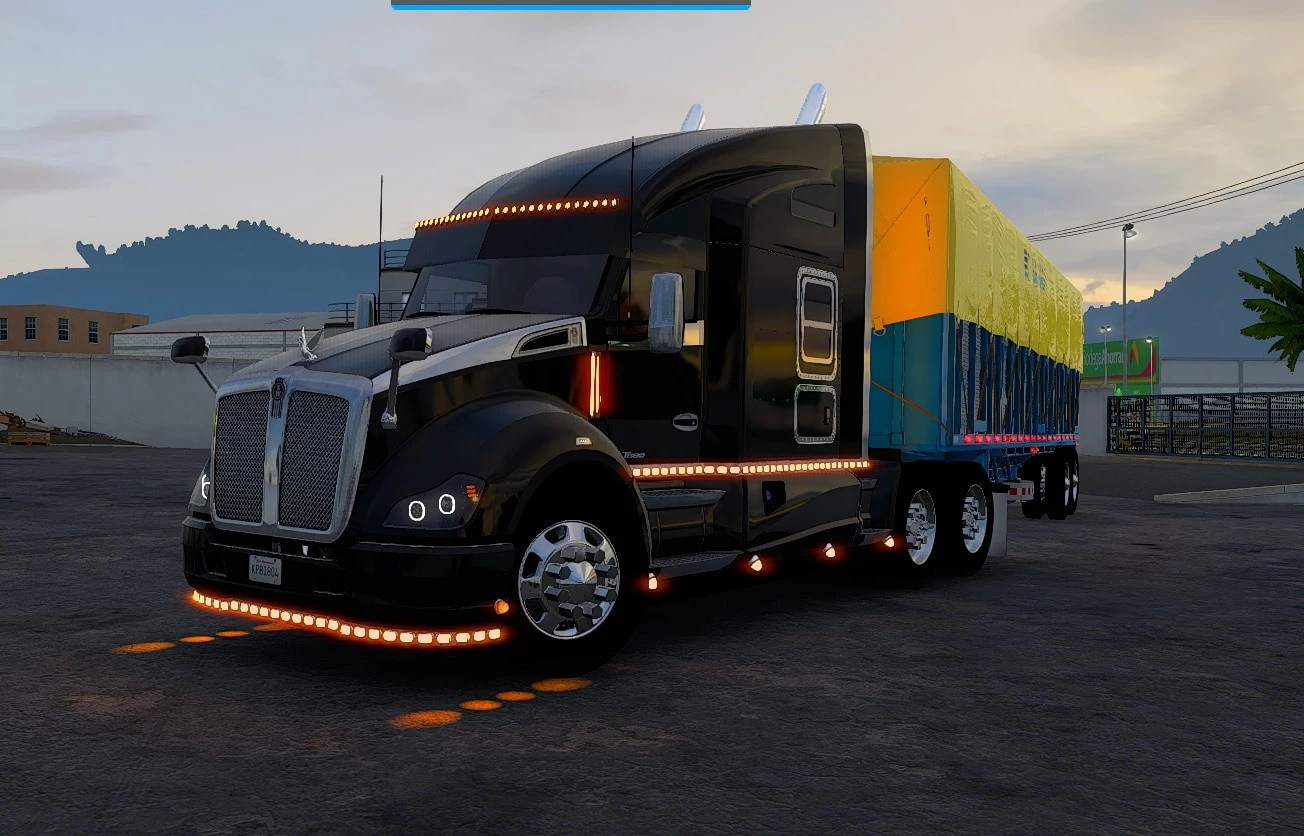
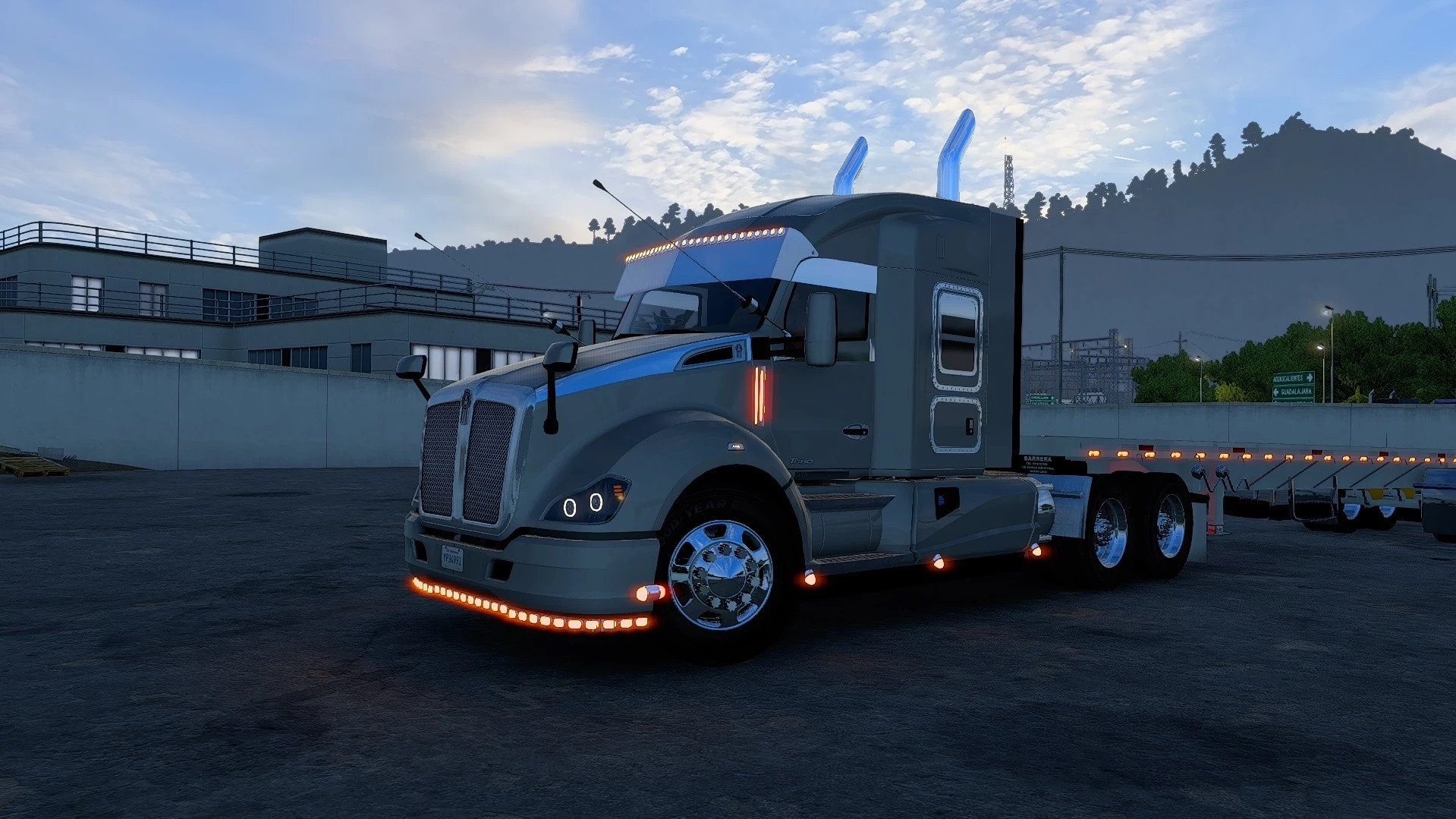
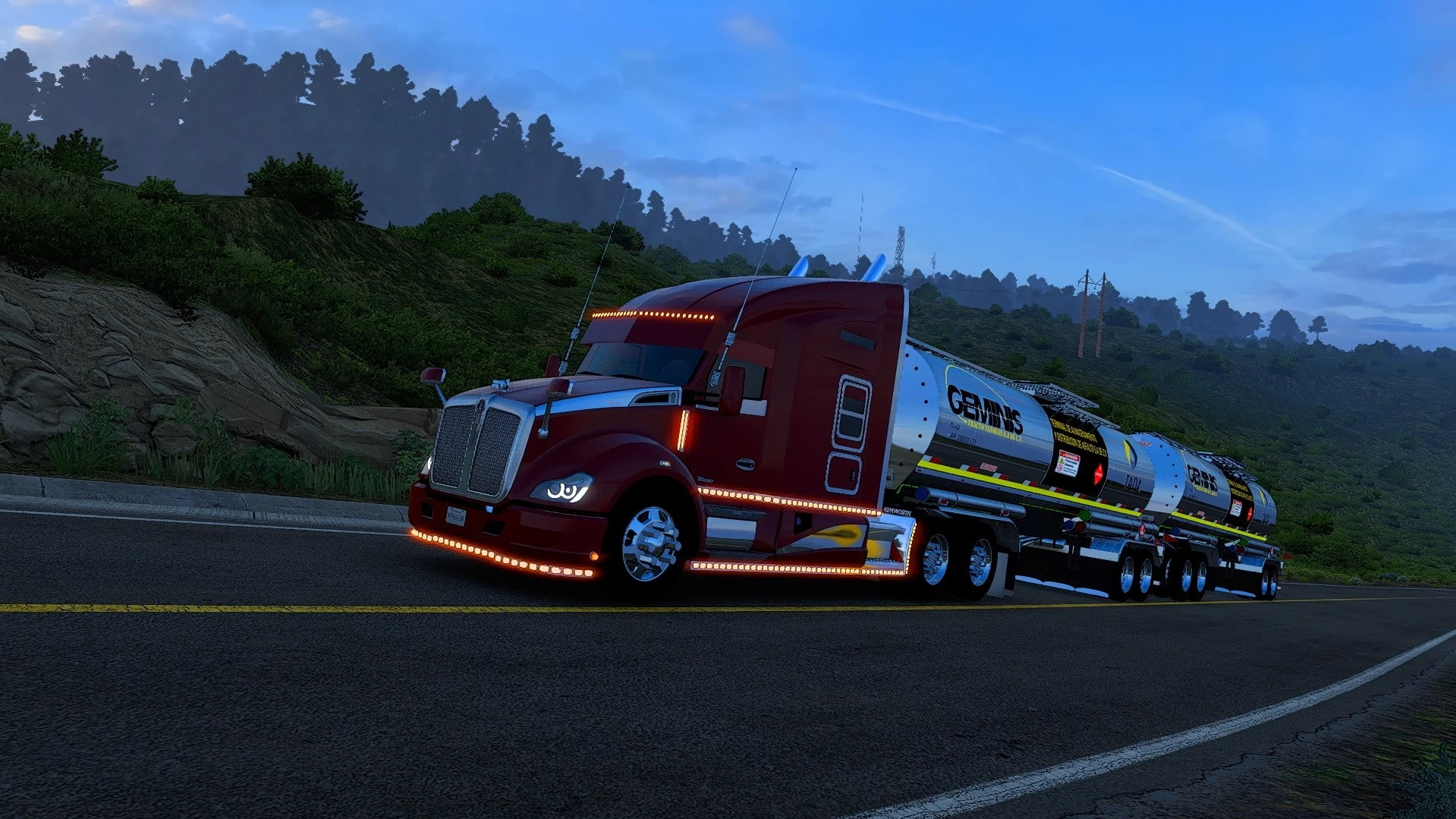
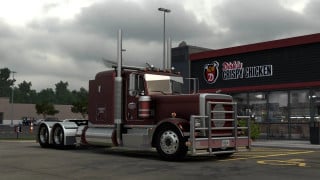
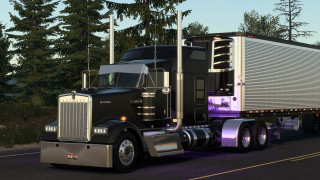
This mod brings a unique style of **Mexican tuning** to the Kenworth T680 in *American Truck Simulator*. It was developed based on the game's original T680, keeping its essence but taking it to another level with custom details that highlight the regional style.
✨ **Main features:**
* Exclusive Mexican style accessories* Customization options in **standard cab** and **exclusive cabin**
* Exterior details designed for a more realistic and striking look* Compatible with the T680 game base
🛠️ This mod is designed for those looking for a different touch in their trucks, with their own identity and style within the game.
Credits
Salmax Gaming
External Download Links:
- Modsfire.com - kenworth t680.scs [257.53 MB]
- Sharemods.com - kenworth_t680.scs [257.5 MB]
did try on a new profile, crashes the second i look at the vehicle, when i get to select it.when i do look at it in the truck explorer it loads fine, but ye maybe a problem on my part, nobody else complained so far.and yea pretty much all us mod trucks i tried so far do that.
@iexpanse Hello to you! Let's see if we can't get this issue sorted out so you can enjoy these mods. The first order of business is going to be making an adjustment to the games config file which will increase the amount of available memory. This is necessary when using truck mods because along with their increased detail comes increased demands for memory. This is especially true as of update 1.58. Start by opening your "Documents" folder. Once inside, look for the folder called "American Truck Simulator". Inside the American Truck Simulator folder you need to locate a file that depending on your windows settings will either be titled "config" or "config.cfg". Double click this file and windows will ask which program you want to use to open it. Select "Notepad". Once open you will need to locate a line that says uset r_buffer_page_size "10". No need to search line by line as notepad can help you find what you're looking for. At the top of notepad click on Edit then select Find from the dropdown menu. In the search box type the word "page" without the quotes then hit enter. Notepad should take you straight to the line that says uset r_buffer_page_size "10". You need to change the 10 to 30. The line should now say uset r_buffer_page_size "30". You have basically told the game to increase the amount of memory it is willing to make available to you so that when you interact with something that requires more than the default size of 10 the game will be able to display it without crashing as a result of the object being bigger than the game was prepared to handle. Now that you have adjusted the buffer page size, you need to save the file. Go to File at the top of notepad and select Save as from the dropdown menu. Leave the file name as it is but where it says Save as type: you want to change it from Text documents (*.txt) to All files (*.*). Once you've made this change you can hit Save and close notepad. Now fire up your game and see if you can use your truck without the game crashing. If the game crashes like before then come back here and drop a message and we'll move forward with some troubleshooting. Good luck and happy trucking to you!
somehow all the us trucks crash for me, did try it on my current save and a fresh one and they both crash whenever i go to mod vehicle manager.do really like the renault you updated though!, thanks.
@iexpanse Try it on a new profile. What do you mean, "all the us trucks"? Are you installing them in ETS2? Don't even the default us trucks work for you?